How to build an email list for a local business
Collect emails at the counter, at booking and online, ask for texts separately, and send the first three emails that bring customers back, within US rules.

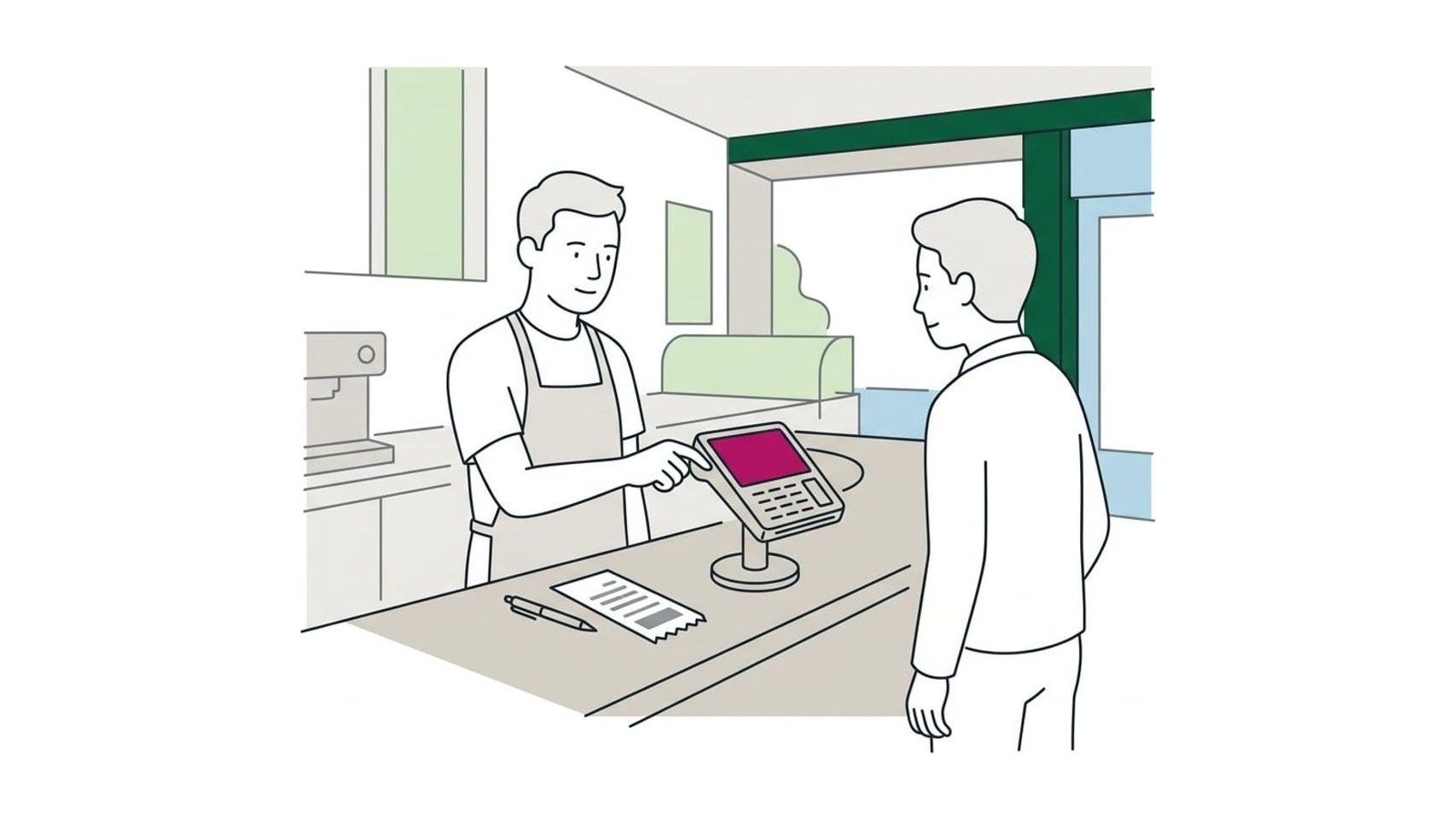
Ask every customer the same short question at the counter, in the booking form, on the receipt and on your website, with an unticked box that says what you’ll send, and ask for permission to text on a separate line. Keep the list in one email platform and send a welcome email, then one useful email a month or a season, each with your postal address and a working unsubscribe link.
Ask every customer the same short question wherever they already give you their details: at the counter when you ring them up, in the booking form, on the receipt or invoice, and on your website. Use an unticked box that says what you’ll send and how often, ask for permission to text on a line of its own, and keep everyone in one email platform. Then send a welcome email straight away and one useful email a month or a season after that, each with your postal address and an unsubscribe link. Here is where to ask, what to say, and the few rules every marketing email and text follows.
Why a list beats followers
A post reaches whoever the app decides to show it to. An email goes to every person on your list, and the list stays yours if you change platforms, a page gets locked or an app’s reach falls. For a local business, where so much of the work comes from people who come back, that list is how you fill the slow weeks: a reminder that the furnace check is due, a note that the holiday calendar is open, three Tuesday afternoon slots that need filling.
Social media still has a job, mostly as the place customers check that you’re open, and which platform suits your kind of business has a guide of its own. The list comes first because you own it. It’s also one of the twenty questions in the Local Scorecard: do you collect customers’ emails or numbers with permission to contact them again?
Where to ask: the counter, the booking form, the receipt and the website
Ask where customers already hand over a name and a number. You don’t need a pop-up or a giveaway.
- At the counter or the end of the job. Whoever takes payment asks, every time. If you use Square, its point-of-sale app can show a sign-up screen after payment: in the Square POS app, tap More, then Add-ons, then Email Marketing, and turn on the sign-up screen during checkout (Square’s help page has the steps and the other ways it collects emails).
- In the booking form. Booking apps already ask for an email and a phone number to send confirmations. Add a separate, unticked box for news and offers if your app allows it.
- On the receipt and the invoice. Add one line at the bottom: what the email is, how often it comes, and a short link or QR code to your sign-up page. For trades, the invoice email is the natural place.
- On your website. Put a short sign-up form in the footer and on the contact page.
- On the counter or the table. A small card with a QR code to the sign-up page, for people who would rather do it themselves.
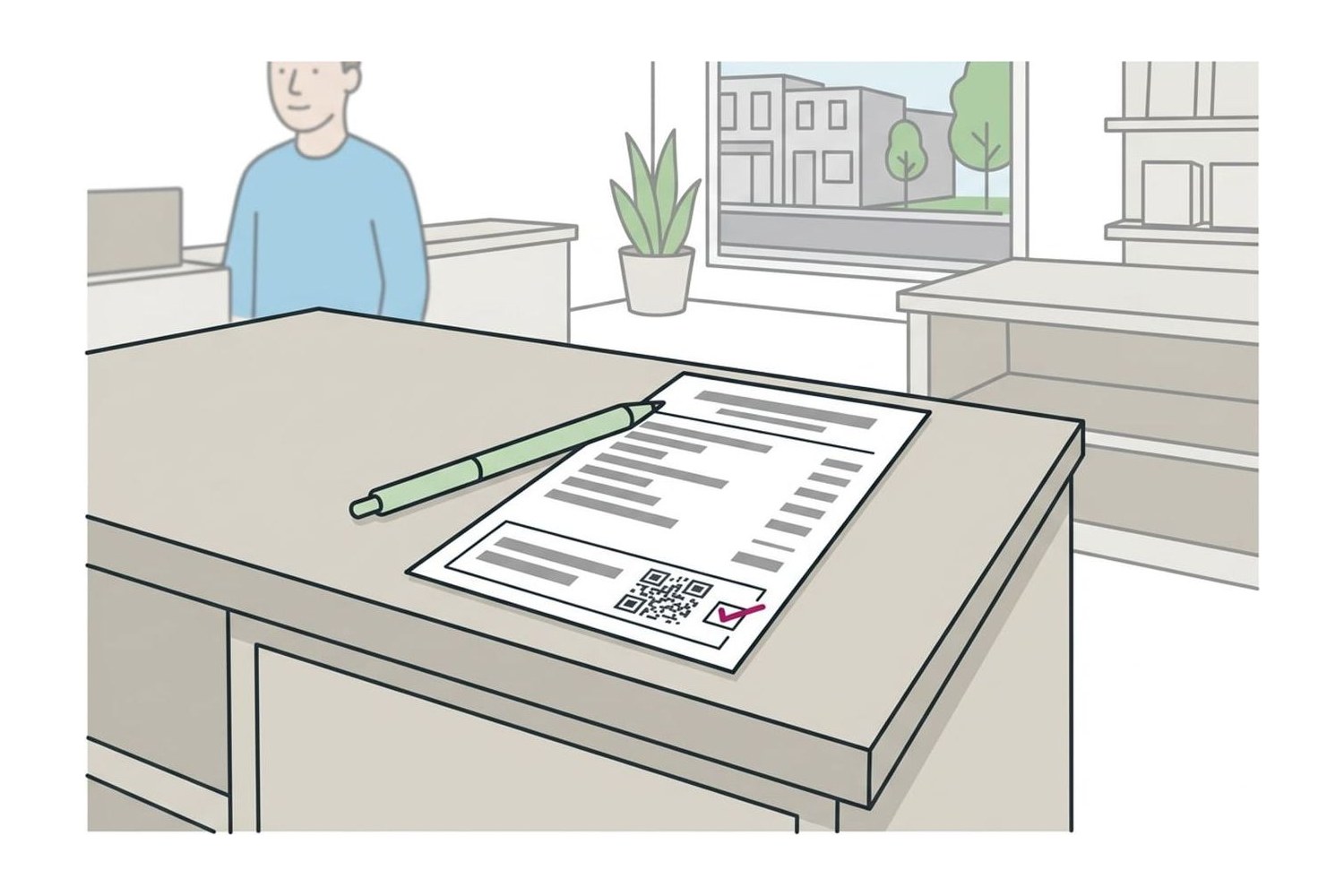
What not to do: buy a list, copy addresses from business cards dropped in a fishbowl when nobody said they’d be emailed, or add everyone from your phone’s contacts. Email platforms ban bought and borrowed lists and can close an account for it.
What to say, and the words for the sign-up box
Say what they’ll get, how often, and that leaving is easy. Adapt one of these:
- A café or shop: “Would you like our email? It’s once a month: new menu items, our holiday hours and the odd offer for people on the list. You can unsubscribe anytime.”
- A trade: “We send one reminder each fall when it’s time for a furnace check, and nothing else. Want me to add your email?”
- A salon or studio: “Want a heads-up when we open the holiday booking calendar? It’s one email a month at most.”
For the sign-up form on your website, or the screen at the counter:
- Heading: Get our monthly email
- One line: Openings, seasonal reminders and offers for people on the list. One email a month; unsubscribe anytime.
- Fields: email, and a first name if you want it. You can learn the rest later.
- Tick box, unticked: Yes, email me news and offers from [your business name].
- Button: Sign me up
Tip: promise only what you’ll send. If the box says once a month, send once a month. People who get what they signed up for keep opening; people who get more than they agreed to are the ones who mark it as spam.
Ask for texts separately
Texts reach people faster than email, and US law treats them more strictly. The Federal Communications Commission’s rules under the Telephone Consumer Protection Act count a text message as a call, and marketing texts sent through a texting platform need the customer’s prior express written consent: an agreement they sign (an electronic signature, such as a ticked box on a form, can count) that names the number, says clearly that they agree to marketing texts, and says that agreeing isn’t a condition of buying anything. So:
- Put the text sign-up on its own unticked line, never bundled with the email box or the booking terms.
- Use wording like this as a starting point: “Yes, text me offers and openings from [your business name] at the number above. Up to 4 texts a month. Consent is not a condition of purchase. Msg and data rates may apply. Reply STOP to opt out, HELP for help.”
- Honor every opt-out. Customers can opt out any reasonable way, by replying STOP, QUIT, END, CANCEL or UNSUBSCRIBE or by telling you in person, and the rules give you no more than ten business days to stop. Your texting platform handles the keywords; you handle the customer who asks at the counter.
- Register your number. US carriers require business texting numbers to be registered before you send (it’s called 10DLC registration for local numbers), and unregistered texts risk being blocked. Texting platforms walk you through it and pass on the registration fees.
Some states add rules of their own on marketing texts. This is a plain explanation, not legal advice: if texting will be a big part of your marketing, have a lawyer read your sign-up wording before the first send.
Choose where the list lives
Keep one list in one place, and export a copy every few months so it’s never stuck in an app. If your point of sale or booking app already has email marketing built in, starting there saves typing names twice; otherwise a dedicated email platform is easier to grow with.
| Where | Suits | Free plan | Watch for |
|---|---|---|---|
| MailerLite | Most local businesses starting a newsletter | 250 subscribers, 2,500 emails a month | Paid plans from $12 a month |
| Mailchimp | Owners who want the most familiar tool | 250 contacts, 500 sends a month | Paid from $13 a month; texting is an add-on |
| Your point of sale or booking app | Businesses that ring up or book everyone in it | Varies by app and plan | Check that you can export the list |
| A texting platform | Openings and offers by text, with consent | Usually a free trial only | Registering your number before the first text |
Prices are from MailerLite’s and Mailchimp’s own pricing pages, read in October 2026; free plans change often. The Tools page lists our picks for email and texting, including SimpleTexting and EZ Texting.
The first three emails to send
Write these three before you start collecting, so the first people to sign up hear from you while they still remember why.
- The welcome, sent automatically when someone joins. Thank them, say what they’ll get and how often, and give your hours, phone number and booking link. Add one line asking customers who’ve been in to leave a Google review, the same line for everyone; the guide on asking customers for Google reviews has wording that stays inside Google’s rules.
- Something useful, within the month. A seasonal reminder tied to your work: “Book your furnace check before the first cold week,” “Holiday appointments open November 1,” “Our fall menu and Thanksgiving hours.”
- A reason to come back in a slow week. A few openings, a new service, or an offer for people on the list with a clear end date.
Give each one a subject line that says what’s inside, one main message, one button (call or book), and a sender name customers recognize: your business name, or your first name with it. After that, one email a month, or one a season if that’s what you can keep up. The Scorecard asks whether you’ve emailed or texted past customers in the last three months because a list left longer than that starts to forget you.
The rules every marketing email follows
The CAN-SPAM Act covers every commercial email, including emails to past customers, and the Federal Trade Commission’s compliance guide sets out what each one needs:
- an honest sender name and reply address, and a subject line that matches what’s inside;
- a clear sign that the message is an ad (the law leaves you a lot of room in how you say it);
- your valid postal address: a street address, a post office box registered with the USPS, or a registered private mailbox;
- a clear way to unsubscribe that works for at least 30 days after you send, with no fee and nothing asked beyond an email address, and every request honored within ten business days.
You stay responsible if someone else sends the emails for you. The FTC’s guide puts the penalty at up to $53,088 for each email that breaks the law. Email platforms add the unsubscribe link and your address to every email once you fill in your business details, so most of this is a setting you check once.
Two cases need more care. Health businesses have extra privacy rules (HIPAA) for anything that uses patient information, so a clinic should check with whoever handles its compliance before emailing patients offers. And for customers in the UK, the Information Commissioner’s Office explains the stricter consent rule and the exception for existing customers. The rest of the Email & SMS guides, from newsletters to appointment reminders, build on this list.
Questions
Can I add customers’ emails from receipts or invoices to my newsletter?
US law allows it: CAN-SPAM doesn’t require consent before a marketing email, only an honest email with your postal address and a working unsubscribe link. Your email platform has rules of its own; MailerLite, for example, accepts customers who bought from you in the last two years and bans bought lists. A customer who gave an email for a receipt didn’t ask for a newsletter, though, so say what you’ll send in the first email and make leaving it one click. Outside the US the rules are stricter.
Do I need to offer a discount for sign-ups?
No. Your customers already know you, so a plain promise of what they’ll get (openings, seasonal reminders, offers for people on the list) is a fair start. If sign-ups stay slow after a couple of months, try a small welcome offer you can afford to give everyone who joins.
How often should a local business email its list?
Once a month is a pace most owners can keep, and once a season is fine if that’s what you can manage. Send what you promised at sign-up and no more often. Leave it much longer than three months and people start to forget who you are, and people who don’t remember signing up are the ones who unsubscribe or mark it as spam.
Can I text customers who gave me their number for appointments?
For confirmations and reminders about the appointment they booked, generally yes: that is what they gave you the number for. An offer, an opening or a ‘we miss you’ text is marketing, and US rules expect the customer’s written consent before you send those through a texting platform. Ask for marketing texts on a separate line, and check with a lawyer if you’re unsure which side a message falls on.
Are the rules different for customers in the UK or EU?
Yes. In the UK you need a person’s consent before sending them marketing emails or texts, unless they bought something similar from you and were offered a simple way to opt out when you took their details and in every message since. EU countries apply similar rules of their own. The UK Information Commissioner’s Office guide is a plain place to start.
Sources
- CAN-SPAM Act: A Compliance Guide for Business, Federal Trade Commission
- 47 CFR § 64.1200: Delivery restrictions, Legal Information Institute, Cornell Law School
- Anti-Spam Policy, MailerLite
- Electronic mail marketing, Information Commissioner’s Office