How to rank higher on Google Maps: what you can change
Google ranks map results on relevance, distance and prominence. What an owner can change, in what order, what gets a listing suspended, and how to check rank.

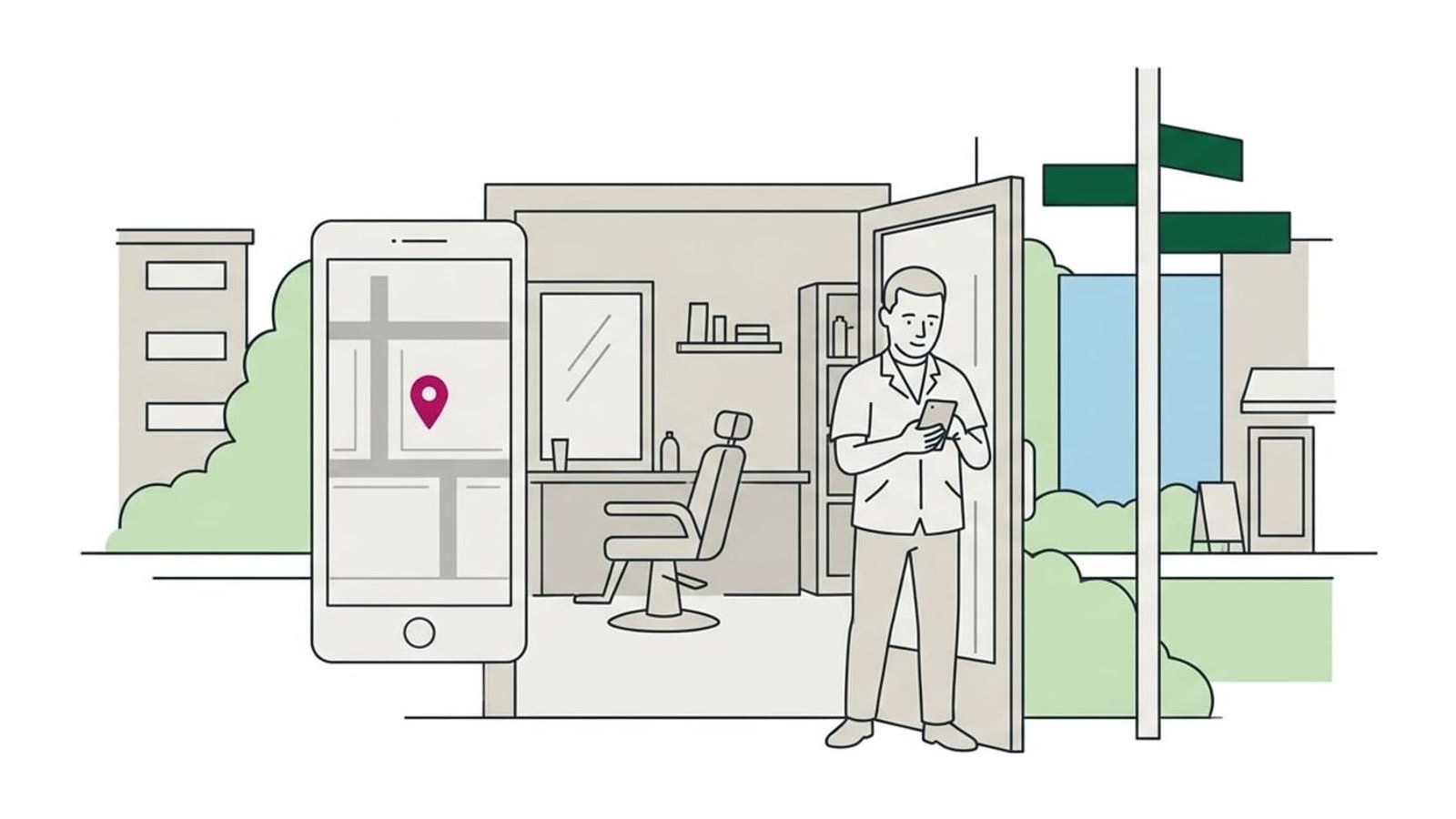
Google names three factors behind its local results, relevance, distance and prominence (how well known a business is), and says nobody can pay for a better local ranking. You can’t move closer to every customer, so work on what you can change: the right primary category and a complete profile first, then a steady run of reviews and mentions on local sites, judged by calls and direction requests.
Google names three factors that determine its local results: relevance, distance and prominence, which is how well known a business is. Nobody can pay for a better place in the unpaid results, and you can’t move closer to every customer, so the work goes into the other two, in this order: choose the right primary category and complete your Business Profile, keep reviews coming in steadily, and get your business listed and mentioned on other local sites. Then judge the results by calls and direction requests, not by where you appear when you search from your own counter.
What Google says decides the map results
Google’s help page, Tips to improve your local ranking on Google, is short and blunt: “There’s no way to request or pay for a better local ranking on Google.” Its summary line says local results are “mainly based on relevance, distance, and popularity,” and it explains the three factors under the headings Relevance, Distance and Prominence:
| Factor | What Google says it is | What you can do about it |
|---|---|---|
| Relevance | How well a Business Profile matches what someone is searching for | Choose the right categories and fill in the profile completely |
| Distance | How far each business is from the customer who is searching | Nothing, beyond keeping your address or service area truthful |
| Prominence | How well known a business is, including how many websites link to it and its reviews | Earn reviews, accurate listings and mentions on local sites |
Google also says it keeps the details of its algorithm confidential, so everything else written about map rankings, this guide included, is practitioners’ inference. The most-cited summary is Whitespark’s Local Search Ranking Factors survey. For the 2026 edition, 47 local search practitioners scored 187 possible factors, and Whitespark says plainly that none of them has special access to Google’s algorithm. Their top three for the map results were the primary category, the searcher’s distance and keywords in the business name, and the third is the one Google’s rules forbid you to fake. Where this guide cites the survey, read it as experienced opinion, not Google’s word.
Why you rank differently from one street to the next
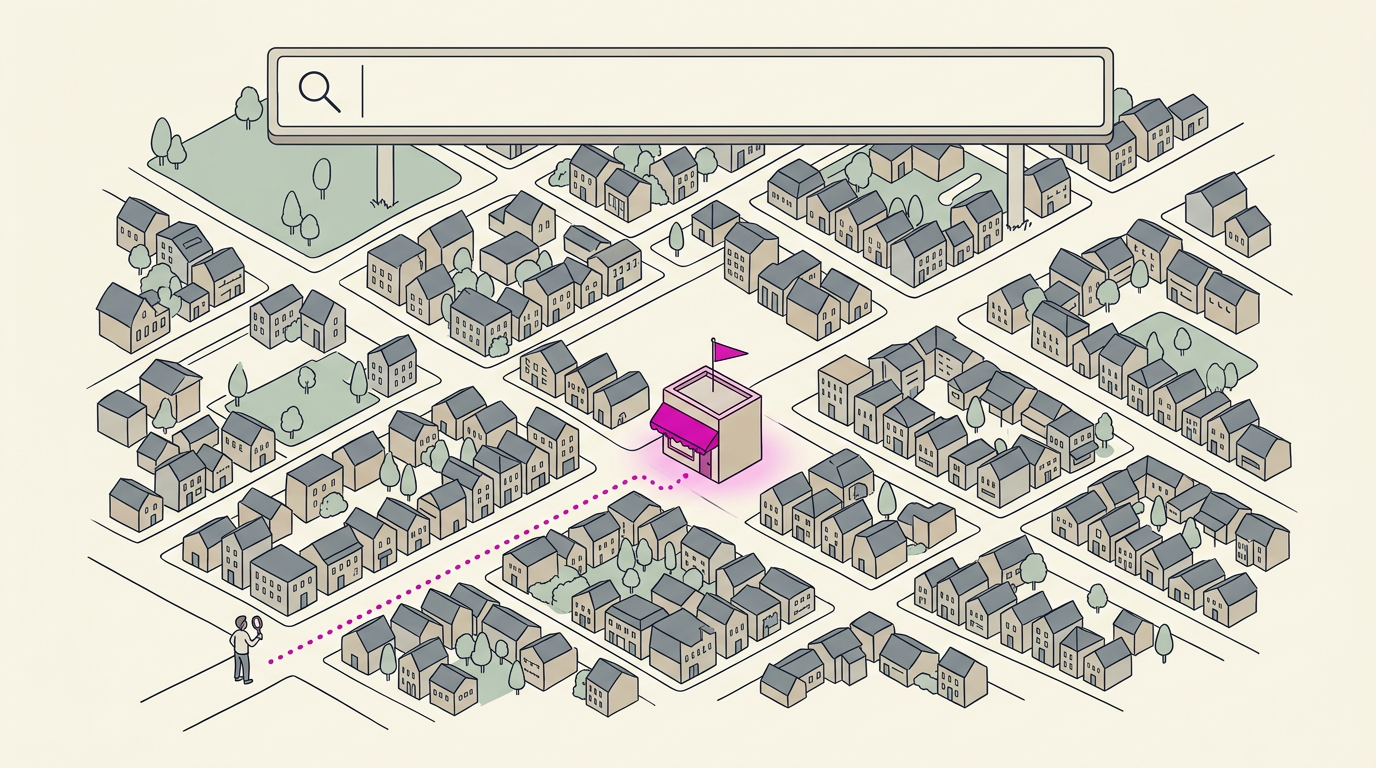
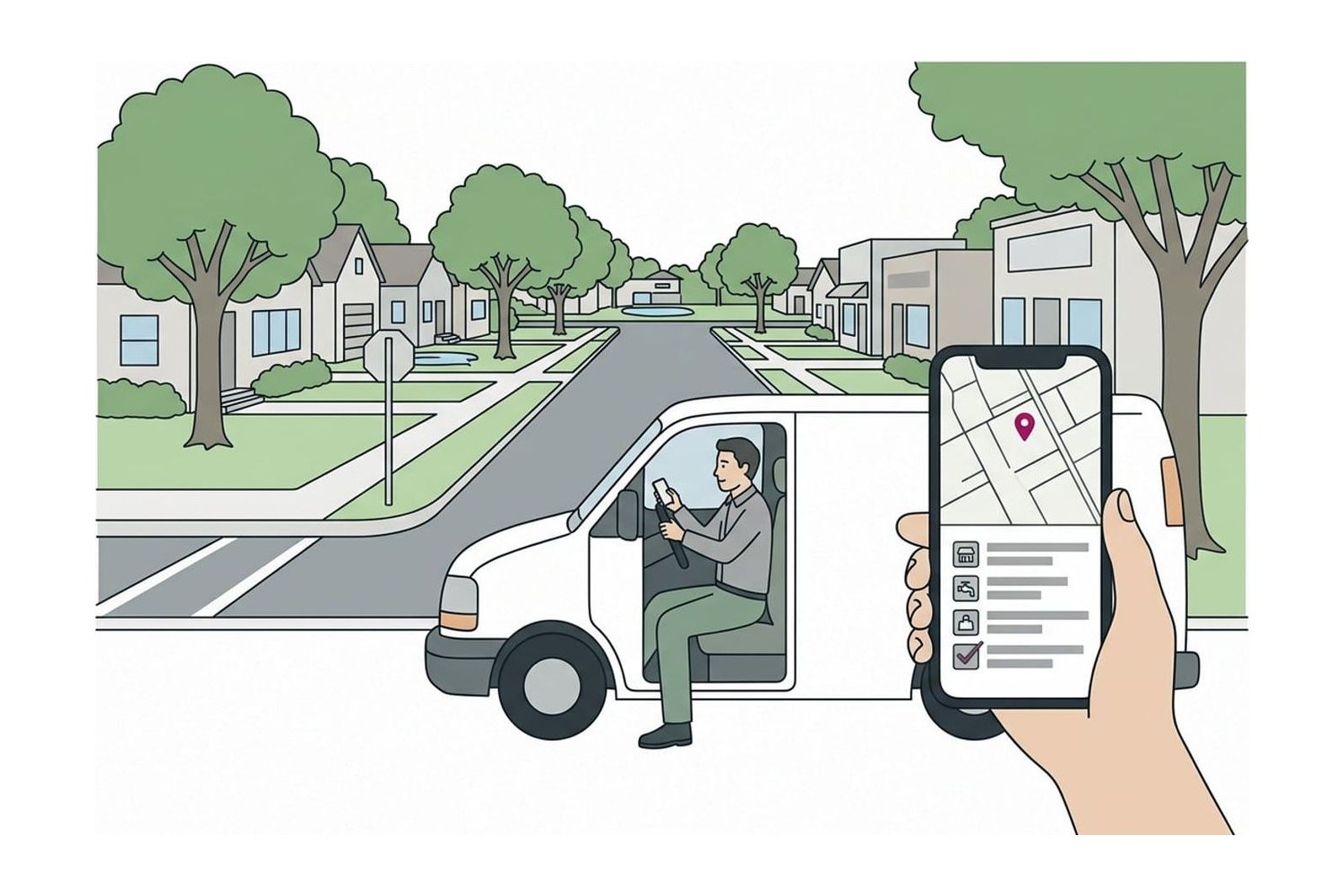
Distance is measured from the person searching, not from the middle of town. If a customer doesn’t share their location, Google uses what it knows about it. So “electrician” searched from your shop, from a kitchen two miles away and from the next town over returns three different lists. From your own counter you’re at zero distance, which makes your own phone the most flattering place to check.
That’s also why a wide service area doesn’t stretch your reach. The towns you list tell customers where you work, but the practitioners in Whitespark’s survey ranked setting service areas 152nd of 187 factors for the map results. And don’t try to close the distance with a second address: a virtual office or a mailbox in the next town breaks Google’s guidelines, as the section on suspensions below explains.
Relevance: tell Google exactly what you do
Relevance is the factor most in your hands, and most of it lives in your Business Profile. Work through it in this order:
- Primary category. Google’s category help page says the categories you select affect your local ranking. Pick the most specific one that describes the business as a whole, “Nail salon” rather than “Salon”, then add others only for real departments: Google’s test is whether the business is one, not whether it has one. If you aren’t sure yours is right, start with the Scorecard’s question on your primary category. Changing a category later may mean verifying the profile again.
- Services. Add every service you want calls for in the profile’s Services section, with a line on each. Practitioners in the survey ranked listing Google’s predefined services 22nd of 187.
- Hours. Set the hours you actually answer the phone, and add special hours before holidays. Practitioners ranked “open at the time of the search” fifth out of 187.
- Everything else Google asks for. Address or service area, attributes, description and photos. Google says businesses with complete and accurate information are more likely to show up in local results.
- The website link. Point the profile at the page on your own site for that location, and give each main service its own page there.
Our guide to setting up a Google Business Profile, field by field covers what to enter in each of these and what Google forbids.
Prominence: reviews, listings and mentions
Google ties prominence to how many websites link to a business and how many reviews it has, and says more reviews and positive ratings can help local ranking. That gives you three jobs, all slower than editing a profile:
- Reviews, steadily. Ask every customer, on the day, the same way. Practitioners rank recent reviews and a steady flow over bursts 11th and 14th in the survey, which a routine produces and a once-a-year push doesn’t. Our guide to asking customers for Google reviews has the wording. Replies count with customers too: Google says positive reviews and helpful replies help a business stand out.
- Listings that match. Your name, address and phone on Apple Maps, Bing, Yelp and the directories your customers use. Practitioners rate consistency on the main map apps well above the sheer number of directory listings, and our guide to local citations and where to list your business gives the order to claim them in.
- Mentions on local sites. A link from your chamber of commerce’s member directory, the youth team or street fair you sponsor, a supplier’s “where to buy” page, your trade association or a story in the local paper. Practitioners rate links from local and industry sites highly, and they are the kind of link Google means when it counts how many websites link to you. Don’t buy links or join link-swap schemes: Google’s spam policies count buying links for ranking and excessive link exchanges as link spam.
What gets a listing suspended instead of ranked
Google’s guidelines for representing your business rule out the shortcuts that look as if they would help, and breaking them can get a profile edited, removed or suspended:
- Keywords in the name. “Riverside Plumbing” is a name; “Riverside Plumbing 24/7 Emergency Plumber Denver” adds service and location details, which Google forbids and warns can lead to suspension. If your sign doesn’t say it, the profile can’t.
- An address you don’t work from. A rented mailbox, a P.O. box or a virtual office isn’t eligible. A co-working desk counts only with your own signage and staff, receiving customers during your hours.
- More than one profile per location. A second listing for the next town, or a duplicate for a different service, breaks the one-profile rule.
- Numbers and links that redirect. A phone number or website link that sends people on to another number or page, a social media page included, isn’t allowed, and neither is a premium-rate number. Google asks for a local number rather than a central call center wherever possible.
- Bought or faked reviews. Google removes them, and under its Fake Engagement policy it may also block new reviews for a set period, hide existing ones and show customers a warning that fake reviews were removed.
How to see where you really show up
Check the way customers search, from where they are:
- Search for the service, not your name. “Plumber” or “plumber near me” shows where you rank; your name only shows that you exist.
- Search from where your customers are. Open Google Maps at a job across town, or ask a friend in the next neighborhood to send you a screenshot.
- Use a grid tracker for the full picture. BrightLocal’s Local Search Grid simulates the search from each point of a grid, from 3 by 3 up to 15 by 15 points, and colors each point by your position. Whitespark’s Local Rank Tracker checks by ZIP code or map coordinates, on desktop and mobile. Both offer free trials, and both are on our Tools page.
- Read the Searches list. Your profile’s Performance page lists the words people used to find you, which shows whether your categories and services match the way customers describe the job.
Expect a pattern rather than one number: strong around your address, fading with distance. That’s distance at work, not a fault to fix.
Judge it by calls and direction requests
A better position only matters if it brings customers. Your profile’s Performance page counts calls from the listing, direction requests and website clicks, and the setup guide above shows where to find it. Read those three numbers once a month, compare them with the same month last year if your trade is seasonal, and give any change a few weeks before you judge it. If calls and direction requests are climbing, the work is paying, whatever a grid says.
For the next job on the list, the Local SEO guides go through each part of the listing in turn.
Questions
Can I pay Google to rank higher on Maps?
No. Google’s help page says there is no way to request or pay for a better local ranking. Google Ads and Local Services Ads can put a business in spots marked as sponsored, but they don’t change where it ranks in the unpaid results.
Does adding my city to my business name help?
Don’t do it unless the city is already part of the name on your sign, website and paperwork. Google’s guidelines forbid adding location or service details to the name and warn that it can lead to suspension. Practitioners do rate keywords in the name highly, which is exactly why Google watches for it, and anyone can suggest an edit that strips them out.
Do Google Business Profile posts help my ranking?
Google doesn’t list posts among its tips for local ranking, and the practitioners in Whitespark’s 2026 survey ranked how often a business posts 148th of 187 factors for the map results. Posts can still help the customer reading your profile, with an offer, an event or a recent job. Treat them as a note to customers, not a ranking lever.
How long does it take to move up in the map results?
There’s no fixed time, and anyone who promises one is guessing. Google reviews profile edits before they go live, and changing your name, category or address can mean verifying the profile again. Reviews and mentions build over months, so give any change a few weeks and judge it by calls and direction requests.
Why doesn’t my business show up on Google Maps at all?
Search Google Maps for your exact business name first. If nothing appears, the profile may be unverified, suspended or never created, and Google says verified businesses are more likely to show up. If it appears only when you search the name, it is there but not ranking for searches like plumber or nail salon where the customer is, which is what the rest of this guide is about.
Sources
- Tips to improve your local ranking on Google, Google Business Profile Help
- Guidelines for representing your business on Google, Google Business Profile Help
- Manage your business category, Google Business Profile Help
- Spam policies for Google web search, Google Search Central
- Business Profile restrictions for policy violations, Google Business Profile Help
- Local Search Ranking Factors 2026, Whitespark,