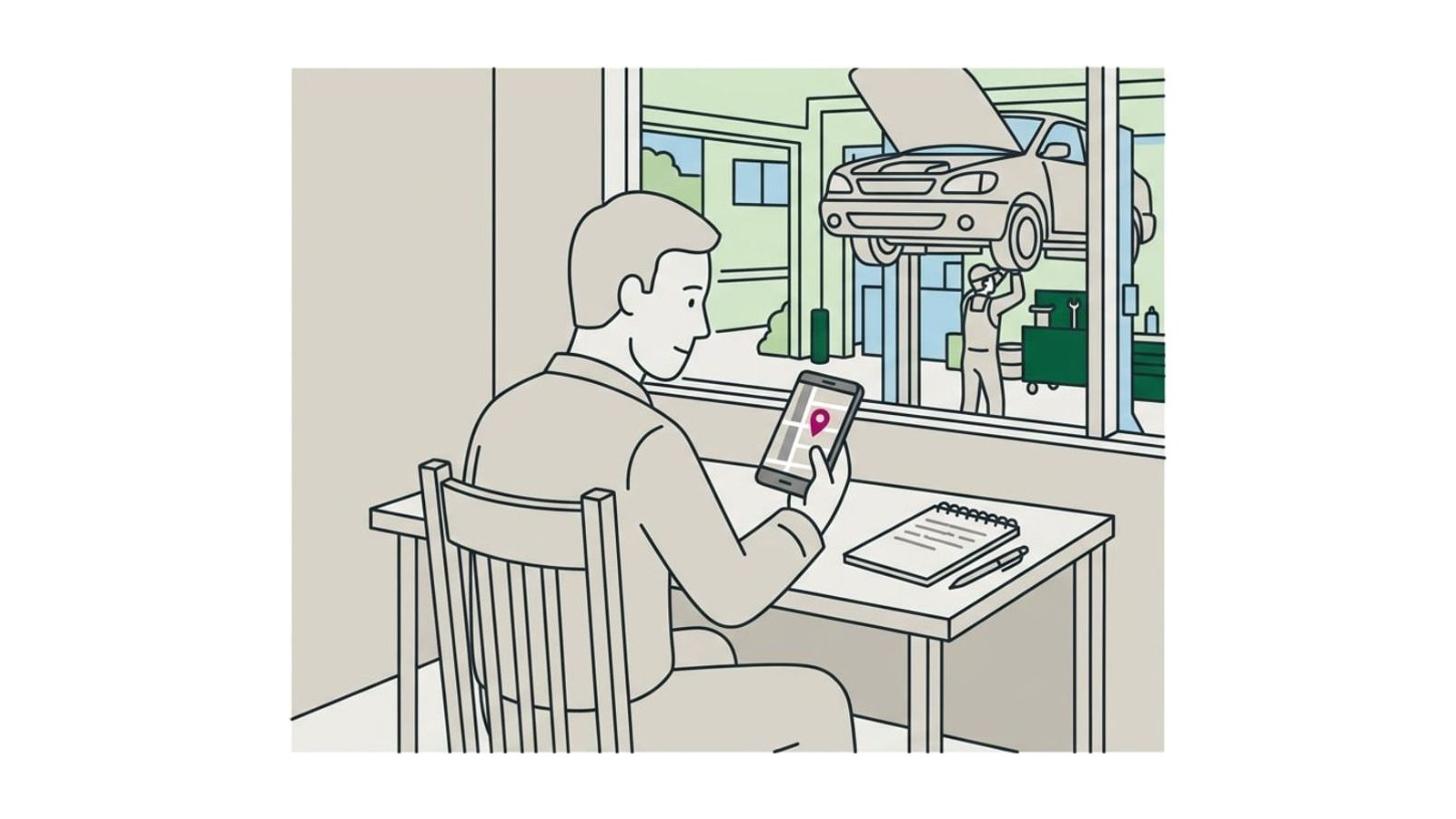
How to ask customers for Google reviews, with texts to copy
When to ask, what to say at the counter, texts and emails to copy for trades, salons, cafés and clinics, and the Google, FTC and Yelp rules to follow.

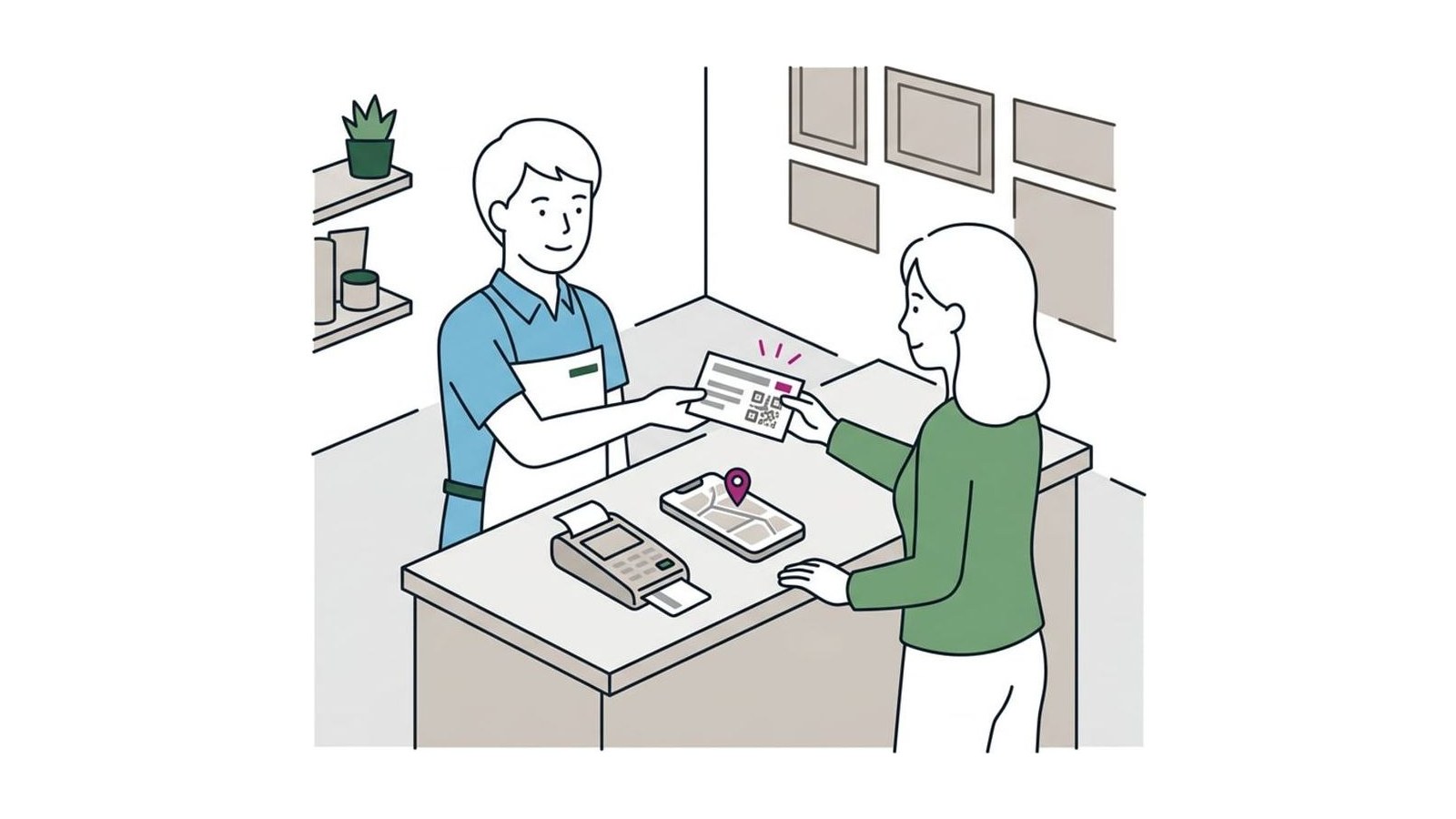
Copy your review link and QR code from your Google Business Profile, then ask every customer the same way on the day you serve them, in a sentence in person and again by text or email with the link. Offer nothing in return, don’t ask for a rating or ask only the customers you think were happy, and don’t ask for Yelp reviews at all.
The method that works is the plain one: copy your review link from your Google Business Profile, ask every customer in a sentence on the day you serve them, and send the link by text or email the same day so leaving a review takes one tap. Ask everyone the same way, offer nothing in return and don’t ask for a particular rating; Google removes reviews that break those rules. Below are the words to use, texts and emails to copy, a weekly routine, and where Google’s, the FTC’s and Yelp’s rules differ.
Asking every customer right after the job is one of the Local Scorecard’s twenty questions, and setting it up takes about half an hour.
Get your review link and QR code
Your review link takes customers straight to the place to review you on Google, so they don’t have to search for your business first.
- Sign in at business.google.com with the account that manages your profile. If you haven’t claimed it yet, start with setting up your Google Business Profile.
- Select Read Reviews, then Get more reviews.
- Select Copy to copy the link. To save the QR code, right-click it and choose Save image as. Google’s help page on review links and QR codes says the code can only be made in a browser on a computer, not on a phone.
- Paste the link somewhere you’ll reach it in seconds, such as a note on your phone or your booking app’s message templates, and text it to yourself once to check it opens your profile.
Google’s tips for getting more reviews note that customers must be signed in to a Google Account to leave one, though the account can use any email address, not only Gmail.
Ask everyone, on the day
Ask every customer, not only the ones you think were happy: Google’s policy forbids selectively asking for positive reviews, and a routine that covers everyone needs no judgment calls at the end of a long day.
Ask on the day, while the visit is fresh and before the next job fills your evening: a sentence in person at the end, then the link within a few hours. If nothing comes back, send one reminder a few days later, then leave it.
| Business | When to ask | How the link reaches them |
|---|---|---|
| Trade or home service | When the job is done and the customer has seen it | A text that evening, or with the invoice |
| Salon, barber or studio | At checkout | A text after the appointment, or a card on the desk |
| Café, restaurant or shop | At the register, or with the check | A QR code on the counter, the table or the receipt |
| Clinic or office | At checkout at the front desk | The patient messaging you already use, with no visit details |
What to say in person
One or two sentences, in your own words, then let the customer do it later. Google’s policy says businesses shouldn’t require or pressure customers to leave a rating while they’re on the premises, so don’t hand over a tablet or wait while they type.
- A trade, at the door: “Thanks for having us. Would you leave us a Google review when you have a minute? I’ll text you the link tonight. Is this the best number for that?”
- A salon, at checkout: “Thanks for coming in. We ask everyone for a Google review. I can text you the link, or the code’s on the card here.”
- A café, at the register: “If you ever have a minute, we’d be grateful for a Google review. The code’s on the card by the register.”
- A clinic, at the front desk: “We ask everyone for a review on Google. The link is on this card, if you’d like to.”
Leave out “if you were happy” (that asks only happy customers), “five stars would really help” (that asks for a rating) and “mention Jess by name”: Google’s policy says businesses shouldn’t ask for specific content in a review, and a staff member’s name is specific content.
Tip: when a customer says “I’ll leave you a review!”, answer “Thanks, I’ll text you the link so it’s one tap,” and send it before you start the next job.
Texts and emails to copy
Fill in the brackets, keep the message short, and sign it with a person’s name, not only the business’s.
Texts
Text only a number the customer gave you, and ask first: “Is it OK if I text you the link?” If software sends the texts, US rules on automated business texting apply, including consent and registering the sending number with the carriers; ask the maker how it handles both (a pointer, not legal advice).
A trade, the evening of the job: “Hi [first name], it’s [your name] from [business]. Thanks for having us out today. If you have a minute, we’d be grateful for a Google review: [link]”
A salon or studio, an hour after the appointment: “Thanks for coming in today, [first name]! If you’d like to leave us a Google review, here’s the link: [link]. See you next time, [your name] at [business]”
A clinic or practice, the same day: “Thank you for visiting [practice name] today. We’d welcome your review on Google: [link]”. Say nothing about the treatment, the reason for the visit or who saw them.
The one reminder, three or four days later: “Hi [first name], [your name] from [business] again. In case my last text got buried, here’s the link for a Google review: [link]. No worries if you don’t get to it. Thanks!”
Emails
Subject: Thank you from [business]
“Hi [first name], thank you for choosing [business] for [the job or the appointment]. If you have a couple of minutes, we’d be grateful for a review on Google. It helps people nearby decide who to call: [link]. And if anything about the work isn’t right, reply to this email or call me at [number]. Thanks again, [your name]”
Send it from the address the invoice or booking came from. For a clinic, leave out the job line.
Keep the request apart from your newsletter: an email address given for an invoice isn’t a sign-up for offers. Building a list people do sign up for is in how to build an email list for a local business.
Put the link where customers already look
Google suggests receipts, thank-you emails, the end of a chat with a customer and a printed code in the store. Put the link in messages you already send, and the code where customers already stand:
- the invoice or receipt: the link in an email, the QR code on paper;
- your booking app’s confirmation and follow-up messages;
- the last message in a chat or text thread, and your email signature;
- a card on the counter or table, the back of your business card, a card left with the paperwork after a job.
For printing the code on cards and table tents, the Tools page’s design and print picks include MOO and Vistaprint.
Make asking a routine nobody has to remember
Asking lasts when it rides on something that happens every time anyway, not on someone remembering.
- Decide who asks and when: the technician at the end of the job, the front desk at checkout, you at the register. Write the in-person line down so everyone says the same thing.
- Attach the link to a message that goes out anyway: the invoice email, the receipt, your booking app’s follow-up.
- Once a week, take about fifteen minutes: check that every customer from the week got the link, send it to anyone who didn’t, and reply to the week’s reviews.
- Track whether the link went out, not how many reviews each person brought in. Google’s policy forbids asking staff to collect a set number of reviews, and Yelp says staff should never compete for them.
When texting by hand takes time you don’t have, review software sends the request after each job; NiceJob, built for trades and home services, is the pick on our Tools page of review software. Before you pay, check that it sends your Google link to every customer, not only to those who give a high score on a first question: that is selective asking, which Google forbids.
The rules: Google, the FTC and Yelp
Three sets of rules apply, and on each platform the strictest one wins. The FTC’s rule is US law and has been in force since October 21, 2024; Google’s policy decides which reviews stay on Google Maps, and Yelp’s decides what Yelp recommends.
| The FTC’s rule | Yelp | ||
|---|---|---|---|
| Asking customers for a review | Yes, without influencing it | Yes | No: Yelp asks you not to ask anyone |
| Asking only the customers you expect to be happy | No | Not named in the rule, but the FTC says it could break the law | No |
| A reward for a review, whatever it says | No | Allowed, if it doesn’t depend on what the review says | No |
| A reward or payment for a positive review | No | No | No |
| Reviews by staff or family | No: a conflict of interest | Only with the connection clearly disclosed | Don’t ask them |
Google. Its Maps content policy lets businesses ask for reviews “without offering incentives to do so or attempting to influence the rating or the contents of the review,” and forbids discouraging negative reviews. Reviews that break it are removed.
The FTC. The Consumer Reviews and Testimonials Rule bans fake reviews and rewards that depend on a review being positive or negative, and courts can impose civil penalties for knowing violations. It allows a reward for an honest review, but Google’s policy doesn’t, so on Google the answer is still no.
Yelp. Its Support Center says don’t ask for reviews: not customers, mailing list subscribers, friends or family. Its software may not recommend reviews that look requested. Claim your Yelp page and reply there; just leave Yelp out of your requests.
Outside the US, check your own country’s rules on reviews and on texting customers before you copy the US parts of this.
Check that reviews keep coming
Once a month, look at three things:
- Your newest review. Sort your reviews by newest. If the latest is more than a month old, find the step in the routine that broke.
- Replies. Answer every new review, good and bad; the bad ones have a guide of their own on responding to negative reviews.
- The businesses beside you. Compare your count and the date of your newest review with theirs in the map results.
Aim for a few reviews every week rather than a burst: Google’s policy lists unusual volumes or patterns of reviews as a sign of rating manipulation. More on earning and answering reviews is in the Reviews section.
Questions
Can I ask customers for a five-star review?
No. Google’s policy allows businesses to ask for reviews only without trying to influence the rating or what the review says, so ask for an honest review and leave the stars to the customer. Under the FTC’s rule, tying any reward to a positive review is illegal as well.
Can I offer a discount or a prize draw for a review?
Not for Google or Yelp reviews. Google’s policy forbids payment, discounts and free goods or services in exchange for any review, good or bad, and a prize draw entry is a reward too; Yelp forbids freebies, discounts and payment as well. The FTC’s rule allows a reward that doesn’t depend on what the review says, but Google’s policy is stricter, and Google removes reviews that break it.
Can my staff or family review the business?
Not on Google. Its policy treats reviews based on a conflict of interest, including current or former employment and family relationships, as rating manipulation. The FTC’s rule allows them only when the connection is clearly disclosed, and Yelp asks businesses not to ask friends or family at all. Your staff can ask customers, as long as nobody is given a number of reviews to collect.
Why did a customer’s review disappear?
Google checks reviews against its policies, which can delay one by a few days, and it removes reviews that break them; it says reviews removed for policy violations won’t be restored. Reviews can also take a few days to reappear after two profiles are merged, and customers on an older phone or an old version of Google Maps can have trouble posting one. Google’s policy also lists unusual volumes or patterns of reviews as a sign of rating manipulation, one more reason to ask steadily rather than in bursts.
How many Google reviews does a business need?
Google doesn’t publish a number. It says more reviews and positive ratings can help a business’s local ranking, and customers can see how recent every review is, so aim for a steady flow rather than a total. A useful yardstick is the businesses shown beside yours in the map results: how many reviews they have, and the date of their newest one.
Sources
- Create a Google link or QR code to request reviews, Google Business Profile Help
- Tips to get more reviews, Google Business Profile Help
- About missing or delayed reviews, Google Business Profile Help
- Tips to improve your local ranking on Google, Google Business Profile Help
- Prohibited & restricted content, Maps User Generated Content Policy Help
- The Consumer Reviews and Testimonials Rule: Questions and Answers, Federal Trade Commission
- Don’t Ask for Reviews, Yelp Support Center