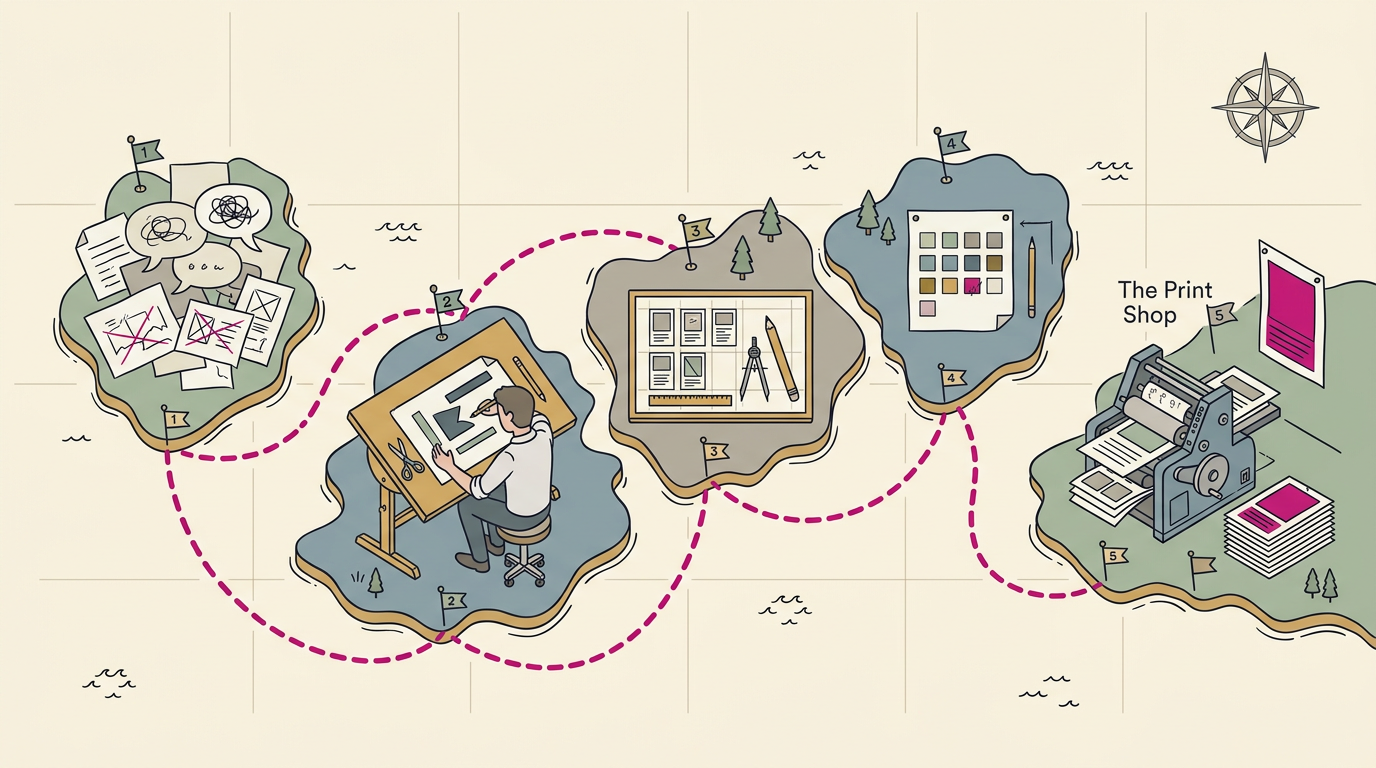
What is graphic design? Purpose, elements and careers
What is graphic design? See how images, words, and colour help customers grasp an offer at a glance, from shop signs and menus to logos and print.

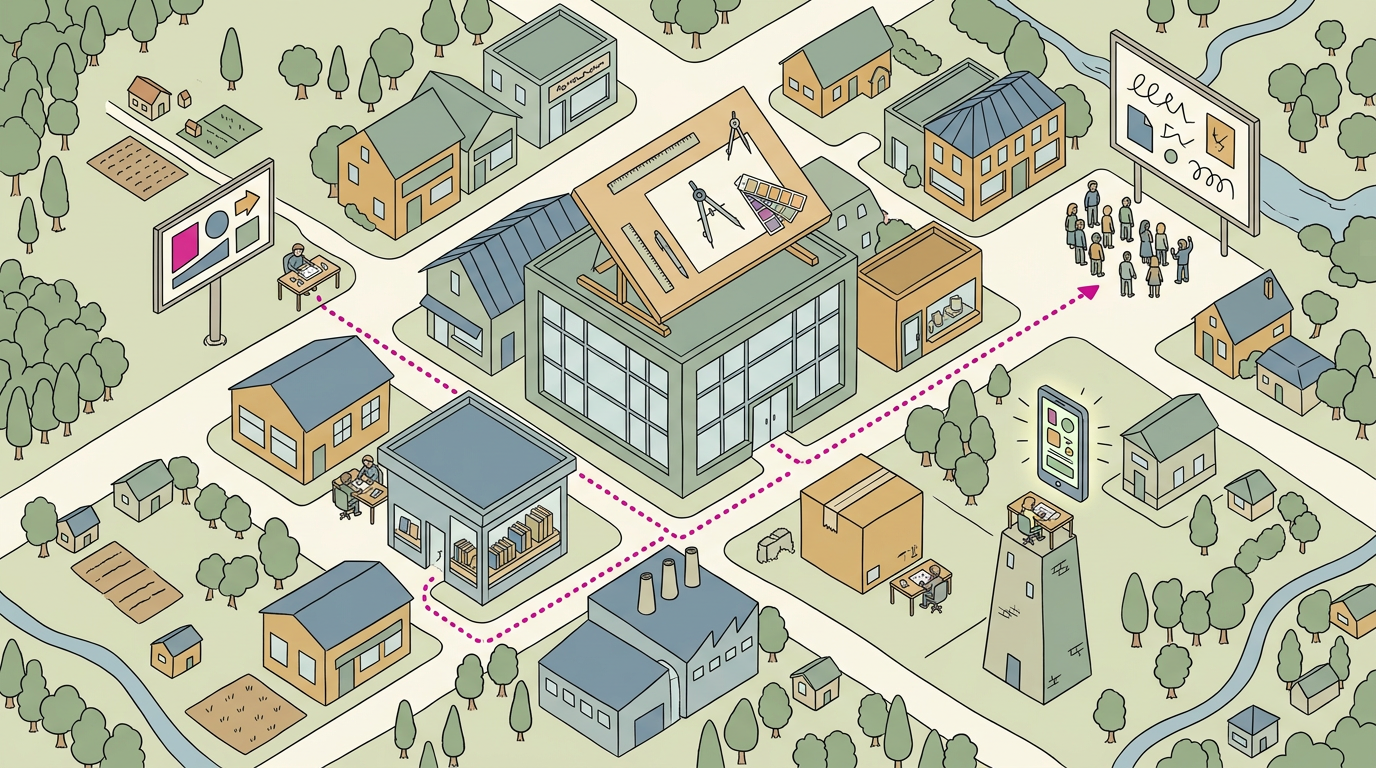
Graphic design is the practice of arranging words, images, shapes, and colour to communicate a message clearly across print and digital formats. It combines visual choices such as typography, layout, contrast, and colour with practical needs like readability, usability, and the right file format. In practice, consistent, easy-to-understand design helps people recognize a brand, find what they need, and decide what to do next.
Think about a shop you walked past this week and knew what it sold before reading a single word. The awning, the window lettering, the menu by the door: that’s graphic design at work.
In plain terms, graphic design is the craft of arranging images, words, and colour so they communicate clearly. It’s less about decoration and more about helping customers grasp what you offer at a glance.
Here, we’ll cover its purpose, elements, types, careers, and tools, then show how it becomes the logos, signs, menus, and print your customers recognise.
Understanding What Graphic Design Is and Does
If you’ve read a menu, followed a road sign, or grabbed a cereal box off a shelf, you’ve already experienced graphic design. Here’s what it is and where it shows up in your business.
The core idea behind graphic design
At its heart, graphic design is about getting an idea across at a glance, using images, shapes, colors, and words. Another term for it is visual communication, which is a handy reminder of what the work is for.
Designers blend art with technology. They start with visual concepts, rough first ideas for how a message could look, then refine them with digital tools. Text and imagery work together, too.
A headline says what you offer, and a photo gives people a reason to keep reading.
Where you see graphic design every day
You’ll find it almost everywhere:
- Posters, flyers, and brochures that announce events and services
- Logos and packaging that help a product stand out on a shelf
- Websites and apps that guide people to what they need
- Magazines and book covers that catch your eye on a rack
- Billboards and signs that make their point in a glance
Consider a bakery owner whose storefront sign, menu, and flyers share the same colors and logo. A customer spots the flyer on a community board and recognizes the shop before reading a single word. That’s graphic design doing its job.
How design balances beauty with usability
A design can look lovely and still fail if people can’t use it. Good work balances aesthetics, the look and feel, with usability, how easily people understand and act on it.
Aesthetics that maximize usability means choosing a font you can read from across a parking lot.
Colors and layout also shape how people feel, and users skip anything cluttered. Beauty plus usability is the goal. Beauty earns the second look, but function earns the phone call.
How it differs from art and illustration
Graphic design, art, and illustration are separate disciplines that sometimes overlap. Art often serves decoration or storytelling. Graphic design has a job to do: a flyer exists to bring people through your door.
Illustration is used commercially when drawings appear in ads, books, or packaging, and a designer decides how it all fits together.
Designers worth knowing about
Three designers worth knowing are:
- David Carson
- Saul Bass
- Stefan Sagmeister
Browse their work to see how a bold idea can become a memorable image, and you’ll start noticing the choices behind the signs you pass every day.
The Building Blocks of Good Design
Every logo, sign and menu rests on a few basic parts. Here’s how to use them.
Lines, shapes, colour, space and type
A line guides the eye, and a shape is a flat area with a clear edge. Form adds depth, while colour and texture give a piece its surface. Negative space, the empty area around your content, lets the eye rest, and size tells people what matters most.
Typography, the typefaces you choose, ties it all together.
How colour shapes mood and feeling
Colour sets the mood before anyone reads a word. Red tends to signal energy and appetite, while blue suggests calm and trust.
Colour theory guides palettes: opposite colours on the wheel contrast strongly, while neighbouring ones feel calm. Limit your palette to two or three colours so you’ll look consistent everywhere.
Making type readable and easy to scan
Legibility is how easily letters are told apart, and readability is how comfortable longer text feels. Keep body text simple and big enough to read at arm’s length. Typeface sets mood too: rounded letters feel friendly, sharp ones feel precise.
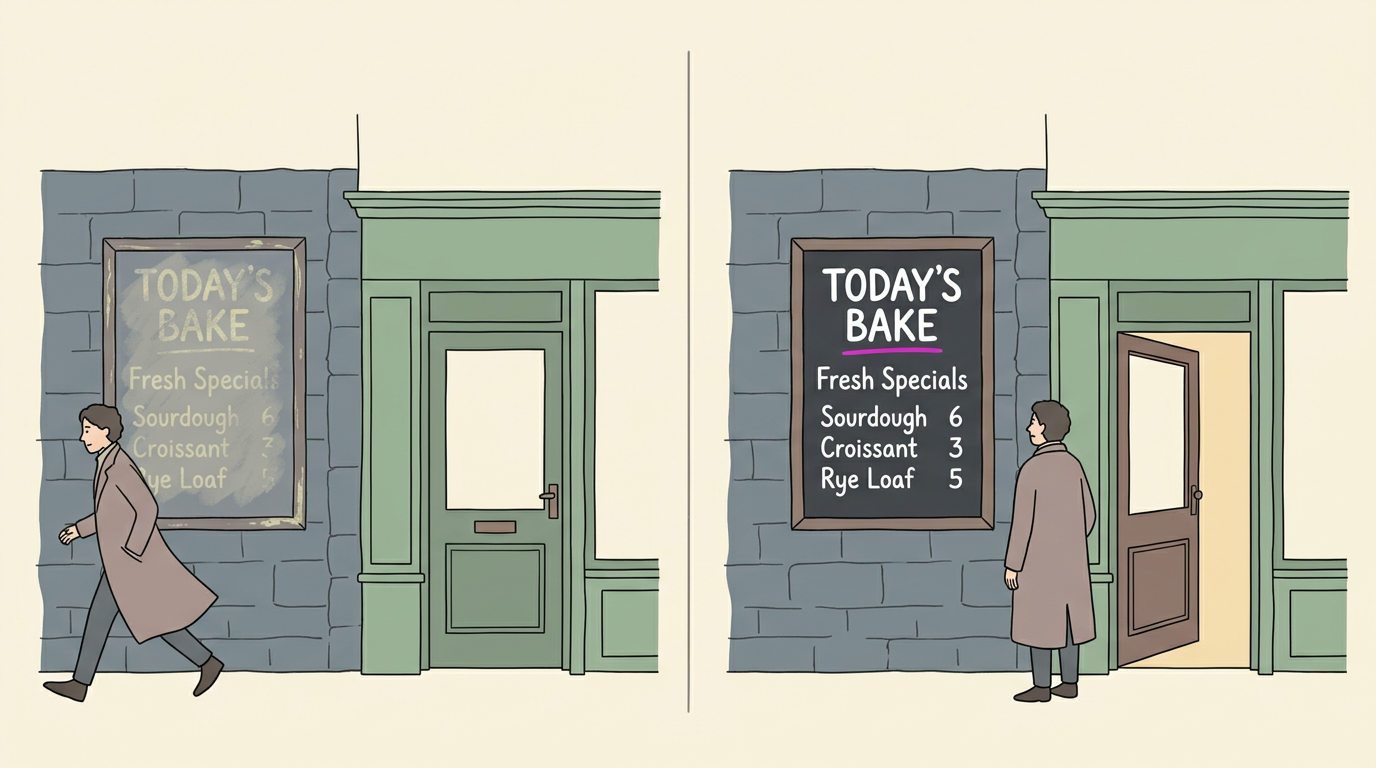
Contrast matters just as much. Pale grey text on white looks elegant, but many readers, including people with low vision, can’t make it out. Dark text on a light background is the safe bet.
Take a bakery owner who wrote her specials in pale yellow chalk on a grey wall. From the street, the prices vanished. A dark board with bright white chalk fixed that, and passersby now read the list and step in.
Visual hierarchy is the order your eye follows, so put the headline first, then the subhead, then the details. Design for scanning rather than reading, because most people glance first.
Arranging scale, balance, contrast and rhythm
Scale and dominance decide what gets noticed first, so make your key element the largest and don’t let everything shout. Emphasis means making one thing stand out on purpose, but too many bold items cancel out.
Balance spreads visual weight across the page: symmetrical layouts feel steady and formal, asymmetrical ones feel lively. Harmony keeps elements related, while contrast makes your phone number pop.
Rhythm comes from repetition, so repeat shapes and spacing to guide the eye and create movement. Get these right and your materials work harder. Simple wins.
What Does Format Mean in Graphic Design?
In graphic design, format means the file type, size, and medium a design is built for. Get those right, and your logo stays sharp on a van, a menu, and a sign.
Designing brands and marketing materials
Your visual identity is your logo, fonts, and colors, written into a style guide so everyone uses them the same way. Keep logos as vector files, built from math-based lines that scale cleanly.
A raster file, made of pixels, loses sharpness when stretched, while a vector stays crisp. Flyers and social posts should match, so a neighbor recognizes your plumbing van before reading the name.
A color palette is the short list of colors you use everywhere, with exact values noted in your style guide.
Designing apps, websites and game screens
User interface (UI) design is the layout of the buttons and forms people tap. A salon’s booking page with one clear “Book now” button lets customers book in two taps.
Web pages and apps share this logic, while game interfaces, like health bars and pause menus, must read at a glance mid-play. A theme applies one set of colors and fonts to every screen so the product feels like one thing.
Printed pages, packaging and books
Publication design organizes menus and brochures for easy reading, and packaging design turns a takeout box into a small billboard. Books and reports need consistent headings, so readers don’t get lost.
CMYK (cyan, magenta, yellow, and key, meaning black) mixes ink for print, while RGB (red, green, and blue) mixes light for screens. Because print layers ink, a bright screen teal can come out duller on paper.
Resolution is how many pixels an image packs into each inch. A restaurant that prints menus from a website photo may get soft food shots and a costly reprint. Check the file first.
Moving graphics, signs and interior murals
Animated logos and title sequences, the opening scenes of a video, bring your mark to life on screen. Signage and wayfinding guide people through a space, like hallway arrows that send clinic patients to the right room.
Murals turn a plain wall into a brand moment, and a vector logo can scale up to fill one.
Why Design Matters for Business Growth
Design is the first thing customers notice, and it does more work than most owners expect.
How design builds a recognizable brand
Your brand identity is the colours, fonts and logo that make you look like yourself. It’s less about looking pretty and more about being recognised.
Your logo is usually the first impression, so keep it readable at a glance.
Consistent branding means one look everywhere. Picture a plumber whose navy van has a yellow logo, but whose website and invoices use grey. Keeping the same look from van to website gives customers one name to remember. Consistency wins.
That repetition builds brand recognition, so people spot you before they read your name.
Working with a designer? Start with a design brief: a one-page note on who you serve and the feeling you want.
Ways businesses put design to work
Design shows up in more places than you’d expect:
- Advertising and sales collateral: flyers and quote sheets that look like one business made them.
- Website design and conversion: clean layouts that turn visitors into calls or bookings.
- Social media visuals: posts that match your brand.
- Presentations: slides that are easy to follow.
- Packaging: boxes and bags that carry your name home.
- Signs, menus, vans and window graphics: the touchpoints passers-by see every day.
Why the numbers favour visuals
According to a study on attending to visual stimuli, 90 percent of information transmitted to the brain is visual.
Visuals also win on speed. An eye-movement study of skilled adult readers notes that pictures are processed faster than words, so they may help build a first mental picture.
Presentations follow the same pattern, with 85% built around visuals. On your window or menu board, the picture has to do the first job: stopping a passer-by to read.
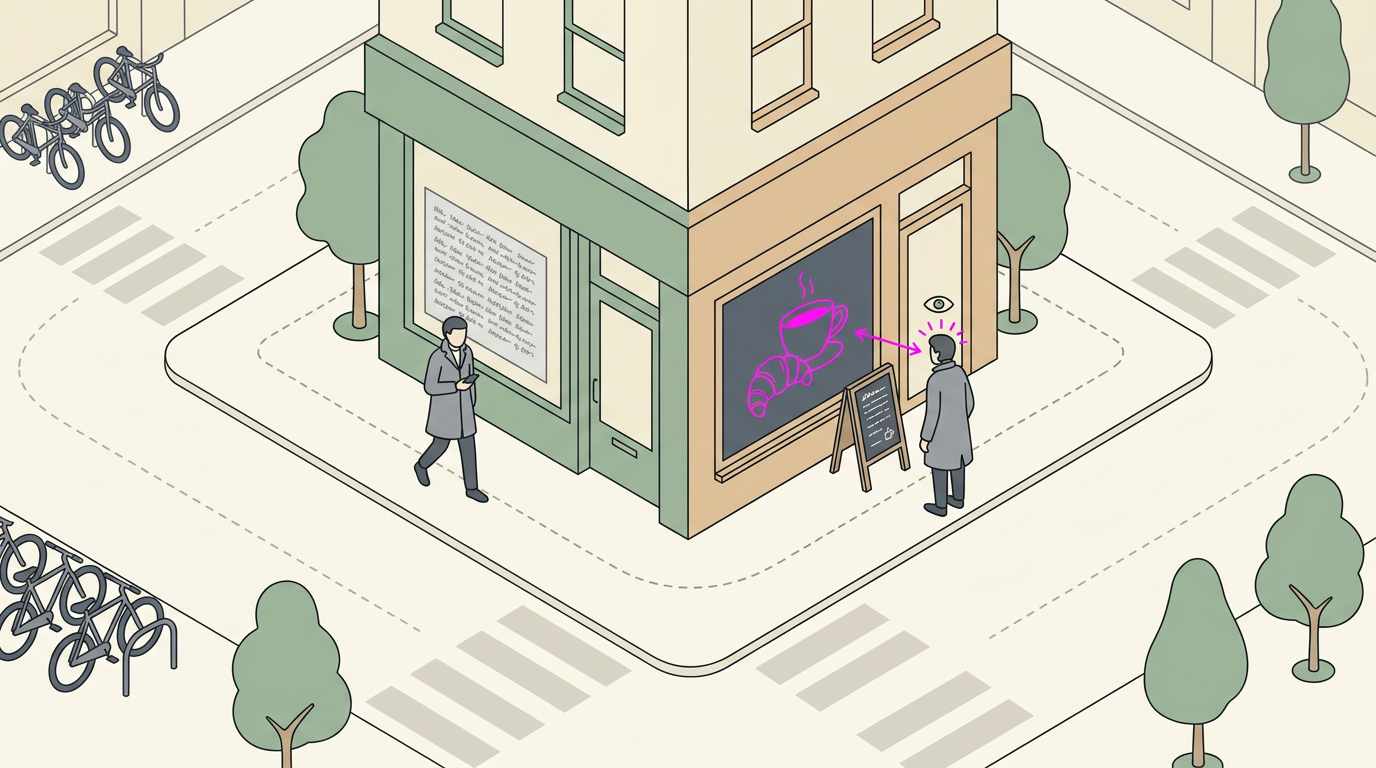
How Designers Spend Their Days
Most of a designer’s week goes into shaping ideas for a specific audience. Here’s what that covers, plus the nearby roles and side paths.
Core tasks in a designer’s job
Four tasks come up again and again:
- Create visual concepts. Designers sketch several directions, then refine the strongest.
- Communicate messages to audiences. It’s less about how a design looks and more about what it tells a customer in seconds.
- Build brand identity. Logos, colours and fonts repeat across every sign, menu and website so customers recognise the business at a glance.
- Work with marketing and public relations (PR). Designers align visuals with campaigns and press materials.
Think of a bakery owner who needs a sign, a menu and a logo. The same colours and lettering appear on all three, so customers spot the shop from across the street.
Roles that sit close to design
Several roles build directly on design skills:
- Creative director sets the overall creative vision and leads the team that carries it out.
- Art director shapes the look of individual pieces, from a magazine page to a poster.
- Web designer plans how a website looks and how its pages are laid out.
- User experience (UX) designer focuses on how easy a site or product is to use.
For a local business, web and UX work matters most when a customer tries to book on their phone.
Other paths design skills can lead to
Design skills also lead to:
- Email marketing designer builds the newsletters and promotional emails customers open.
- Game design and 3D illustration bring characters and objects to life in three dimensions.
- Social media manager plans and posts content, keeping the brand’s look consistent in every feed.
- Teacher or lecturer passes design skills on in classrooms, workshops and courses.
Same skills, many paths.
Skills a Good Designer Needs
Good design takes a mix of skills, and for a local business the question is less about how a design looks and more about what it gets customers to do.
Design principles, software and branding know-how
Start with design principles: the basic rules for how layout, colour, type and spacing make a sign or menu easy to read. Next, check software proficiency: can the designer work in Adobe tools such as Illustrator, Photoshop and InDesign?
Finally, look for branding expertise, the ability to keep your logo, colours and fonts consistent everywhere. Picture a plumber whose van, invoices and yard sign look like three different companies. A good designer fixes that.
Coming up with and testing ideas
Ideation, or idea generation, is where a designer produces many options before choosing one, so a bakery asking for a new logo gets several directions, not just the first sketch.
Then comes research and evaluation: testing those options against what customers see and what competitors look like. Show two or three finalists to a few regulars and ask which one they’d call. Their answer beats guesswork.
Communication, problem-solving and time management
- Creativity and communication go hand in hand. A good designer listens to what the sign needs to do, then sketches it before any final file is built.
- Problem-solving matters too: when a restaurant’s menu board is too cramped for its prices, the right designer finds a layout that fits instead of shrinking the type until nobody can read it.
- Strategy and time management keep things moving. Agree on a timeline and a fixed number of revision rounds, so the window sign is up before your grand opening, not a week after.
Software and Hardware Worth Having
You don’t need expensive gear to get started. Here’s what to try first, and what to look for when it’s time to buy a laptop.
Free design programs to try first
Start with free tools before you spend a dollar. GIMP (GNU Image Manipulation Program) is a free photo and image editor, and Inkscape is another free option, this time for vector drawing, where shapes stay sharp at any size.
That’s what lets a logo go from a business card to a shop sign.
Canva is the easiest starting point for most owners.
- Krita leans toward painting and illustration.
- Pixlr is an online photo editor.
Canva’s templates for small businesses give you a head start. Think of a restaurant manager who needs a new lunch menu by Friday. She swaps in her own dishes and prices, then prints it without waiting on a designer.
Templates get you moving faster, but the goal is to adapt them, not to copy them.
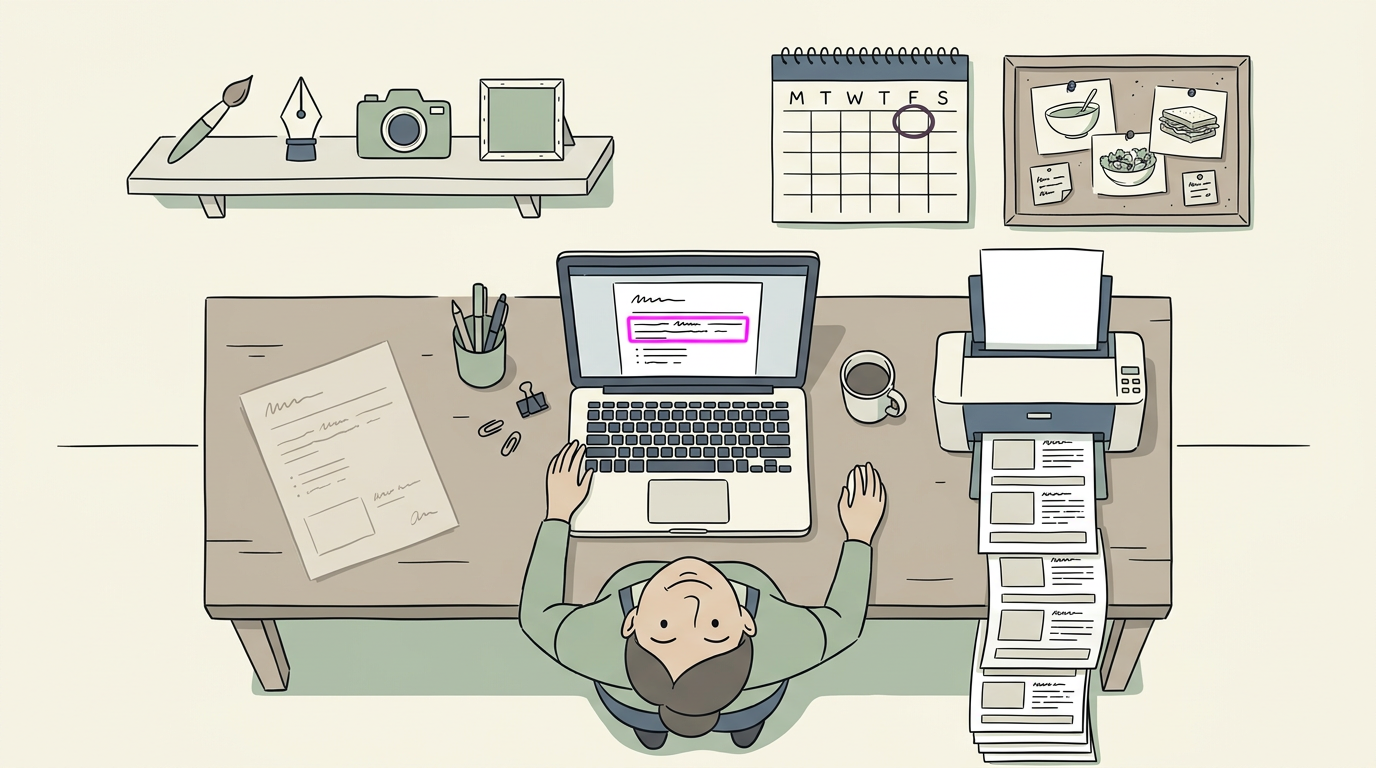
Picking a laptop for design work
Here’s how the options compare:
- MacBook Pro, best overall. If budget isn’t the main limit, it’s our top pick.
- Budget Chromebook. A Chromebook (a laptop built around Google’s Chrome operating system) suits you if you mostly work in browser-based tools like Canva.
- Windows and 2-in-1 picks. A Windows laptop runs the desktop programs above, and a 2-in-1 (a laptop that folds or detaches into a tablet) lets you sketch logo ideas by hand with a pen.
If the laptop you own runs Canva smoothly, that’s enough to begin. Start with what you have.
Careers, Pay and the Job Market
Your pay and job prospects depend on experience, how you work and how you present yourself. Here’s what to expect.
How pay grows as you gain experience
The UK average is around £30,452, but where you land depends on experience. Pay climbs as you move from entry-level roles to senior positions, because every finished project and new skill makes you a more valuable hire.
Experience drives pay, so keep building your track record.
Freelance work and outsourcing options
Many designers go freelance, working for themselves project by project. Freelance income varies, so it’s less about a steady paycheck and more about finding your next client.
Platforms like Fiverr let you find freelancers online, and outsourcing is another route, whether through an agency or global talent.
Where demand for designers is heading
Demand is growing, but it’s changing shape. The UK has a skills gap, meaning employers need more people with the right skills than are currently available.
According to analysis by Skills England and the Department for Culture, Media and Sport, the 30 priority occupations in the creative industries are projected to grow by 416,000 (27%) between 2025 and 2035.
Work is moving from print toward digital.
Skills audits from the Creative Industries Policy and Evidence Centre show that 63% of creative employers planning to grow and upskill their workforce expect demand for digital skills to rise, driven largely by hardware and software upgrades and Artificial Intelligence (AI).
Demand also reaches beyond design studios: shops, restaurants, clinics and trades businesses all need signs, menus and print.
How to stand out when you apply
Here’s how to get noticed:
- Professional portfolio. Show your best work, with a note on the client and what the design achieved.
- Work experience. Placements and volunteer projects, like a poster for a local charity, count.
- Networking and competitions. Meet designers at local events and enter competitions to get seen.
- Specialising. A niche like restaurant menus or trade signage is easier to remember than a generalist.
Think of a salon owner who needs a new logo. A designer whose portfolio already includes salon work is an easy choice, because the owner can picture the result on their storefront. Your portfolio does the selling.
Studying Design at College Level
Studying design at college level goes well beyond making things look good. Here’s what the coursework covers and why it matters once your work is out in front of paying customers.
Course topics and real industry briefs
A Level 3 graphic and digital design course builds the core skills, and you’ll study a few key areas:
- Graphic and digital design: the foundations of layouts that work on both paper and screens.
- Typography: choosing and arranging type (the letterforms used for text) so a menu or sign is easy to read at a glance.
- Illustration: creating original artwork for logos, packaging and posters.
- Web design: building pages that help visitors find your hours and book a table.
One of the most useful parts of the course is the live brief, a real request from a real client. Instead of an invented assignment, you work from what a client actually needs.
Think of a local bakery owner who wants a new logo, a menu and a window sign before a busy holiday weekend. Working through a brief like that teaches you to deliver something usable on a deadline, not just something that looks good in a sketchbook.
Those projects also build your portfolio, the collection of finished work you show employers and clients. Looking at alumni portfolios shows you the standard to aim for: polished, real-world pieces rather than practice exercises.
For a business owner, that’s the difference between hiring someone who can draw and hiring someone who can deliver a sign that gets read from across the parking lot. A portfolio full of real briefs is the proof.
Good design isn’t about being fancy. It’s about making your business easy to understand, remember, and trust. When your logo, sign, and menu speak the same language, customers stop guessing and start calling.
Whether you hire a designer or try a tool yourself, the goal stays the same: a clear purpose, solid building blocks, and print that suits where it lives. Start with the piece customers see first, and let the rest follow.
Your customers judge your business in seconds, so make those seconds count.
References
- Attending to Visual Stimuli versus Performing Visual Imagery as a Control Strategy for EEG-based Brain-Computer Interfaces — pmc.ncbi.nlm.nih.gov
- Is Comprehension in Comics More Effective Than in Traditional Texts in Skilled Adult Readers? An Eye Movement‐Based Study — pmc.ncbi.nlm.nih.gov (2025)
- Is Comprehension in Comics More Effective Than in Traditional Texts in Skilled Adult Readers? An Eye Movement‐Based Study — doi.org (2025)
- Sector Skills Needs Assessment – Creative industries — gov.uk (2026)
- Creative Industries Skills Audits — pec.ac.uk
Questions
What is a graphic designer and how does it work?
A graphic designer creates visual communication by arranging images, words, shapes, and colour to convey a message clearly. They develop and refine concepts with design tools, balancing appearance with readability and usability.
What is another term for graphic design?
Another term for graphic design is visual communication.
What are 5 examples of graphics?
Five examples of graphics are logos, posters, road signs, packaging, and website layouts.
Do graphic designers get paid well?
Graphic designers can earn a solid income, but pay varies with experience, location, specialisation, and whether they are employed or freelance. In the UK, the average cited is around £30,452.
What does "format" mean in the context of graphic design?
In graphic design, format means the file type, size, and medium a design is made for, such as a print menu, website graphic, or large sign. Choosing the right format helps the design display or print clearly.
Is graphic design a well paid job?
Graphic design can be a well-paid career, especially as designers gain experience and move into senior or specialised roles. Earnings vary, and freelance income can be less predictable than a regular salary.
Sources
- Attending to Visual Stimuli versus Performing Visual Imagery as a Control Strategy for EEG-based Brain-Computer Interfaces - PMC, pmc.ncbi.nlm.nih.gov
- Is Comprehension in Comics More Effective Than in Traditional Texts in Skilled Adult Readers? An Eye Movement‐Based Study - PMC, pmc.ncbi.nlm.nih.gov,
- Is Comprehension in Comics More Effective Than in Traditional Texts in Skilled Adult Readers? An Eye Movement‐Based Study, doi.org,
- Creative Industries Skills Audits - Creative Industries Policy and Evidence Centre, pec.ac.uk
- Sector Skills Needs Assessment – Creative industries - GOV.UK, gov.uk,