SEO for Small Business: A Complete Guide to Getting Found
SEO for small business helps turn urgent searches into calls. Start with your map listing, then prioritize keywords, site fixes, and costs that fit your time.

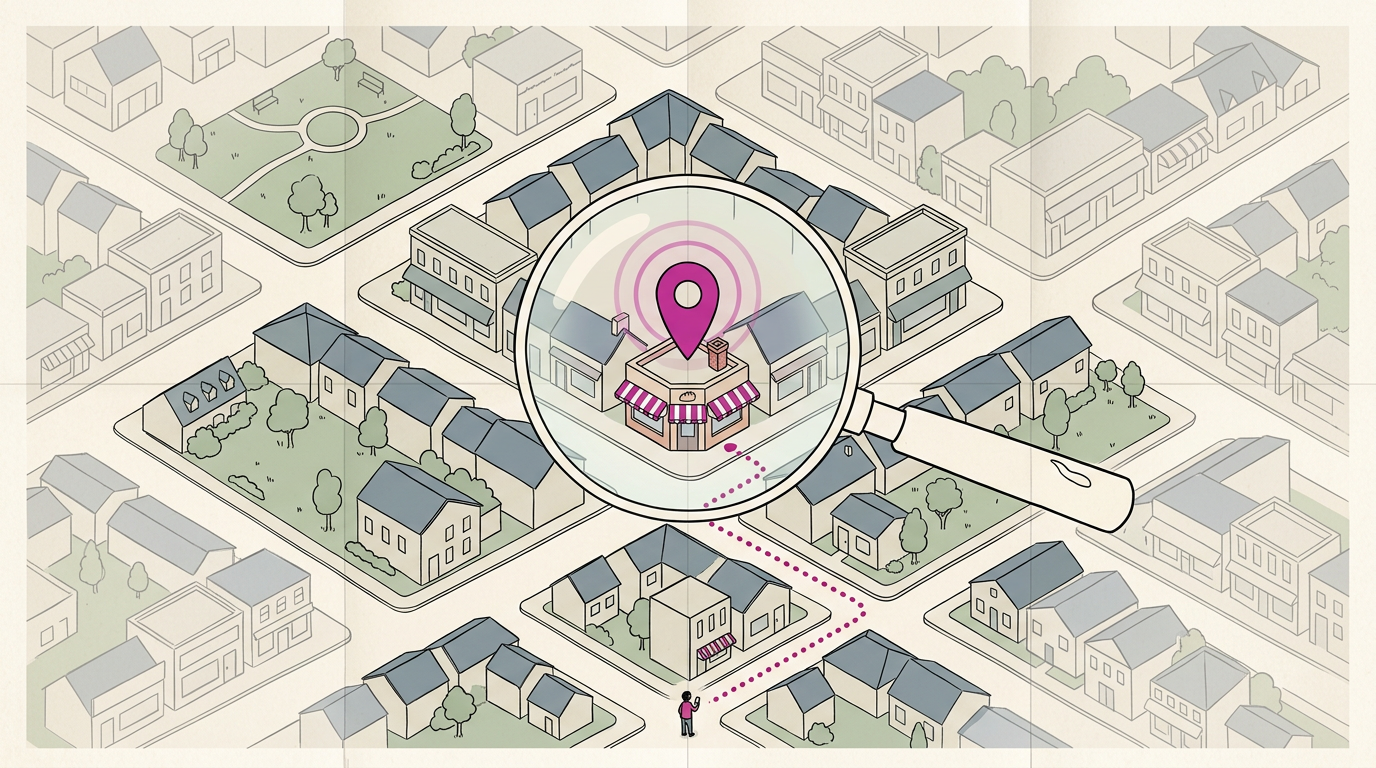
SEO for small business is the work of making your business easier to find in unpaid search results when people look for the products or services you offer. It means using the words customers search, creating clear and useful pages, keeping your website fast and accessible, and maintaining an accurate map listing with consistent details and genuine reviews. Start with your local listing, reviews, and a phone-friendly website, then make small, regular improvements that can bring more calls and bookings.
Picture someone typing “plumber near me” at 9pm with water dripping through the ceiling. They tap the first business that looks right and make the call.
Search engine optimization, or SEO, is the work of helping search engines understand your business so that calls like that come to you.
This guide walks through how search works, how to find the words your customers use, and the on-page, technical, and local steps that matter most.
We’ll finish with a simple order of operations, starting with your map listing, plus realistic costs and priorities for owners with little time.
Why SEO for Small Business Matters
Search engine optimization (SEO) helps people find your business when they search for what you offer.
What SEO is trying to achieve
Your first goal is organic visibility: showing up in the unpaid results on search engine results pages (SERPs). Higher rankings on those pages put you in front of likely customers, which drives more leads, calls, and sales.
Ways SEO helps small businesses win
SEO levels the playing field. Search results reward relevance, not company size, and it’s a cost-effective channel compared with paid ads.
Position matters, too. A study on click-through rate estimates in Google organic search indicates that the top result’s click-through rate (CTR) is 9.28%, with 5.82% and 3.11% for second and third. Higher positions generally get more clicks.
Think of a bakery owner who shows up third for ‘birthday cakes near me.’ Once she adds a menu page and finishes her map listing, custom-cake calls start coming in from people who never knew she existed.
SEO also builds your online presence and trust. A complete listing and fresh reviews show strangers you’re real before they call.
The core building blocks of SEO
SEO starts with keywords, the words customers type, like ‘emergency plumber.’ Your content answers those searches, and code is the behind-the-scenes setup that helps search engines read your site.
Those ideas come together in three areas:
- On-page SEO covers your wording, headings, and photos, built around your keywords.
- Off-page SEO covers what others say about you, like links and reviews.
- Technical SEO covers how your site is built so search engines can find and read it.
Big companies lean on budget and scale. You win by being the closest, most trusted answer in your town.
How Search Engines Find and Rank Websites
Before a page can show up for anyone, a search engine has to find it, file it away, and decide which questions it answers. Here’s how that happens and what you can do to help.
How Google crawls and stores your pages
Google sends automated programs, often called crawlers or robots, to visit your pages and read them. Picture a plumber who adds a “water heater repair” page to her site. Nothing happens until a crawler comes by and reads it.
What the crawler finds gets stored in the index, Google’s giant library of pages it knows about. Only pages in that index can rank. No index, no ranking.
If a new page still isn’t showing up after a reasonable wait, you can request indexing directly from Google. Your new page won’t be found just because it exists.

Matching pages to what searchers want
Being found is only half the job. Google also tries to match each page to what the searcher actually wants, which is called search intent. It cares less about what someone typed and more about why they typed it.
Most searches fall into two groups:
- Informational searches want to learn something, like “how long does drain cleaning take?”
- Transactional searches want to act, like “book drain cleaning Saturday.”
Say a dental office has a clear page answering “does a teeth cleaning hurt?” That page can win the learner, but the booking page turns a searcher into a patient. Match the page to the question, and the searcher has a reason to pick up the phone.
Miss the match and even a great page sits unseen.
AI (artificial intelligence) search tools and answer engines now summarize responses on the results page, but they still draw from pages that are crawled, indexed, and clearly about the question. The basics still apply.
Finding the Search Terms Your Customers Use
The keywords that matter are the ones customers type, not the ones printed on your van.
How to pick keywords worth targeting
Check each phrase against these:
- Search volume. Nobody searching means no calls.
- Relevance to your offerings. “Emergency furnace repair” fits a heating company; “furnace history” doesn’t.
- Competitiveness. If national chains dominate the results, a more specific phrase is often your easier win.
- Geographic terms. A bakery owner who adds “near downtown” to her cake page gets orders from people searching nearby.
- One focus keyword per page. Give each page one main phrase, not five.
Tools and outside help for keyword research
Tools like Moz and SEMrush suggest related phrases, and Google’s Keyword Planner is one more to compare. Start free, and pay only if a tool answers questions the free options can’t.
No time? A freelancer or agency can build the list for you, and you’ll want to review it.
Artificial intelligence (AI) tools can brainstorm phrases in seconds. Treat their output as a starting list, not an answer.
Site analytics show which searches already bring visitors in. A plumber might spot “water heater leak” bringing more people than “plumbing services,” so his next page targets the phrase real callers use.
Updating keywords as language and searches shift
Re-evaluate your list every few months. New services, local slang, and new phones all change what people type.
Voice search is one shift to watch. Spoken searches tend to be full questions, like “who fixes a leaky faucet on Sunday?” Work questions like that into your service pages where they fit.
Small, regular tweaks beat a big overhaul every few years.
Getting On-page SEO and Content Right
Most of your search work happens on pages you already have.
Page parts worth tuning for search
A title tag is the headline shown in search results, so name the service and your town, such as “Brake Repair in Your Town.” Add a meta description, the summary under it, to make drivers want to call.
Use headers (H1 through H6, the tags that organize a page) in order. Give each photo alt text, a short description screen readers and search engines use. Keep web addresses (URLs) and file names short and plain, like brake-repair.
Put your main keyword, the phrase customers type, early in the text.

Writing helpful content that earns trust
Write like the expert you are for the customer, not the algorithm. Match search intent, the reason behind a search: someone typing “dentist open Saturday” wants hours and a phone number first.
Keep content relevant and recent. A bakery that refreshes its holiday order page each fall shows customers it’s active. Service pages explain what you do, and blog posts answer questions people ask before they call.
Don’t stuff keywords into robotic sentences or clone one page for every nearby town. Spam erodes trust. Specifics build it.
Keep your site simple and well linked
Keep structure simple with a home page, one page per main service, and a contact or booking page. Avoid unnecessary pages, since thin ones distract from the ones that matter.
Link every page at least once through your navigation menu, footer, and homepage. Fix broken links, the ones that send visitors to an error page.
Consider a dental office with a teeth-whitening page that no menu links to. One link in the services menu puts it in front of people already browsing.
Technical SEO and a Smoother Visitor Experience
Search engines need to read your pages, and visitors need them to load fast.
Keeping your site healthy for crawlers
Crawlers are the programs search engines use to read your pages. Give them an XML sitemap (a list of your pages in Extensible Markup Language, or XML). Then check your robots.txt, a short text file that tells crawlers which areas to skip.
One wrong line there can hide your whole site.
Next, check Google Search Console for errors. A 404 error means a page can’t be found, so fix any 404 and indexing issues it flags. Think of a bakery that deleted its old menu page.
A redirect sends customers from the old link to the new menu, so the orders keep coming.
Making pages fast and phone-friendly
Aim for pages that load in under 3 seconds. The goal is fast rather than fancy. According to Google’s web.dev guide, Core Web Vitals include measures of a page’s loading performance.
Run key pages through a mobile-friendly test or a mobile preview tool. Think of a dental office whose booking page drags on a phone. A patient checking for a cleaning slot from the parking lot calls the next practice. Speed wins the call.
Lighter code and a secure connection
Trim bulky code and keep server requests low. Each image, font, and script is a separate request to your server, so fewer requests mean a faster page.
Last, make sure your site uses SSL (short for Secure Sockets Layer), which encrypts data between visitors and your site. Look for the padlock in the address bar. On any form that collects phone numbers, treat SSL as required rather than optional.
Local SEO and Earning Outside Trust
When someone searches nearby, your map listing and reviews often decide who gets the call.
How to do SEO on Google Business Profile?
Your Google Business Profile is the listing that shows up in map results, so it’s where to start. Claim it, then fill every field:
- categories that match your work
- current hours
- service areas
- real photos
Your name, address, and phone number should match exactly everywhere they appear. Small differences, like “St.” versus “Street,” make it harder for search tools to be sure you’re one business.
If you serve several towns, give each its own location page that mentions local landmarks.
Check the top local results for your main service, note their categories, directories, and review replies, then do them better.
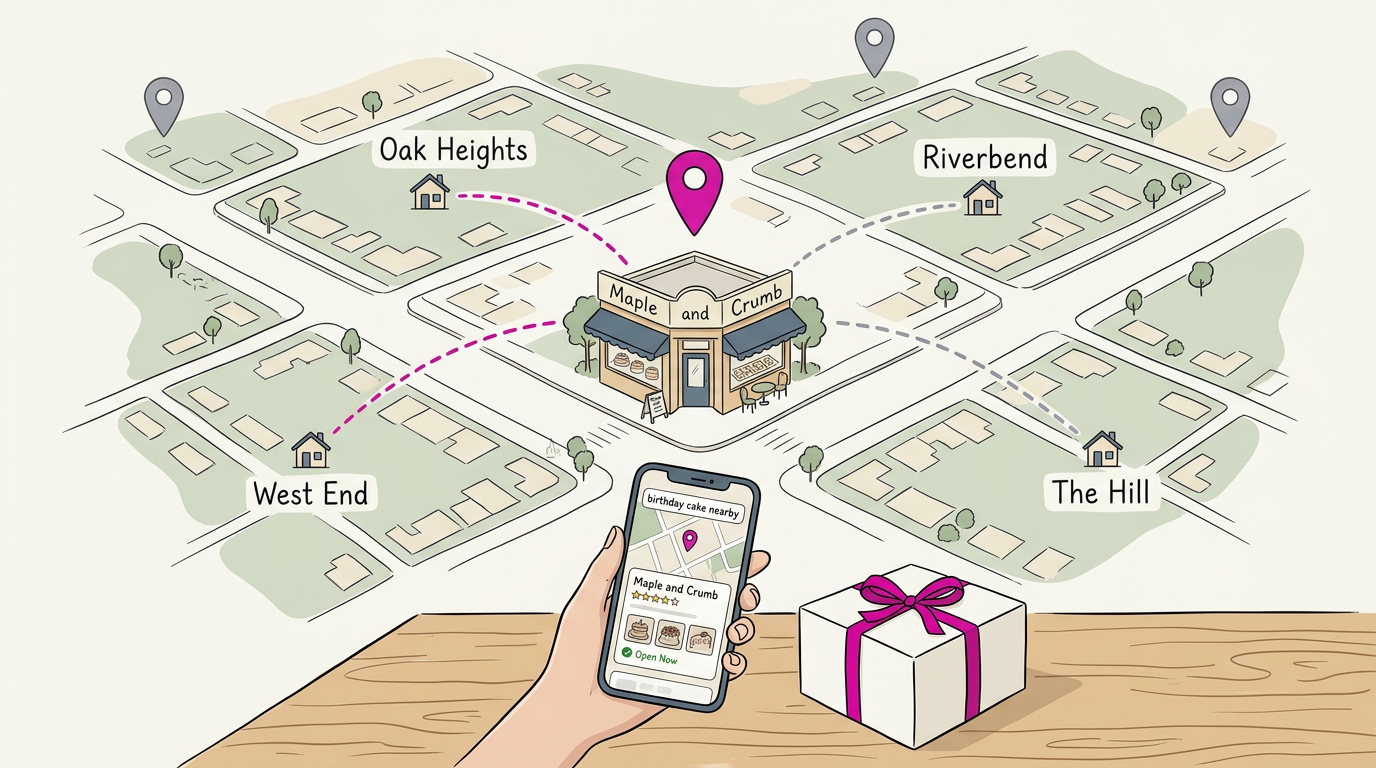
A bakery owner adds cake photos and lists the neighborhoods she delivers to, so people searching for a birthday cake nearby find her first. Details win.
Earning reviews and keeping listings consistent
Customer reviews boost credibility more than anything you write about yourself: your reputation is what customers say about you, not what you claim.
Make asking a habit. Think of a plumber who texts a review request after every finished job. Steady requests mean fresh reviews for the next person who searches.
Claim your social profiles, and use consistent branding with the same name, logo, and description everywhere. Keep directory listings current.
Earning backlinks from trusted websites
A backlink is a link from another website to yours. Links from reputable local sites, like your chamber of commerce, build authority and trust.
Artificial intelligence (AI) tools can help you find local sites and draft outreach emails, but personalize each message and send it yourself.
Keeping Your SEO Plan Working over Time
SEO works best as a habit, not a project you finish once.
Set clear goals and track what matters
Start with one measurable goal, like calls or bookings, not just website visits or rankings. A plumber might track monthly calls from his listing, and if they stall, he knows where to look. Track key metrics like calls and booking requests.
Analytics can reveal search terms you never expected: a bakery seeing “gluten-free birthday cake” can add that to its menu page. Once a year, run an annual SEO audit to check that your listing details match everywhere.
Is SEO dead or evolving in 2026?
SEO isn’t dead. It’s evolving, and the basics still matter. When search engines update their rankings, check whether your calls shifted. Then adjust, don’t panic. Skim trusted sources each quarter to stay current.
Do a content refresh on hours, services, and photos, then reorganize existing content before adding new pages.
Plan a 6-12 month SEO campaign
The 80/20 rule says a small share of effort drives most results, usually the basics. For further learning, Google’s own SEO Starter Guide covers the most common and effective site improvements. Work through those foundations in this order:
- Claim your map listing.
- Ask customers for reviews steadily.
- Make your site fast and plain on a phone.
Advanced tactics like blog posts come later, after your map listing. Doing it yourself works if you have a few hours a week and can handle the basics.
Hiring help has a real cost, and The SEO Services Report says US organizations spent $119.4 billion on SEO and digital marketing consulting in 2025. Prices depend on scope, so compare written task lists.
SEO doesn’t have to be a mystery or a full-time job. It starts with an accurate map listing, honest reviews from real customers, and a website that loads quickly and says plainly what you do and where you do it.
Keep the words your customers search for in view, and revisit your plan regularly so it keeps working.
Small, consistent steps beat one big push that fizzles out. Start this week with your map listing, and let steady effort do the rest.
References
- Device-dependent click-through rate estimation in Google organic search results based on clicks and impressions data — doi.org (2024)
- The SEO Services Report — backlinko.com (2026)
- The most effective ways to improve Core Web Vitals | Articles — web.dev
- SEO Starter Guide: The Basics | Google Search Central | Documentation — developers.google.com
Questions
What is the 80/20 rule of SEO?
The 80/20 rule of SEO means that a relatively small share of your work often produces most of your results. Prioritize high-impact basics such as an accurate local listing, steady customer reviews, and a fast, phone-friendly website before advanced tactics.
How to do SEO on Google Business Profile?
Claim your Google Business Profile and complete every relevant field, including accurate categories, hours, service areas, and real photos. Keep your business name, address, and phone number consistent across the web, and regularly request reviews from customers.
How much to hire SEO?
SEO pricing depends on the work, location, and provider. In the US, small-business SEO commonly costs about $500 to $5,000 per month, while hourly consulting may run roughly $75 to $200 or more; compare written scopes of work rather than price alone.
Is SEO dead or evolving in 2026?
SEO is evolving, not dead in 2026. Search engines and AI tools are changing how results appear, but they still rely on pages that are crawlable, indexed, and clearly useful; keep the fundamentals strong and adjust when your results change.
Sources
- Device-dependent click-through rate estimation in Google organic search results based on clicks and impressions data, doi.org,
- The most effective ways to improve Core Web Vitals | Articles | web.dev, web.dev
- SEO Starter Guide: The Basics | Google Search Central | Documentation | Google for Developers, developers.google.com
- The SEO Services Report, backlinko.com,