How much should a local business spend on Google Ads?
Set a first Google Ads budget from what a job earns you and what a lead can cost, check click prices in your area, then judge it by calls and bookings.

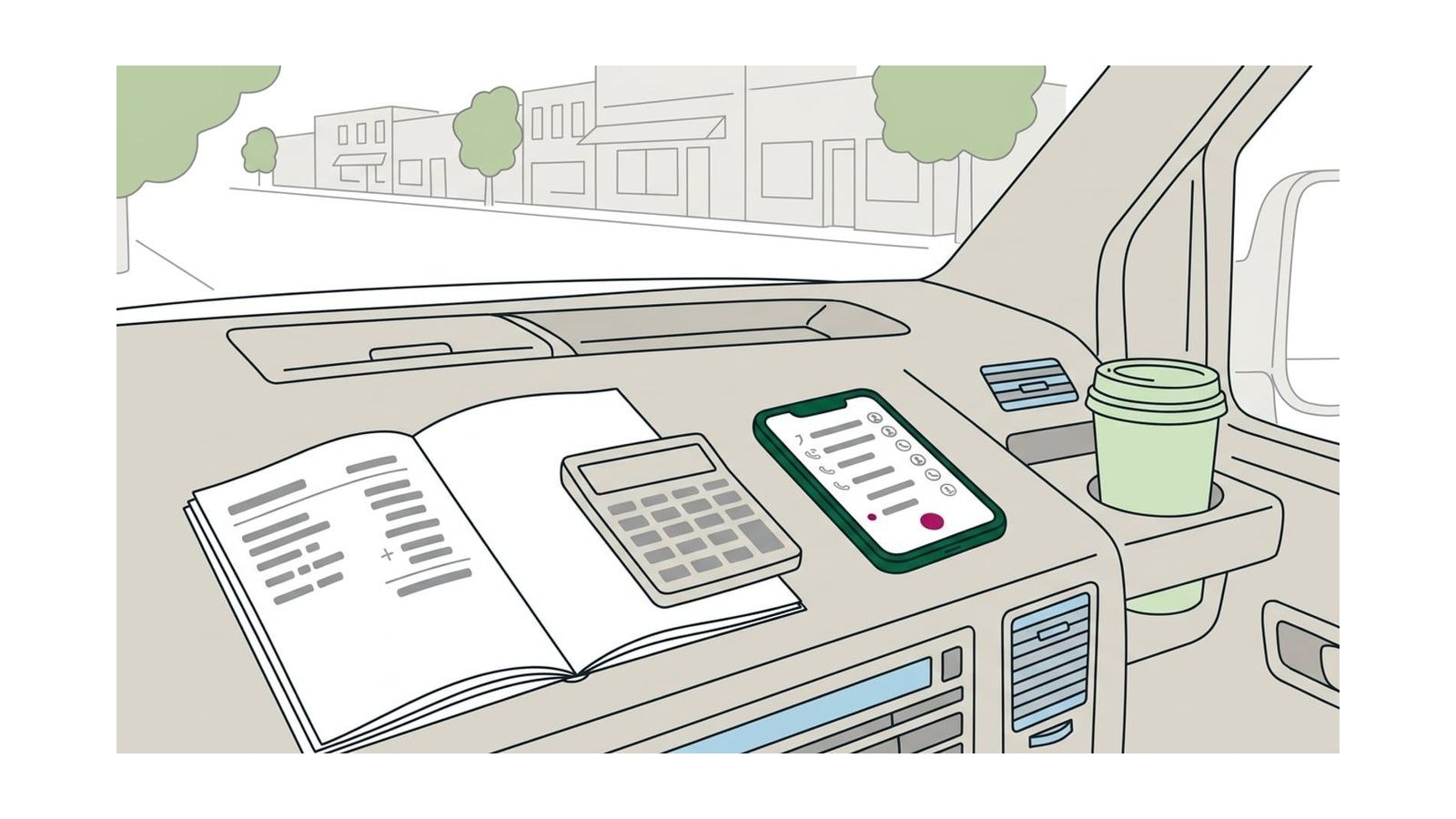
Work your first Google Ads budget out from your own numbers: the profit on a typical job times the share of leads that become jobs is the most a lead can cost, and Keyword Planner shows whether clicks in your area fit under it. Fund a test that can buy about ten leads, divide it by 30.4 for the daily budget, and raise, cut or stop on the cost per booked job, never on clicks.
Spend what your own numbers support, not a figure an agency quotes; Google sets no minimum. Multiply the profit you keep from a typical job by the share of leads that become jobs: that is the most a lead can cost. Check in Google’s free Keyword Planner that clicks in the towns you serve fit under it, fund a test that can buy about ten leads, and divide that test budget by 30.4 for the daily budget Google asks for. Then count calls and bookings from the first day, and raise, cut or stop on the cost per booked job. Every number in the example below is hypothetical.
Ads come after the basics. A complete map listing brings in calls without a charge for each one, so if yours isn’t finished, ranking higher on Google Maps is a better first use of the money and the evenings.
Start with what a customer is worth
Use your own figures, not industry averages. You need two:
- What a typical job brings in: the average invoice for the work you want more of, not your biggest job of the year.
- What you keep from it: that invoice minus materials, wages for the hours and travel.
Repeat customers are worth more over the years, but budget on the first job anyway: it keeps the test safe, and whatever a customer spends later is money the ads didn’t have to earn back.
Work out what you can pay for a lead
Not every lead (a call, a form or a booking) becomes a job: some want a price you won’t match, some live outside your area. Look at the last month or two of new-customer calls and count how many you booked. That share, multiplied by what you keep from a job, is the most a lead can cost before the ads lose money.
Clicks work the same way, one step earlier: only some of the people who click an ad go on to call or send a form, and until the ads run you can’t know how many, so start from an assumption and check it in the test. Here is the whole calculation for a hypothetical drain-cleaning business. None of these figures are averages or benchmarks; put your own in their place.
| Step | Example (hypothetical) | Worked out as |
|---|---|---|
| Average job | $500 | From past invoices |
| Kept from a job | $200 | $500 minus parts, labor and travel |
| Leads that become jobs | 1 in 4 | From the call log |
| Most a lead can cost | $50 | $200 ÷ 4 |
| Clicks that become leads | 1 in 10 | An assumption, checked in the test |
| Most a click can cost | $5 | $50 ÷ 10 |
At $50 a lead the example business breaks even: each booked job costs $200 in ads and it keeps nothing from the first visit. Treat that figure as a ceiling, not a target.
Check what clicks cost where you work
Keyword Planner is free, but it lives inside Google Ads: Google asks you to finish setting up the account, billing details included, before its keyword ideas open. You don’t have to run an ad to use it.
- In Google Ads, open the Tools menu, then Keyword Planner.
- Choose Discover new keywords and type the jobs you want more of as a customer would search for them: “drain cleaning”, “water heater replacement”.
- Set the location to the towns or ZIP codes you serve, not the whole country; the estimates follow the location you choose.
- Read the two bid columns.
Google describes Top of page bid (low range) and Top of page bid (high range) as roughly the 20th and 80th percentile of what advertisers have historically paid to show at the top of the page, for the location and network you selected (About Keyword Planner forecasts). They are estimates of what others have bid, not a price you’re quoted.
- If the searches you care about sit under the most a click can cost you, the sums work.
- If even the low range is above it, ads at that price lose money on the first job unless something changes: more specific searches (“water heater replacement” rather than “plumber”), a smaller area, a website that turns more clicks into calls, or paying per lead instead of per click.
Paying per lead is what Local Services Ads do, for the kinds of business they cover. Google is moving them into Google Ads as Performance Max campaigns with pay-per-lead goals, in phases from August 2026 into 2027; its help page on the transition has the dates and what changes (last checked here in October 2026).
In the example, suppose the planner showed $3 to $9 for drain-cleaning searches nearby (another made-up figure). The low end fits under $5 and the high end doesn’t, so the business plans on $5 a click and watches the searches that cost more.
Turn it into a daily budget
Google asks for an average daily budget, so set the test budget first and convert it:
- Decide how many leads would let you judge the ads. Ten is a reasonable floor; with fewer, one good or bad week decides everything.
- Multiply those leads by the clicks each one takes, then by the most a click can cost. That is the test budget for a month.
- Divide it by 30.4, the average number of days in a month, as Google’s own help does.
In the example: 10 leads × 10 clicks × $5 = $500 for the month, and $500 ÷ 30.4 = $16.45 a day.
Two settings keep that budget on people you can serve. Under the campaign’s location options, choose Presence (people in or regularly in your area) rather than the default, Presence or Interest, which also reaches people who have only shown interest in it. And run the ads in the hours someone can answer the phone.
How Google spends a daily budget
The daily budget is an average, not a fixed amount. Google’s help says a campaign can spend up to twice its average daily budget on a given day, to catch busy days, and that at the end of the month you will have spent no more than 30.4 times it (About overdelivery and your average daily budget). For the example:
- the $16.45 budget can spend up to $32.90 on a busy Monday, and less on a quiet Sunday;
- over a calendar month it stays within about $500;
- if the budget changes partway through the month, the limit for the rest of it is the new daily budget times the days left.
So judge the spend by the week or the month, not by one expensive day. If spending has to stop on a set date, pause the campaign or give it an end date; a lower budget only slows it down.
Run it long enough to judge
Before the first ad runs, write down three things:
- The budget and the length. In the example, $500 over one calendar month; allow two if your work is seasonal or leads come slowly.
- What counts. A call long enough to be a real inquiry, a form, a booking. Not a click.
- The stop rule. In the example: if the whole $500 has gone and fewer than five leads came in (twice the break-even cost per lead), stop and check the tracking and the website before spending more.
Leave the campaign alone for the first weeks, since every change makes the results harder to read. One weekly job is worth doing: open the search terms report, which lists the searches that actually showed your ads, and add the ones you’d never pay for as negative keywords, such as “jobs”, “DIY” or a town you don’t cover.
Count calls and bookings, not clicks
Clicks cost money; calls and bookings earn it. Set up conversion tracking before the ads go live, so the first month tells you something. Google Ads can count (About phone call conversion tracking):
- calls from the ads themselves, from a call asset or a call-only ad;
- calls to the number on your website from people who came from an ad, through a Google forwarding number that replaces yours on the page;
- taps on your number on your mobile site;
- forms sent and bookings made on your website, set up as website conversions.
For calls, you set a minimum call length, and every call at least that long counts as a conversion; set it long enough to leave out wrong numbers and hang-ups.
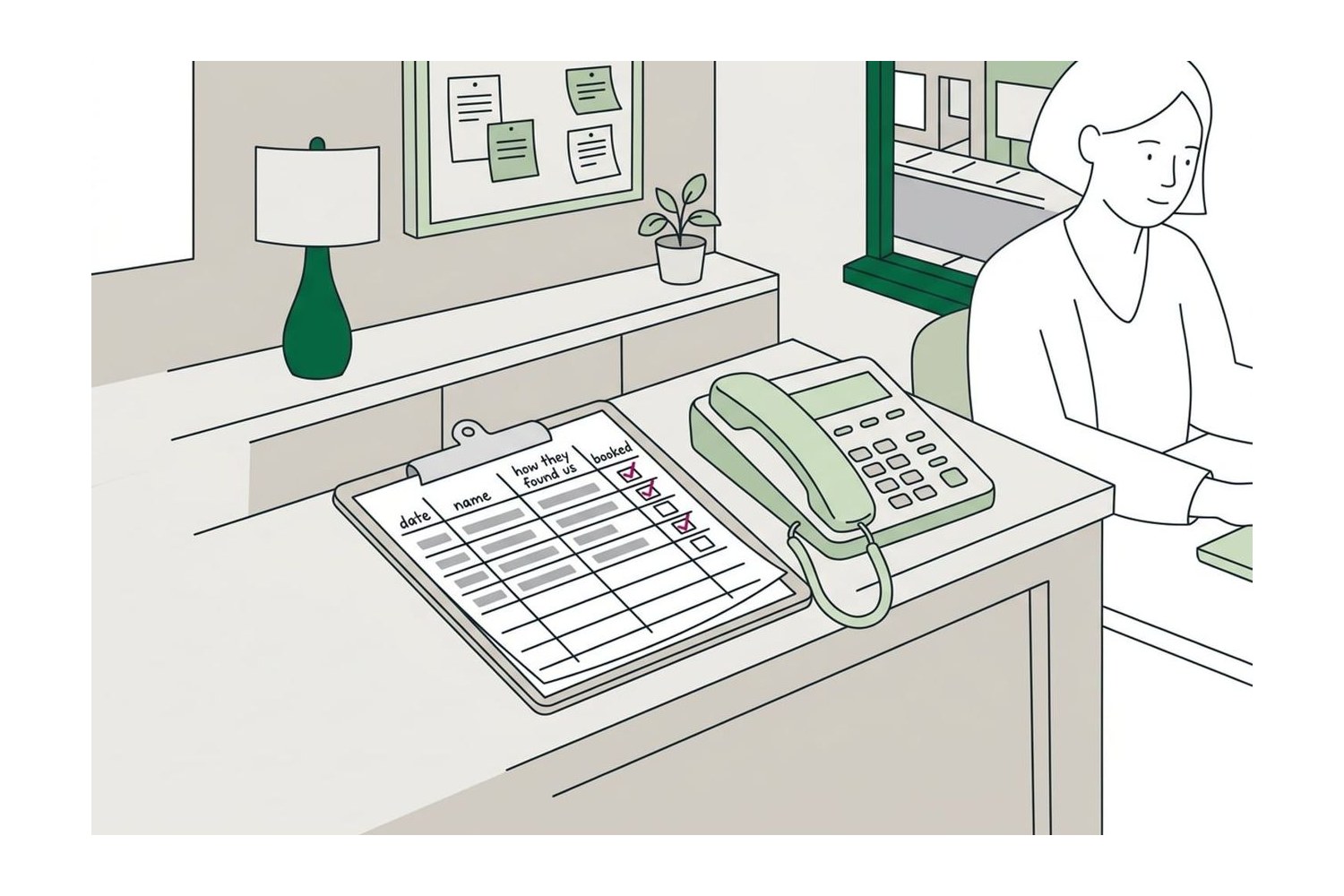
Google can’t see which leads you booked, so keep a log of your own: for every new customer, the date, how they found you (“How did you hear about us?”) and whether they booked. At the end of the test, divide the ad spend by the jobs booked from the ads. That cost per booked job is the number every later decision rests on.
Check, too, that the page the ads send people to works. Test your contact form and booking link as the Scorecard asks, and send each ad to the page for that service, not the homepage; the pages a small business website needs covers what a service page says.
To see which ad, listing or page made the phone ring, call tracking software gives each source a number of its own. CallRail’s cheapest plan, Lead Tracking, lists five local numbers and 250 minutes for $50 a month, with a 14-day free trial (its pricing page, October 2026); the Tools page has it with the other tracking picks.
Tip: the ads only make the phone ring. Whoever answers decides whether it becomes a job, so before raising a budget, make sure calls in working hours get picked up and missed ones get called back the same day.
When to raise, cut or stop
At the end of the test, compare your cost per booked job with what you keep from a job.
| What the test shows | What to do |
|---|---|
| Cost per booked job well under what you keep, and the campaign is limited by budget | Raise the budget in small steps, a week or two apart, and check the cost per job holds |
| Cost per booked job close to what you keep, or above it | Cut the searches, areas and hours that spend without leads, and fix the landing page |
| Plenty of leads, few jobs | Leave the budget alone: check the search terms, the area and how calls are answered |
| Few or no leads after the whole test budget | Check the tracking and the website; if both work, stop |
Stopping isn’t a failure. It can mean that, where you work, a click on that search costs more than the job is worth. Put the money and time into the listing and the reviews, which bring calls without a charge per click, and try again with different searches or pay-per-lead ads. The Paid Ads section covers when paying for reach makes sense and where a small budget goes.
Questions
Is there a minimum budget for Google Ads?
No. Google says there’s no minimum spending commitment and you set your own budget. The practical floor comes from your own numbers: a budget that can’t buy enough clicks for a handful of leads in a month won’t tell you whether the ads work.
Can Google spend more than my daily budget?
On a single day, yes: up to twice your average daily budget, to catch busier days. Over a calendar month, Google’s help says you won’t spend more than 30.4 times the daily budget. If you change the budget partway through a month, the limit for the rest of it is the new daily budget times the days left.
Are Local Services Ads cheaper than Google Ads?
Not necessarily, but you pay differently: per valid lead (an answered call, a message, a voicemail and, in the US and Canada, a booking request) rather than per click, and lead prices vary with the location, the job and the type of lead. Compare the two on cost per booked job. Google’s help page, read in October 2026, says Local Services Ads are moving into Google Ads as Performance Max campaigns with pay-per-lead goals, starting in August 2026 with some US home and storefront services and finishing in 2027.
Should I pay an agency to run a small budget?
Weigh the fee against the ad spend: on a budget of a few hundred dollars a month, a monthly management fee can cost as much as the clicks. A campaign for one or two services is something an owner can set up with the steps in this guide, and paying someone for a one-off setup and a check of the tracking is often better value. If you do hire, keep the Google Ads account in your own name and ask for reports in calls and booked jobs, not clicks.
How long before I know if Google Ads is working?
Calls and forms show up within days once tracking is set up, but judging the cost per booked job takes enough leads to see a pattern. On a small budget that usually means a month at least, and two if your work is seasonal or leads come slowly. Set the length and the stop rule before you start, so one slow week doesn’t end the test and one lucky week doesn’t double the budget.
Sources
- About overdelivery and your average daily budget, Google Ads Help
- About spending limits, Google Ads Help
- About Keyword Planner forecasts, Google Ads Help
- About phone call conversion tracking, Google Ads Help
- Local Services Ads transition to Performance Max campaigns with pay-per-lead goals, Google Ads Help