What Does $$ Mean on Google? A Complete Guide
What does $$ mean on Google? See how price levels shift by business type and compare costs, then choose the right setting for your listing today.

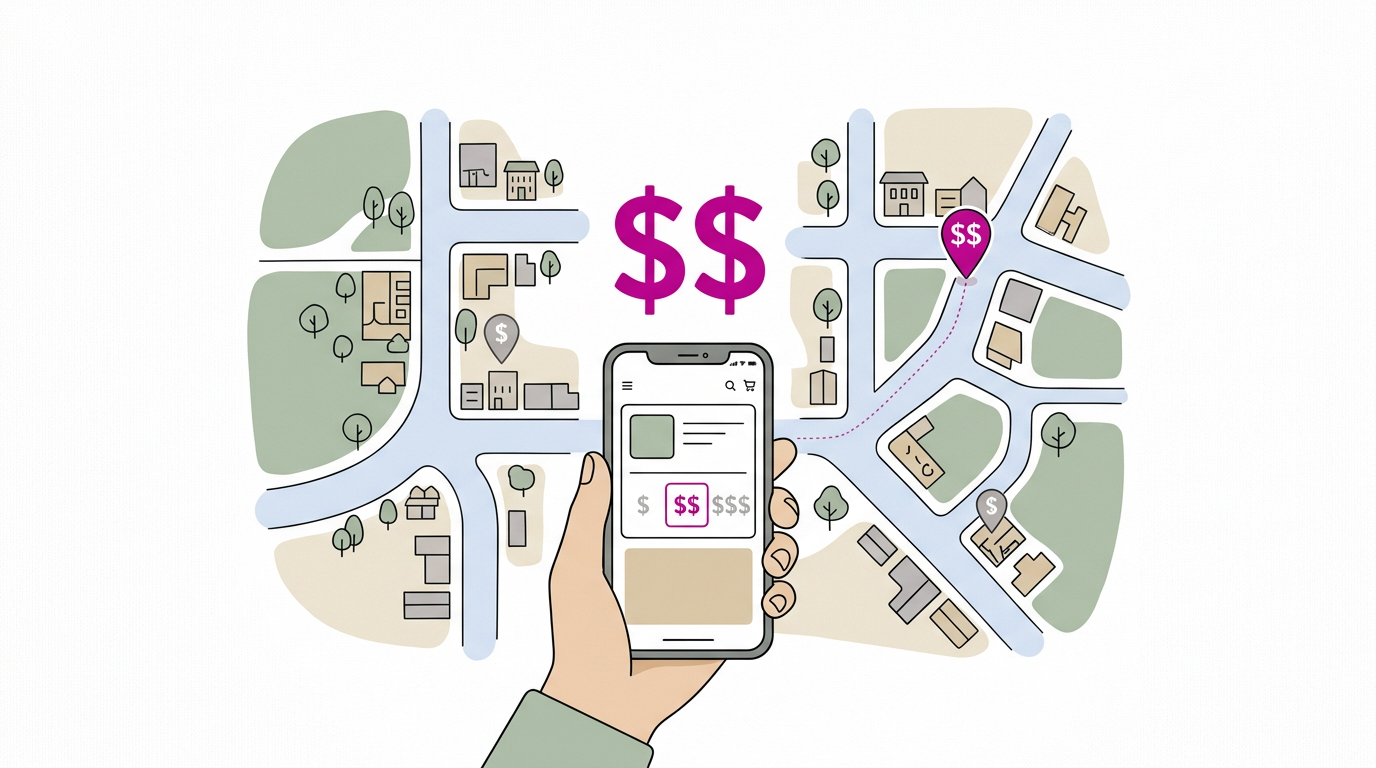
On Google, $$ is a rough price-level label meaning a business is moderately priced compared with similar businesses nearby, not a fixed dollar amount. The scale runs from $ for inexpensive to $$$$ for premium, and what counts as each level depends on the business type and typical local prices. Treat the symbols as a quick guide, not a measure of quality, and check that a business’s label matches what customers usually pay before choosing or updating a listing.
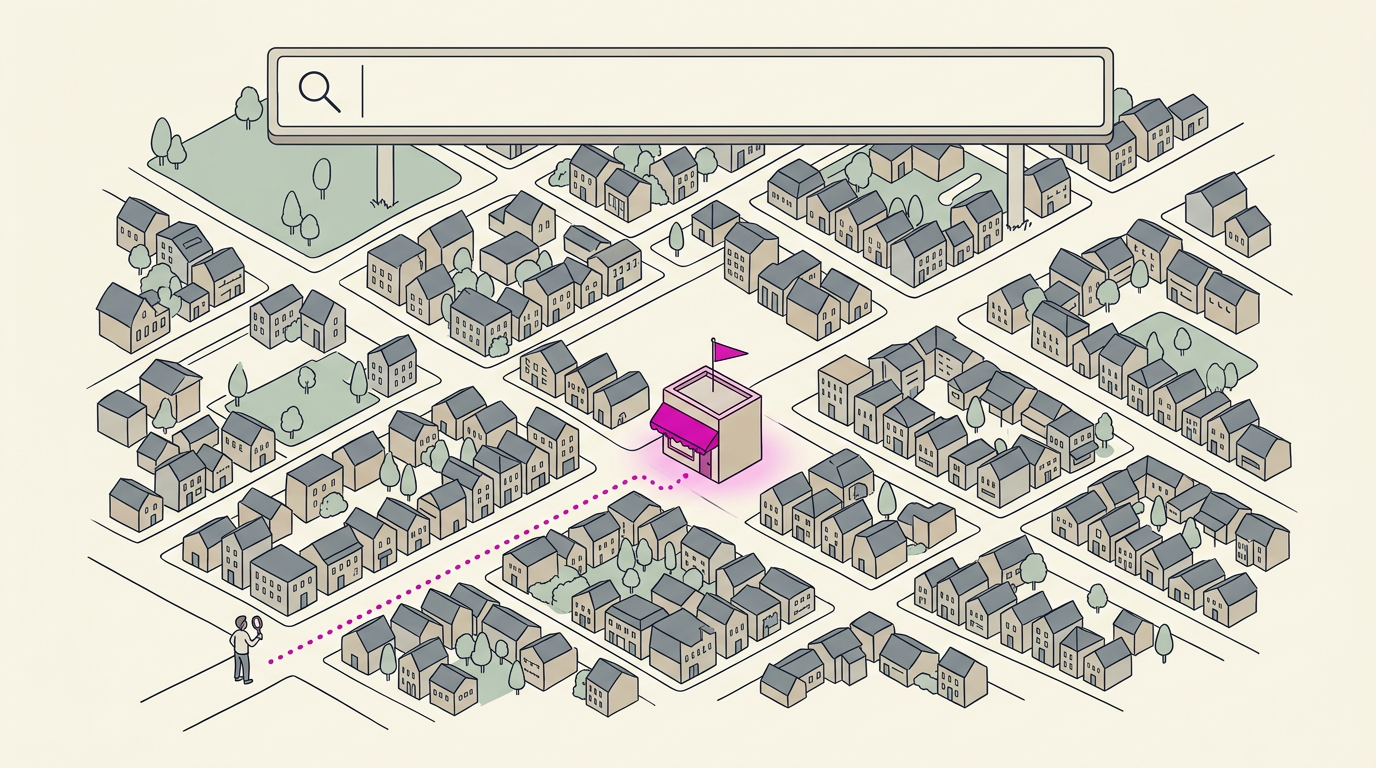
Picture a parking lot after a long shift, phone in hand, scrolling through places to grab dinner. A few listings show one dollar sign, some show three, and you start making quick choices before you’ve even opened a menu.
Those little symbols do more deciding than you might think.
Those symbols are Google’s price level indicator, a quick read on how a business’s prices compare with others like it.
Here’s what each one means, how the picture shifts from one type of business to another, and how you can check and fix the price level on your own listing.
What Does $$ Mean on Google?
Those dollar signs under a business name are a quick read on price before anyone walks in. Here’s what we mean by each level and where the label comes from.
What each dollar sign level means
Google’s dollar signs show a price level, a rough sense of how a business’s prices compare to others:
- $ means inexpensive.
- $$ means moderately priced.
- $$$ means upscale and pricier.
- $$$$ means premium and very expensive.
Think of these as a rough guide, not a price tag. They’re relative: a $$ place is compared to its neighbors, not pinned to one exact amount.
Consider a coffee shop owner whose listing shows $$$, even though most regulars spend a few dollars on a latte. A student hunting for breakfast may skip it, but a label that matches real prices gives them a reason to stop in.
Where the price label comes from
Google’s label draws on a schema.org priceRange field, a standard way websites describe a business to search engines. It signals price level before anyone visits and shows in Google results, so it sets expectations early.
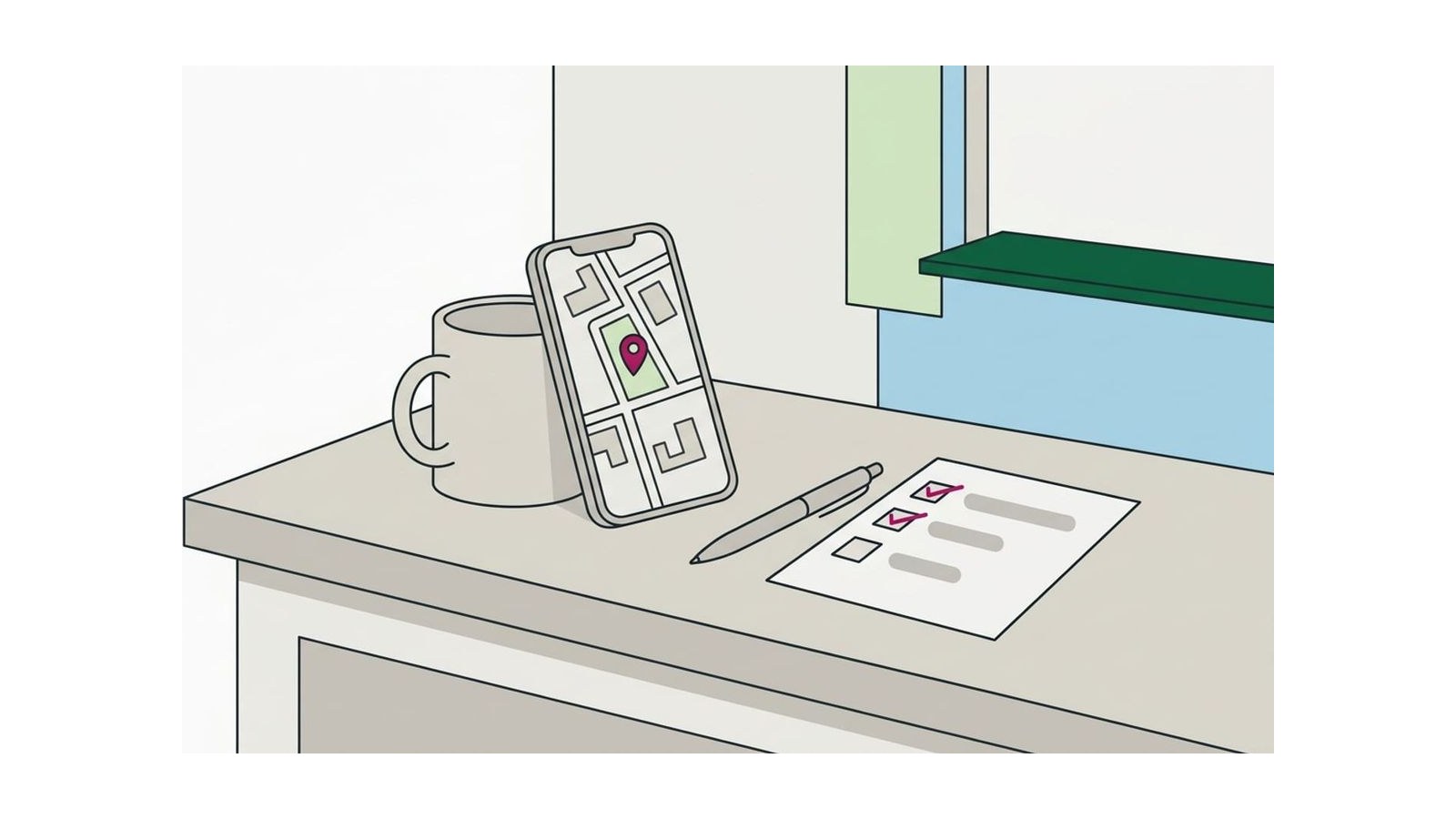
To check yours, search for your business and look at the price label. Labels only help when they’re accurate, so if it doesn’t match what customers pay, correct it. Check it this week.
Some listings show exact dollar ranges instead
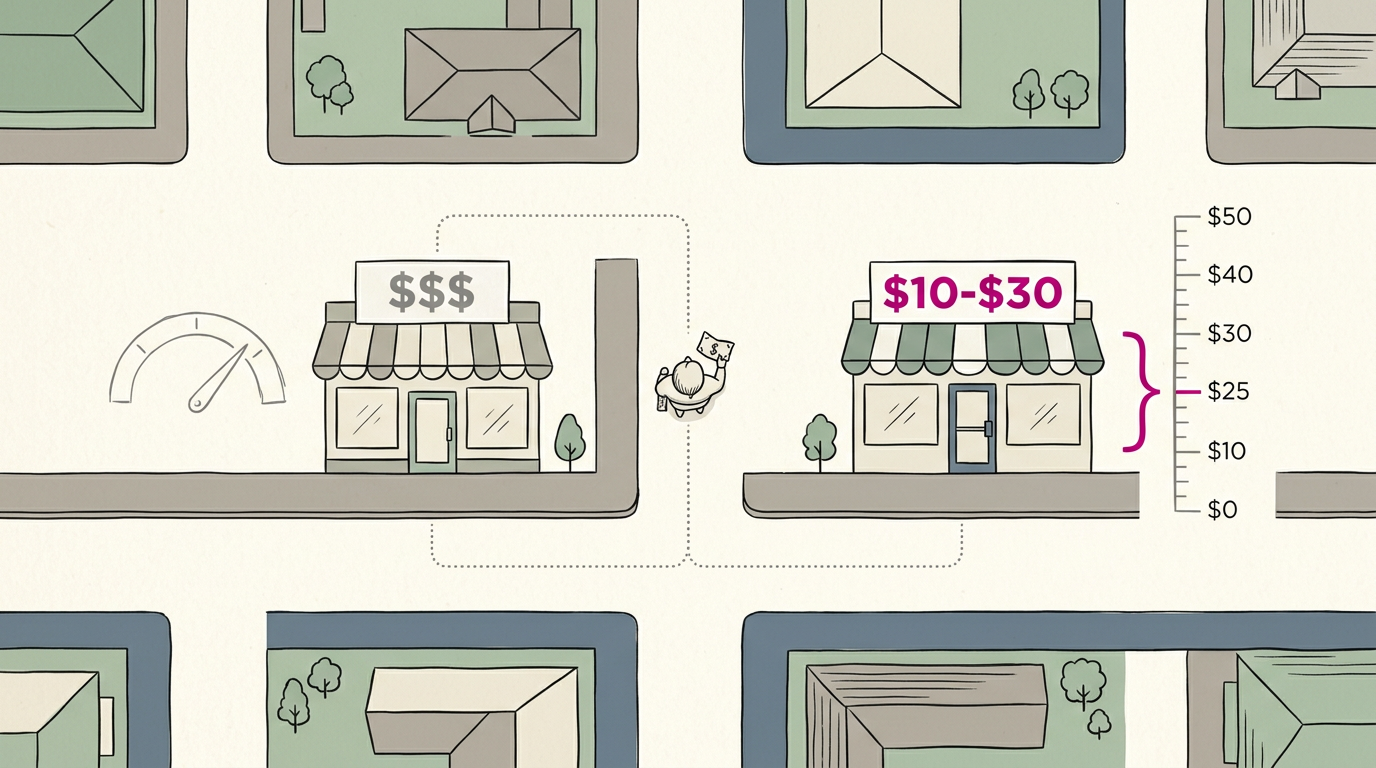
Some listings skip the symbols and show an exact dollar range, such as $10-$30. Compare the two formats:
- Dollar signs give a quick, rough read on price level.
- Numeric ranges give specific figures a shopper can weigh against a budget.
Other symbols can appear too, so confirm what each one describes before you act on it.
How Price Levels Differ by Business Type
A price level on Google means different things depending on what you sell. A $$ dinner tab and a $$ legal retainer sit on the same scale but play by very different rules.
What each level costs at restaurants
Restaurants are where most people first meet the symbols. The level tracks per-person cost, what a typical guest spends on a meal with a drink or two. Here’s how the scale reads:
- $ means quick, low-cost meals.
- $$ means a moderate typical meal.
- $$$ and $$$$ mean upscale dining, with the top tier for special-occasion menus.
Consider a burger joint where most guests order a burger, fries, and a soda. If that’s a moderate night out in your area, $$ is the honest label, and it tells a parent hunting for a quick dinner what to expect.
The symbol tells people what the bill will look like, not how good the food is.
Average purchase size at retail stores
Retail runs on the average purchase, the typical amount a customer carries to the register:
- $ covers thrift and discount stores with small, inexpensive buys.
- $$ covers everyday shops, like a general clothing or home goods store.
- $$$ covers specialty stores with pricier goods, like a furniture showroom.
- $$$$ covers luxury boutiques, where one item can be the whole visit.
Think of a bookstore owner whose customers usually leave with one paperback and a coffee. A $$$$ label would send the wrong message, so match it to the sale you actually make.
Pricing for salons and other services
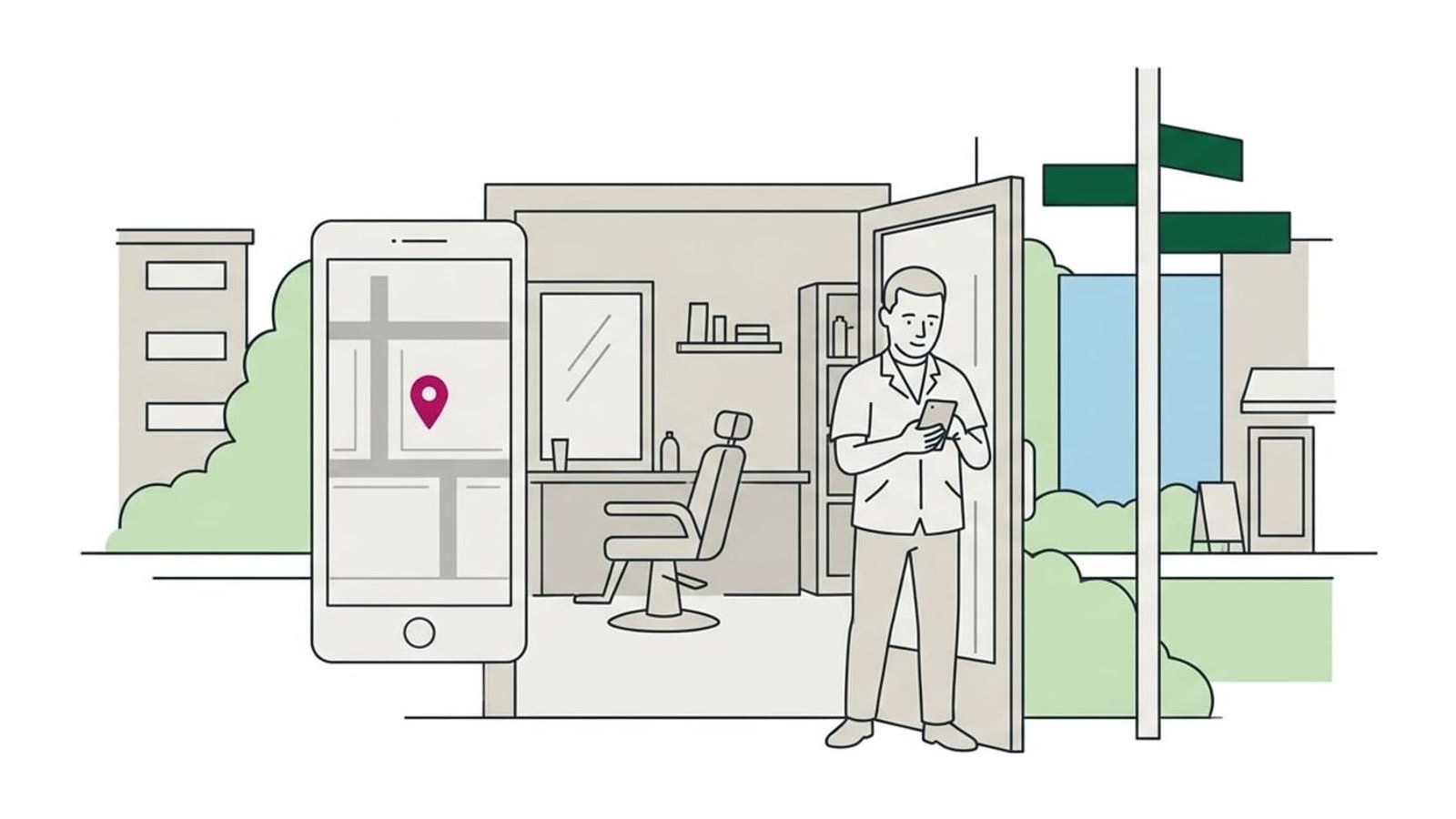
Service businesses are priced by cost per service, so the level follows your menu more than any single appointment. Consider a hair salon where a basic cut is the entry point and color appointments push the total higher.
Its most-booked services sit in the moderate range, so $$ fits, even though one luxury color costs far more.
Before you change anything, search your service on Google Maps and check the labels on the three or four salons closest to you. If you’re $$$ and they’re all $$, shoppers comparing options may pass you by. Accuracy beats ambition.
Nightly rates from budget to luxury hotels
Hotels are measured by the nightly rate, the typical price for a standard room on an ordinary night. Budget properties sit at the low end of the scale, while luxury hotels with spas and on-site dining sit at the top.
Compare your standard-room rate with nearby hotels, not the ones in the next city. The label reflects a typical night, not your best one.
What business-to-business services charge
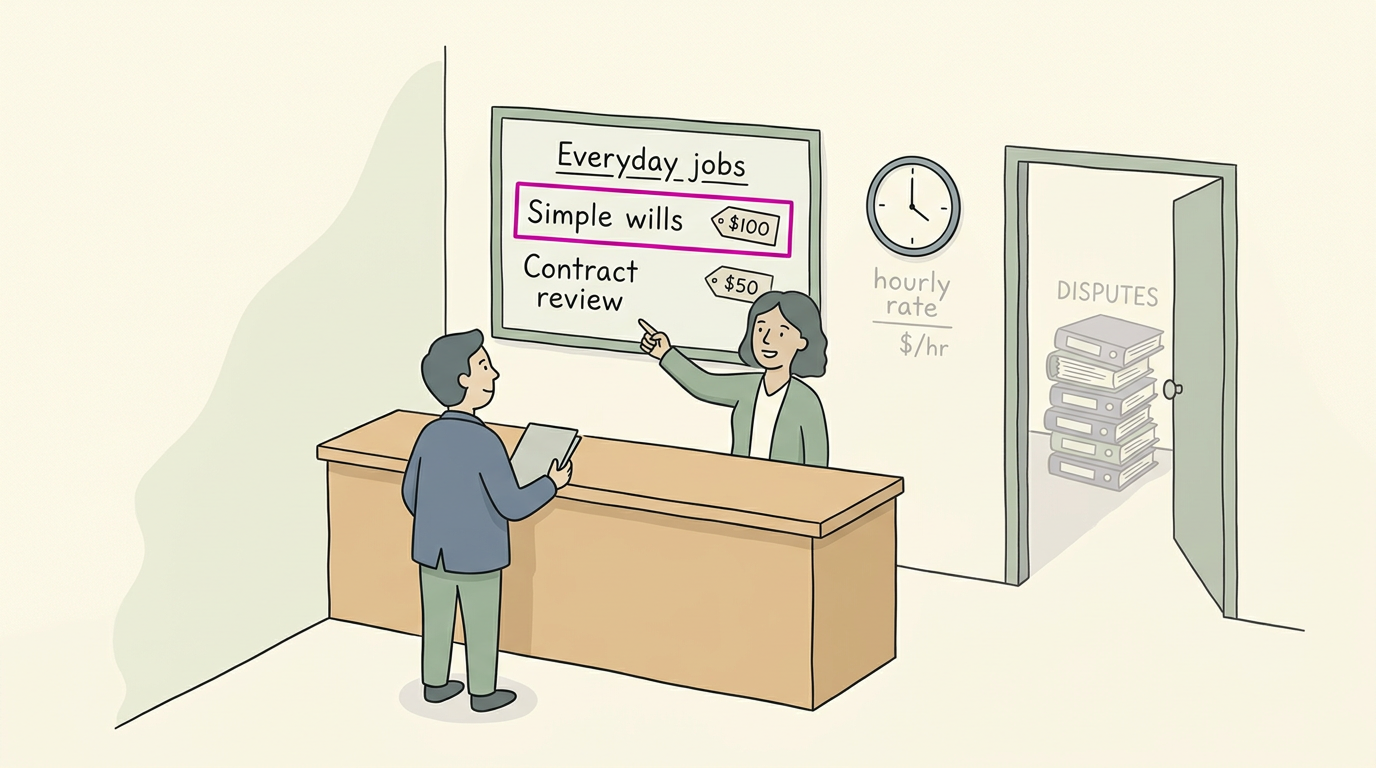
Business-to-business services, like consultants and IT firms, usually price by project size or an hourly rate. That means the label should match the typical job, not a single visit.
Consider a small law firm that handles simple wills and contract reviews, plus the occasional big dispute. Its typical client pays for one modest matter, so the label should reflect that everyday work. Your label is a promise, so keep it true.
Picking a Price Level That Fits You
Your price level is the quick signal searchers see about where your prices sit compared with other businesses.
What to weigh when choosing a level
A level is about comparison, not ambition. Weigh these before you choose:
- Industry and location. Your level is relative to your industry and your area.
- Customer expectations. Consider what your regulars already expect to pay.
- Competitor pricing. Check what similar businesses nearby actually charge.
- Regional differences. Prices shift by region, so a big-city level may overshoot a small town.
- Match the label to your actual prices. Reflect what people really pay, not what you hope they’ll pay.
Consider a bakery owner who sets her listing to $$$$ because her custom wedding cakes are premium. Her everyday pastries and coffee cost far less, and most walk-in customers want those. The label scares off the people she actually serves.
Matching it to her everyday menu brings in calls from the customers she wants.
If your label is off, correct it on your listing so it reflects what you charge. Accuracy wins.
How Google reads the dollar sign levels
The symbols are less precise than they look. schema.org, the standard vocabulary for structured data, doesn’t set strict meanings for each dollar sign, and search engines may read them differently. Treat the symbol as a rough signal, not a precise price.
The dollar sign is used regardless of currency, so it marks a relative level, not a number of US dollars. If you’re asking why your Google shows prices in USD, that’s a separate matter from the symbol.
Check how your own prices are entered and correct them there if they’re wrong.
Google Search Operators and Symbols to Know
Google’s search box understands shorthand commands called search operators. These are the ones worth knowing:
Symbols that change how searches work
- Asterisk wildcard:
best * repairlets Google fill in the missing word. - Minus excludes words:
bakery -frozendrops any page that uses the word frozen. - Tilde (~) similar terms:
~bakeryalso pulls in results that use similar terms. - Quotes (” ”) exact match: Quotes lock in a phrase, so you get exact wording instead of loose matches.
- Two periods (..) number range: Searches a range between two numbers, covered below.
Searching for dollar amounts with two periods
Two periods search between two numbers instead of matching one exact figure. Add a dollar sign to each number and you can search by price.
A used-car lot manager pricing a sedan can search used sedan $10000..$15000 to see pages that mention prices in that range. A quick scan gives a rough sense of the market before you set your own price. That’s the whole trick.
Word commands like site and filetype
- filetype: and ext: Both find files of one type, such as PDFs.
- define: and synonym:
define:gives a word’s meaning, andsynonym:finds alternate words. - cache: Shows the last cached version of a page.
- site: and inurl:
site:limits results to one website, andinurl:matches a word in the web address. - AND, OR, NOT logic: Typing words together narrows results, while OR widens them. NOT excludes a term, like the minus sign.
A plumber checking how a rival describes its drain work can type site: before the rival’s domain plus drain cleaning. The results reveal which of those pages the rival has, so the plumber can decide whether their own needs work.

Easy Ways to Sharpen Everyday Searches
Most people type a few words and hope for the best. A few small changes can get you there faster.
Narrowing a search with the right words
Four habits help most:
- Use specific keywords. Name what you need, then add a modifier, a word that narrows results, like ‘open now.’
- Add your city or neighborhood. A search for ‘plumber’ plus your town gets you results closer to home.
- Spell queries correctly. A small typo can send Google in the wrong direction.
- Keep modifiers few. Fewer modifiers carry more weight, so pick the two or three that matter most.
Why Google answers before you click
Google tries to understand search intent, what you actually want rather than just the words you type.
According to a research paper titled Direct Answers in Google Search Results, Google uses machine learning to interpret that intent and provide direct answers on the results page.
The direct answer snippet, also called the featured snippet, was introduced in 2016.
Picture someone with a leak under the sink typing ‘emergency plumber near me’ at 9pm. Google reads that as an urgent need, so the local listings that clearly match it get the call. More people are adding ‘near me’ to their searches, too.
You may also see summaries that Google writes with artificial intelligence, known as SGE (Search Generative Experience).
Why Google ignores most other symbols
Google ignores most special characters, like $, #, and !, when it runs a search. So typing ’$$’ into the search box won’t tell Google what you’re after. Words do the heavy lifting, and symbols mostly don’t.
Keep searches simple: a few clear words usually beat a string of punctuation.
Those dollar signs are a small detail, but they shape who walks through your door. When your price level matches what you charge and what customers expect, the people who find you are ready to book.
This week, check your listing, make sure the symbol tells the truth, and keep your info current so people know what to expect. Get the signal right, and the right customers find their way to you.
References
- Direct Answers in Google Search Results — ieeexplore.ieee.org (2020)
Questions
What is the meaning of $$?
On Google, $$ indicates a moderately priced business compared with similar businesses nearby. It is a rough relative signal, not a specific amount of money.
Why is my Google showing prices in USD?
Google may display prices in USD because of your region, account or device location settings, or the currency used by the source listing. Check the currency and location settings in the service where the price is shown; the $$ price-level symbol itself does not mean US dollars.
What does $$ mean for a restaurant?
For a restaurant, $$ means a moderate typical cost per person for a meal, often including a drink or two. It describes the expected bill, not the quality of the food.
What do the symbols mean on Google?
Google symbols can indicate different things depending on where they appear. For business listings, $, $$, $$$, and $$$$ are rough price levels from inexpensive to premium; in searches, symbols such as quotation marks or a minus sign can act as search operators, while many other special characters are ignored.
Sources
- Direct Answers in Google Search Results, ieeexplore.ieee.org,