How to Get Your Website to Show Up on Google
How to get your website to show up on Google starts with checking indexing, targeting the right keywords, and improving pages, speed, links, and reviews.

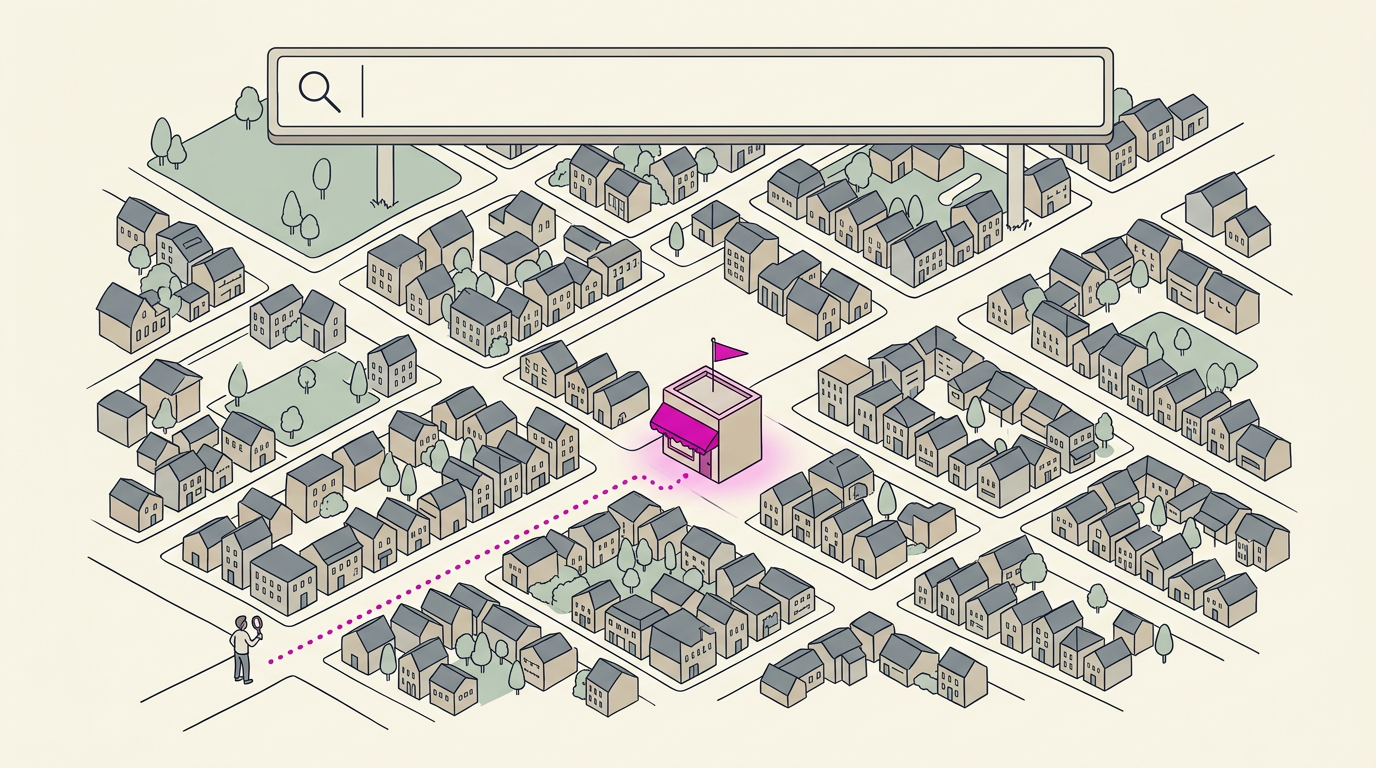
Getting your website to show up on Google means helping Google find, understand, and rank your pages for searches that match what you offer. Submit your sitemap, keep important pages open to crawlers, use relevant keywords and useful content, improve speed and mobile usability, earn relevant links, and maintain an accurate local listing with reviews. SEO builds over time, but consistent improvements can help more people find your site and bring nearby customers to call or book.
Think of your website as a shop with the lights on but the front door hidden in a dark alley. If Google can’t find it or doesn’t understand what you do, nearby customers will walk right past. Getting found comes down to a handful of steps, taken in order.
This guide covers how Google discovers and ranks your pages, from indexing and on-page basics to links, technical fixes, and diagnosing what’s going wrong.
We’ll also show you how your map listing, reviews, and a fast, plain site help nearby customers find you when it counts.
Get Your Website Showing up on Google
Getting found on Google comes down to search engine optimization (SEO), the steady work of helping Google understand your business.
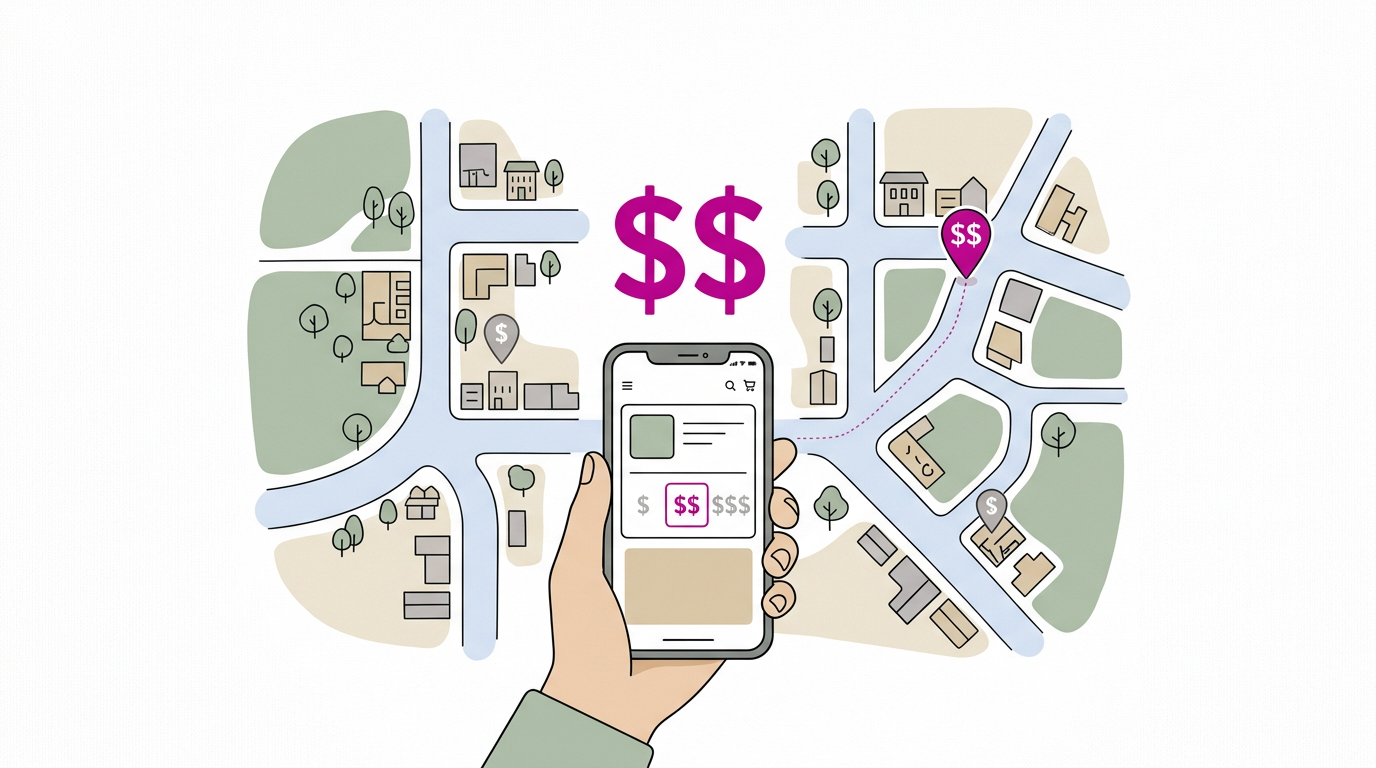
What a first-page ranking is worth
A first-page spot pays off in four ways:
- Most people skip later pages. Page one is where the attention is.
- Your website works as a 24/7 salesperson. It answers questions and takes bookings after hours.
- Greater traffic and conversions. A study on sponsored search, meaning paid ads, found a primacy effect on clicks: top listings drew the most attention. More visits mean more calls and bookings.
- Free exposure. Every search that shows your name is exposure you didn’t pay for.
Picture a bakery owner whose site ranks on page one for “custom cakes near me.” A Friday-afternoon search becomes a phone call about a birthday order. Not bad for a Friday.
Can a beginner do SEO?
Yes, you can, and you don’t need a tech background. Expect realistic results, though: SEO is a steady habit more than a one-time fix.
- No guaranteed first page. Nobody can promise a top spot, so be wary of anyone who does.
- Requires consistency over time. Results build slowly, so small regular updates beat one big push.
- Many ranking factors involved. Google weighs many signals, from your pages to who links to you, so no single fix does it all.
Is it free to put your website on Google? The basics are free, but your time isn’t. Here’s the split:
- What costs nothing: clear page titles, accurate hours, a fast site, and asking happy customers for reviews.
- What doesn’t: paid ads, which buy a top spot, and outside help from a web designer or SEO firm.
Why Is My Website Not Found on Google?
A website that won’t show up on Google usually has one of two problems: Google hasn’t found its pages yet, or the site is telling Google to stay away. Having a site and having Google know about it are two different things.
Submit your sitemap in Search Console
A sitemap is a list of your pages. You send it through Google Search Console, Google’s tool for site owners:
- Submit your site and sitemap. Add your site to Search Console, then send your sitemap so Google knows where to look.
- Monitor indexing performance. Check how many pages are indexed, meaning added to Google’s results, and whether your site is indexed at all.
- Spot crawl errors. A crawl error means Google tried to visit a page and couldn’t. Fix these first.
- See search queries and linking sites. Learn what people type to find you and which sites link to you.
- Request faster content updates. After changing a page, ask Google to recheck it instead of waiting.
Picture a bakery owner whose new site is live, but “bakery near me” searches still show her competitors. Once her sitemap is in and her pages show as indexed, Google can start showing her to nearby customers.
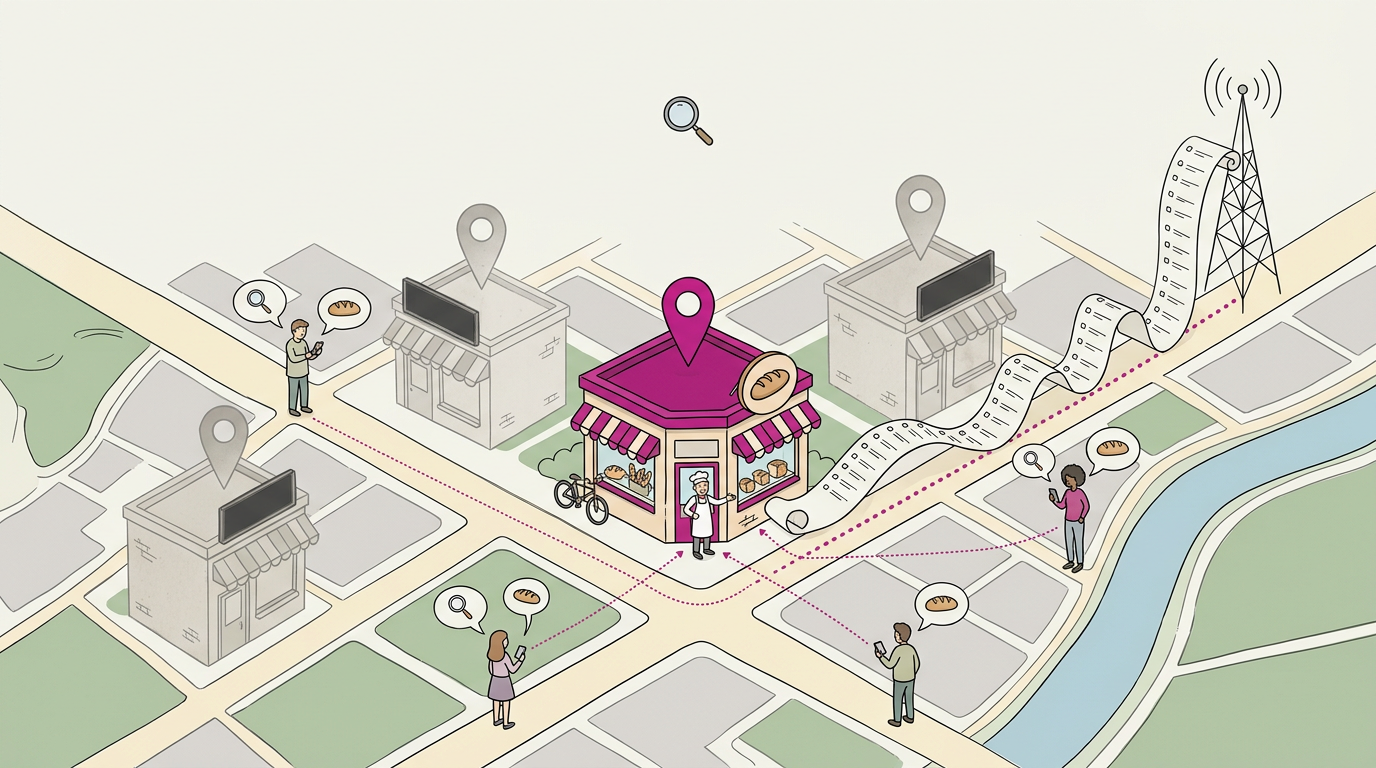
Use robots.txt to control crawler access
A robots.txt file is a short text file that tells crawlers, the programs Google uses to read pages, where they can go. It’s a set of requests, not a lock.
- Regulate crawler access. Decide which sections crawlers can visit, and keep your important pages open.
- Block certain pages. Keep out pages that don’t belong in search, like a staff login or a test site.
One stray line can hide your whole site, so check yours before you assume something else is wrong.
Find the Right Keywords to Target
Keywords are the words and phrases people type into Google. Pick the right ones and search engines learn what your pages are about.
Pick keywords that match what people want
Start with what people need, not what you sell. That’s search intent, the goal behind a search. Someone typing “plumber open now” needs help today, while “how to fix a leaky faucet” may be a question that never turns into a call.
Weigh three things for each phrase:
- Volume: how many people search for it.
- Competition: how many businesses already fight for the top spots.
- Relevance: whether it describes what you actually offer and where you work.
Read competition against your domain authority, a rough score of how strong your site looks to search engines next to others. A newer site will struggle with broad phrases. Go specific first.
Give each page one focus keyword, the main phrase it’s built around, plus a few secondary keywords that cover related wording. Think of a dental clinic with a page for “emergency dentist open Sunday.”
A parent with a chipped tooth on a Sunday night types that exact phrase, and the page gives them a number to call.
Tools for finding keyword ideas
You don’t have to guess. Here’s where we’d start:
- Google Keyword Planner: a tool from Google that estimates how often phrases are searched.
- Semrush: a suite that shows search volume, competition, and related phrases.
- Ubersuggest and Ahrefs: Ubersuggest is a simpler starting point, while Ahrefs digs deeper into what competitors rank for.
Pick two or three phrases per page, then move on.
Optimize Each Page and Its Content
Every page on your site can bring in a customer, but only if it clearly says what it covers and who it’s for.
Set titles, descriptions, headings, and alt text
Start with these four basics:
- Page titles. The clickable headline in search results. Name the service and your area, like “Water Heater Repair in Your City.”
- Meta descriptions. The short summary under the title, one or two sentences.
- Heading structure. Use the H1 (main heading) for the page name, then H2 and H3 subheadings (smaller headings) in order.
- Alt text and URLs. Alt text describes an image for screen readers and search engines, so “Technician replacing a water heater” beats “IMG_4432.” Keep URLs (web addresses) short.
Place your key phrase in the title and first paragraph, using it naturally, not repeatedly. Repeating it a dozen times reads like a sales flyer.
Create original content people find useful
Good content answers the questions customers already ask at the counter. Think of a bakery owner who hears “Do you do gluten-free cakes?” every week. A page that answers it fully, not briefly, does more for you than generic copy.
Write from what you know, and use clear, well-lit photos with alt text.
Blogging extends your reach: each post that answers a real question gives people one more reason to find you.
Link your own pages together
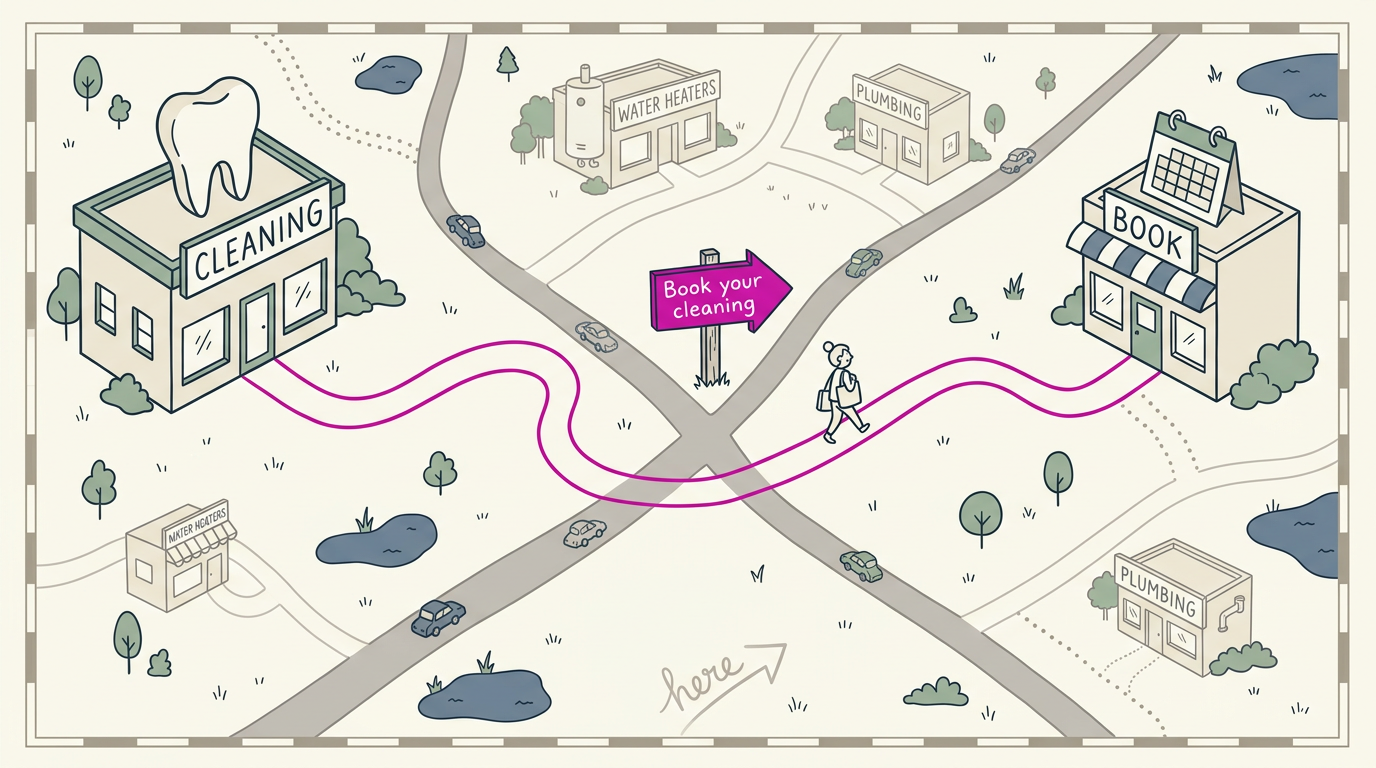
Internal links connect one page of your site to another. Think of a dental office whose cleaning page links to the booking page, so nobody has to hunt for the menu. These links help people navigate and give Google context about how your pages relate.
Describe the destination: “see our water heater repair options” beats “click here.”
Refresh old posts with current details
Think of a restaurant whose post still lists last year’s hours and a phone number that’s since changed, so customers call the wrong line.
We’d review older pages every few months and check:
- Update contact info, including phone, address, and hours.
- Refresh keywords to match the words customers use now.
- Add the latest information, like a new service or process.
- Replace outdated photos with current ones of your shop and team.
Refreshing a post takes less effort than starting over. Keep yours current.
Technical Fixes and a Better User Experience
Getting found is only half the job. Once someone clicks through, your page needs to load fast, work on a phone, feel safe, and pass a check for search engine optimization (SEO) issues, or they’ll head back to the results.
Speed up your pages
Start with your images, usually the heaviest files on a page. Image compression shrinks file size without a visible drop in quality. Look next at render-blocking resources, the scripts and style files a browser must finish before it shows anything.
Each file a page asks for is a request, so fewer requests mean a faster first view. Use fast hosting, the server your site lives on, since a slow server slows every page.
Finally, run your home page through Google’s PageSpeed Insights and work through its list. Nobody waits around for a slow page.
Make your site work well on phones
Your customer is often reading on a small screen in a parking lot. Responsive design rearranges your layout to fit whatever screen it’s on, so phones get one readable column instead of a shrunken desktop page.
The goal isn’t a site that looks impressive on your laptop. It’s one that works on a phone.
Mobile-first indexing means Google treats the phone version of your site as the main one when it decides how to file and rank you.
So hide heavy elements on mobile, like big background videos, and keep the essentials (hours, phone number, map link) front and center. Avoid popups and clutter too. Picture a bakery whose homepage opens with a giant photo and an email popup.
A customer searching ‘bakery near me’ at 7am gives up before the menu loads, and the cake order goes to the shop down the street.
Why visitor behavior affects rankings
Bounce rate, the share of visitors who leave after viewing one page, climbs as loading drags. According to research on mobile web performance, the probability of a mobile visitor bouncing increases by 123% as page load time goes from one to ten seconds.
Time on site matters for a similar reason: people who stay are usually finding what they came for.
And Google’s Search documentation confirms that a poor page experience can negatively affect your ranking, and notes that its Core Web Vitals, a set of page experience measures, are used by its ranking systems.
Keep your site secure with HTTPS
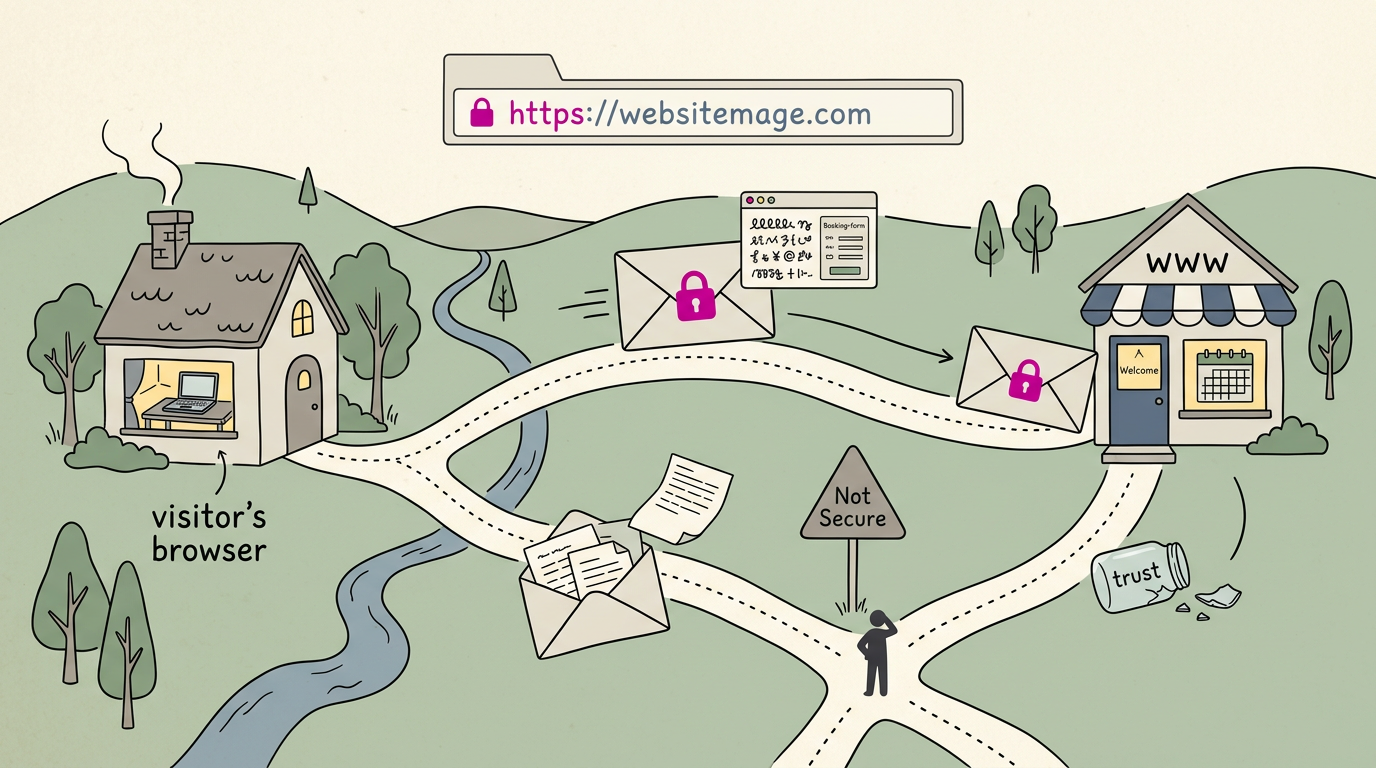
Your address should start with HTTPS (HyperText Transfer Protocol Secure), the encrypted version of the connection between a visitor’s browser and your site. Encryption scrambles data in transit, so a booking form or phone number stays private.
Without it, browsers can flag your site with a ‘Not Secure’ warning, and that label undoes the trust you’re building. Trust is hard to rebuild.
Check your site for SEO problems
Some issues hide in plain sight, so let a tool find them. A site audit like Semrush Site Audit scans your pages and lists the SEO issues it finds.
Start with the website health breakdown, a summary of your site’s overall condition, and fix the biggest problems first.
Earn Links from Other Websites
Other websites linking to yours can help Google decide to show your site. Here’s how those links work and how to earn more of them.
Why backlinks act like trust votes
A backlink is a link from another website to yours. Each one signals endorsement, like a neighbor vouching for you. Google treats those signals as votes of trust.
Quality matters more than quantity. A few links from relevant sites beat dozens from random ones. Picture a plumber mentioned by the local home builders association and a neighborhood news site.
Those two links say more than a hundred listings in a directory nobody visits.
So avoid spammy bulk link services. They sell links that don’t reflect real endorsement, so they add little trust.
Seek authoritative, related sites instead: a respected local group, a trade association, or a blog your customers already read. Trust takes time.
Ways to build more backlinks
Building links isn’t complicated. It’s mostly outreach and good content. Start with these three:
- Outreach to sites and bloggers. Make a short list of local blogs, trade groups, and community sites, then send each a friendly note on why your work would help their readers.
- Create valuable long-form posts. A detailed guide answering a question your customers ask, like when a water heater needs replacing, gives other sites a reason to link. A bakery owner who writes a thorough wedding cake planning guide may find brides sharing it and calling to book.
- Social sharing and community promotion. Post your guides on your business pages, share them in local groups, and ask suppliers to pass them along. Each share puts your work in front of new readers.
Be Found Locally and Earn Reviews
Your free Google Business Profile puts you on the map for nearby searches, and reviews help decide who gets the call.
Set up your free Google Business Profile
- Register your free listing to appear in local searches and on Maps. Your spot in the map pack, the box of nearby results at the top, depends on profile details, reviews, and consistent info.
- Keep images, hours, and contact details updated. For example, a salon that posts holiday hours early catches the last-minute searcher instead of a closed sign. Keep it current.
- Set your service areas. Plumbers and mobile groomers who travel to customers list the towns they serve, so they show up in those searches.
A citation is any online listing of your business. Keep your name, address, and phone number (often shortened to NAP) identical everywhere: it’s less about how many listings you have and more about matching ones.
Check your profile’s insights for calls and direction requests, then compare months to see what’s working.
Get more reviews and reply to them
Ask happy customers for a review right after a good job, with a direct link.
Higher star ratings can increase your click-through rate, the share of people who see your listing and tap it. A study of Amazon sellers found that higher product ratings and more reviews made shoppers more likely to click.
It looked at online shopping, not local search, so treat it as a strong hint, not a guarantee.
Reply to every review, good and bad. Thank happy customers by name, and answer complaints calmly with what you’ve changed.
Reviews and replies build trust and authority, the kind that wins the call over the shop down the street.
Getting found on Google is a process, not a one-time trick. Make sure Google can index your pages, match them to what customers search for, and build trust through clear content, a fast site, and links from others.
For a local business, the payoff is practical: a complete map listing, steady reviews, and a site that loads quickly on a phone bring more calls and bookings from people nearby.
Start with your map listing this week, and let the rest build from there.
References
- The Effect of E-Commerce Reviews on Consumer Click and Purchase Behaviors: Evidence from Amazon Sellers — ideas.repec.org (2026)
- Boosting Mobile Web Performance: Advanced Techniques for Modern Websites — doi.org (2024)
- Investigating the effect of results ranking in sponsored search — asistdl.onlinelibrary.wiley.com
- Understanding Google Page Experience | Google Search Central | Documentation — developers.google.com
Questions
How do I get my website to pop up when searched?
Make sure Google can discover and index your pages by adding your site to Google Search Console and submitting a sitemap. Then use relevant search terms in clear page titles and useful content, keep your site fast and mobile-friendly, and build links from reputable websites. Local businesses should also create and keep an accurate Google Business Profile.
How do I get my business on top of Google search for free?
You can improve your chances of appearing near the top without paying by completing your free Google Business Profile, keeping your business details consistent, and earning genuine customer reviews. Optimize your website for relevant local searches with clear service pages and accurate contact information. No one can guarantee a top ranking, and results take consistent effort over time.
Why is my website not found on Google?
Google may not have discovered or indexed your pages yet, or your site may be blocking its crawlers. Add your site to Google Search Console, submit a sitemap, check whether pages are indexed, and fix crawl errors or accidental restrictions in robots.txt. Even after fixes, search visibility can take time to build.
Can a beginner do SEO?
Yes. Beginners can handle SEO without a technical background by starting with clear page titles, useful content, accurate business details, and a fast, mobile-friendly site. SEO takes regular effort, and rankings are not guaranteed.
Is it free to put your website on Google?
Yes. Google does not charge to crawl and index a website, and tools such as Google Search Console are free. You can pay for ads or professional help, but those are optional; the basic SEO work mainly costs time.
Sources
- Boosting Mobile Web Performance: Advanced Techniques for Modern Websites, doi.org,
- Understanding Google Page Experience | Google Search Central | Documentation | Google for Developers, developers.google.com
- The Effect of E-Commerce Reviews on Consumer Click and Purchase Behaviors: Evidence from Amazon Sellers, ideas.repec.org,
- Investigating the effect of results ranking in sponsored search, asistdl.onlinelibrary.wiley.com