UI UX Design Explained: Screens, Journeys and Flow
UI/UX design helps you make websites, menus, signs, and booking flows easier to use, with practical steps you can apply without hiring a designer.

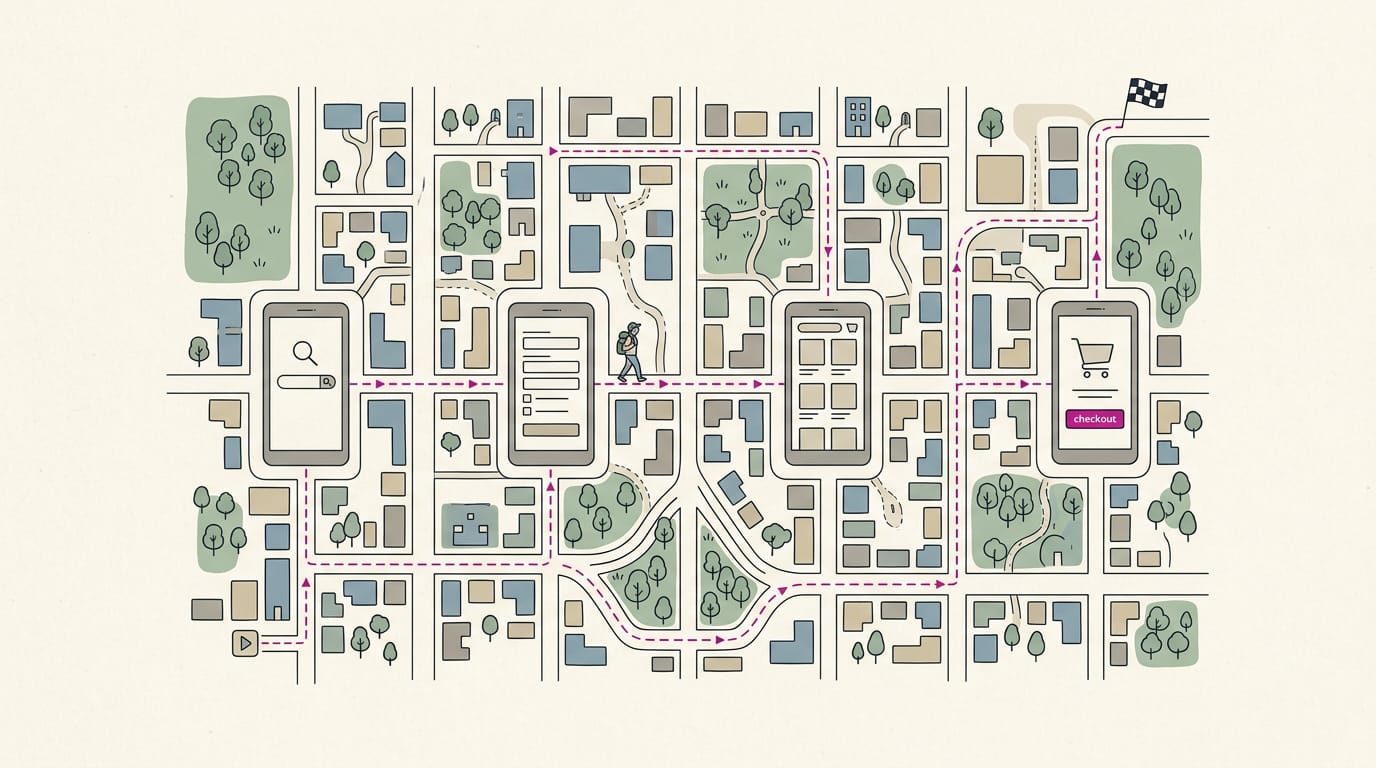
UI/UX design combines the visual controls people see and use, such as buttons and layouts, with the overall experience of completing a task. Effective design starts with understanding users, making each step clear and accessible, and testing early to find and remove confusion. In practice, simpler menus, websites, and booking forms help people finish what they came to do with less effort and frustration.
Think about the last self-checkout that actually made sense. You knew which button to tap, the screen told you what came next, and you were out the door in a minute. Somebody planned that on purpose.
That’s the core of user interface (UI) and user experience (UX) design. The UI is what people see and tap, and the UX is how the whole journey feels from first look to final booking.
In this guide, we’ll explain both, then show you how to apply them to your website, menus, signs, and booking flow without hiring a designer.
What UI UX Design Actually Means
Every time a customer checks your menu or taps a booking button, they’re using something someone designed. User experience (UX) and user interface (UI) shape that experience, and they’re easy to mix up.
What UX design means for users
UX is how a person feels and what they can get done, with less effort and less frustration. It’s user-centered and research-driven: you watch real people try to finish a task and fix what trips them up. Good UX is mostly invisible.
User experience design can affect satisfaction and loyalty. A study of a domestic low-cost airline’s app found that usability, accessibility, and aesthetics significantly shaped user satisfaction.
Think of a hair salon owner whose booking page hides open times behind three screens. She moves them to the first screen, so a client can book from the couch at 9pm.
A bakery that puts prices at the top of its menu saves customers from scrolling past photos.
What UI design covers on screen
UI covers the visual and interactive elements people see and touch:
- buttons
- typography (fonts and text sizes)
- color
- layout
Together they create the look and feel. Interfaces can be graphical or voice-based, like a phone line that reads your hours aloud.
How UX and UI design differ
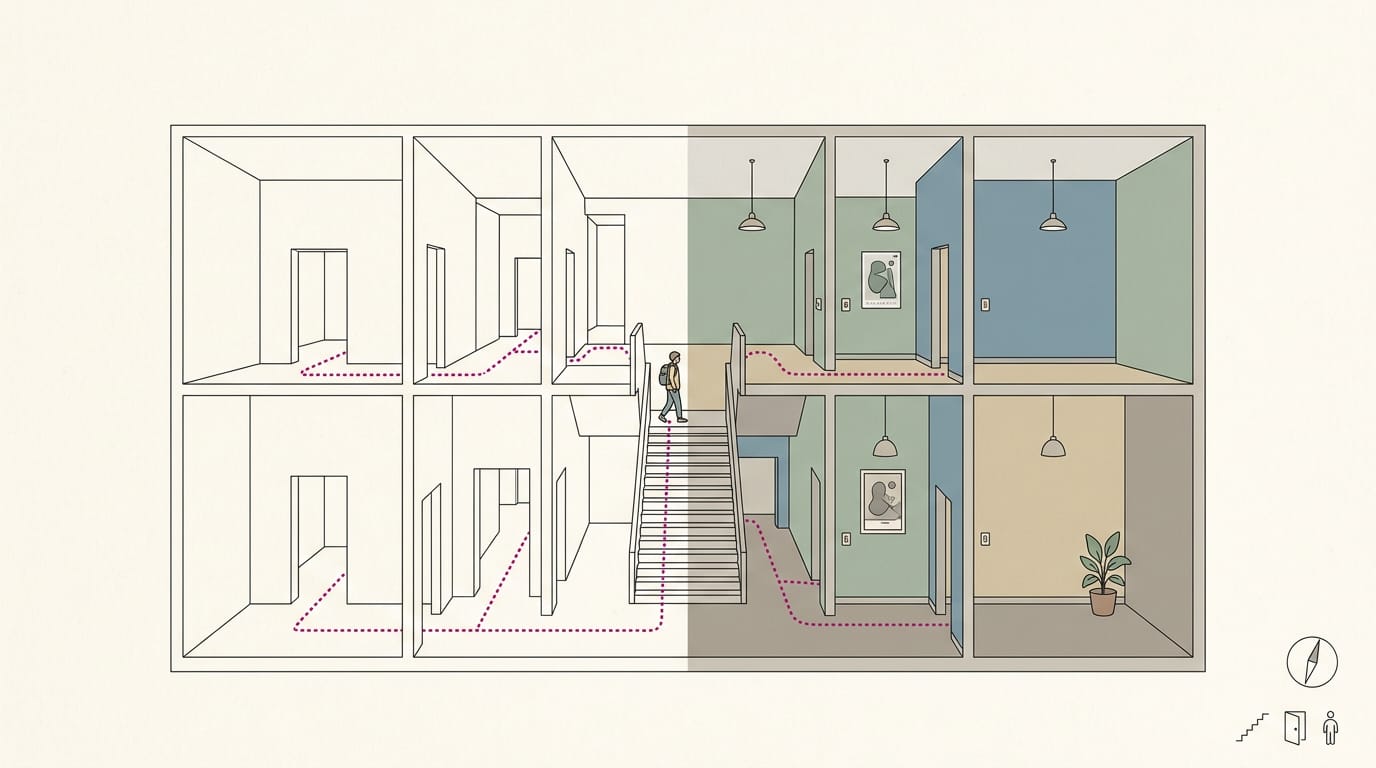
UX covers how something works, while UI covers how it looks. Think of a building: UX is the architecture, deciding where the doors go, while UI is the interior design, choosing the paint and light switches.
The two work hand-in-hand: clean visuals can’t rescue a confusing booking flow.
Is UX design like graphic design? Not quite. Graphic design is visual communication, like logos and posters. UX asks whether the thing works for the person using it. A striking poster that hides your phone number in tiny type still fails that test.
Where these fields came from
Roots go back to human factors and ergonomics, the study of how people fit with their tools. The term itself comes from Don Norman, who coined “user experience”.
Human-computer interaction (HCI) brought that thinking to screens, and interaction design and information architecture (organizing content so people can find it) sit alongside it.
Today it all links to customer experience, the whole journey your customers take.
What Makes a Design Work Well
Good design is about what happens when someone uses it.
How easy a product is to use
Designers call this usability, which rests on:
- Effectiveness (finishing the task)
- Efficiency (speed and effort)
- Satisfaction (how people feel afterward)
It’s a subset of user experience (UX). Usability is necessary but not sufficient: it’s the floor, not the ceiling.
A common mistake is a booking form that asks for everything up front, like a dental office demanding insurance details before showing open times. Here’s the fix: ask only for name, phone, and preferred day, and fewer patients give up.
Designing for people with disabilities
Accessibility means making your site and signs usable for people with disabilities. The POUR principles in the Web Content Accessibility Guidelines (WCAG) say content should be:
- Perceivable: people can sense it.
- Operable: people can use it.
- Understandable: people can follow it.
- Robust: it works across devices.
According to the Accessibility Guidelines Working Group Charter, accessibility work “also benefits older users and people without disabilities.”
On a menu, bigger type helps an older regular read the specials without squinting. Easier for one, easier for all.
Making screens look good and work well
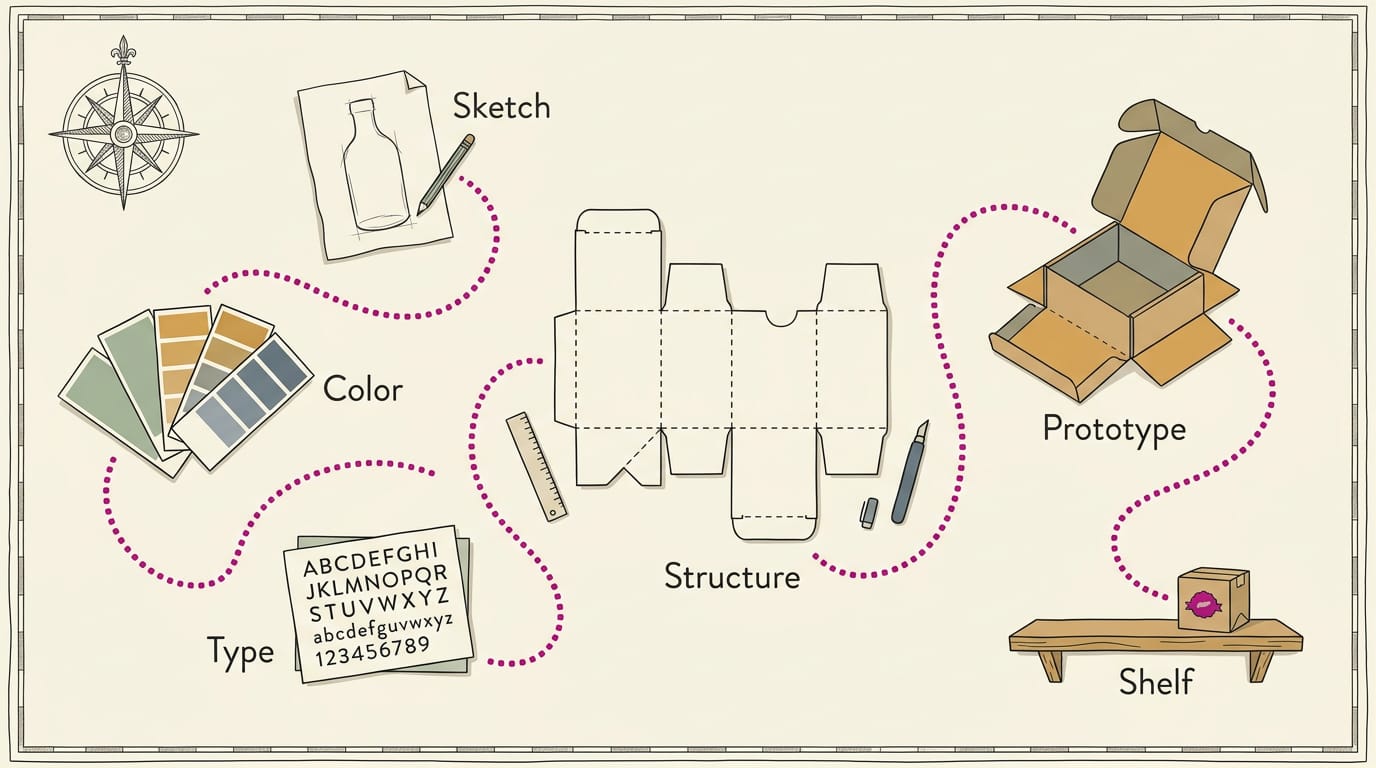
Gestalt principles explain why items placed close together read as one set. Visual design also shapes brand perception and desirability: how people see you and how much they want what you offer. Packaging design applies that same first-impression thinking to the box or label a customer holds.
Interaction design covers how controls respond, like a button that visibly changes when tapped. Good screens also blend skills like writing and motion design, such as a short confirmation animation.
Keep your van and website looking alike, so the logo a customer spots at a job site shows up online too.
The Steps and Methods Behind Good UX
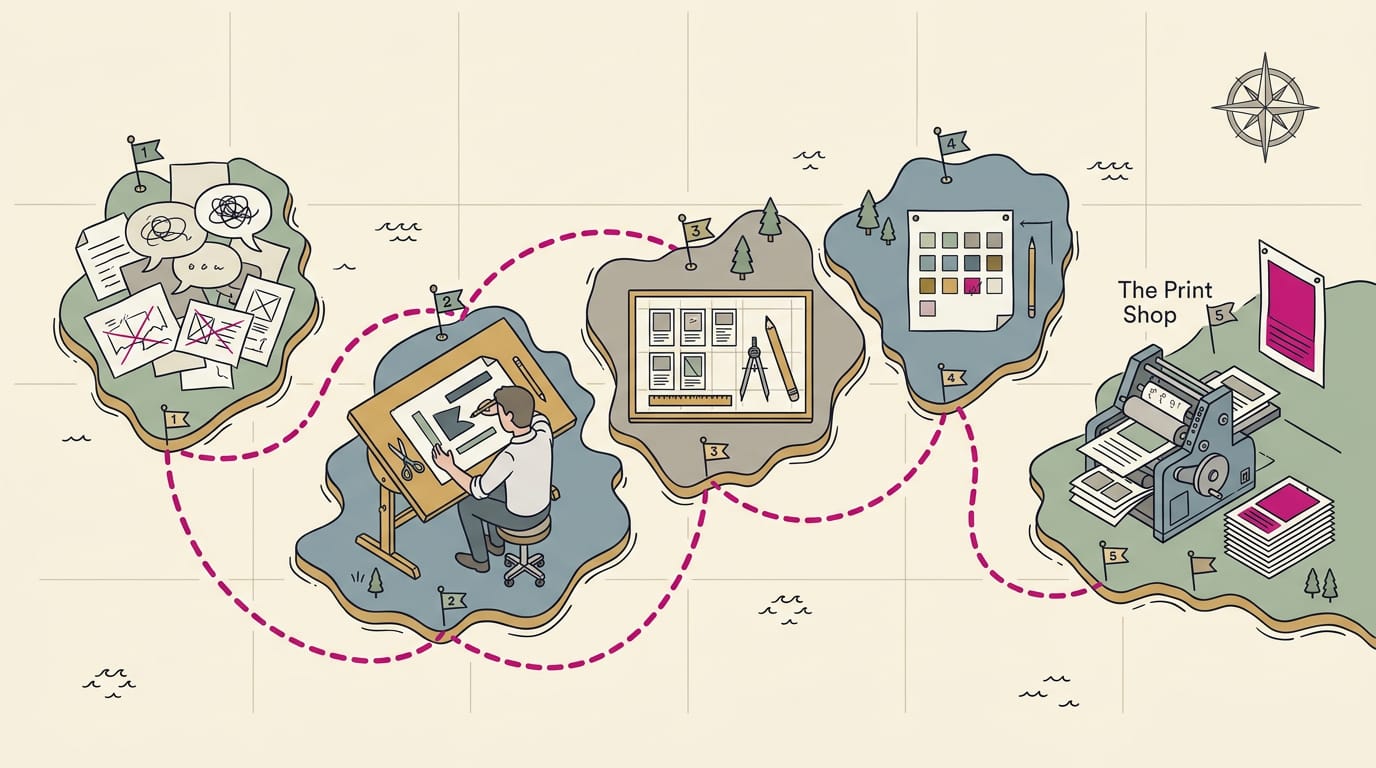
Strong user experience (UX) comes from a repeatable loop of listening, sketching, testing, and handing off clear plans. You can borrow every step at a small scale.
Learning what users actually need
Design starts with knowing who’s using it. These methods help:
- Interviews: short chats with real customers
- Surveys: quick questions for many people
- Field studies: watching people use your menu or sign
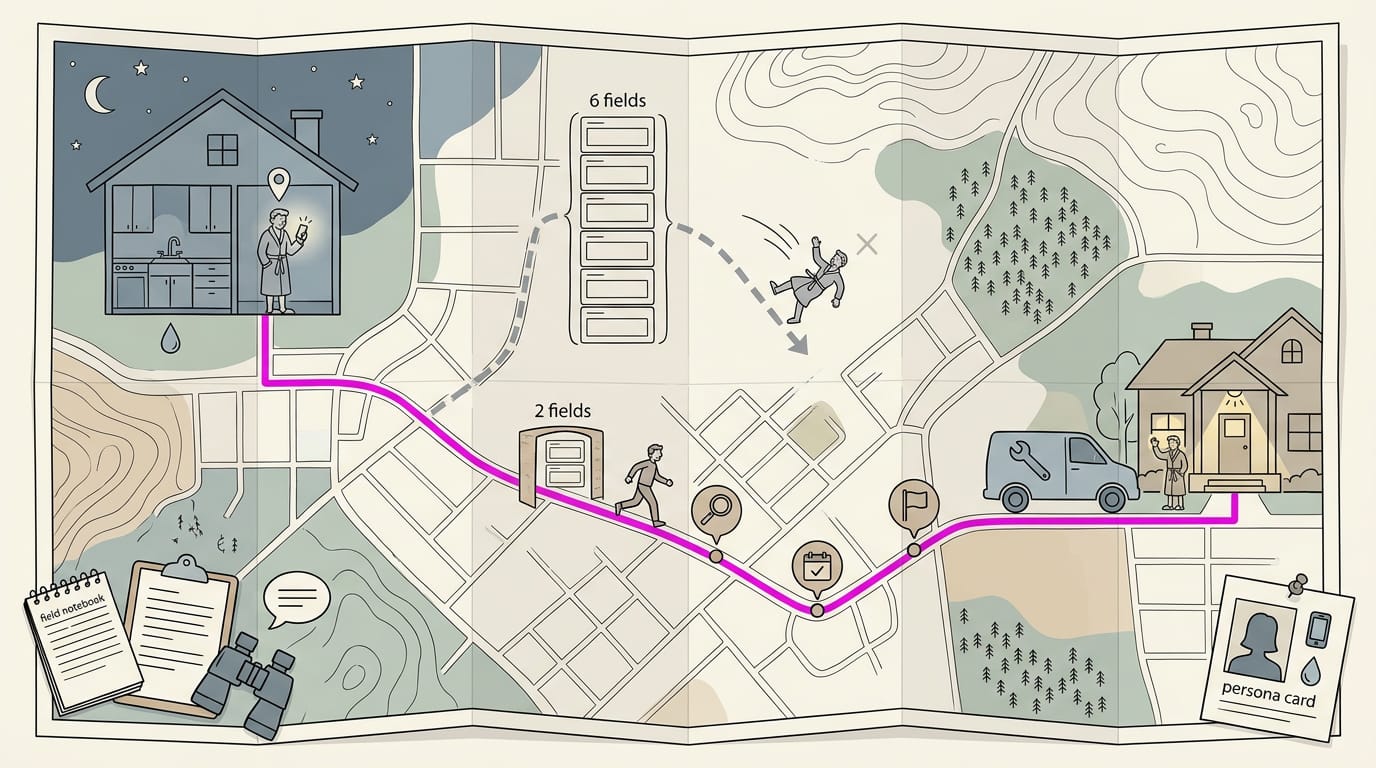
These reveal goals (what people want) and pain points (what frustrates them). Personas are typical customer profiles, a form of user modeling. Picture a plumber’s typical caller: a homeowner with a midnight leak, searching on a phone.
A six-field form may lose that person, while two fields keep them moving. Journey mapping traces each step from search to booking, so you spot friction.
Moving from rough sketches to final screens
Work moves through five stages:
- research
- define
- ideate (brainstorm)
- prototype
- test
Start with sketches and wireframes (bare-bones layouts). Next, map the information architecture (how content is organized) with a sitemap (every page at a glance) and user flows (steps to finish one task).
Only then build high-fidelity screens that look nearly finished.
Designs rarely work the first time, so you loop back and retest. Aim for better rather than perfect. A salon owner who shows a napkin sketch to three regulars can spot confusing steps for free.
Testing early with usability and A/B tests
Test early and often. You’re testing the design, not the person. A usability test has a real customer try a task, like finding your hours.
Qualitative methods (watching, listening) show why something fails. Quantitative methods (counts, percentages) show how often.
An A/B test shows two page versions to different visitors and keeps the winner. Automated testing tools record remote testers’ clicks, so you don’t watch every session.
Measure success with metrics like how many people finish a booking and where they drop off. If more finish after a change, it worked.
What designers hand over and document
Designers hand over more than pretty pictures:
- Wireframes, prototypes, and user flows
- Specification documents (written rules for each part)
- Mockups, personas, and presentations (polished visuals)
- Annotated wireframes (notes for developers)
Ask for these before hiring a web developer. A bakery owner who requests annotated wireframes can catch a missing pickup-time field before launch. Clear plans prevent surprises.
Tools, Teamwork and AI in Design
Most design work now happens in shared tools. Here’s how teamwork, libraries, and artificial intelligence (AI) fit in.
Working together in shared tools like Figma
Figma is a browser-based design tool where an owner, designer, and developer share one file. Its shared canvas holds every screen. Comments appear as people work, so you can point at the Book Now button and say what to change.
Teamwork means sharing decisions, not passing files.
FigJam is Figma’s companion whiteboard for brainstorming. Designs can also link to tasks in Jira, a project tracker, and notes in Notion, a shared workspace.
Interactive prototypes are clickable mockups. A salon owner can tap through her booking flow before anything is built. If she stalls on step three, she’ll catch the problem before customers do.
Keeping screens consistent with shared libraries
A design library is a shared set of standard parts, like buttons and colors, that every screen draws from. Picture a three-location restaurant whose menu board and website match. That’s consistency at scale.
Update the button once, and every screen using it follows. That master copy becomes the source of truth: the one approved version everyone checks against.
Some teams build code-backed prototypes from the live site’s own code, so testers click something close to the real thing.
Passing designs cleanly to developers
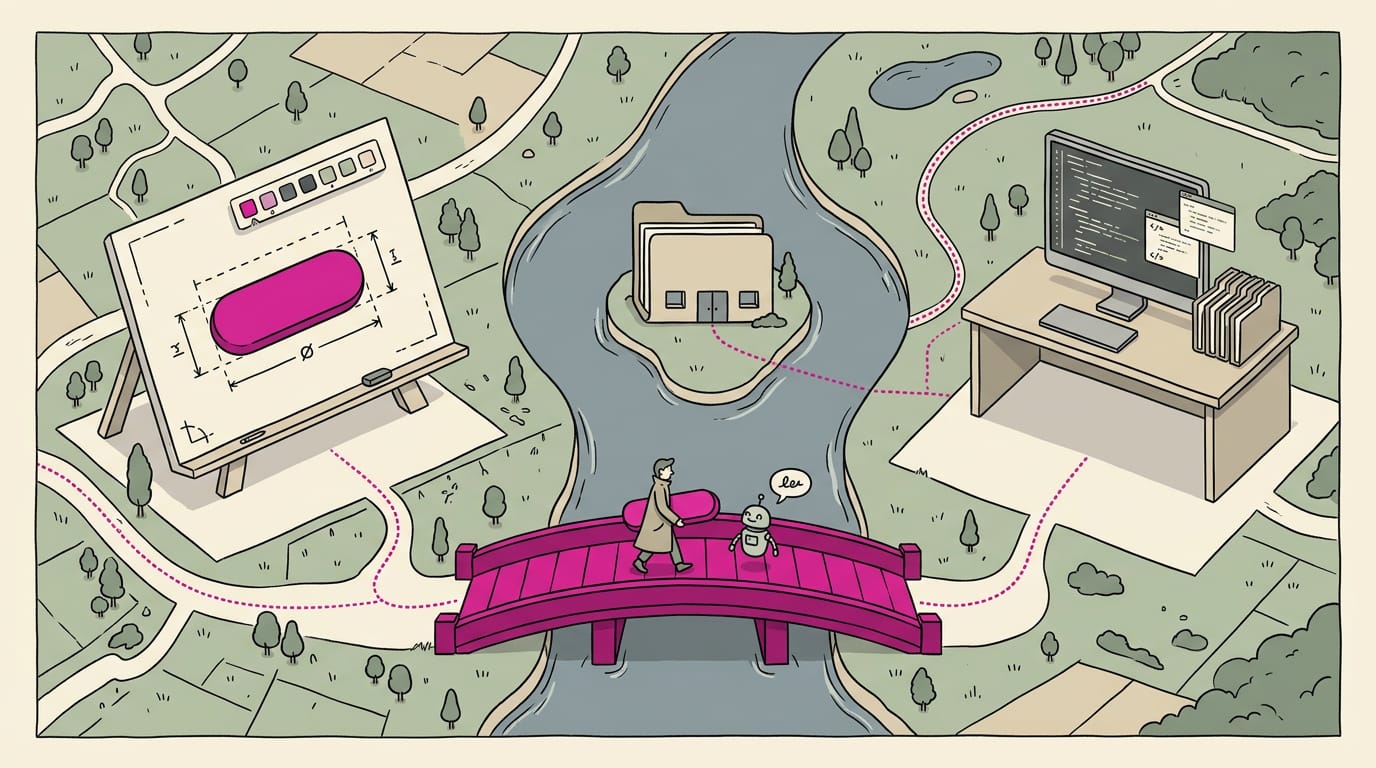
Figma’s Dev Mode shows developers spacing, sizes, colors, and exported images. Code Connect links design components to matching code, so developers see the real snippet beside the design.
A Model Context Protocol (MCP) server, a kind of connector, links AI tools to your code repository, the shared folder holding the website’s code. Design intent carries over too: the developer builds what a button does, not only how it looks.
How AI is changing UX work
AI is reshaping user experience (UX) work in a few ways. AI agents, helpers that work directly on the canvas, tidy layouts or draft a first screen. Ask for three menu layouts, then keep the one a new customer reads fastest.
Routine production gets quicker, so the valuable part shifts from making screens to deciding why customers need them. The hard part is still the thinking.
More people can now build products, too. An owner can sketch a sign-up page, test it with regulars, and bring the developer a clear picture.
Jobs, Careers and How to Get In
Design teams split user interface (UI) and user experience (UX) work into roles. Here’s who does what.
Who does what on a design team
Some roles focus on the flow of a task, others on the look.
- UX and UI designer: covers the flow and the look.
- Product designer: combines both roles.
- Researcher: asks customers what they need.
- Information architect: organizes content so people find things.
- Interaction designer: plans how buttons respond.
- UX writer: picks the wording on buttons and alerts.
Picture a bakery taking pre-orders: a UX writer might swap ‘Submit’ for ‘Reserve my order,’ so customers know what happens next.
Working alongside engineers and stakeholders
Designers share drafts with engineers and stakeholders, the owners and managers who sign off. Visual designers handle color and imagery, while industrial designers shape physical products.
The designer decides what a screen does, and the programmer works out how. Programmers build the design as intended. Work moves from concept to launch through sketches and prototypes.
Is UI/UX design well paid?
According to the U.S. Bureau of Labor Statistics, UX design is a high-demand career field. Any business with a website or booking system can use these skills, not just big tech.
A degree is one route, but a portfolio of your own projects shows what you can do. Coding isn’t required. Is it well paid? The same bureau publishes a median annual wage for web and digital interface designers, so you can judge with real numbers.
Is UX hard to learn? It’s learnable, but it takes steady practice. To learn as a beginner, redesign one screen you use daily, like a booking form.
Good design isn’t about fancy graphics. It’s about making the next step obvious, whether that’s a tap, a call, or a booking. The UI gives people clear controls, and the UX makes the whole visit feel smooth enough that they’ll come back.
You don’t need a design budget to start. A clearer homepage, a menu that’s easy to scan, and a booking form with fewer fields are all within reach this week.
Make the next step easy, and your customers will keep taking it.
References
- Effect of UX Design of Domestic LCC Airline App on User Satisfaction and Loyalty Intention — doi.org (2025)
- Occupational projections and worker characteristics : U.S. Bureau of Labor Statistics — bls.gov (2025)
- Accessibility Guidelines Working Group Charter — w3.org (2026)
- What is User Experience (UX) Design? — updated 2026 — ixdf.org
Questions
How to learn UI/UX as a beginner?
Start by redesigning one screen you use every day, such as a booking form. Learn the basics of user research, wireframes, prototyping, and usability testing, then test your redesign with real people and improve it based on what you observe.
What exactly is UI and UX design?
UI, or user interface, is the visual and interactive part people see and use, including buttons, colors, typography, and layout. UX, or user experience, is the overall journey: how easily and comfortably people can achieve their goals.
Is UI/UX design well paid?
UI/UX design can be a well-paid career, but earnings vary by role, location, experience, and employer. In the United States, the Bureau of Labor Statistics publishes median wage data for web and digital interface designers.
Does UX UI require coding?
No. Coding is not required for many UI/UX design roles, though understanding how websites and apps are built can help designers work effectively with developers.
What does a UX designer do?
A UX designer researches what users need, maps their journeys, and designs and tests ways to help them complete tasks with less effort and frustration. They may create wireframes, prototypes, user flows, and specifications for developers.
Do UX designers get paid well?
UX designers can earn well, though pay depends on experience, location, industry, and job responsibilities. U.S. wage data for web and digital interface designers is available from the Bureau of Labor Statistics.
Is UX hard to learn?
UX is learnable, but it takes steady practice. You need to understand users, identify problems, create possible solutions, and test whether those solutions work.
Is UX design like graphic design?
UX design is related to graphic design, but the focus is different. Graphic design communicates visually, while UX design focuses on whether a product or service works well for the people using it.
Sources
- Effect of UX Design of Domestic LCC Airline App on User Satisfaction and Loyalty Intention, doi.org,
- What is User Experience (UX) Design? — updated 2026 | IxDF, ixdf.org
- Accessibility Guidelines Working Group Charter, w3.org,
- Occupational projections and worker characteristics : U.S. Bureau of Labor Statistics, bls.gov,