What Is a Web Page? A Plain-Language Explainer
What is a web page? A diner-menu comparison shows how one page differs from a website, how browsers display it, and why each has its own online address.

A web page is a single document on the internet that a browser displays as text, images, links, and interactive features; a website is a collection of linked pages under one domain. Each page has its own address and purpose, so visitors can land directly on the information or action they need. Clear, fast, phone-friendly pages make it easier for people to find answers and take the next step.
Think about the menu at your favorite diner. Each sheet covers one thing, like breakfast or desserts, and together they make up the whole menu. Online, a single sheet is a web page, and the full menu is a website.
Simply put, a web page is one document on the internet that a browser turns into the text, photos, and buttons you see on screen. Every page has its own web address, so someone can land right on it from a search, a text, or a sign on your van.
What Is a Web Page, Simply Put?
In simple language, a web page is a single document on the internet that you open in a browser, the app you use to look at websites. Every website is built from them.
What one web page is made of
So what’s on a web page? Usually a mix of text, images, video, and links. Most pages also share a few typical elements:
- Headline: the big line that says what the page is about
- Text: your services, prices, or story
- Images: photos of your work or your storefront
- Menu: links to the other pages
It’s built with code that the browser reads and turns into the screen your visitors see. Its real job is to offer information or a service.
Consider a dental office’s “Book a Cleaning” page: a headline names the service, a short list shows prices, and a form lets a patient pick a time. The payoff: a patient books in a minute without tying up the front desk.
What sets every page apart
Each page has its own content and purpose. Your services page explains what you do, while your contact page gets people to call.
Each page also has its own distinct URL (Uniform Resource Locator), its web address, so you can send a customer straight to the booking page.
Some pages include interactive elements like forms, and a page can be any length, from one short screen to a long scroll.
Picture a website as a book
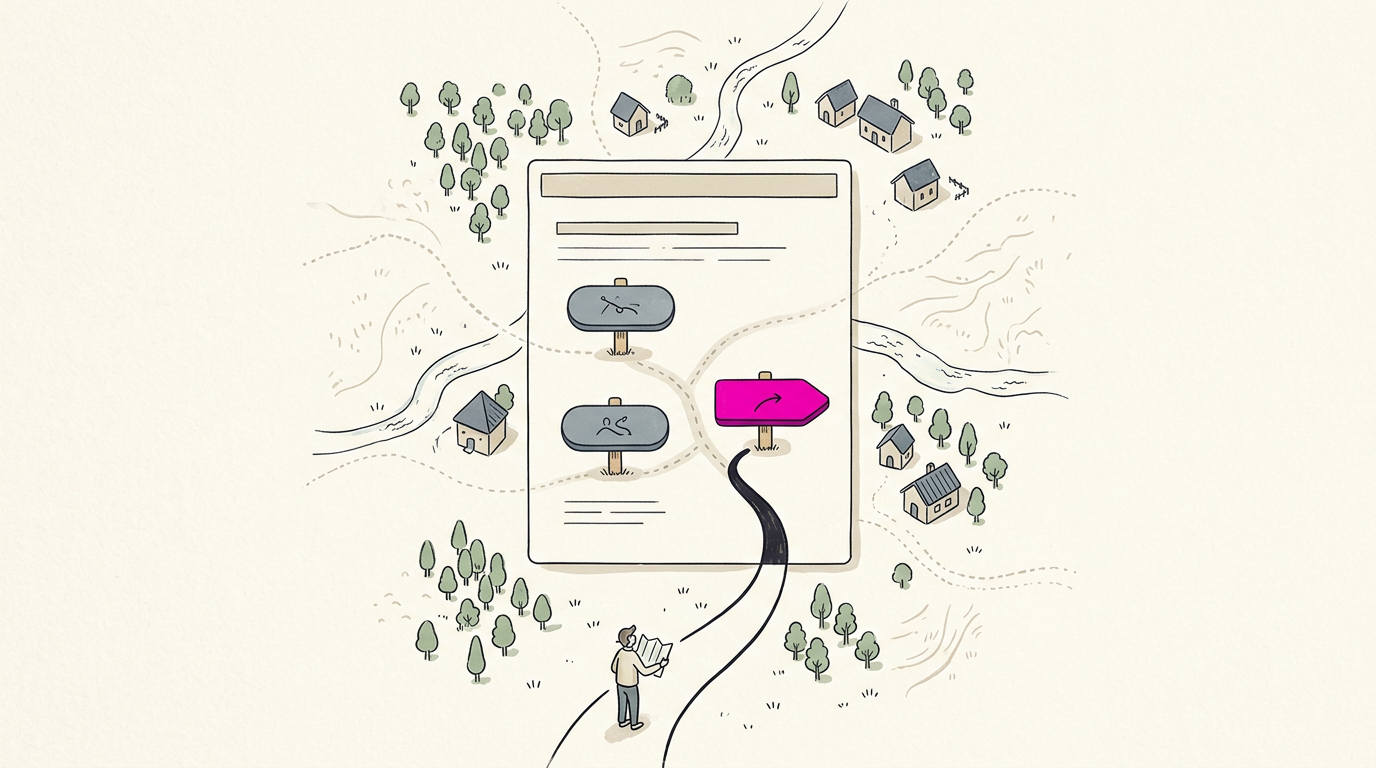
Think of your website as a whole book, and each web page as one page inside it. A page is one part of the book, not the whole thing. Each page has its own address, so a visitor can land on your pricing page directly. That’s the whole idea.
How a Page Differs from a Website
Pages and websites get mixed up all the time, and it’s no wonder. Knowing how they differ helps you decide what you actually need.
What makes up a whole website
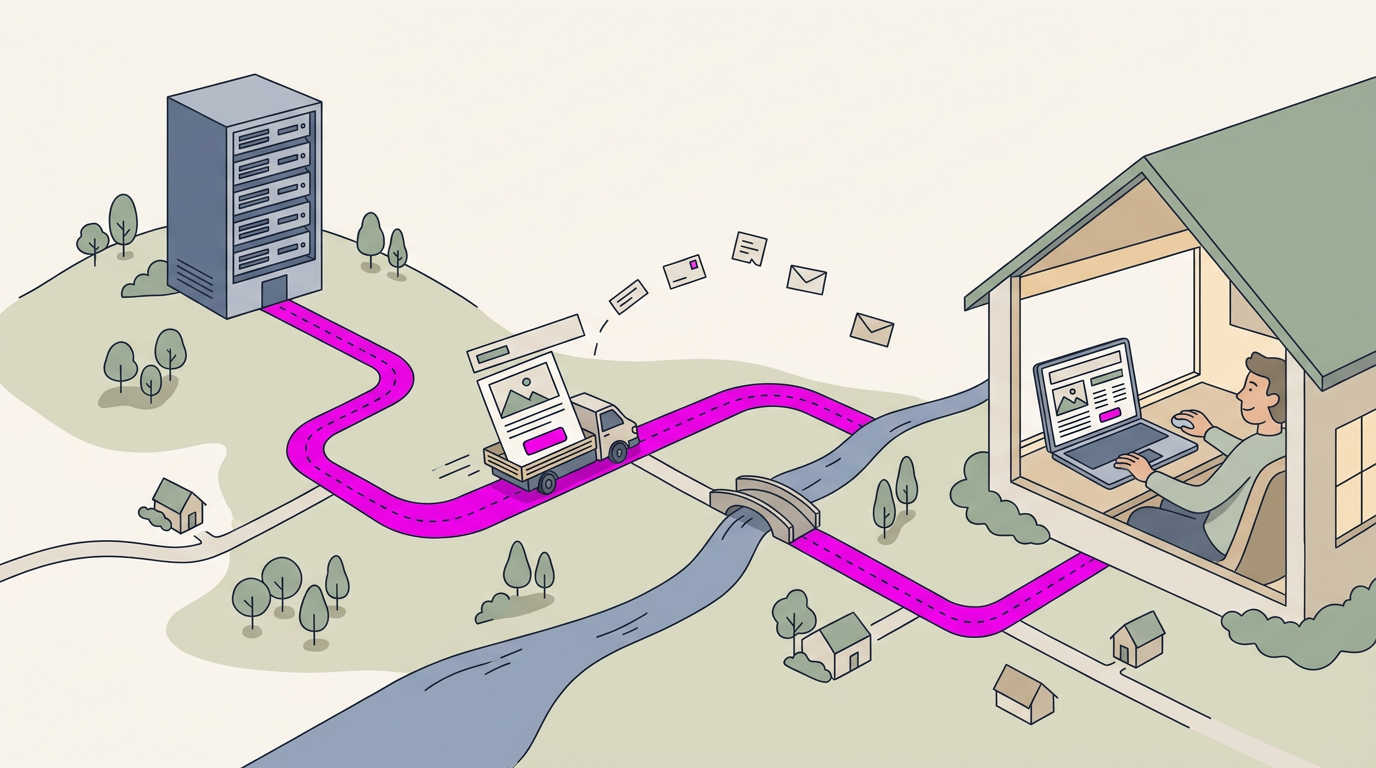
A website is a collection of linked web pages under one domain name, the address people type in, like yourbusiness.com. Each page is hosted on a web server, a computer that stores your files and sends them to visitors on request.
Because they share one name and link together, they feel like one cohesive, unified place.
How pages and sites are structured
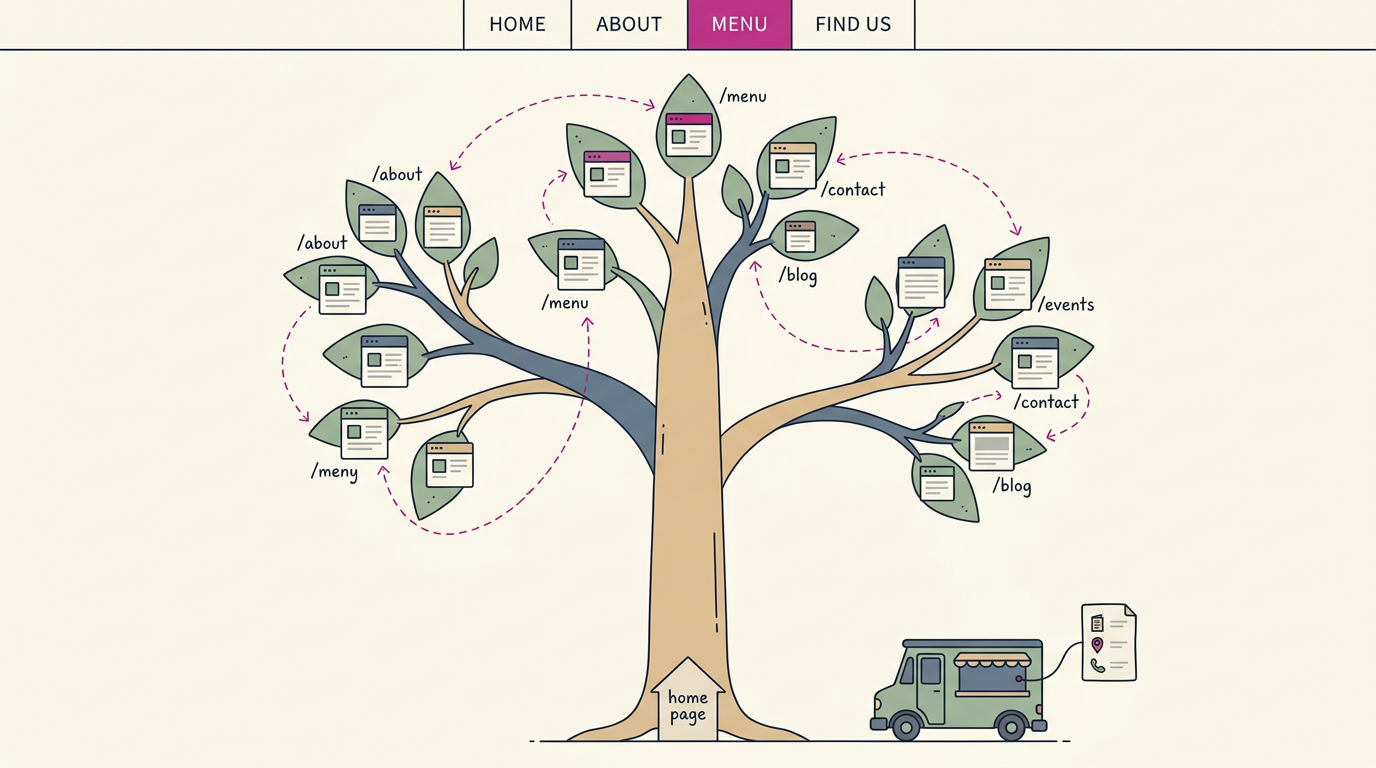
Think of a website as a tree. The home page is the trunk, sections branch off it, and each page is a leaf at the end of a branch. Pages on one site share the domain but get their own slug, the ending that names each page, like /contact.
Navigation menus, the link lists across the top, and hyperlinks, the clickable text inside a paragraph, let visitors move between leaves.
Some businesses only need one page. A food truck can run a one-pager with the menu, today’s location, and a phone number. Small is fine.
What each one is meant to do
A page targets one task. A website has broader goals, usually a mix of three:
- Information. Hours, services, directions, and answers before the call.
- Transactions. Bookings, quote requests, or purchases.
- Community. Reviews, photos, and a place for regulars to connect.
Take a dental office. Its home page covers the big picture, but its booking page has one job: a patient on a lunch break requests a cleaning in a minute, so the front desk gets a booking instead of a voicemail. One page, one job.
Common mix-ups in site terminology
- Terms aren’t synonyms. A page is one part, and a site is the whole, like one room versus the whole house.
- People mislabel sites as pages. A customer who says ‘your page’ usually means the whole site.
- Web page or webpage? Both show up. We use the two-word form.
- Website, web site, or site? We use website. ‘Web site’ is the two-word spelling, and ‘site’ is shorthand for either.
- Website versus blog site. A blog site is still a website, just one built around regular posts.
How Web Pages Load and Display
Every page follows the same chain of steps, from typing an address to a finished screen. Knowing it shows where slow pages cost you calls.
The languages that build a page
A web page runs on a few languages, each with one job. The core one is HTML, which stands for HyperText Markup Language, and it handles structure: headings, paragraphs, and buttons.
- CSS (Cascading Style Sheets) handles appearance, like colors and spacing.
- JavaScript handles functionality, like a button that reacts to clicks.
- Server-side scripting languages run on the server and build content before the page is sent.
HTML says what is on the page, and CSS says how it looks. Take a dental office’s “Book a Cleaning” button: HTML creates it, CSS sizes it, and JavaScript opens the calendar. Patients book from their phones at lunch instead of calling.
How your browser builds the page
That code is a set of instructions your browser follows to assemble the page on your screen, piece by piece. Curious? Right-click almost any page, choose View Page Source or Inspect, and try it on your own site.
Getting a page from server to you
Every visit starts with a URL (Uniform Resource Locator), the full web address of one page. Entering it sends a request to a web server, which stores the page and sends back a response. Your browser turns that into the page you see.
Page speed (how long a page takes to appear, also called load time) depends on file size, photos, and signal. Think of a plumber whose emergency page has oversized photos.
A homeowner in a wet basement on one bar of signal may give up before the number appears. Compress those images and the number shows sooner. Seconds count.
Prebuilt pages or pages made on demand
A static page is prebuilt as a finished file, so every visitor gets the same thing.
A dynamic page is generated at runtime, the moment someone requests it, often by pulling details from a database, an organized store of information like open appointment times.
Static pages are built before anyone visits, and dynamic pages are built when someone does.
Static pages are generally quicker, since nothing is assembled on request. Dynamic pages do more work per visit but can show live details.
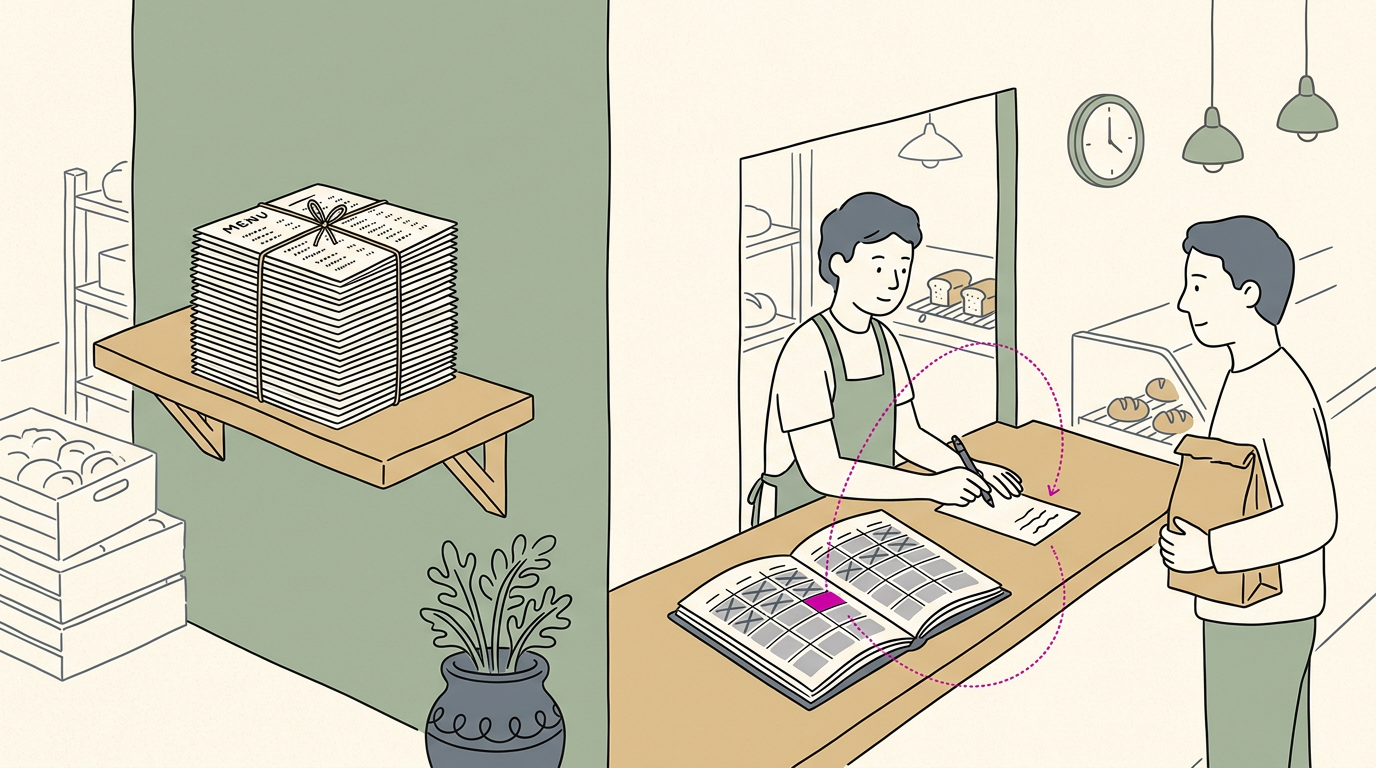
For example, a bakery’s menu can stay static, but its pickup-time page should be dynamic so it offers only open slots.
The Parts and Kinds of Websites
Every site runs on the same basic parts, and knowing them helps you judge what you’re paying for. Here’s what they are and the common types you’ll run into.
The core pieces every site needs
Every site has a few parts working together:
- Web host: where your files are stored so the site stays online.
- URL (short for Uniform Resource Locator): the full web address of a single page.
- Homepage: the first page visitors land on, and it should say what you do.
- Design: the layout and colors that make a page easy to read and trust.
- Content: the words, photos, and prices people came for.
- Navigation structure: the menu links that help visitors move between pages without getting lost.
A domain name is the address people type, while hosting is the building behind it, where your files live. A website builder is the tool you use to design the rooms. They’re separate jobs, so know which one you’re paying for.
Popular kinds of sites you’ll see
Most sites fall into a few common types:
- Blogs: dated posts, newest first, that give people a reason to return.
- E-commerce: visitors browse, add to a cart, and pay online.
- Portfolio and brochure: a few clear pages that show what you offer and make calling easy. A plumber’s version lets a customer with a leak at 9pm call in one tap.
- News and magazines: frequent articles on current events or a subject.
- Social media: profiles on platforms someone else runs, best used alongside a site you own.
- Educational and portal: a subject taught, or tools and links gathered in one place.
The kind of site matters less than what visitors do when they land. Simple wins. For most local businesses, a brochure site is the place to start.
Why People Build Websites and Pages
Every page you see online was made for a reason, and knowing yours tells you what belongs on it. Here’s what people build pages for, and where your business fits in.
What people use web pages for
Some pages exist to entertain or inform. A recipe, a how-to guide, or a local news story gives readers something to enjoy or learn, and they usually leave once they’ve got it. That’s a fine purpose, but it isn’t the one that fills your calendar.
Anyone can create a page, and that’s why the web holds everything from hobby blogs to giant corporate sites. A hobbyist can publish from the kitchen table using the same basic tools a large company uses.
The tool isn’t what matters, though. What matters is why the page exists.
For your business, the goal is conversion: getting a visitor to take the next step, like calling, booking, or requesting a quote. A good page engages visitors, informs them, and converts them.
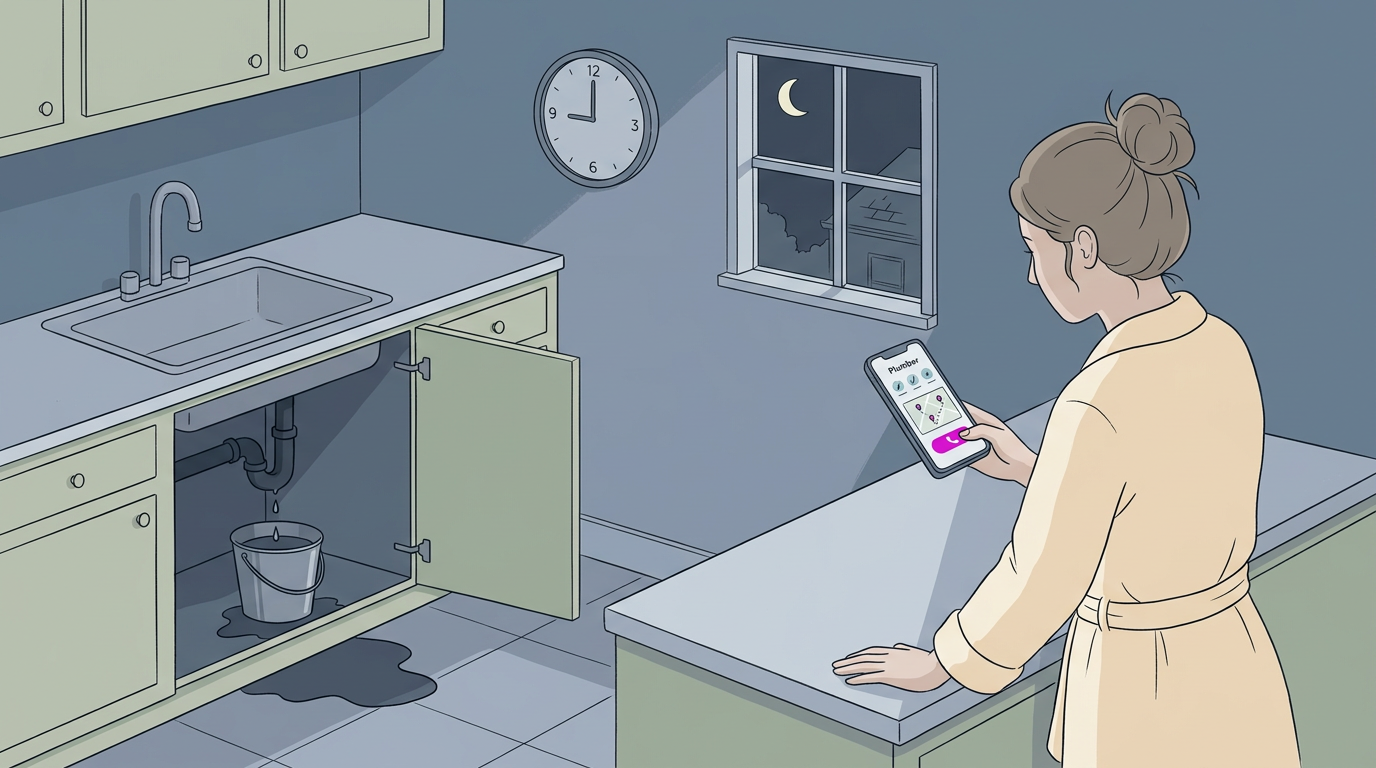
Think of a plumber whose service page lists the repairs she handles, the towns she covers, and a phone number at the top. A homeowner with a leak at 9pm finds that page from a search, taps the number, and she gets the job.
The page didn’t need to be fancy. It needed to answer the question and make calling easy.
Examples, and How to Create Pages
Pages come in more shapes than you might expect. Here’s what they look like and how to build your own.
Common examples of pages online
A gardening blog shows the difference: each article is one web page, and the list of posts is another. Every address ending in /about or /pricing opens its own page too.
- Event, career, and coming soon pages: Consider a bakery’s holiday pre-order page, a clinic’s job opening, or a ‘coming soon’ placeholder.
- Landing pages: Each one centers on a single goal, like booking a call. It’s less about showing everything and more about getting one action.
- Local pages: These cover services, contact details, and hours. Think of a dental office whose new-patient page lists hours and a booking button, so a parent can book after closing time without calling.
Build a page with a template
Website builders are online tools that make pages without programming. Most include templates, ready-made layouts you fill with your own text and photos. You don’t need programming skills.
Plan the structure first and the style second. You can add or remove pages later as your business changes.
Here are the seven steps from idea to published site:
- Set the goal: Decide what each page should make visitors do.
- Map the pages: List your home, services, contact, and hours pages.
- Choose the style: Pick colors, fonts, and photos that match your business.
- Pick a builder and template: Choose one that fits your plan.
- Add your content: Fill in services, hours, and phone number.
- Check on a phone: Make sure it looks right there.
- Publish: Make it live and share the link.
Why Knowing the Difference Pays Off
Seeing your site as a set of pages shapes two things: your search engine optimization (SEO), the work of getting found in search results, and how your team plans content.
What this means for your SEO
Search engines rank individual pages, not just your home page.
According to a published paper on search engine performance optimization, the algorithm weighs content relevance, page popularity, site authority, and other criteria. Each page competes on its own:
- Per-page keywords. Each page should target the words customers type, like water heater repair.
- Site structure. Your layout affects crawling, the way search engines’ bots read your pages, so link related pages together clearly.
- Domain authority and user experience. Your domain authority is the trust search engines place in your web address, and fast, phone-friendly pages help build it.
- One page per service and town. A plumber serving several nearby towns gets a page for each service in each town, so someone searching for drain cleaning in one of those towns finds a page that turns into a call. One page, one job.
How businesses plan content and branding
- Logical organization. Group pages by what customers need, like services, prices, and booking, so visitors can find their way.
- Consistent branding. Use the same name, logo, colors, and phone number on every page.
- Targeted marketing per page. Give each page one job. A dental office’s whitening page can end with a booking button, so searchers book right there.
- Team communication. Owners and staff agree on what each page says, so hours and prices don’t conflict.
- Resource allocation. Spend your time on the pages that bring in calls first.
- Analytics-driven refinement. Check your analytics, the visit and call data your site tracks, to find pages that need work.
A web page is one document, and a website is the whole collection of them linked together. Each page loads in a browser and does a specific job, whether that’s explaining a service, showing your hours, or inviting a booking.
For a local business, the right pages mean fewer dead ends and more people picking up the phone.
Get those pages right, and the calls will follow.
References
- Search engine Performance optimization: methods and techniques — pmc.ncbi.nlm.nih.gov (2024)
Questions
What is a web page in simple language?
A web page is one document on the internet that you open in a browser. It can contain text, images, videos, and links, and it has its own web address.
What is HTML in full?
HTML stands for HyperText Markup Language. It provides the structure of a web page, such as its headings, paragraphs, and buttons.
What are the 7 steps in creating a website?
The seven steps are: set the goal, map the pages, choose the style, pick a website builder and template, add your content, check the site on a phone, and publish it.
Sources
- Search engine Performance optimization: methods and techniques - PMC, pmc.ncbi.nlm.nih.gov,