Pages a small business website needs: a checklist
The pages a local business website needs and what each must say to turn a visit from your map listing into a call or a booking, plus the pages that can wait.

A local business website needs a homepage that says what you do and where with a one-tap call, a page for each service you want more of, an About page, reviews and photos of real work, prices or how pricing works, and a contact page with booking. Add a privacy policy as soon as the site collects names, emails or phone numbers, and leave the blog, the careers page and near-identical town pages until you have something different to say on them.
A local business website needs fewer pages than most lists suggest, but each one has a job. Start with a homepage that says what you do and where, with a call or Book button at the top; a page for each service you want more of; an About page; reviews and photos of real work; prices, or how your pricing works; and a contact page with booking if you take appointments. Add a privacy policy as soon as a form collects names or numbers. Everything else can wait until customers ask for it. Here is what each page must say, in the order a visitor arriving from your map listing reads them.
Homepage: what, where and a one-tap call
Many visitors arrive on a phone, often from your Google listing, and decide on the first screen. Before they scroll, it should show:
- one plain line saying what you do and where, such as “Water heater repair and replacement in Mesa and Gilbert”;
- your phone number as a tap-to-call link, or a Book button if customers book online;
- a real photo of your work, your shopfront or your van;
- your hours, or the towns you serve.
Below that, link to each service page, show a few reviews, and repeat the call button at the bottom of the page. On a phone the menu hides behind an icon, so the homepage’s own links do most of the navigating.
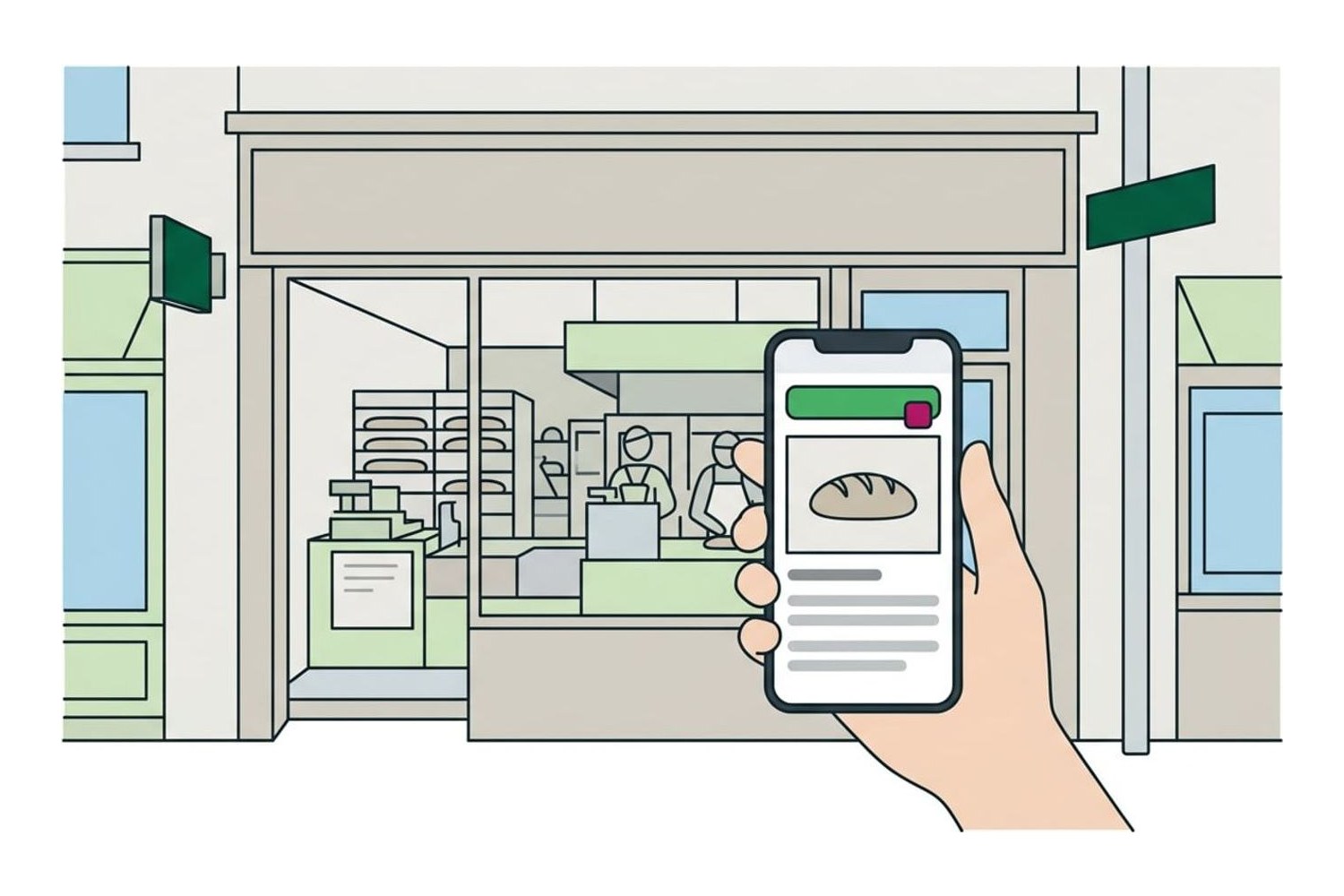
Then check the speed. Run the homepage through Google’s free PageSpeed Insights, which loads it the way a phone on a slower connection would, and aim for about three seconds or less. Oversized photos and add-ons you no longer use are the usual causes of a slow page, so resize photos before you upload them and remove what you don’t need.
A page for each service you want more of
A page per service gives each job its own answer: someone searching for drain cleaning lands on drain cleaning, not on a homepage list of everything you do. Each page should say:
- what the service is and what it includes;
- where you do it;
- roughly what it costs, or how you price it;
- how long it takes, and how soon you can come or fit someone in;
- what it looks like done, with photos of that job and a review that mentions it;
- how to book or call, at the top and at the bottom.
Start with the jobs you want more of, not every job you have ever done: one full page beats five thin ones. A page per main service is one of the website questions on the Local Scorecard, if you want to see where the rest of your site stands.
Service pages are also where ads should land. An ad for emergency plumbing that opens on the homepage makes the customer hunt for the thing they just tapped on; how much to spend on Google Ads covers the rest of that decision.
Service area or location pages
If customers come to you, give each location its own page with its address, hours, parking, a map link and its own phone number. If you go to them, one page listing the towns and ZIP codes you serve is usually enough.
Be careful with a page per town. Google’s spam policies list pages targeted at specific regions or cities that funnel users to one page, and substantially similar pages, as doorway abuse. A town page earns its place only when it says something true and particular about that town: the jobs you have done there, the neighborhoods you cover, a different call-out fee.
Town pages also can’t change distance. Google’s local results weigh how far your business is from the person searching, and no page moves that; what decides the map results covers the parts you can change.
About: who does the work
Customers are letting you into their home or trusting you with their car or their hair, so show them who will turn up:
- the names and photos of the people who do the work;
- your license number where your trade or your state requires one, and your insurance;
- a few lines on how the business started and who it is for;
- what you don’t do, so the wrong calls go elsewhere.
Skip stock photos of handshakes. A real photo of the team, the shop or the van tells a visitor more.
Reviews and photos of the work
Reviews on your own site reassure the visitor who hasn’t seen your Google listing. Quote real reviews with the reviewer’s first name, link to your Google profile so people can read the rest, and never edit what a customer wrote. The Federal Trade Commission’s staff, in their questions and answers on the review rule, say a business that puts testimonials on its own website could be liable for them if they are fake or false, and that using an unrepresentative set of reviews in marketing could be deceptive.
Photos do as much work as reviews: a before-and-after of a job, a finished haircut, the lunch counter at noon. Take them on your phone as you go, and add a line saying what the job was and where.
Prices, or how pricing works
Price is one of the first things a customer wants to know, and a page that answers it saves you calls that go nowhere. Show fixed prices for fixed jobs, such as a haircut, a service call or a standard install. For quoted work, explain what the price depends on, whether estimates are free, any call-out or trip fee, and which payment methods you take. A “from” price is fine, as long as it is one customers actually pay.
Contact and booking
The contact page carries:
- your phone number as a tap-to-call link, and a number for texts if you take them;
- your address with a link to directions, or the area you serve;
- your hours, holidays included;
- a short form asking only for a name, a phone number or email, what they need and where;
- a Book button, if you take appointments.
Booking tools such as Square Appointments and Setmore have free plans and give you a booking page to link to from your site; the Tools page lists them with what they cost. Once a month, send yourself a message through the form, make a test booking and check that both arrive, spam folder included. Forms break quietly when an email address, a plugin or a plan changes.
Questions customers ask
Write down the questions you answer on the phone every week and answer them on the site: the areas you cover, parking, payment methods, warranties, cancellation and late policies, what to bring or how to prepare. Put each answer on the service page it belongs to, or gather them on one questions page if they apply to the whole business.
Privacy policy and the footer
A contact form, a booking tool or a newsletter sign-up collects personal details, and that brings rules. California’s Online Privacy Protection Act requires a commercial website that collects personally identifiable information, such as names, email addresses or phone numbers, from California residents to post a privacy policy. The Consumer Federation of California’s summary of CalOPPA lists what the policy must cover:
- the kinds of personal information you collect;
- the kinds of third parties you share it with, such as your booking or email software;
- how visitors can review and change their information, if you offer a way to;
- how you tell visitors about changes to the policy, and its effective date;
- how the site responds to a browser’s “Do Not Track” signal, and whether other companies can collect visitors’ information through it.
This is a plain explanation, not legal advice: other states have privacy laws of their own, and a lawyer can tell you what applies to your business.
Then the footer, on every page: your business name, your address or service area, phone, hours, and links to the contact page and the privacy policy. It is where people look for those details when they can’t find them anywhere else.
Accessibility belongs in the same pass. The W3C’s introduction to web accessibility covers the basics a small site can get right: a text description on every meaningful image, menus and forms that work from a keyboard, and pages that stay usable for older visitors and on a phone in bright sun. It also notes that accessibility is required by law in many situations; for what that means for your site, ask a lawyer.
Pages that can wait
- A blog, until you can post something useful every month or two. A blog whose last post is three years old makes visitors wonder whether you are still open.
- A careers page, until you are hiring.
- A page per town, until you have something different to say on each.
- A news page or a long company history.
- A gallery of every job. A dozen good photos on the right service pages do more.
When customers keep asking about something the site doesn’t cover, that is the next page to add. If you haven’t chosen where to build yet, our comparison of website builders for a local business sets out what each costs per month and after the first year, and the rest of Websites covers homepages, speed and forms.
Questions
How many pages does a small business website need?
Count them from the checklist: a homepage, one page for each main service, About, Contact and a privacy policy, with reviews, prices and common questions on pages of their own or inside the others. For a business with three main services, that comes to around eight pages. Add more only when customers keep asking about something the site does not cover.
Can a one-page website be enough?
Yes, to start, if that page does the homepage’s jobs and also covers your services, area, prices and contact details. What it can’t do is give each service a page of its own for a customer, or an ad, to land on. When you want more of one particular job, give that job its own page.
Should I put prices on my website?
Yes, wherever you can. Show fixed prices for fixed jobs, and for quoted work explain what the price depends on, whether estimates are free and whether there is a call-out fee. A “from” price is fine if customers actually pay it, and it saves you calls from people looking for something you do not offer.
Do I need a blog?
No. A blog helps only if you will post something useful regularly, and one whose last post is years old can make visitors wonder whether you are still open. Service pages, photos of your work and your Google listing are a better use of the same hours.
Does a small business website need a privacy policy?
If it collects names, emails or phone numbers through a form, a booking tool or a sign-up box, plan on one. California’s Online Privacy Protection Act requires a commercial website that collects that kind of information from California residents to post a privacy policy, and it turns on where the visitor lives, not where the business is. This is a plain explanation, not legal advice; a lawyer can tell you what applies to your business.
Sources
- Spam policies for Google web search: doorway abuse, Google Search Central
- California Online Privacy Protection Act (CalOPPA), Consumer Federation of California
- Introduction to Web Accessibility, W3C Web Accessibility Initiative
- The Consumer Reviews and Testimonials Rule: Questions and Answers, Federal Trade Commission