Local citations: where to list your business, in order
Which map apps and directories to list your business on, in the order that matters, with one name, address and phone to copy and old listings fixed first.

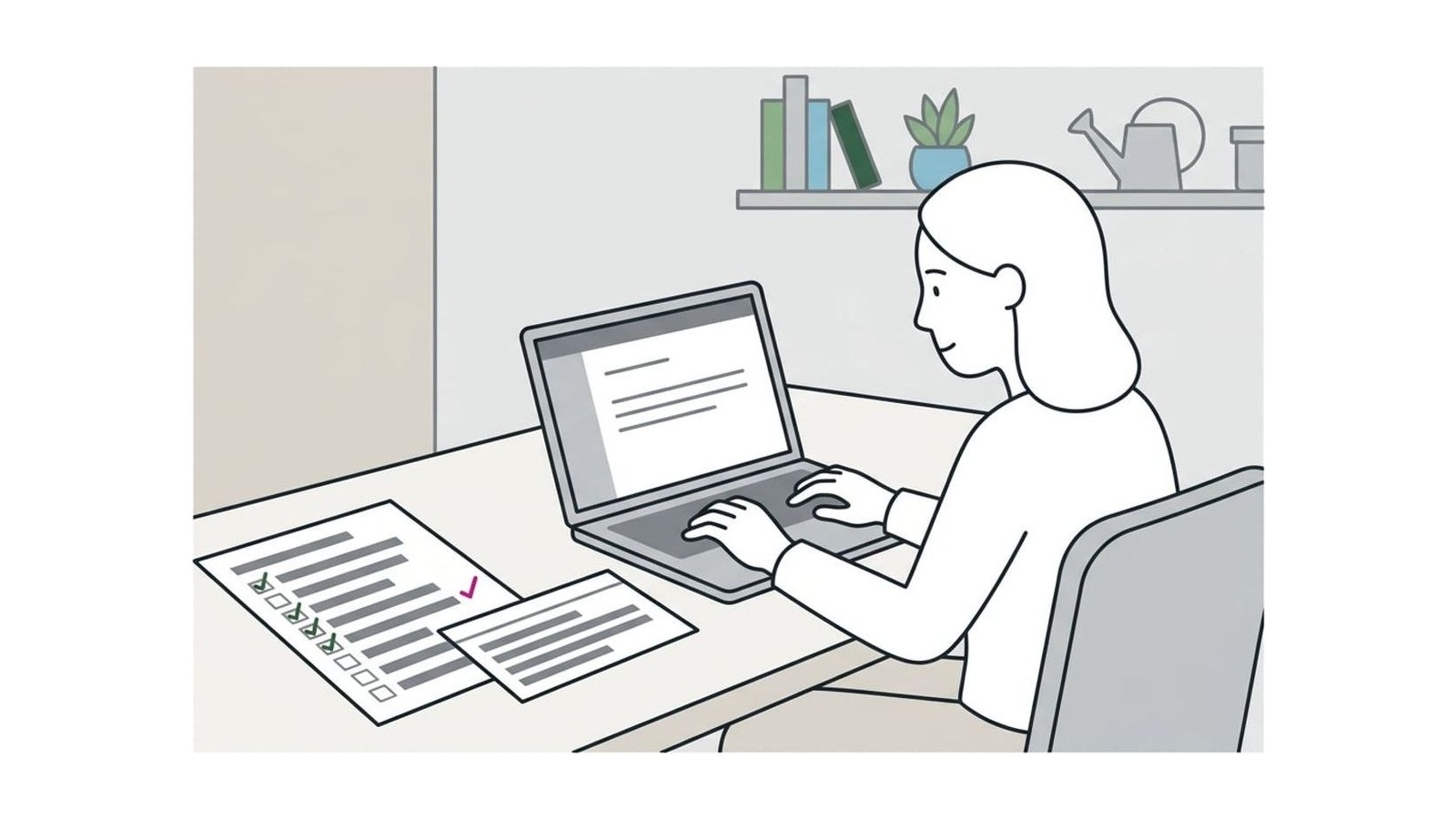
Write down your business name, address and phone exactly as they appear on your Google Business Profile, then list them in order: Google, Apple and Bing first, then the review sites your customers use, the data aggregators and your trade’s and town’s directories. Fix old listings before adding new ones, and pay a citation service only when there are more to fix than you have time for.
A citation is any listing of your business name, address and phone number on another site: a map app, a review site, a directory, your chamber of commerce’s member page. Write those details down once, exactly as they appear on your Google Business Profile, then claim your listings in this order: the three map apps, the review sites your customers use, the data aggregators that feed smaller directories, and your own trade’s and town’s directories. Fix any listing that shows an old phone number or address before you add new ones. You don’t need hundreds of listings; you need a short list of the right ones, all accurate.
What a citation is and why the details must match
Some citations are directory entries with a field for each detail, like Yelp, Apple Maps or the BBB; others are a mention in a news story or on a sponsor list. Both matter for two reasons. A customer who finds your old number on one of them calls it, gets nothing and calls someone else. And Google says prominence, one of the three things that decide its map results, draws on information like how many websites link to your business; our guide to ranking higher on Google Maps explains the other two.
Practitioners put accuracy ahead of volume. In Whitespark’s 2026 Local Search Ranking Factors survey, consistent details on Google, Bing and Apple Maps ranked 28th of 187 factors for the map results, while the sheer number of directory listings ranked 110th. That’s experienced opinion, not Google’s word, but it points the same way as common sense: get the places customers actually look right first.
Write down your one name, address and phone
Before you touch a single directory, make a listing sheet: one note or spreadsheet you copy from every time.
- Name: exactly as on your sign, website and invoices, with nothing added.
- Address: as the post office writes it, with any suite or unit number on the second line. If customers don’t come to you, add the towns you serve; the address stays on file but hidden (see the questions below).
- Phone: one local number that rings at the business. If you use call tracking on your ads or website, keep the main number on your listings.
- Website: the exact address, such as
https://www.yourbusiness.com, so every listing links to the same place. - Hours, category, a two-sentence description, your logo and a few good photos.
- Logins: which email you used on each site. Use a business address you’ll keep, not a staff member’s personal one.
Copy from the sheet; never retype from memory. “St.” against “Street” isn’t what loses customers. An old number, an old address or a different version of your name is. For a quick check of where you stand, see the Scorecard’s question on your name, address and phone.
1. The map apps: Google, Apple and Bing
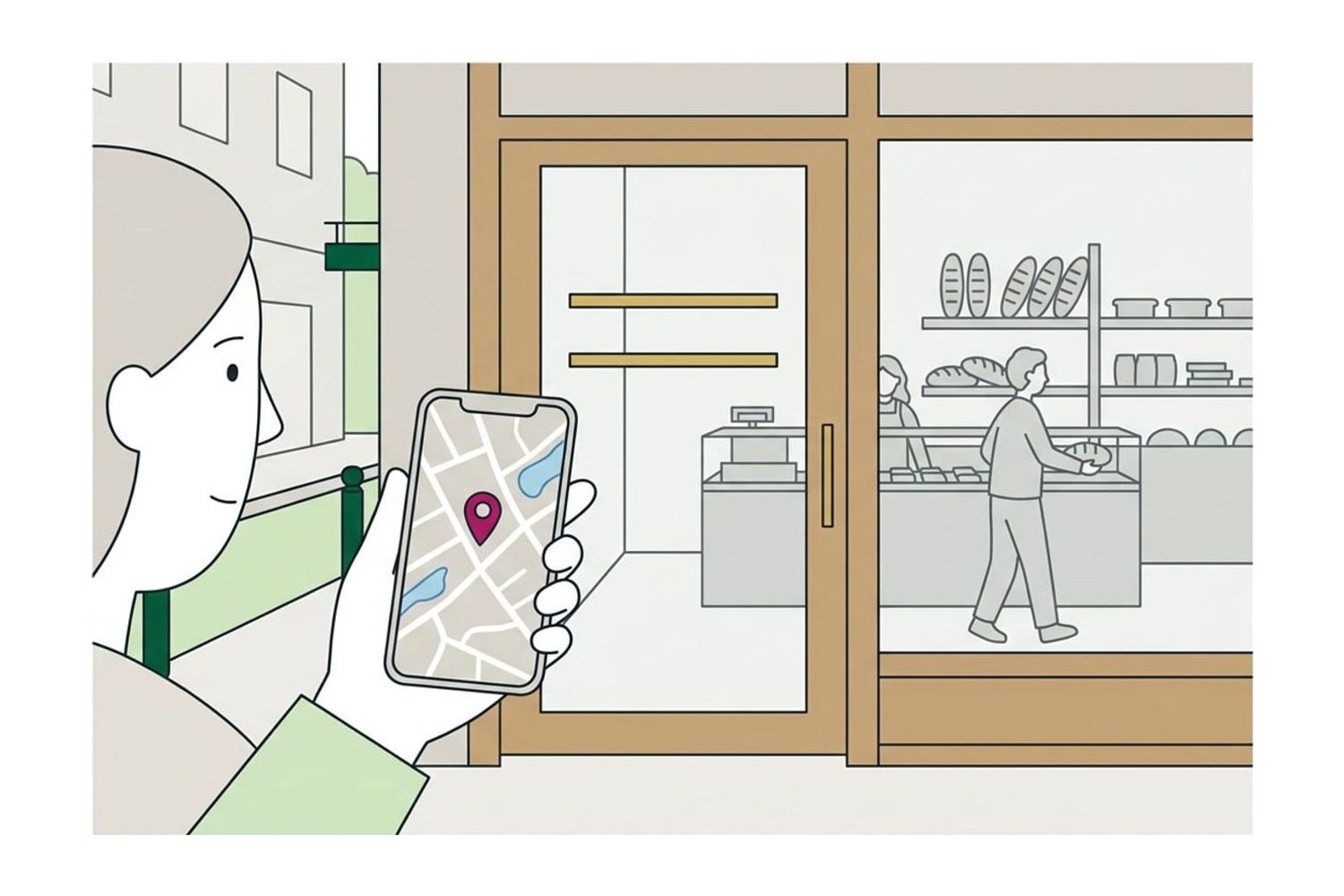
These three put you on the maps built into phones, cars and browsers. All three are free; claim them first.
- Google Business Profile. The listing most customers see. If yours isn’t claimed and verified, start with our guide to setting up a Google Business Profile, field by field, and treat it as the master copy every other listing matches.
- Apple Business. Apple’s free platform for businesses replaced Apple Business Connect on April 14, 2026, and existing Business Connect locations and place cards moved across automatically. At Apple Business you claim your location on Apple Maps and set your logo, hours, photos and key details. Apple Maps is the default map on iPhones, so this is a listing many customers see that many owners have never checked.
- Bing Places for Business. Since October 2025 it lives at bing.com/forbusiness. It is free and can import your Google profile, so get Google right, then import it.
If you’ve never signed in to Apple’s or Bing’s business tools, the answer to the Scorecard’s question on Apple Maps and Bing is no for now.
2. The review sites your customers use
Next, claim the one or two review sites your customers read for your kind of business. Claiming lets you correct your details, add photos and reply to reviews.
| Kind of business | Claim these first |
|---|---|
| Cafés, restaurants and bars | Yelp, Tripadvisor, Facebook |
| Trades and home services | Yelp, Nextdoor, Angi, the BBB; Houzz for remodeling |
| Salons, spas and studios | Yelp, Facebook |
| Clinics and dental offices | Healthgrades, Yelp |
| Shops | Yelp, Facebook, Nextdoor |
Claiming costs nothing on the sites in this table; what they charge for is advertising, leads or membership. Yelp’s claim is free and its ads are optional. The BBB gives every business a free profile whether or not it pays for accreditation. Angi’s paid ad and lead plans are separate from the profile, so read the contract terms before you sign up for one.
3. The data aggregators that feed other sites
A handful of companies collect business details and supply them to smaller directories, apps and navigation systems, so an old record at one of them can keep reappearing on sites you’ve never visited. In the US the main ones are:
- Data Axle, formerly Infogroup. Its Local Listings portal, formerly Express Update, lets owners claim records already in its database and submit corrections, with a free service and a paid one.
- Foursquare. Owners can look up their place on Foursquare’s business portal and claim it.
- Neustar Localeze, owned by TransUnion. Most owners reach it through a citation service rather than directly.
Which of these takes changes straight from an owner, and on what terms, shifts from year to year, so check each one’s own claim page before paying anyone to do it. If your details haven’t changed in years and show correctly on the map apps, this tier can wait. If you’ve moved, changed your number or just opened, do it soon after the map apps.
4. Your trade’s directories and your town’s
The last tier is the sites people in your trade or your town actually use, and they’re worth more than any general directory list:
- Your trade: your trade or professional association’s member directory, and the “find an installer” or “find a dealer” page of a manufacturer whose products you’re certified to fit. For a licensed trade, check that the state license lookup shows your current details.
- Your town: the chamber of commerce member directory (it comes with membership, which has dues), a downtown or main street association, the visitor bureau for restaurants, shops and attractions, and the local paper’s business directory.
These are pages where a customer might really find you. Skip offers to submit you to hundreds of directories at once: you’ll be left with listings you can’t log in to or correct, on sites your customers don’t use.
Fixing old listings after a move or a new number
Wrong details do more harm than missing ones, so after a move, a new number or a new name, work in this order:
- Google first. Update the profile; a new address means verifying it again.
- Apple, Bing and your own website, the footer and contact page included.
- The aggregators, so they stop sending the old details out.
- Search for the old details. Search Google for your old phone number in quotes, and for your business name with the old address. List every site that shows them and correct each from your listing sheet.
- Merge or close duplicates. Where a site shows an old and a new listing side by side, use its option to report a duplicate or mark the old one as moved, rather than leaving both. Whitespark’s listings team warns that changing your details without fixing the old listings leaves the new ones to coexist with the old.
Keep the old number forwarding to the new one for as long as your phone provider allows; stray listings will keep sending calls to it.
Tip: set a monthly reminder to search your old phone number for six months after a change. Directories that copy from other directories can bring an old number back weeks after you fixed it.
When a paid citation service is worth it
The map apps and review sites are free and take an afternoon by hand. Paying makes sense when there’s more cleanup than you have time for: after a move or a rebrand that left dozens of old listings, with several locations, or to reach the aggregators. Two established services work on a pay-once basis; these figures are from their own pages, read in October 2026:
| BrightLocal Citation Builder | Whitespark Listings Service | |
|---|---|---|
| What it does | Specialists submit your details to the sites you pick | Cleans up old and duplicate listings and builds new ones |
| Price | From $3.20 a listing, $2 with bulk credits; $30 per aggregator | Cleanup and building from $399 a location; aggregators alone $99 (US) |
| After you stop paying | Listings stay live, with no recurring fee | Listings are yours, each with its own login; the Localeze subscription lapses after a year |
| How long | Most listings live in 7 to 14 days; some sites take up to 6 weeks | Work done in 4 to 6 weeks; some listings take months to appear |
BrightLocal’s Citation Builder also sells a yearly renewal for its aggregator submissions, and Whitespark’s Listings Service offers $2 updates when your details change later. Whichever service you consider, ask four questions before you pay:
- Do the listings stay live, and stay mine, if I stop paying?
- Do I get the login for each one?
- Will you fix old and duplicate listings, or only add new ones?
- Which sites, by name?
BrightLocal and Whitespark’s rank tracker are both on our Tools page, and the rest of the work on your listings is in the Local SEO guides.
Questions
How many citations does a local business need?
There’s no number to aim for. Get the three map apps and the review sites your customers use right first, then the aggregators and your trade’s and town’s directories, which adds up to a short list, not hundreds. Practitioners in Whitespark’s 2026 survey rank accurate details on the main map apps well above the sheer number of directory listings.
Do citations still matter for local SEO?
Yes, mostly for accuracy rather than volume. Google says prominence draws on information such as how many websites link to a business, and a wrong number on a map app sends the customer to someone else. In Whitespark’s 2026 survey, practitioners ranked the number of directory listings 110th of 187 factors for the map results, while Whitespark’s report says citation factors rank among the top few for showing up in AI search tools.
Should a home-based business list its address?
Not on Google, if customers don’t come to you: Google’s guidelines ask a service-area business to hide its address and list the areas it serves, and a P.O. box or virtual office can’t stand in for it. On other sites, use the setting that hides the street address or shows only your town wherever there is one, and skip a site that would publish your home address. Keep the address on file the same everywhere, even where it’s hidden.
What if a directory won’t let me change my listing?
Claim the listing first, since many sites accept only suggested edits on a listing nobody manages. If someone else has claimed it, such as a former employee or an old agency, use the site’s ownership request or support form, and if the wrong details keep coming back, correct them at the data aggregators that feed it. If a small directory still won’t budge, leave it: the map apps and your main review sites matter far more.
Do I have to pay for Yelp?
No. Claiming your Yelp page is free, and a claimed page lets you correct your details, add photos and reply to reviews; Yelp’s ads are a separate, optional purchase. Yelp’s own rules tell businesses not to ask customers for reviews, so claim the page to keep it accurate, not to collect reviews.
Sources
- Introducing Apple Business, a new all-in-one platform for businesses of all sizes, Apple Newsroom,
- Guidelines for representing your business on Google, Google Business Profile Help
- Microsoft launches new Bing Places for Business, Search Engine Journal,
- Local Search Ranking Factors 2026, Whitespark,