How to Report Fake Google Reviews Step by Step
How to report fake Google reviews: choose the right reason, gather proof, and follow up if Google rejects your report to protect your Google listing.

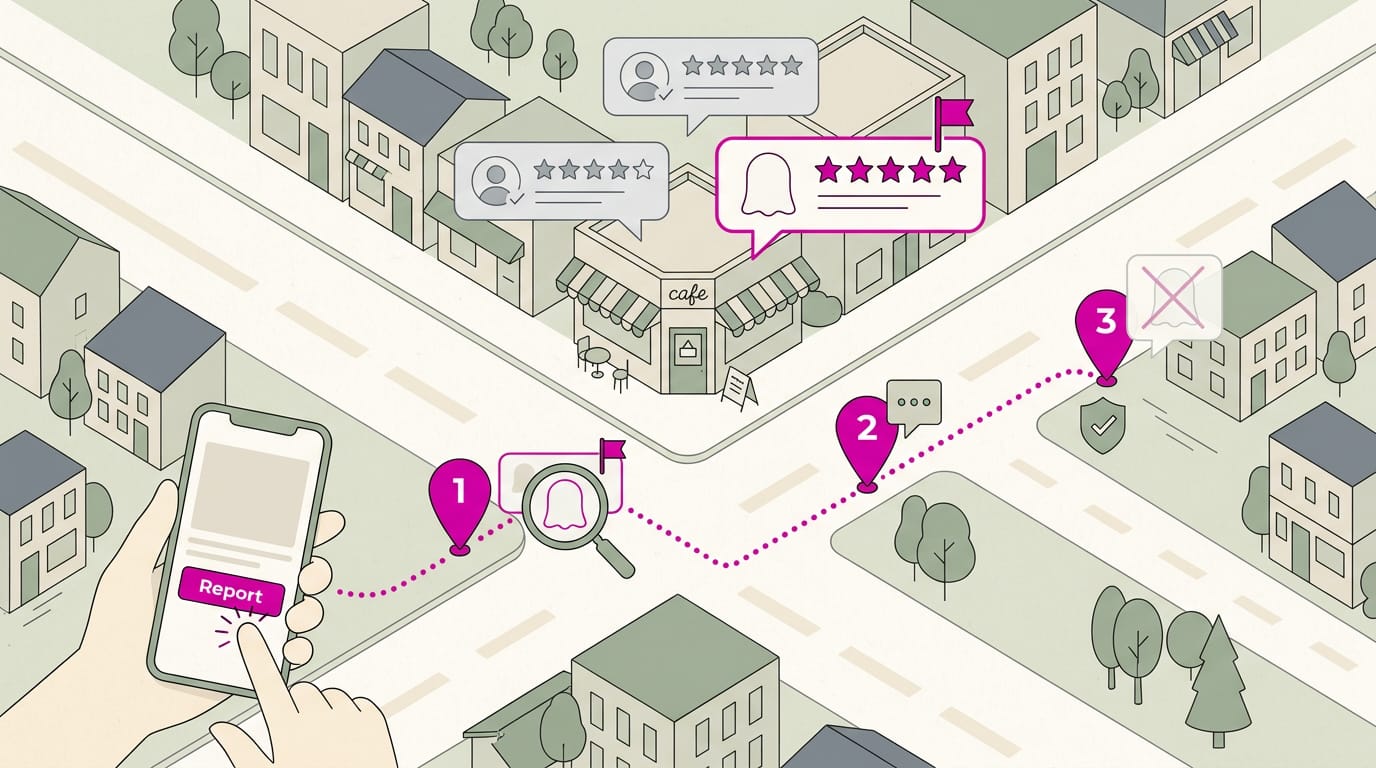
Reporting a fake Google review means flagging a review that appears to break Google’s rules and giving the platform clear evidence to assess it. Match the report reason to the issue, save screenshots and records, and check the decision status; if Google declines to remove the review, use your one appeal for the strongest case. Meanwhile, respond calmly and keep asking satisfied customers for honest reviews, since genuine feedback helps prospective customers see a fuller picture.
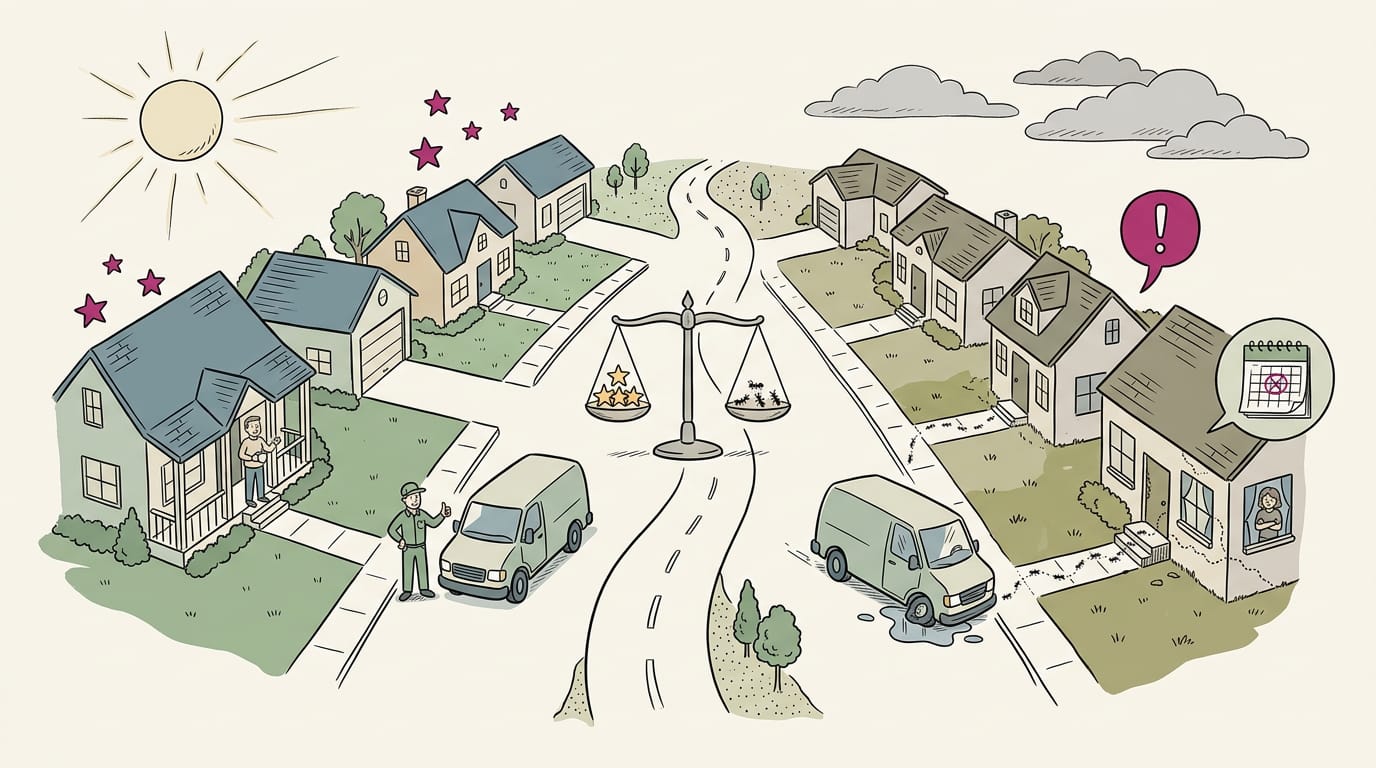
Picture a regular who reads a one-star review of your shop, then quietly tries the place down the street. The catch is that the reviewer never set foot in your shop.
Fake reviews like that can cost you calls and bookings, but you don’t have to just take it.
Reporting a fake Google review means flagging it to Google with the right reason and solid evidence, then following up if Google says no. Here’s how to do it step by step, plus a simple routine to protect your listing while you wait.
Why Reporting Fake Google Reviews Matters
Before you flag anything, it helps to know what’s at stake and what the rules say.
How fake reviews hurt your business
Fake reviews do damage in a few connected ways:
- Lost customer trust. Shoppers use reviews to decide who’s legit, and one fishy review makes them wonder about the rest.
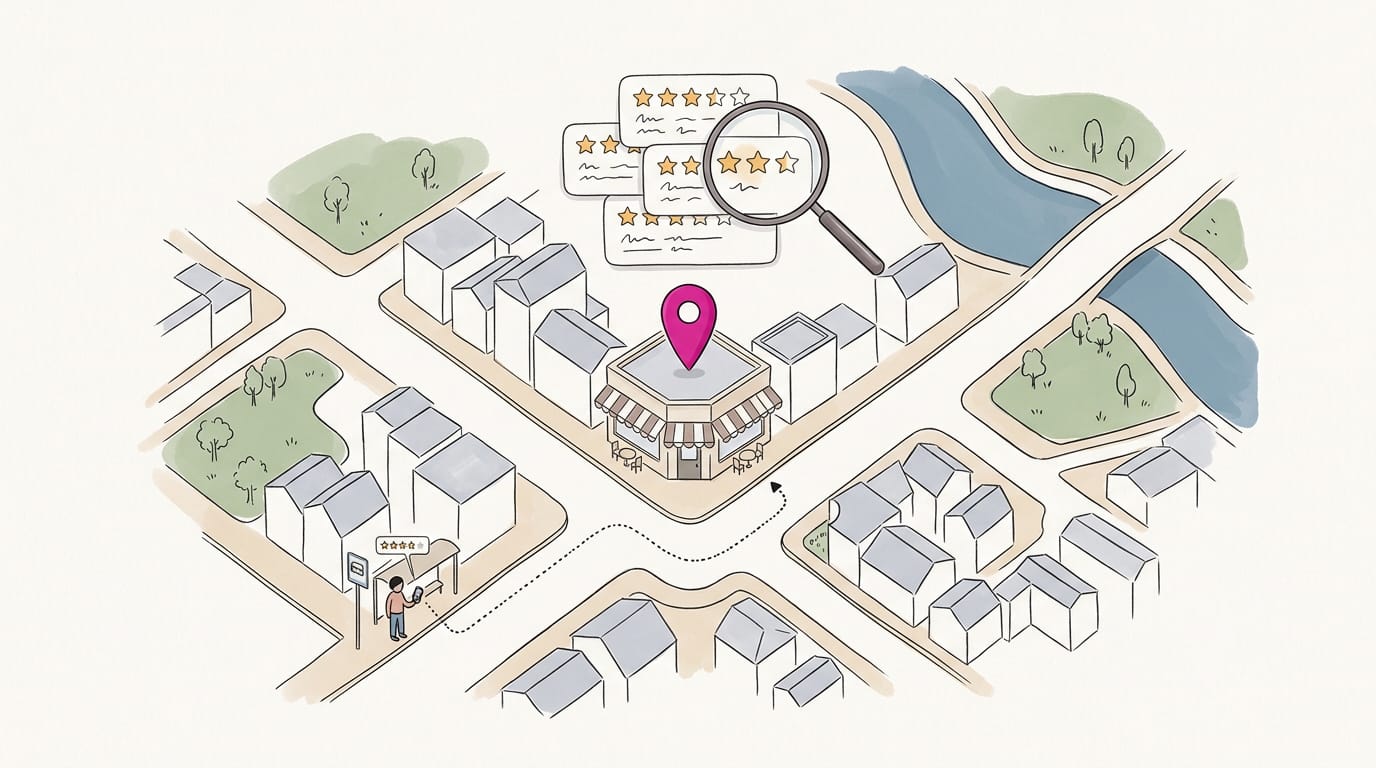
- Lower local search performance. Reviews help Google decide who shows up in nearby searches, so fake ones can drag down your local search engine optimization (SEO), meaning how easily customers find you online.
- Lost leads and revenue. A run of suspicious one-star reviews sends searchers to the competitor down the street.
- Owner stress. Spotting a fake review on your busiest day eats time and peace of mind.
Think of a dental office whose rating slips after a few suspicious one-star reviews. A patient searching for a cleaning books with the clinic across the street instead. That’s one lost patient, and it started with a few lines of text.
What the rules say about fake reviews
Google’s policies don’t allow fake reviews, so reporting one simply asks Google to enforce its own rules.
The Federal Trade Commission (FTC) has rules on incentives in reviews. A University of Arkansas paper on its endorsement guidelines reiterates that material connections, such as money or free products, must be disclosed.
FTC enforcement is rare, though, so don’t count on the government to clean up your listing. Your most realistic route to removal runs through Google.
Beyond the rules, a fake review is deception. An honest harsh review is just an opinion, but a fake one misleads customers and unfairly undercuts businesses that earned their stars. Reporting it keeps the playing field fair, and we think that matters.
How to Spot a Fake Review
Make sure a review is fake before you report it.
Warning signs a review is fake
Look for these red flags:
- No profile history or photo. Just this one post.
- Never a customer. No booking, sale, or visit under that name.
- Vague, no specific details. “Great service!” and nothing more.
- Sudden burst of reviews. A cluster arrives at once, with little before it.
- Implausible worldwide posting. One account reviews a shop in your town and one overseas that same afternoon.
Are Google reviews anonymous? Not fully: reviewers can show a first name or initial, but the profile is still your best clue.
Telling fake negative reviews from honest ones
Honest criticism stays. Ask who wrote it, not how harsh it is.
Check names against your customer relationship management (CRM) system, which logs who booked or visited.
| Check | Honest | Fake |
|---|---|---|
| Profile | Has a history | New or empty |
| Customer records | Matches a visit | No match |
| Detail | Names what went wrong | Vague |
| Timing | Follows a visit | Arrives in a burst |
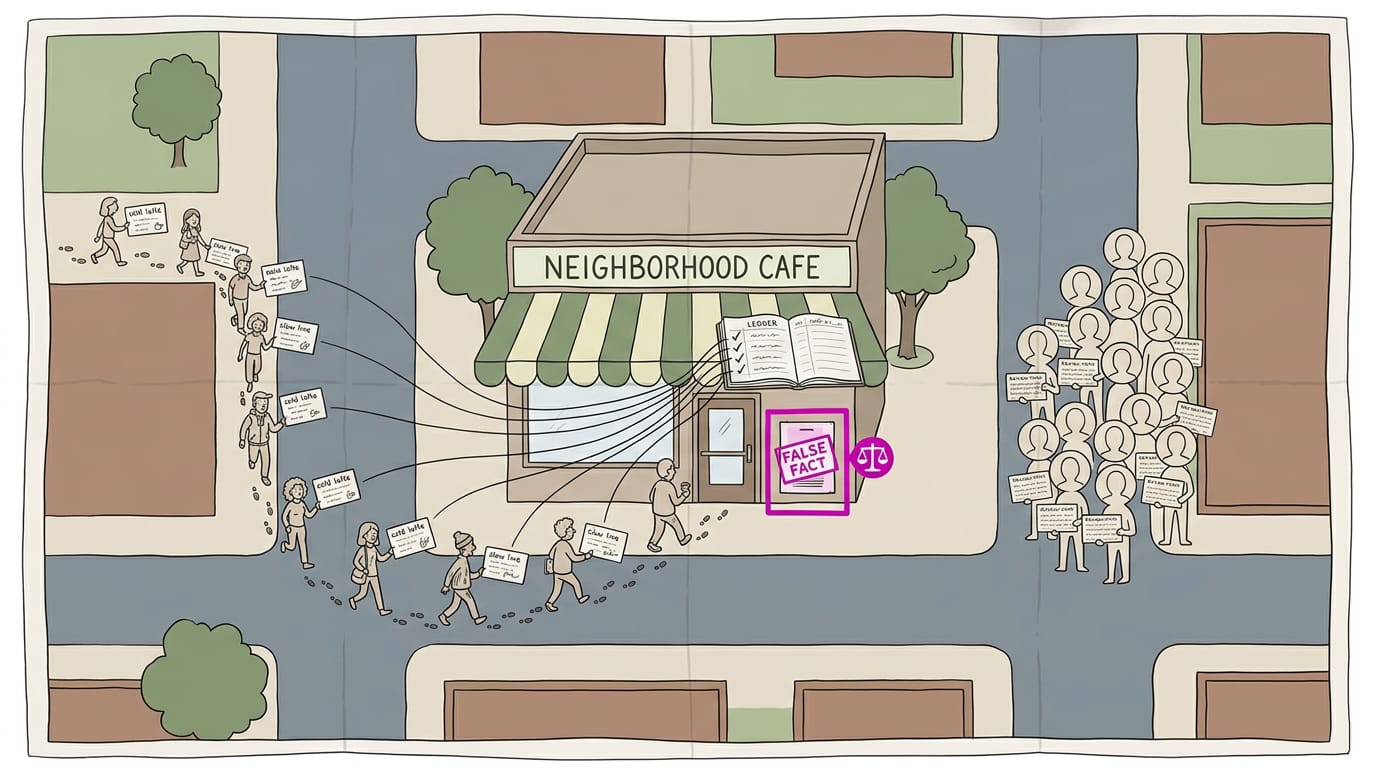
Some reviews state falsehoods as fact, like saying you overcharge everyone. That’s defamatory (a false statement that damages your reputation). To report slander, flag it as a false fact, not a bad opinion, with records proving it’s untrue.
Fake praise and reviews bought for rewards
Competitors may buy five-star reviews. Reviews written for a reward are incentivized reviews, and their praise isn’t earned.
The clearest proof is a freebie or discount in the review, or a message offering a reward for one.
Picture a salon owner who finds three five-star reviews from accounts with no visits on record. She reports them with her records, so her case rests on evidence.
Some bought reviews look normal. Looks can’t be trusted, so judge the record, not the look.
Gather Proof Before You File
Before you file, pull your evidence together. Specifics beat a vague “this isn’t real” every time.
What evidence to collect
Start a simple folder and keep these items in it:
- Screenshots of reviews showing the name, star rating, text, and date, saved before a review gets edited or removed.
- Review URL: the direct link to each review, so it’s easy to find.
- Proof of incentives: a texted discount code or a free add-on offered for a five-star review.
- Records showing no customer: booking logs or invoices with no match for the reviewer’s name.
- Dates of suspicious reviews: note when each was posted, especially if several arrived in the same few days.
Consider a dental office manager who spots four five-star reviews posted in one weekend by people who aren’t in the schedule. She screenshots each one, copies the links, and checks the appointment book.
Now she has a folder full of facts instead of a hunch.
Making your case calmly and clearly
Whoever reads your report is checking facts against policy, so keep your tone cool. Describe what happened, not how it made you feel, because venting doesn’t help your case. Facts win.
- Stay factual, unemotional. Share dates and evidence, and leave out insults and guesses about who wrote the review.
- Explain the violation clearly. Name it in one sentence, like “This review was posted in exchange for a free service.”
- Send one tidy post or document. Bundle everything into a single, ordered message or file so nothing gets lost.
How to Report Fake Google Reviews
A fake review can quietly steer customers away, so it’s worth knowing how to push back. Here’s the path, from the first flag to what to do if nothing changes.
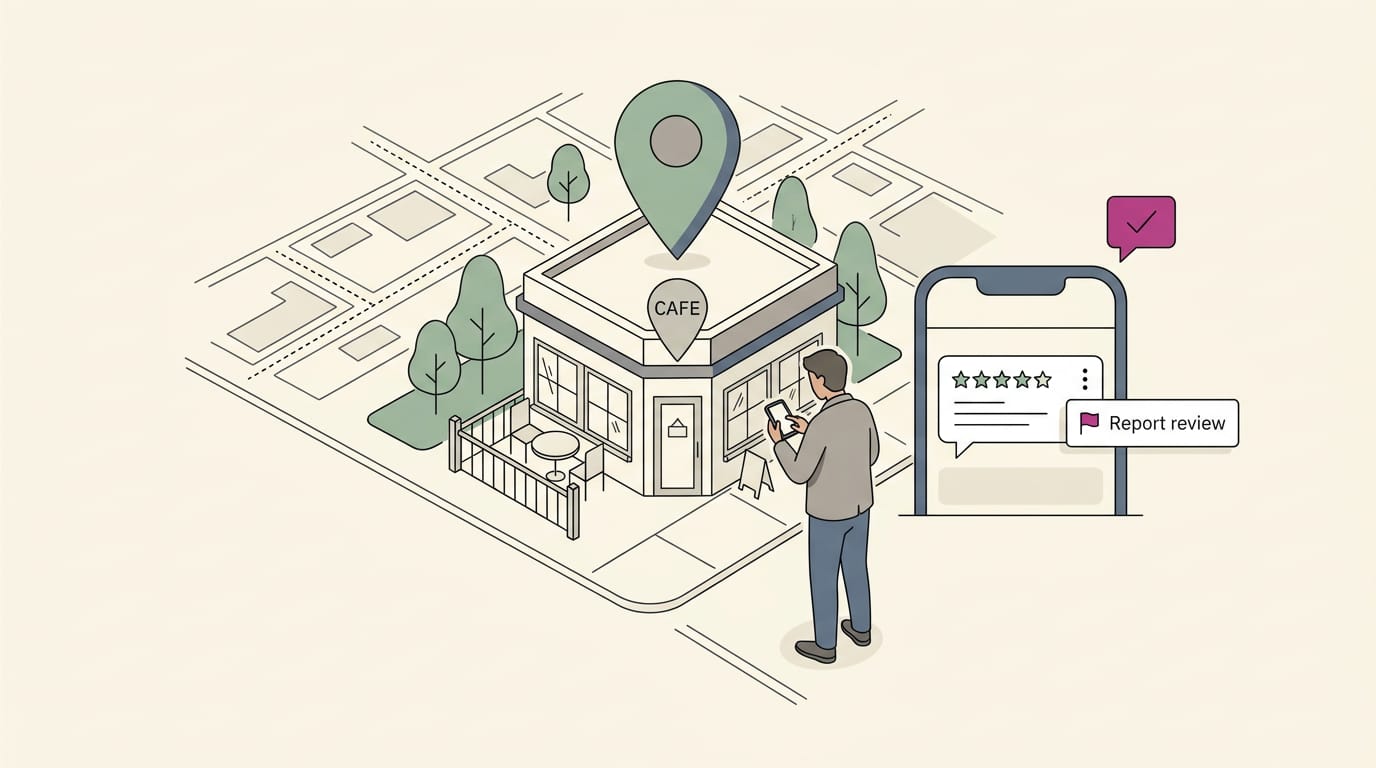
Flag it directly on Maps or Search
Start with the fastest route: the review itself. Here’s how:
- Find the business’s listing on Maps or Search.
- Open the reviews tab.
- Open the three-dot menu beside the review.
- Select report review.
- Send report.
You don’t need a Business Profile to report a review. If you’re a customer, a competitor, or just someone who spotted a suspicious post, the same steps apply.
Picking the report reason that fits
The reason should match what’s wrong with the review, not how it made you feel. Pick from these four:
- Spam for fake accounts. Use this when the reviewer’s account looks fake or disposable.
- Conflict of interest. Use this when the reviewer appears to have a stake in the outcome, such as a competitor.
- Profanity or harassment. Use this when the review contains swearing or targets people.
- Off-topic category. Use this when the review is really about something unrelated to your business.
Think of a bakery owner who sees four one-star reviews posted the same afternoon, all from accounts with no other reviews. She picks the spam reason for fake accounts, saves screenshots, and notes the timestamps.
That gives her a specific, checkable case instead of a vague complaint.
Will Google remove a fake review?
It might, but there’s no promise. A report ends in one of three states:
- Pending: Google is still looking at it.
- No action: Google looked at it and left it up.
- Removed: The review is gone.
Check your report’s decision status now and then. If it stays pending or ends with no action, use the dedicated escalation tool and bring your evidence. Keep your notes.
Reaching Google through social media
If the official route stalls, some owners try public channels:
- Tweet to Google My Business. Send a short, factual tweet to the Google My Business (GMB) account that names the business and describes the review.
- Message on Facebook. Send a private message that describes the review and points to your evidence.
- Send evidence in Google Doc. Gather screenshots, dates, and the review text in one Google Doc, then share the link with your message.
Use these after the official report, not instead of it.
Getting help from the Google Business forum
The Google My Business forum is a community board where owners and experienced members trade answers.
- Post facts in the forum. Describe the review, its date, and what you’ve already tried, leaving out the venting.
- Get top contributor attention. Keep the post clear and easy to check, so a top contributor, one of the forum’s experienced helpers, can see exactly what needs attention.
- Contributors escalate to Google. When a contributor sees a case that deserves it, they can pass it along to Google.
How long Google takes to respond
Here’s what to expect:
- 1 to 5 business days: the shorter window for a response.
- 3 to 7 business days: the longer window.
- No guaranteed timeline: Google doesn’t promise a set window.
- No notification of decision: Google won’t send you a message when it decides, so you’ll need to check the status yourself.
There’s no countdown to watch, so plan for the longer end and check back.
If Google Won’t Take the Review Down
A rejected report isn’t the end of the road. Here’s what’s left to try.
Your one appeal and its limits
You get one appeal, and once Google decides, that decision is final. It can cover up to 10 reviews, so use it on the strongest case you have. Your choice isn’t whether a review stings, but which ones break the rules.
Harsh reviews of real visits are rarely removed, even when they’re unfair.
Consider a bakery owner with a fake one-star review two days before a wedding rush. She uses her appeal on that clear case and skips a harsh but genuine review. One strong case beats a weak one.

How do I contact Google to complain?
If the report stalls, contact Google directly. Have your evidence ready, such as screenshots and booking records. Then:
- Go to Manage reviews in your Google Business Profile and find the review.
- Use the report option and attach your evidence.
- If you’re still stuck, ask for live chat or a callback.
Community help and legal next steps
Try the Business Help Community first to see what other owners have tried. If the review is false and costing you customers, a cease and desist letter formally asks the reviewer to stop.
A defamation claim, which argues that false statements damaged your business, is a last resort. Talk to a lawyer before either step.
Ways to limit the damage meanwhile
Keep protecting your listing while the report is pending:
- Respond publicly and calmly. Keep it short and factual, even when the review deserves more.
- Build genuine reviews to dilute. Each honest review gives readers a fuller picture than one bad post.
- Ask satisfied customers. A quick text after a good job, with a simple request, goes a long way.
- Reply publicly while the report is pending. A pending report isn’t a reason to go quiet.
Consider a salon owner who replies calmly to a fake review, then texts her regulars that week. New visitors see a measured reply and a fresh stack of praise, not a fight.
Avoid Mistakes and Prevent Future Fake Reviews
Fighting fake reviews goes best when you avoid a few missteps. Here’s what we’d steer you clear of, plus the habits that protect your listing.
Mistakes that can backfire on you
Watch for these common errors:
- Reporting legitimate negative reviews. An honest harsh review is still feedback. Flagging it can make you look like you’re dodging criticism.
- Emotional or aggressive replies. Your reply is really for the next customer, not the reviewer. A calm, short response protects you far better than a heated one. Calm wins.
- Appeals without evidence. Saying a review is fake with nothing behind it gives the platform nothing to act on. Gather proof first, like booking records.
Keep your profile accurate and watched
Encourage real reviews. Ask happy customers right after a good visit, in person or by text. Consider a dental office manager who texts a thank-you after each cleaning with a request for feedback.
Honest reviews pile up, so one suspicious review becomes an outlier.
Monitor reviews frequently. Waiting until your rating dips is too late, so check often.
Use reputation tools. These apps alert you when new reviews post, so you don’t have to remember to look.
Keep business info accurate. Your name, address, phone number, and hours should match everywhere online. Mismatches confuse customers.
Weekly review check routine. Set aside a few minutes each week:
- Read every new review and note any that look fake or off.
- Reply to real reviews with a short, calm response.
- Gather evidence for anything suspicious, report it, and keep replying while it’s pending.
- Confirm your name, address, phone number, and hours are still right.
Reporting a fake review takes a little patience, but you can handle it. Pick the most accurate reason, gather your proof, and if Google says no, appeal with calm, clear details.
Keep asking happy customers for honest reviews and replying to the ones you have, so one bad post never becomes the whole story.
The fake review gets flagged. The honest ones get you chosen.
References
- FTC GUIDeLINes ON eNDORseMeNTs AND ONLINe CONsUMeR ReVIeWs: BIAsING CONsUMeRs’ INTeNT TO BUY — scholarworks.uark.edu (2010)
Questions
How do I contact Google customer service?
For a Google review issue, first report the review from the business listing on Google Maps or Search using the three-dot menu beside it. If you manage the Business Profile and need more help, use Manage reviews to follow up with evidence, and request live chat or a callback if you’re still stuck.
How do I report a Google review for Slander?
Open the review’s three-dot menu on Google Maps or Search and select the report option. Explain that it states a false fact rather than merely expressing a negative opinion, and provide evidence such as booking records or invoices showing the claim is untrue.
How do I contact Google to make a complaint?
If the complaint concerns a review, go to Manage reviews in your Google Business Profile, find the review, and report it with supporting evidence such as screenshots and booking records. If the issue remains unresolved, ask Google for live chat or a callback, or seek help from the Business Help Community.
Will Google remove a fake review?
Google may remove a fake review if it violates its policies, but removal is not guaranteed. Check the report status, and if Google leaves the review up, use the available appeal process with your strongest evidence.
Can you submit Google reviews anonymously?
Google reviews are not fully anonymous: reviewers post under a Google profile name, which may show a first name or an initial. Their profile can still provide clues about who they are.
Sources
- FTC GUIDeLINes ON eNDORseMeNTs AND ONLINe CONsUMeR ReVIeWs: BIAsING CONsUMeRs' INTeNT TO BUY, scholarworks.uark.edu,