Marketing information management starts with a notepad
Marketing information management organizes customer and campaign facts. Track three data types and use a simple phone log for calls, bookings, and reviews.


Marketing information management is the practice of collecting, organizing, and analyzing customer and marketing information so it can guide business decisions. Track customer activity, campaign performance, and market insights in one reliable shared record, then review a few useful measures regularly and act on what they show. Start with simple tools and consistent habits: better-quality information helps teams see what brings in customers, spend wisely, save time, and provide more relevant service.
Think of the notepad by your register, scribbled with names, requested times, and ‘did they call back?’ Some weeks you can find what you need; other weeks you can’t.
Marketing information management is the habit of collecting facts about your customers and your marketing, keeping them organized, and using them to decide what’s next.
You don’t need enterprise software to start. Here we’ll cover what the term really involves, how it differs from a marketing information system, the three main types of information to track, and a phone-friendly way to log calls, bookings, and reviews.
What Marketing Information Management Really Involves
Every business already generates marketing information: call logs, booking requests, and review comments. Marketing information management (MIM) means turning that information into decisions.
Turning raw data into useful insights
Raw data isn’t useful until someone sorts it. MIM moves through three steps:
- collect
- organize
- analyze
The goal is better decisions, not more data, and a unified view puts calls, bookings, and reviews side by side.
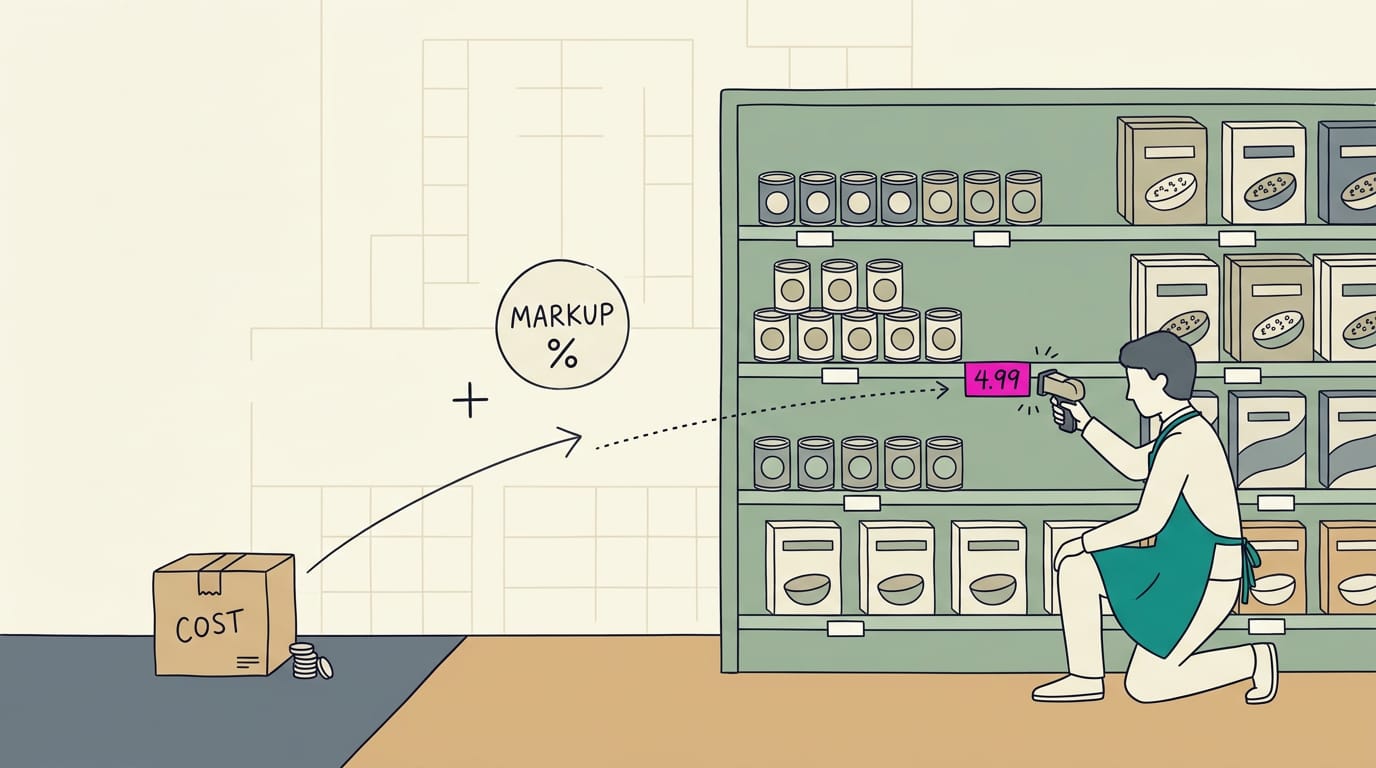
Say a salon owner tracks which callers found her on Google or through a friend. After a month, Google callers book most, so she spends Saturday on her listing photos instead of printing flyers. That’s MIM at its simplest.
How MIM differs from an information system
MIM is the process, and a marketing information system (MIS) is the system that supports it. Think of MIM as the what and the MIS as the how, as we’ll see below.
Simply put, an information system is a set of tools and habits for storing and sharing information.
| MIM | MIS | |
|---|---|---|
| Focus | What you need to know | How you collect and store it |
| Example | Which calls become bookings | A phone log and booking calendar |
Parts of a marketing information system
An MIS usually has six parts:
- Data collection tools. Phone logs, booking software, and review alerts.
- Databases and storage. Where your records live, like a spreadsheet.
- Analytics and dashboards. Simple charts that show what the numbers mean.
- Customer relationship management (CRM) and tool integrations. It holds each customer’s history, and integrations let tools share it.
- Third-party and owned data. Owned data comes from your own channels; third-party data comes from outside platforms like review sites.
- Marketing intelligence tools. Tools that spot patterns, like which services bring the most calls.
Why It Matters for Your Business
Why bother with tidy records when you’re busy running the shop? Because they pay off in calls, bookings, and hours saved.
Making smarter decisions with data
Good records help you choose where to spend instead of guessing. Here’s what we mean:
- Spot trends and opportunities. See which months and services bring the most calls.
- Measure return on investment (ROI) by channel. Know what each source really brings in.
- Budget based on performance. Put money where the bookings actually come from.
- Accurate forecasting. Plan staffing around realistic demand.
- Justify budget allocations. Show exactly why each dollar went where it did.
For example, a salon owner who logs where each booking came from might find most trace back to one source. She moves her budget there instead of splitting it evenly, so her chairs fill faster.
Cutting manual work and saving time
Every hour spent re-entering call notes is an hour not spent with customers. Clear records cut manual errors, speed up campaign launches, and eliminate duplicate work.
Reports stay consistent too, so you compare like with like. Less copying. More time with customers.
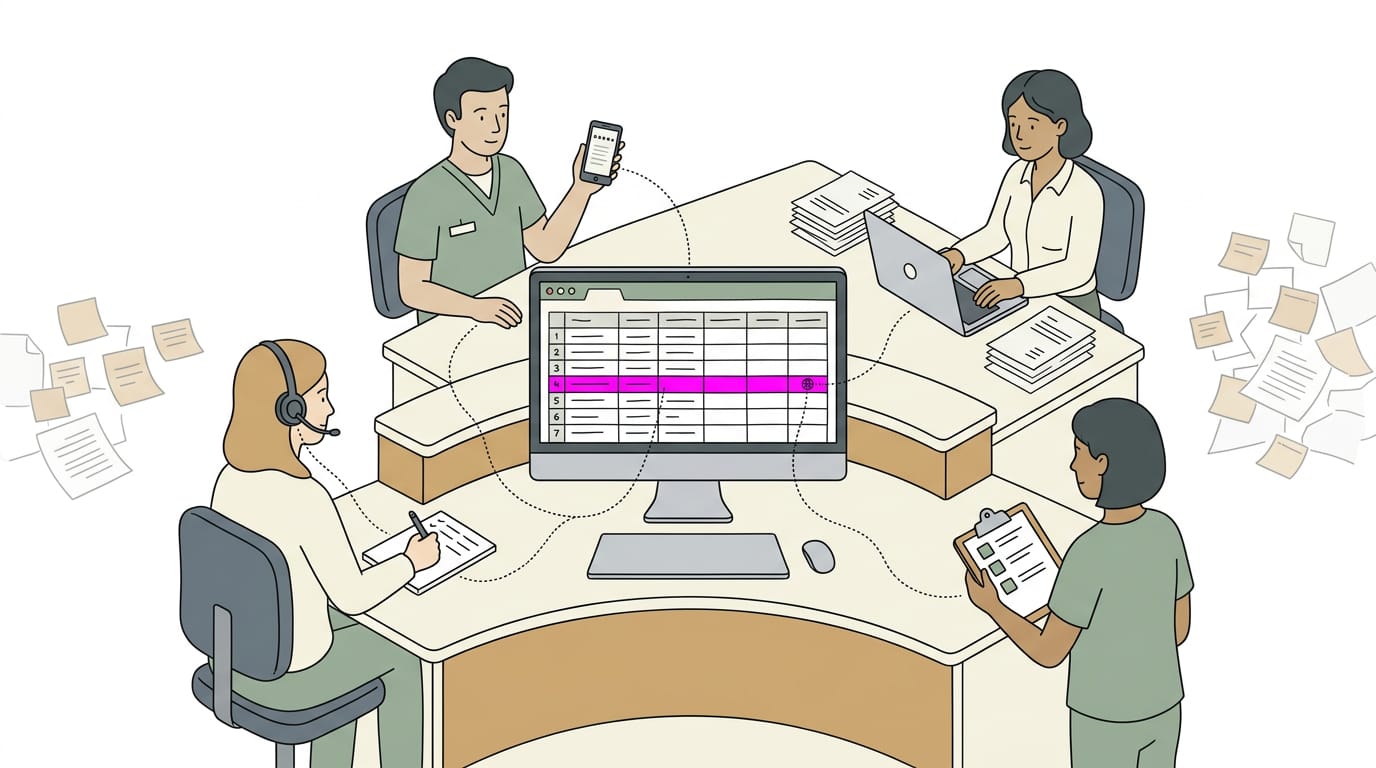
Think of a dental office manager who retyped voicemail requests into the schedule every Monday. Once bookings lived in one shared list, she caught a double booking before patients arrived.
What bad data costs your business
Bad information doesn’t announce itself. Poor data quality (incomplete, outdated, or wrong information) can lead to lost or skewed information and costly marketing mistakes.
According to Gartner, organizations keep facing inefficiencies, higher costs, compliance risks, and client satisfaction challenges when they make often-incorrect claims about their data.
Imagine a fictional makeup brand, Rosewood Cosmetics, with separate customer lists for its online shop and in-store events. The lists never match, so its holiday email reaches shoppers who already bought the palette. Shoppers notice.

Delivering a better customer experience
A touchpoint is any moment a customer interacts with you, like a call, a website visit, or a review. Connected records show the full picture.
Personalized campaigns follow. Picture a plumber who sees a customer called about a water heater last spring. A fall maintenance reminder feels like service, not a generic promo, and it can turn into a booked visit.
The right message at the right moment feels helpful. The wrong one feels like noise.
What Are the Three Main Types of Marketing Information?
The three main types of marketing information are customer data, campaign performance, and market insight. Data you already have in-house feeds all three.
Tracking customers and leads
Customer data covers demographics, purchase history, and feedback, so you see who buys and how they respond. Leads (people who’ve shown interest but haven’t bought yet) get a lead score that ranks how likely they are to book.
Your sales funnel tracks each lead from first call to paid job, and lead sources show where they came from.
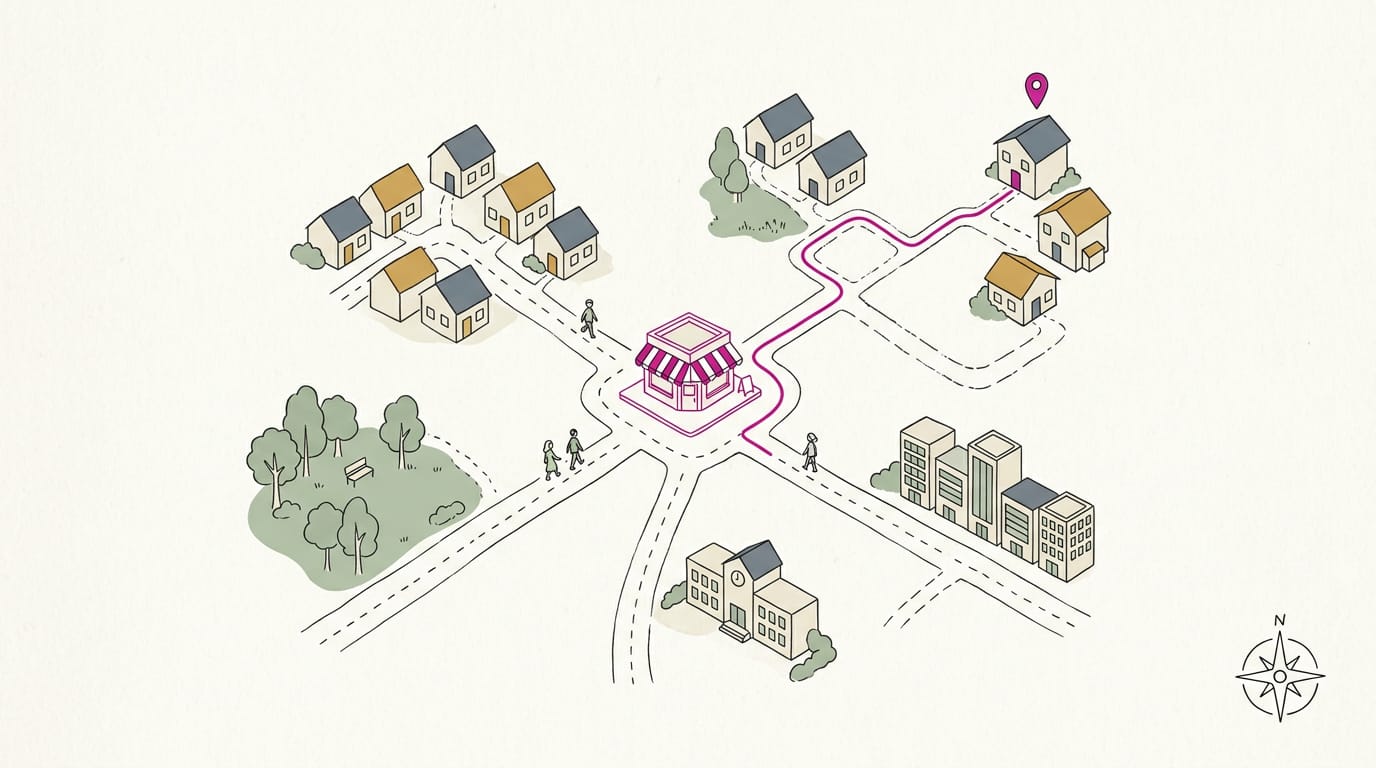
For a local business, track calls, bookings, and review requests. A salon owner who logs each call, whether it booked, and whether she asked for a review can spot which calls go nowhere. A notepad works fine.
How campaigns and content are performing
Open rate, click rate, and conversion rate track how many people open, click, or book. Engagement (likes, comments, and shares) shows who cares enough to pass your posts along.
ROI (return on investment) compares earnings to cost, and attribution shows which effort earned the credit. Past campaign results give you a baseline.
Think of a plumber who ran a small ad last winter. Looking back at that week’s calls, he can see whether the ad or a neighbor’s referral booked the job. He wants which effort worked, not how many people saw it.
Market research and competitor insights
Competitor analysis checks what nearby rivals offer, how they price, and what their reviews say. Industry trends show where customer expectations are heading, while surveys and focus groups ask customers directly.
Target audience data describes who you most want to reach, and intelligence reports bundle it all into one summary.
When three nearby restaurants start offering online ordering, a restaurant manager can simply ask her regulars whether they’d use it. Asking beats guessing.
Data you already have in-house
Much of this is already in your tools:
- Internal sales records: invoices, receipts, and booking logs.
- CRM (customer relationship management) databases: software that keeps each customer’s contact details and history.
- In-house team insight: what your front desk hears from callers every day.
- Marketing software analytics: built-in reports from your email, website, or social tools.
Start with what you already have.
Who Benefits Most from It
We see the biggest gains on teams with a lot of data and a lot of people who need it.
Enterprise marketing teams, business-to-business (B2B) companies, digital-first companies, high-growth businesses, and marketing agencies all juggle more information than one person can track, so marketing information management pays off fastest for them.
Small businesses and departments that share data
Smaller operations need it too, often sooner than they expect. Here’s how it plays out:
- Small business owners. Think of a dental office where the front desk logs calls, the online booking form fills the calendar, and reviews trickle in on the owner’s phone. Without one place to keep it all, the owner can’t tell which channel brought in new patients. With a simple shared record, even a spreadsheet, that answer takes minutes, not guesswork.
- Sales, finance, and accounting. Your bookkeeper wants to know which marketing spend turned into paid work, and your sales team wants to know which leads are worth a callback. When everyone works from the same records, those answers match.
- Cross-department collaboration. Marketing, sales, and the front desk all touch the same customer. When the person answering the phone can see what the ad promised and what the reviewer said, the next conversation goes more smoothly.
- All marketing teams. Whether you’re one person with a phone or a team of five, the goal is the same: know where your calls, bookings, and reviews come from, and act on it. It’s less about how much data you have and more about who can actually use it. Simple beats sprawling.
Planning Your Marketing Data Strategy
A good data plan is less about how much you track and more about what you do with it.
Five steps from audit to ongoing checks
- Audit existing data. List what you have and whether it’s accurate.
- Set goals and KPIs. A key performance indicator (KPI) is one number showing progress, like weekly bookings.
- Select platform. Choose where your information will live, as we’ll cover below.
- Establish data governance. Set rules for who owns each record and who can edit it.
- Monitor and optimize. Check numbers on a schedule and change one thing at a time.
How to choose the right platform
Picture a plumber copying call notes into three apps every night. Connected tools give him that evening back. Judge each option on these points:
- Integration. Does it link to your phone line, calendar and email?
- Automation. Can it send repeat messages, like appointment reminders, on its own?
- Scalability. Will it still work when you add a location or staff?
- Security and compliance. Check who owns your data, how it’s protected, and whether you can export everything if you leave.
- Ease of use and budget. Pick something simple your team will use and you can afford.
Setting up the system step by step
- Centralize data in one workspace. Keep calls, bookings and reviews in one shared place.
- Connect marketing tools. Link your calendar, phone line and review pages.
- Build dashboards. Create one page that shows your KPIs at a glance.
- Automate workflows. Set repeat jobs, like a follow-up text after each visit.
- Use templates and no-code setup. Start from prebuilt templates, no programming needed.
- Organize with folders, tags, tasks and access. Sort with folders and tags, track follow-ups as tasks, and limit each person’s access.
Quick tips for staying on track
- Assess your current system first. Know what works before adding anything new.
- Keep a master list of sources. Note where calls, bookings and reviews come from.
- Prioritize KPIs. Track the two or three that matter most.
- Set a daily or weekly workflow. Pick a fixed time to update.
- Use collaborative software. Let everyone work from one shared file, not old copies.
- Start with one spreadsheet. A phone-friendly sheet you check weekly beats a fancy system you never actually open.
Tools and Examples from Real Teams
Seeing a working setup beats reading about one. Here are tools to test and real examples to learn from.
Popular platforms and how to try them
- Stackby (no-code workspace). Build simple trackers and forms without writing code.
- Airtable (relational database). Tables link to each other, so a booking can point to its customer instead of retyping details.
- Wrike (work management). It tracks who’s doing what and by when.
- Free trials and demos. Look for a free trial or demo, the call to action (CTA) that lets you test before paying. Load it with your real call logs.
Before you commit, check the renewal price, not just the introductory offer. Count every user you’ll need and price out a full year. The lowest starting price isn’t always the lowest total cost.
Real campaign results and how AI helps
Study the SUSE campaign workflow example to see how one team sequenced its steps from brief to launch, then borrow what fits.
Think of a dental office that logs each inquiry’s source. Each month, the office manager checks which sources actually book, so the next ad dollar goes there. That’s lead validation, confirming an inquiry is real and worth a follow-up.
The same shared log speeds up launches, since every step has an owner and a date.
Marketing tools powered by artificial intelligence (AI) can help sort the notes you already collect, like call logs and review text. Treat their output as a first draft and check it before a customer sees it.
Surveys track this, too. A study titled “From experimentation to integration” surveyed 797 professionals in eight European countries across six fields, including marketing. Ask your team where AI already shows up.
Common Problems and How to Fix Them
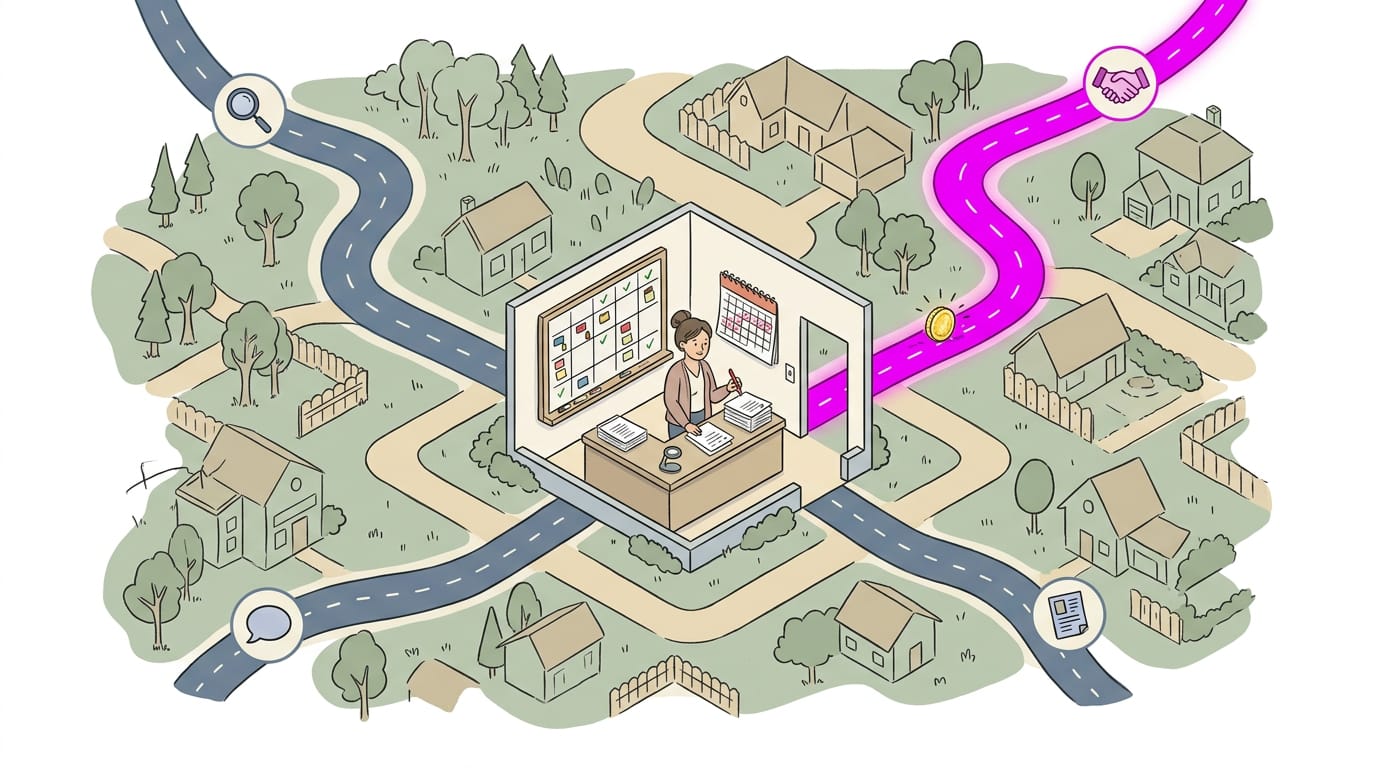
Most data problems come from tools that don’t talk, habits that slip, and busy people skipping one more entry. Here’s how to fix each one.
Breaking down data silos between tools
Your booking app, phone log, and review page each hold part of the picture. A data silo forms when that part never reaches the others. Name one main record per customer to stop fragmented data sources from splitting your history.
Run an integration test: send yourself a booking and call your line from a second phone to confirm both land correctly. Then fill the gap of a missing labeling system by agreeing on words like ‘booked’ and ‘showed’ and using them everywhere.
Fewer tools that agree beat more tools that don’t.
Keeping data clean and consistent
A dental office manager spends ten minutes each Friday merging duplicates, so ‘Dan Smith’ and ‘Daniel Smith’ don’t both get a reminder. Each pair like that is a duplicate record, one customer stored twice.
A validation rule is a simple check, such as requiring a phone number before a booking saves. Agree on standard input methods: one format for
- phone numbers,
- service names, and
- dates,
posted near the phone. Then schedule regular data cleaning so mess never piles up. Dull work, real payoff.
Getting your team to actually use it
Expect resistance to new systems. Start with a complaint staff already have, like missed callbacks, and explain why the change helps, not just what to click. Make training and support short:
- a walkthrough per person,
- a reference card by the phone, and
- a check-in after a week.
Employee accountability is simple: one person owns the daily log and notices when a line stays blank. Consider a salon where one stylist skips walk-ins, so the monthly report wrongly shows bookings sliding.
Nothing’s wrong with the business; the data is missing. Fix inconsistent tracking with a weekly spot-check against the appointment book.
Keeping data secure and compliant
Practice access control: your front desk sees bookings, while payroll and bank details stay with the owner. Phone numbers and appointment notes are personal, so privacy regulations where you operate may apply to them.
Accessibility (easy access for your team) and privacy pull in opposite directions. The sweet spot is enough access to do the job, and no more. Build a compliant workflow, a routine that treats personal data the same way every time.
A clinic, for instance, never texts patient details from a personal phone.
Growing without outgrowing your setup
A spreadsheet that’s fine today can buckle as bookings climb. Watch for signs of growing data volumes: slow files and copies floating around.
Do capacity planning before busy season: check your busiest month of calls and bookings, then plan for that number plus room to grow.
Choose tools where the platform grows with your team, so a third front-desk hire means adding a login, not rebuilding everything. Adding a chair, not moving the shop.
Marketing information management comes down to one habit: knowing what’s happening with your customers and your marketing, then acting on it. You don’t need a big budget or complicated software.
You need a few clear questions, a simple place to record the answers, and a regular check-in.
Start small. Choose the one or two numbers that matter most this month, like calls, bookings, or new reviews, and log them every week. That steady record becomes your clearest guide to what’s working.
Keep writing it down, and let the numbers guide your next move.
References
- From experimentation to integration: Mapping AI use across European media and communication professionals — doi.org (2026)
- The Hidden Costs of Poor Data Quality — cambridgespark.com
Questions
What is a marketing information system?
A marketing information system (MIS) is a set of tools and processes that collects, stores, organizes, and analyzes information to support marketing decisions. It can include phone logs, customer databases, booking software, analytics, and tools that connect those records.
What is the simple definition of information system?
An information system is a set of tools and habits for storing and sharing information. It helps people keep records organized and accessible.
What is marketing detailed explanation?
Marketing is the work of understanding customers and meeting their needs through products or services, pricing, promotion, and distribution. It also includes researching audiences and markets, communicating value, and measuring which efforts lead to customer interest or sales.
What is MIS in simple words?
MIS means marketing information system: the tools and processes a business uses to collect, store, and use marketing information. In simple terms, it helps a business keep track of customers, campaigns, and results so it can make better decisions.
What are the three main types of marketing information?
The three main types are customer data, campaign performance, and market insight. Together, they show who customers are, how marketing efforts perform, and what is happening in the wider market.
What are market and types?
A market is a group of current or potential buyers for a product or service. Markets can be classified in several ways, including consumer markets, business-to-business markets, government markets, and international markets; they can also be local, regional, national, or global.
What is an example of marketing information management?
A salon can record where each caller heard about it, whether the caller booked, and whether the customer later left a review. Reviewing those records can show which channels bring in bookings and help the owner decide where to focus marketing effort.
What does the 3 3 3 rule mean in marketing?
There is no single universally recognized 3-3-3 rule in marketing; its meaning depends on the context or source using it. One common version in sales outreach is to contact a prospect three times, through three channels, over three days, but businesses should verify the intended version before applying it.