Google Reviews Explained: What They Are and How to Use Them
Google reviews shape who gets chosen. Find, write, edit, and respond to them, learn how to earn more, and what to do when reviews disappear.

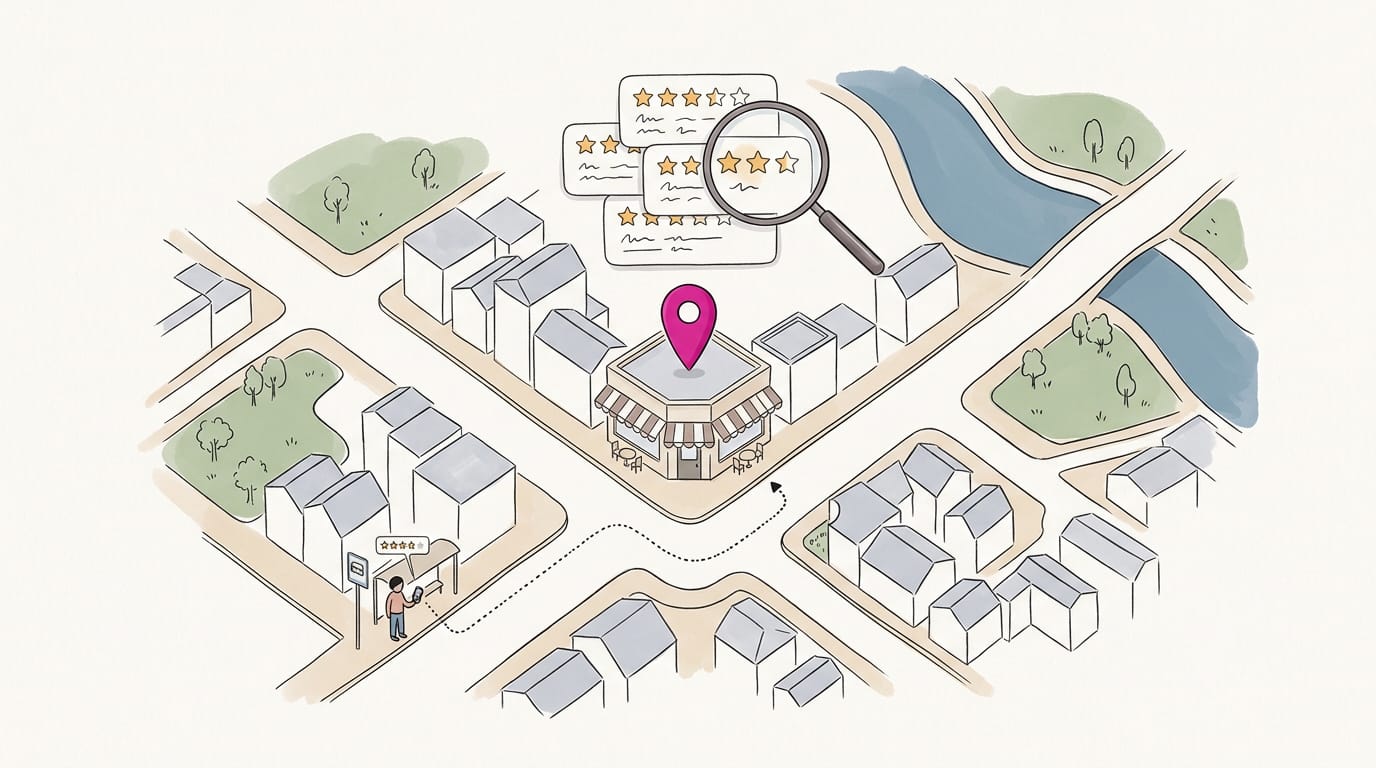
Google reviews are the star ratings and written comments people post on a business’s Google listing, where they help potential customers decide whom to trust and contact. For businesses, the practical approach is to ask real customers consistently without incentives, monitor and respond to feedback, and report reviews that violate policy; customers can read, write, edit, or delete their own reviews through Google Maps. Steady, honest feedback can build credibility and support local visibility, while calm replies show future customers how a business handles concerns.
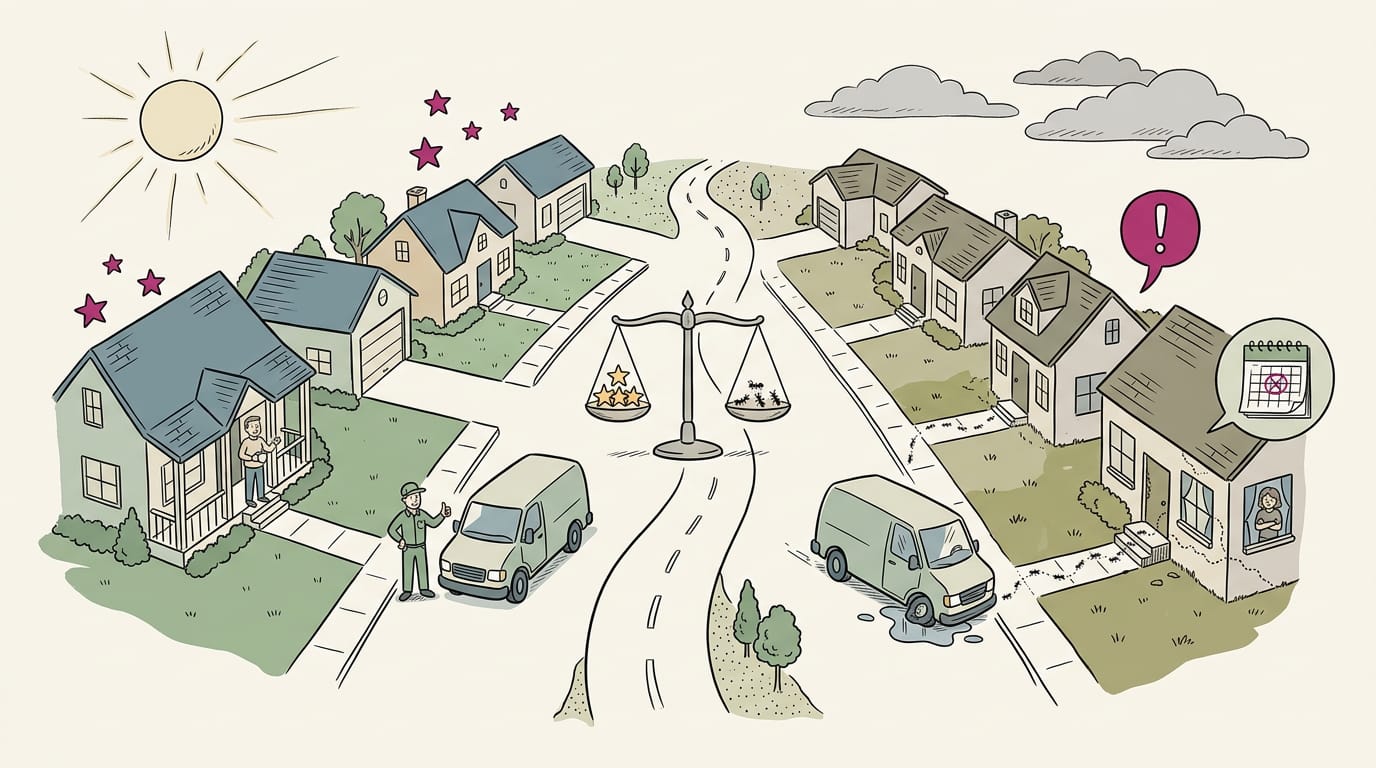
Before you call a plumber or book a table, you probably glance at the stars and skim a few comments. Your customers do the same thing with your business, and that’s where Google reviews come in.
Google reviews are the star ratings and written comments people leave on your business’s Google listing. They show up when someone searches nearby, so they quietly decide who picks up the phone and who keeps scrolling.
In this post, we’ll cover how to find and read reviews, write and edit your own, respond well, earn more of them, and handle the ones that go missing or get removed.
Why Google Reviews Matter
Google reviews do two jobs: they win over customers already searching and help local search find you.
How reviews build customer trust
Most customers read reviews before they call, so reviews act as social proof that builds credibility. Customers prefer recent reviews over old ones, so a steady trickle beats one big batch.
Think of a plumber who asks each customer for a review once the job’s done. Asking works. A study on what affects customers’ intention to write reviews suggests that inviting feedback can encourage them to write one.
How reviews lift local search rankings
Reviews feed the ranking factors that shape where you appear. A study on online reviews in local search supports this, and a Search Engine Land guide says review count and average star rating may also factor in.
Reviews are free market research: customers reveal what they value. Picture a dental office that asks each patient for a review at checkout. That steady stream can help new patients choose the practice, not just find it.
Is a Google review better than a Yelp one? For local search, Google reviews count toward your ranking, so that’s where to start.
Telling real reviews from fake ones
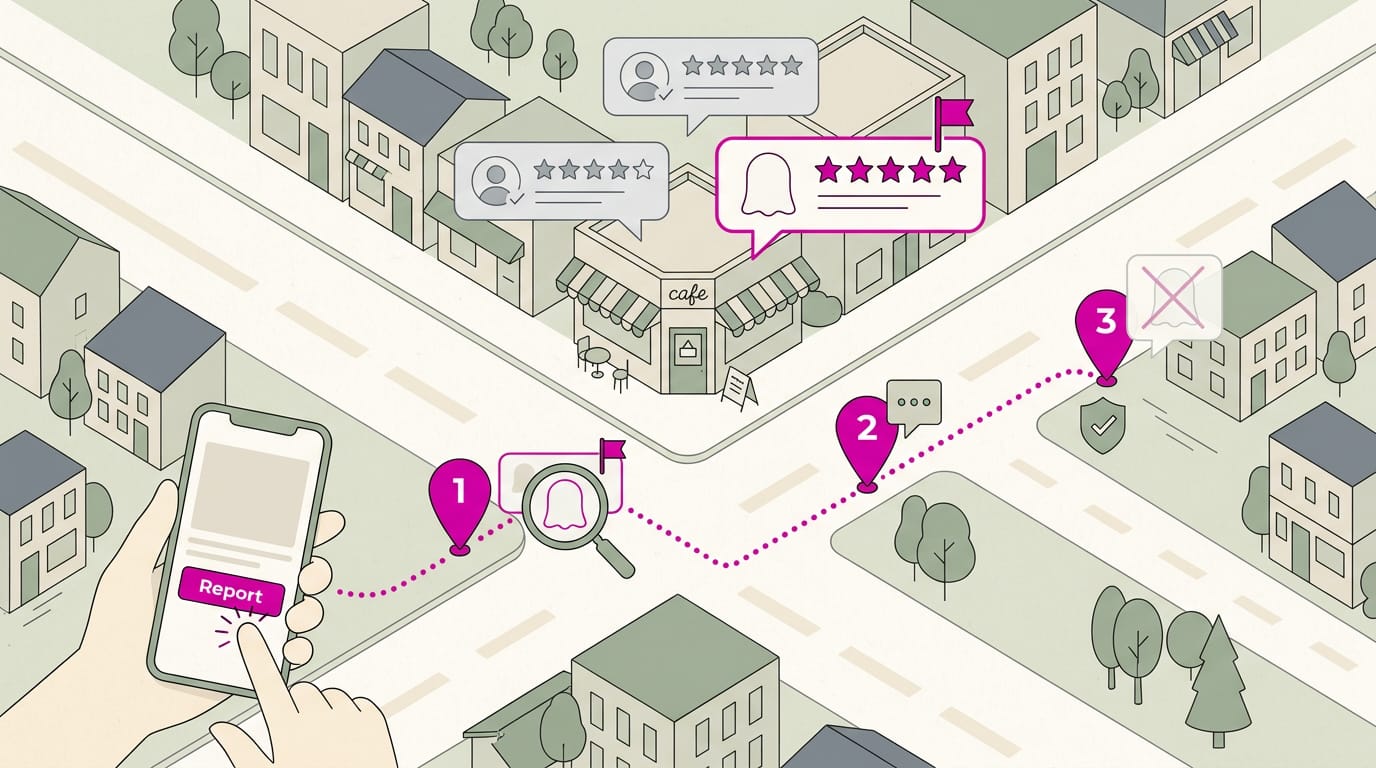
A case study on detecting fake reviews in Google Maps notes Google has an algorithm for catching fake content. Look at patterns rather than one review at a time:
- Date and detail. Check when it was posted and whether it describes a real visit.
- Reviewer history. Check whether a brand-new account posted one glowing review.
- Owner reply quality. Thoughtful replies that mention specifics point to a real job.
- Rating patterns. A wall of perfect fives with no middle ratings can look staged.
Spot checks help, but real reviews from real customers are your best defense.
Finding and Reading Google Reviews
Google reviews live in several places, so knowing where to look saves time. This section covers finding reviews, not changing them.
Find the reviews you’ve written
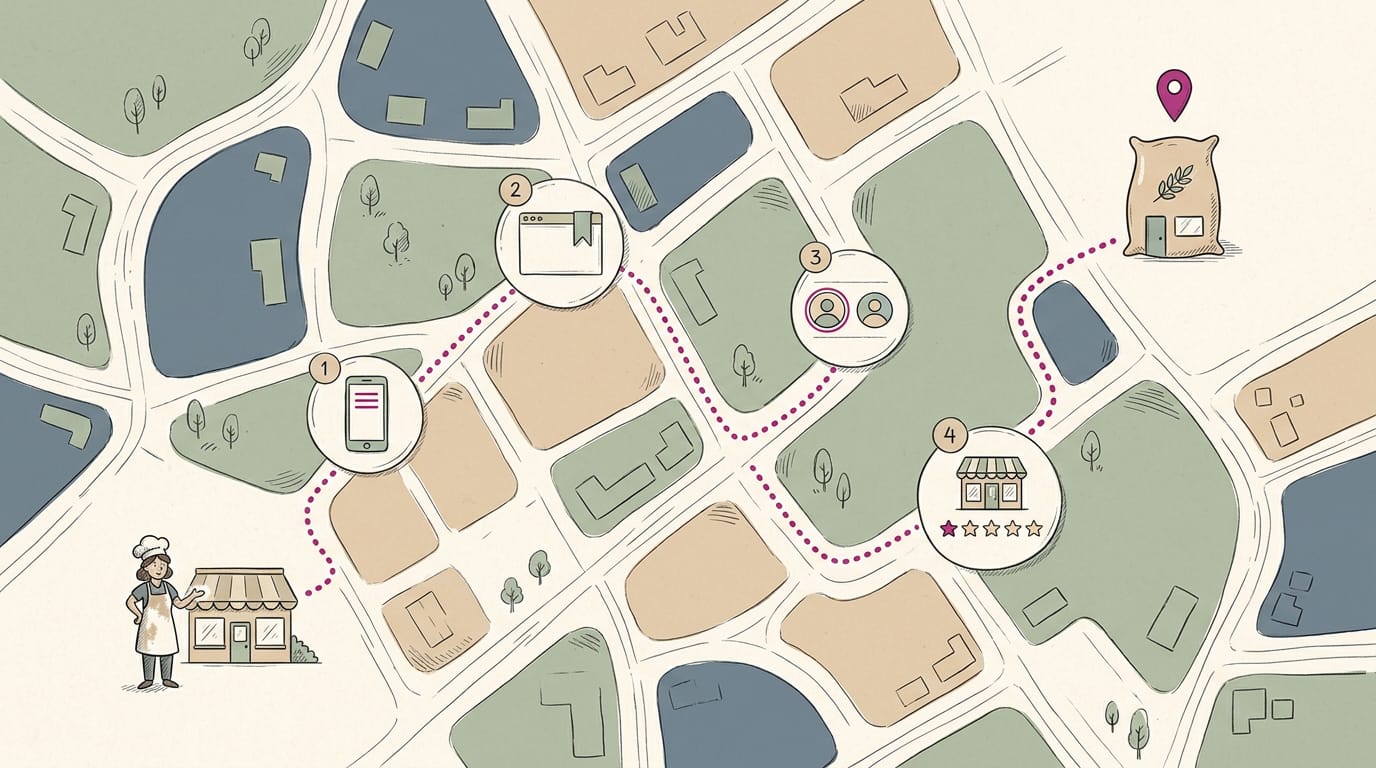
Picture a bakery owner who wants to revisit a review she left for her favorite flour supplier. Once she knows the route, it takes a minute.
Here’s the route:
- In the Maps app, open the menu and choose Your contributions. On desktop, use the menu on the Maps website.
- Bookmark the direct contributions link in your browser to skip the menu next time.
- Switch to the right Google account, since reviews stay with the account that posted them.
- Search the place by name and tap the stars on its listing to find your review.
Check reviews left for your business
Picture a dentist’s office manager who opens the listing every Monday and spots a three-star review from the weekend before the first patient arrives. Catching it early matters.
Check your listing these ways:
- Search your business name in Google or Maps and read the reviews on the listing.
- Open your Google Business Profile dashboard and check reviews there.
- Open the Business tab in the Maps app if you manage your listing from your phone.
- Use the filter and sort options to bring the newest reviews to the top.
More than one location? You’ll want to check each one, since every location has its own list.
Read reviews for any business or person
A salon owner comparing two equipment suppliers cares how each is doing now, not how it did years ago. Recent reviews answer that.
Here’s how she checks:
- Open a business listing or the Reviews tab in Maps.
- Sort by Newest to see the latest feedback first.
- Tap a reviewer’s name to see what else they’ve reviewed.
- A restricted profile hides a reviewer’s contributions, so weigh that review on its own.
Other kinds of reviews and tools
Some review systems work differently, so check which one you’re looking at:
- Play Store app reviews cover apps on Google Play, not your Maps listing.
- Google Customer Reviews are for stores and are separate from Maps reviews.
- Google seller ratings are another separate system you’ll check on its own.
- The old Google My Business app is discontinued, so use the Maps Business tab or your Google Business Profile dashboard instead.
Write, Edit, or Delete Your Own Reviews
Writing, changing, and sharing your own Google reviews takes just a few steps once you know the rules. Here’s what to know.
Why can’t I leave a Google review?
If you can’t find the option, check these basics:
- Browser steps: Open Google Maps in a browser, search for the business, and find the review option on its listing.
- Maps app steps: Open the Google Maps app, find the business, and use the review option on its page.
- Google account required: Sign in to a Google account first, because you can’t post without one.
- No anonymous reviews: Every review is posted under an account, not anonymously.
- Review writing tips: Describe what happened, not just how you felt. Specifics help the next customer most.
Changing or removing a posted review
To make changes, open the three-dot menu (also called the More menu) on your posted review. You can change the rating, text, or photos.
If you only need a small fix, edit the review instead of deleting it. Deletion is permanent, and a removed review can’t be brought back. Editing also changes the date shown on your review, so an update displays the new date.
Sharing your reviews and who sees them
Reviews are public by default, so anyone who looks up the business can read yours. Reviews stay posted indefinitely, so one you write today keeps helping long after your visit.
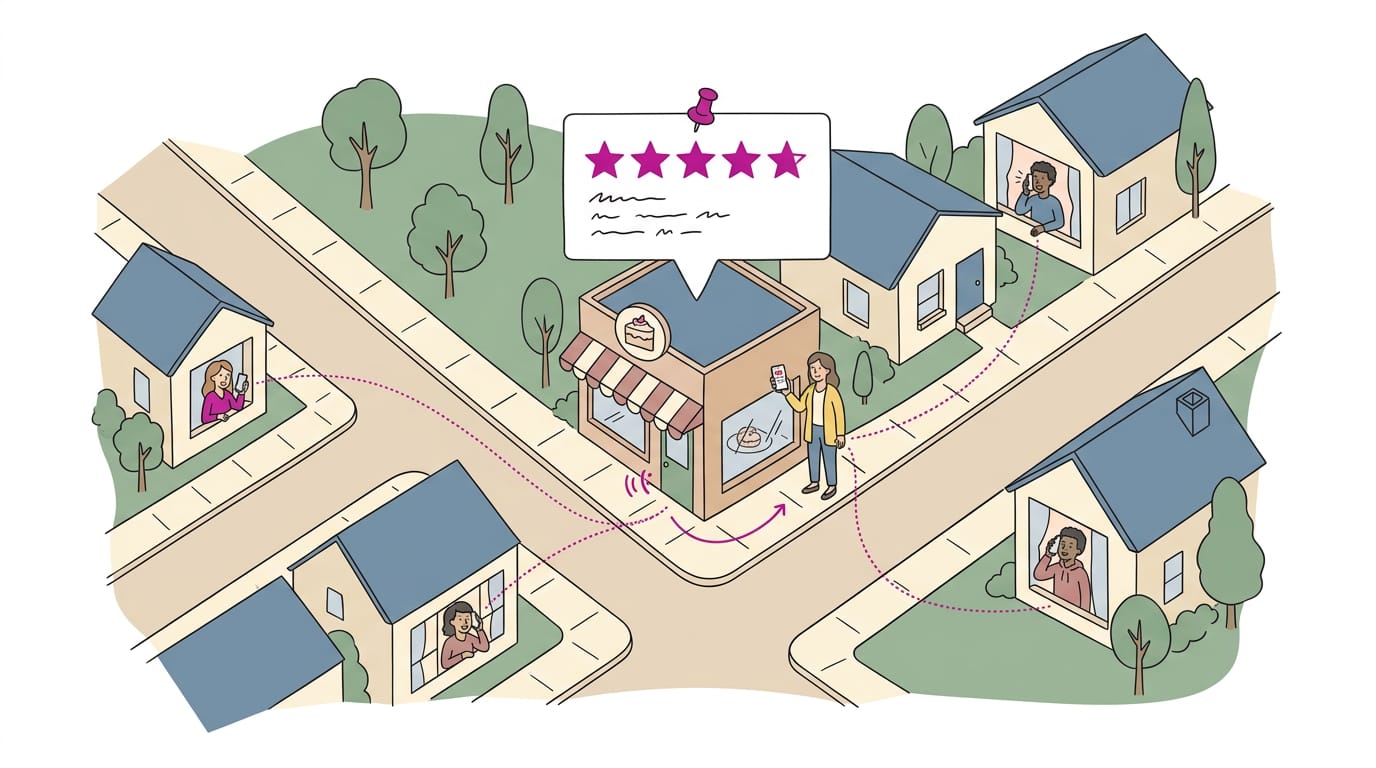
Say a regular at a neighborhood bakery praises her custom cake in a review. She can share the review link with friends planning celebrations, so they see the praise in seconds and call the bakery for their own order.
How to Manage and Respond to Reviews
Reviews only help when someone keeps up with them.
Replying to reviews the right way
Reply from your Business Profile. Only verified businesses can reply, so confirm yours is verified first. Replies go through a policy check, so keep them courteous.
Respond to negatives first. Picture a plumber with a two-star review about a late arrival. A short apology and an invitation to call show future readers someone who makes things right.
Keep reply templates for bad reviews: thank the reviewer, acknowledge the issue, offer a clear way forward. You’re writing for the next customer, not just the reviewer.
Keeping track of new reviews
Turn on notification settings so new reviews reach you. Set a weekly review routine, one fixed slot such as Friday before close. Small and regular wins.
A review aggregator gathers reviews from several sites into one dashboard. Multi-location management software does the same across branches. Google has no native export, so keeping a record means copying reviews or using these tools.
Showing reviews on your website
A review widget is a code snippet that displays your reviews on your site. Pick a layout:
- Grid: several reviews at once.
- Carousel: one review at a time, for tight spaces.
- Badge: a compact rating mark for a footer.
Set up filter and auto-sync so new reviews appear on their own. Hiding every critical review can make the page look staged. Keep it honest.
Add schema markup, code that labels your reviews and star rating for search engines. Ask whoever manages your site to add it.
Share strong reviews on social media, with the reviewer’s permission. Think of a salon owner who posts a client’s comment beside a photo of the new chairs. That’s social proof: other customers vouching for you.
Getting More Google Reviews
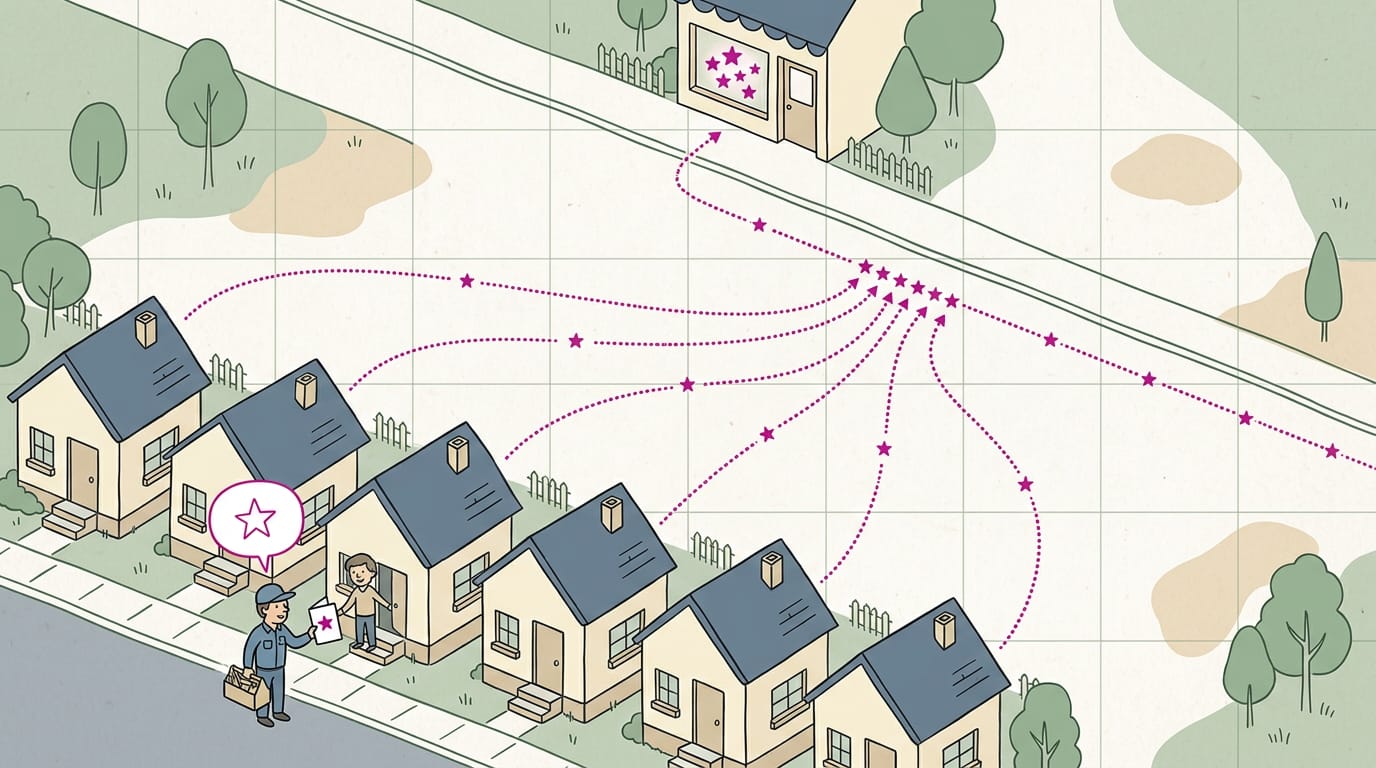
Happy customers rarely review unprompted, so ask well, make it easy, and play fair.
Asking customers in ways that work
Frame your request as a favor, not a demand. Add a reason too: a Psychology Today piece on the word “because” found that giving a reason after “because” led to significantly more compliance.
Try: “Would you leave a Google review, because it helps neighbors find us?”
Thank them in advance, like “Thanks so much, we really appreciate it.” Keep a short request script at the front desk so nobody has to improvise. Ask after every visit, not just when you remember. A plumber who asks, “Happy with the work?
Would you leave a quick review?” every time builds a steady flow of reviews. Consistency wins.
Making it easy to leave reviews
- Review request software sends requests for you and tracks responses. Requesting reviews doesn’t require a paid plan, so the real cost is your time plus any subscription you choose.
- Automated text or link requests send a direct link to your review page soon after the visit.
- A near-field communication (NFC) card lets customers tap their phone to reach your review page, while a quick-response (QR) code does the same with a camera.
- Replies take time too, so artificial intelligence (AI) tools can draft responses you then personalize.
- Ask at the point of sale, while the customer is still paying.
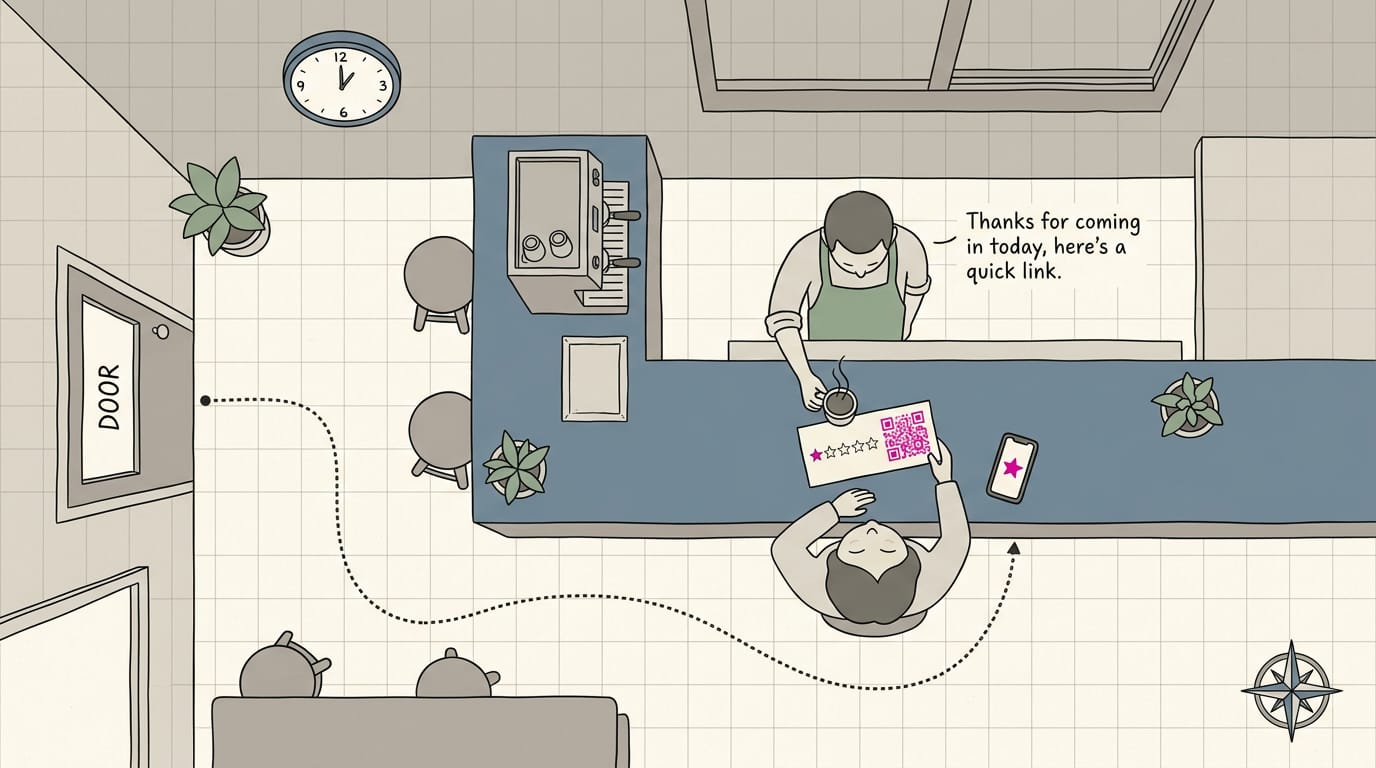
- Put a QR code on the counter so people can scan it while they wait.
Think of a dental office with a QR code on its checkout counter. Patients can review from the waiting room while the visit is fresh.
Playing fair when collecting reviews
- Don’t review your own business: your listing should reflect real customers.
- No incentives: don’t offer discounts, freebies, or prizes for reviews.
- Earned, not bought: reviews should come from experience, not rewards.
- Review gating is prohibited: don’t screen customers or send only the happy ones to your review page.
When Reviews Go Missing or Get Removed
Had a rough week and spotted missing reviews? Take a bakery owner who sees two new reviews gone after a busy holiday rush. Before she assumes the worst, she checks the common causes below and knows what to do next.
Why your reviews might not show up
A review that’s missing isn’t always gone. Check these first:
- Wrong Google account. You may be signed in to a different account than the one your profile uses, so double-check which one you’re on.
- Moderation delays. Google Business Profile Help notes that in some cases, processing can take a few days and delay a review’s appearance on your profile.
- Policy-violating reviews removed. Reviews that break Google’s policies may not appear at all.
- Spam filter after 72 hours. Google’s spam filter can hold a review back. If yours is still missing after 72 hours, it’s worth a look.
- Reviews unavailable in some regions. Reviews aren’t available everywhere, so people in certain regions may not see yours.
Getting fake or bad reviews taken down
Reporting is a request, not a guarantee. If a review looks fake or unfair, start here:
- Conflict of interest flag. Flag the review and select conflict of interest as the reason.
- Screenshot the report. Save a copy of the review and your report in case you need to follow up.
- Ask the community. If a report stalls, Google’s Spam & Policy community forum is a place to ask questions.
Before you flag, compare the review against Google’s prohibited content policies, so your report points to a rule it actually breaks. Even then, removal isn’t guaranteed, so keep asking happy customers for new reviews too.
Reviews work best as a steady habit, not a one-time project. Check your listing weekly, reply to what people say, and ask happy customers for feedback while the visit is still fresh.
Over time, honest reviews build up and do more for your calls and bookings than one burst of effort ever will.
When a bad review lands, a calm, specific reply can reassure the next customer more than a perfect rating would.
Keep showing up for your customers, and they’ll keep showing up for you in reviews.
References
- Role of Online Reviews in the Local Search Context — doi.org (2023)
- Detecting Fake Reviews in Google Maps—A Case Study — mdpi.com (2023)
- WHAT AFFECTS CUSTOMER’S INTENTION TO WRITE AN … — jatit.org
- Want to win at local SEO? Focus on reviews and customer sentiment — searchengineland.com (2025)
- What Is the Google Local Pack? How to Rank in the 3-Pack — searchengineland.com (2025)
- About missing or delayed reviews — support.google.com
- The Power of the Word “Because” to Get People to Do Stuff — psychologytoday.com
Questions
How do you leave a Google review?
Sign in to your Google account, open Google Maps or Google Search, and find the business listing. Select the option to write a review, choose a star rating, add your comments or photos if you wish, and post it. Reviews are public and aren’t anonymous.
How do I look up a review on Google?
Search for the business in Google Maps or Google Search, open its listing, and select the reviews section. You can sort reviews, such as by newest, and browse them or tap a reviewer’s name to see their other public reviews.
How do I find my reviews I left?
In the Google Maps app, open the menu and choose **Your contributions**. On desktop, open the menu on the Google Maps website and select **Your contributions**; make sure you’re signed in to the Google account you used to post the reviews.
How do you place a review on Google?
Sign in to Google Maps or Google Search, look up the business, and open its listing. Choose the review option, select a star rating, write about your experience, and post the review.
How much do Google reviews cost?
Posting a Google review is free. You can also request reviews without paying for a service, though optional review-request tools or software may have subscription costs.
How do I delete a Google review I wrote?
Find your review in Google Maps under **Your contributions**, or open the business listing and locate the review. Select its three-dot menu and choose the delete option; deletion is permanent, and the review can’t be restored.
Is Google review better than Yelp?
For local search, Google reviews are especially useful because they appear on Google listings and can contribute to local rankings. Yelp reviews can still help customers compare businesses, so which platform matters more depends on where your audience looks.
Sources
- WHAT AFFECTS CUSTOMER'S INTENTION TO WRITE AN ..., jatit.org
- Want to win at local SEO? Focus on reviews and customer sentiment, searchengineland.com,
- What Is the Google Local Pack? How to Rank in the 3-Pack, searchengineland.com,
- Role of Online Reviews in the Local Search Context, doi.org,
- Detecting Fake Reviews in Google Maps—A Case Study, mdpi.com,
- About missing or delayed reviews - Google Business Profile Help, support.google.com
- The Power of the Word "Because" to Get People to Do Stuff | Psychology Today, psychologytoday.com