How Do Google Ads Work? A Plain-English Guide
How Google Ads work: see how search auctions place sponsored results, what clicks can cost, and how ads appear alongside your map listing too.

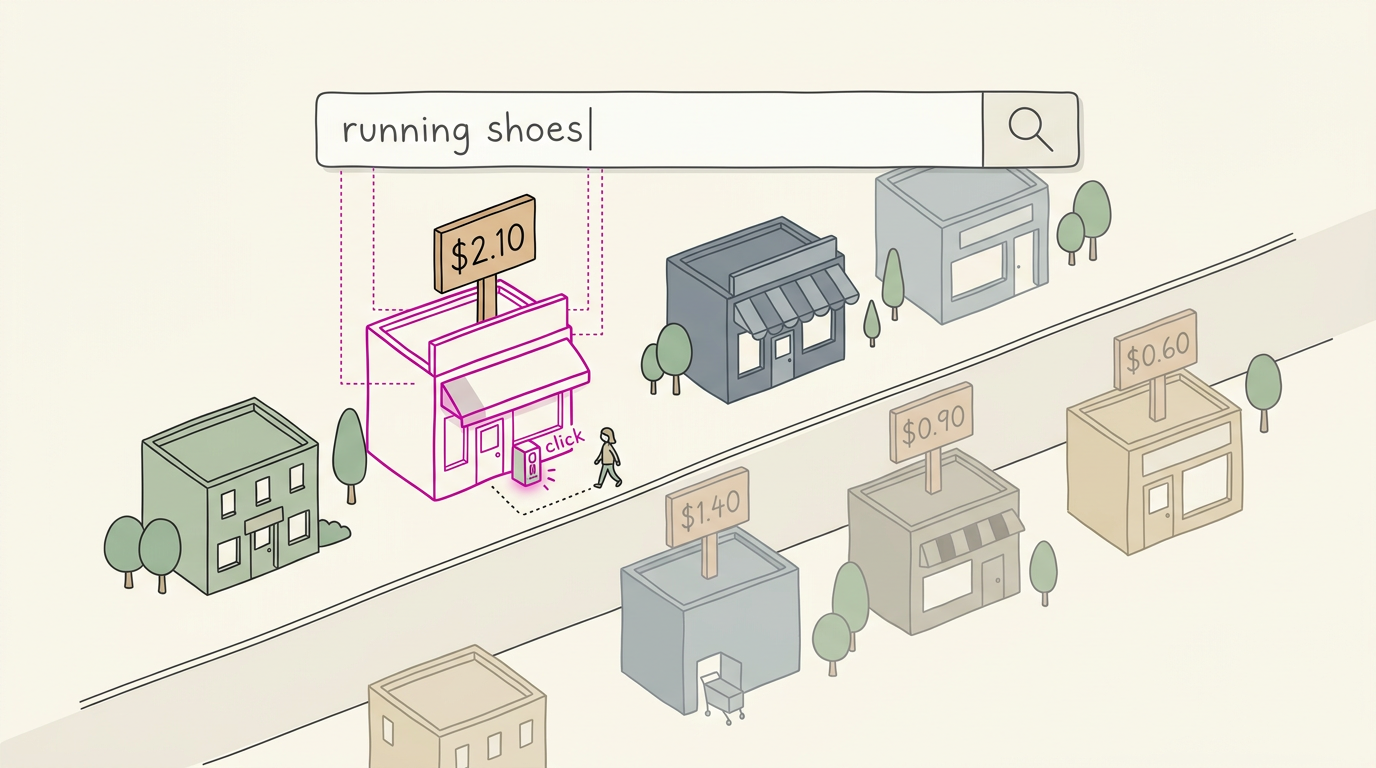
Google Ads is Google’s paid advertising platform, where advertisers choose keywords, set budgets, and pay to show ads in search results and other places online. For each search, an auction weighs bids and ad quality to determine whether an ad appears, where it ranks, and what a click costs; relevant keywords, useful landing pages, and conversion tracking help make spending more effective. Start with a focused campaign and a manageable budget, then measure calls or bookings, while using an organic map listing to build visibility without paying per click.
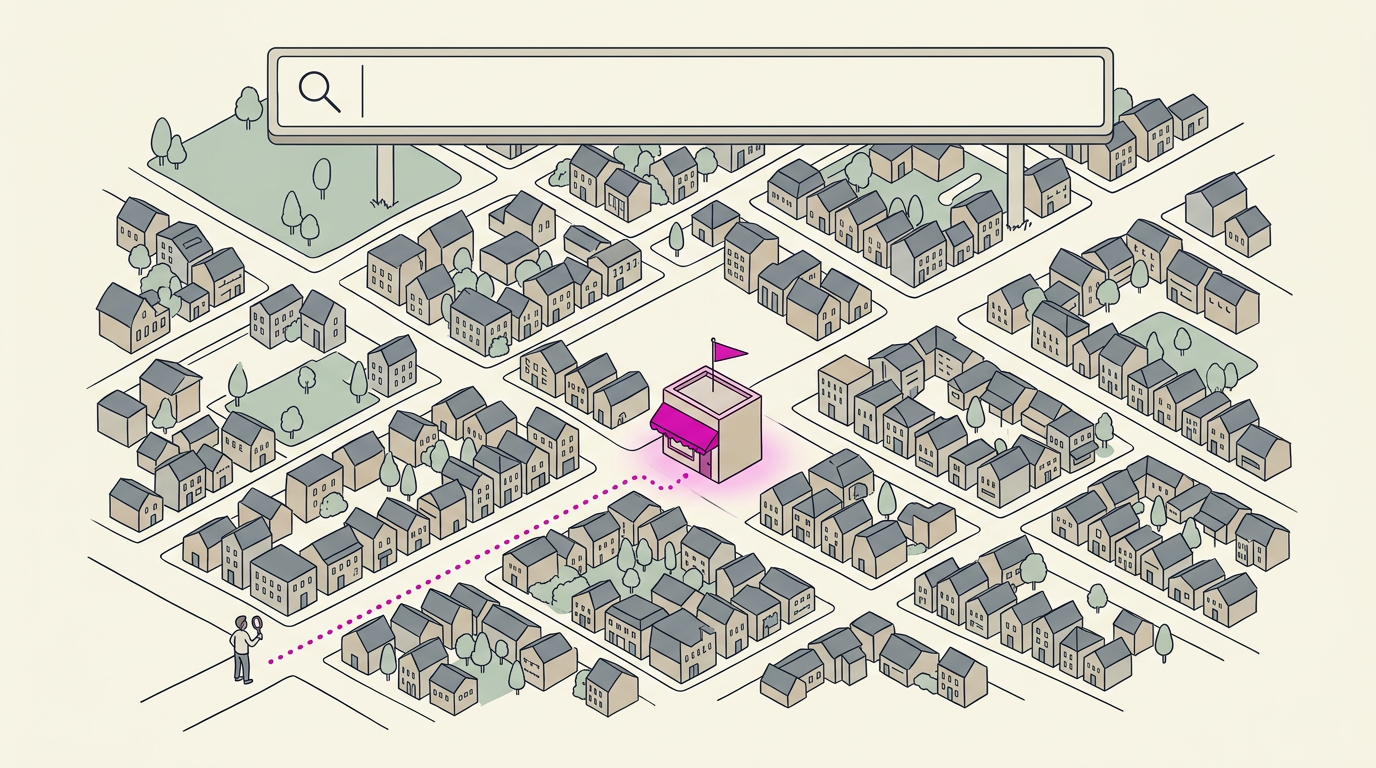
Think about the last time you searched for a plumber at 9pm with a leak in the ceiling. Those top results labeled Sponsored are paid ads, and they put your business in front of people ready to call.
Google Ads is the paid system behind those listings. You choose the search words, set a budget, and pay when someone clicks. Each time a search happens, Google runs a quick auction to decide which ads show and in what order.
Here, we’ll cover the auction, the costs, and how ads fit beside your map listing.
How Google Ads Works and Its Origins
Here’s the quick tour of what Google Ads is and where it came from.
What the platform does for advertisers
Google Ads is an online advertising platform where you pay to show ads to people searching on Google. You choose the keywords your customers type and bid on them. Ads can appear in search, video, and apps.
Think of a plumber who bids on “emergency plumber” so her ad appears when someone types that at 9pm with a leak. It’s less about being seen by everyone and more about being found by the right person. The same service used to be called Google AdWords.
From AdWords to Google Ads over time
Google AdWords launched in 2000. A study of Google ad success dates the launch to October 23, 2000. Later, a self-service portal let advertisers run their own campaigns.
Google also expanded its ad business when it agreed to buy DoubleClick, an online advertising company, for $3.1 billion in cash in 2007.
Then came the rebrand. On July 24, 2018, Google’s own Help pages confirm that AdWords became Google Ads. Same tool, new name.
Who benefits and why it works
Google handles a huge volume of searches, so plenty of people are looking for what you offer. The model works for three groups:
- Google earns revenue from the ads it sells.
- Advertisers reach people who are already searching.
- Publishers (the sites that show ads) earn from the space they share.
It works for most businesses: when someone searches for what you do, your ad can show up. Setup is quick, and your ad can appear almost right away.
Think of a salon owner who launches a campaign Monday and has her ad showing for “hair salon near me” by Tuesday, just in time to fill open chairs. That’s a quick win.
Where Your Ads Show up Online
Ever wondered why the first result for a plumber at 9pm was an ad? Here’s where paid ads appear.
Ads in search results and Maps
Most paid ads start on the search results page, above and below the organic results. Ads also show up in other places:
- Google Maps and Shopping: ads can appear in map results and product listings.
- Search partner sites: other websites that show Google search results can show your ads too.
The top and bottom placements are the main spots on the results page. Ads are paid placements, while organic and map results are earned through your website and listing.
Picture a plumber who takes emergency calls: a paid ad at the top can reach someone searching for a same-night repair, while your free map listing keeps working below it.
Ads on sites, apps, YouTube and Gmail
Search is only part of the picture. Third-party websites and apps in Google’s display network (the sites and apps that show Google ads) can show your ads to people browsing them. This reaches people where they browse, not only what they search for.
- YouTube and Gmail: ads can run before and during videos and appear in Gmail’s Promotions tab.
- Image, video, and rich media: ads can be pictures, short videos, or interactive formats.
- Placement and exclusion control: you choose where ads run and can exclude sites or apps that don’t fit.
How partner sites share in ad income
Partner sites earn a share of the income from the ads they show. A site joins by opting in through AdSense, Google’s program for website owners who want to show ads and earn from them. Paid ads add reach. Your listing still does the heavy lifting.
Picking a Campaign Type and Format
Google Ads offers several campaign types and formats, and the right pick depends on your goal.
The main campaign types to know
- Search. Text ads that appear when someone types a related query.
- Display. Image and text ads on websites and apps across Google’s network.
- Video. Ads that play on YouTube and partner video sites.
- App. Ads that push people to install or use your app.
- Shopping. Product ads with photos and prices, built for stores.
- Performance Max. An automated campaign that runs across Google’s channels.
- Demand Gen. Ads that reach people while they browse, before they search.
For most local businesses, Search is the natural start. Picture someone typing “emergency plumber” at 9pm with water on the kitchen floor, and a Search ad puts your number in front of them. That’s the call you’re after.
Local Services Ads are built for trades like plumbers and electricians, so check whether your trade qualifies.

How text ads appear in search
Text ads mimic search results, so they look like the listings around them rather than interruptions. Your ad appears above the organic, unpaid listings.
You’ll also see expanded text ads, which give you more room to make your case. Every ad has headline and description limits, so each word has to earn its place.
Visual, video and shopping ad formats
- Visual display ads. Image-based ads for websites and apps.
- Six video formats. Pick the one that fits where your customers watch.
- Product listing ads. Single-product Shopping ads with a photo and price.
- Local inventory ads. Shopping ads showing what’s in stock at a nearby store.
- Showcase Shopping. Several of your products in one ad, so people can browse.
- Call-only ads. A tap-to-call button with no website link, ideal when customers phone in.
Start with one campaign and one format.
Choosing Who Sees Your Ads
Your ad only shows when someone searches, so you’ll decide who sees it.
Matching ads to words people search
Keywords trigger your ad when someone searches the words you bid on. Match types (broad, phrase, exact) set how closely a search must match.
Keywords come in sizes:
- Head terms are short and broad (“plumber”).
- Body terms add detail (“emergency plumber”).
- Long-tail terms are very specific (“water heater repair today”).
Negative keywords block unwanted searches like “free,” and placement exclusions keep ads off sites that waste clicks.
Searcher intent is why someone searches: “plumber open now” signals a ready buyer. It’s less about what they type and more about why.
Targeting by place, device and time
Physical location targets people in your area, while interest targeting also reaches people elsewhere who’ve shown interest.
Radius targeting draws a circle around your shop. You can also exclude locations you don’t cover. Geo-targeting picks cities or countries, but target only your service area for the cleanest setup.
Think of a plumber who covers only nearby towns. Keeping ads away from people who’d never make the drive means every call is a job the crew can take.
Device and time scheduling lets you raise mobile bids if most leads use phones, and run ads only during office hours so leads don’t hit voicemail.
Reaching people by age and interests
Demographic targeting narrows by age, gender, household income, and parental status.
Affinity audiences reach long-term interests like home cooking, while in-market audiences reach people actively shopping now.
Remarketing shows ads to people who already visited your site.
Cookies (small files that track visits) and the Topics API (short for application programming interface, a browser tool that shares broad interests) sit behind these tools.
How the Ad Auction Decides Placement
Every search sets off a fresh contest for ad spots.
Ads compete in an invisible auction
Google runs an ad auction for each search. According to a research paper on sponsored search auctions, a single auction is held per query to sell every ad position, and advertisers compete for that space.
It’s automatic, runs billions of times a day, and you never see it happen. Your ad only shows if it wins a spot. Display ad auctions also run when a web page loads.
How bids and quality set your rank
Your rank combines your bid with your ad’s quality. Google’s Quality Score rates that quality from 1 to 10, and rank works roughly as bid times Quality Score, so quality can beat a bigger bid.
Quality Score draws on three parts:
- Expected click-through rate (CTR): how likely people are to click when your ad shows.
- Ad relevance: how closely your ad matches the search.
- Landing page experience: how useful and easy to use the page is.
Your rank is recalculated in every auction, so it can rise or fall from search to search. It’s never locked in.
What you really pay per click
Each click carries a charge, your cost-per-click (CPC), and you often pay less than your maximum bid. Pricing is based on the second-highest bid, so you pay a little above the bid just below yours.
A higher Quality Score can lower your CPC for the same spot. Competition pushes the other way: picture a towing company bidding on ‘towing near me’ at 11pm. Plenty of other tow companies want that late-night search too, so every click costs more.
How Much Does Google Ads Cost?
There’s no flat price for Google Ads. Your total depends on how you’re billed, what clicks cost, and how long you run.
How you get billed for ads
Google Ads bills in a few ways:
- Pay-per-click (PPC): you pay for clicks, not for ads shown.
- Cost per acquisition (CPA): what you spend to win one customer, like one booked appointment.
- Cost per thousand impressions (CPM): you pay for every 1,000 times your ad appears, clicked or not.
- Cost-per-view (CPV) for video: you pay when someone watches your video ad.
Keeping daily spend in check
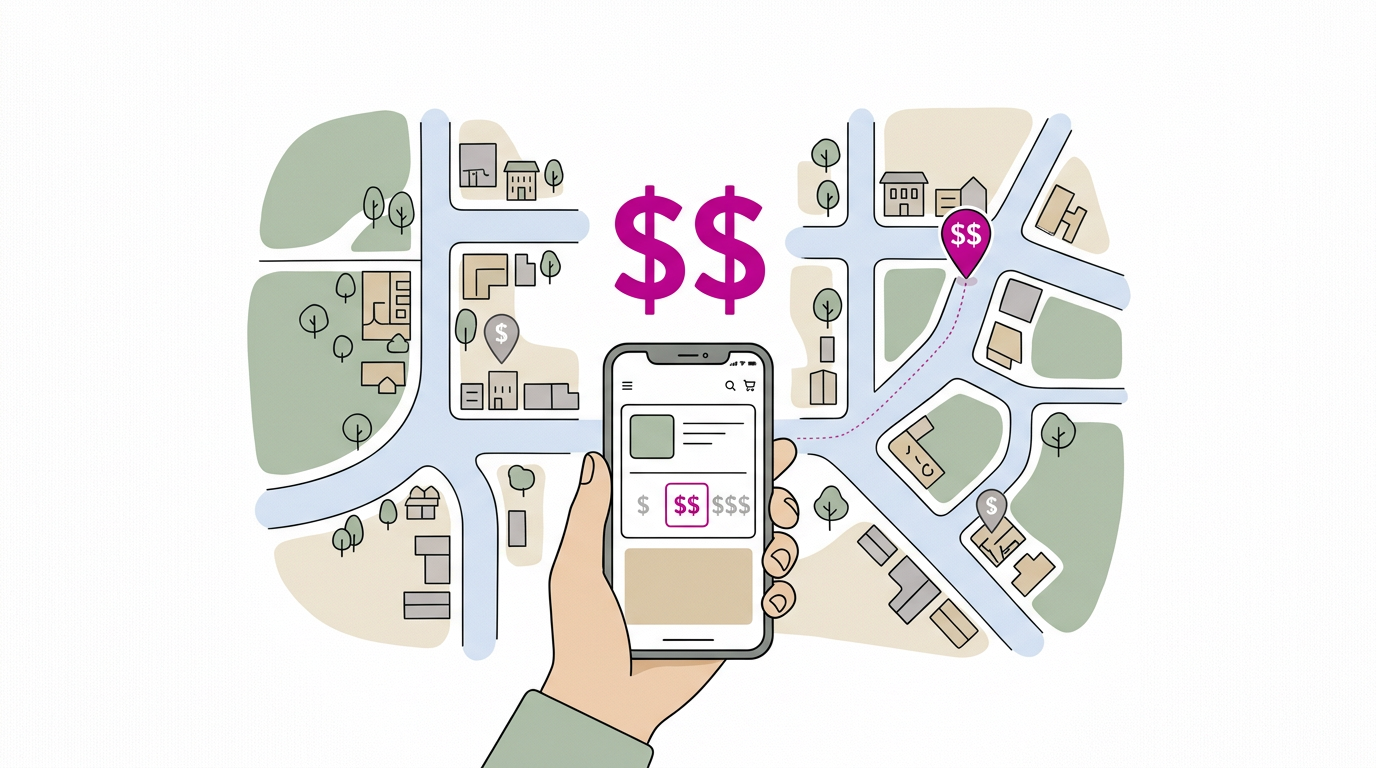
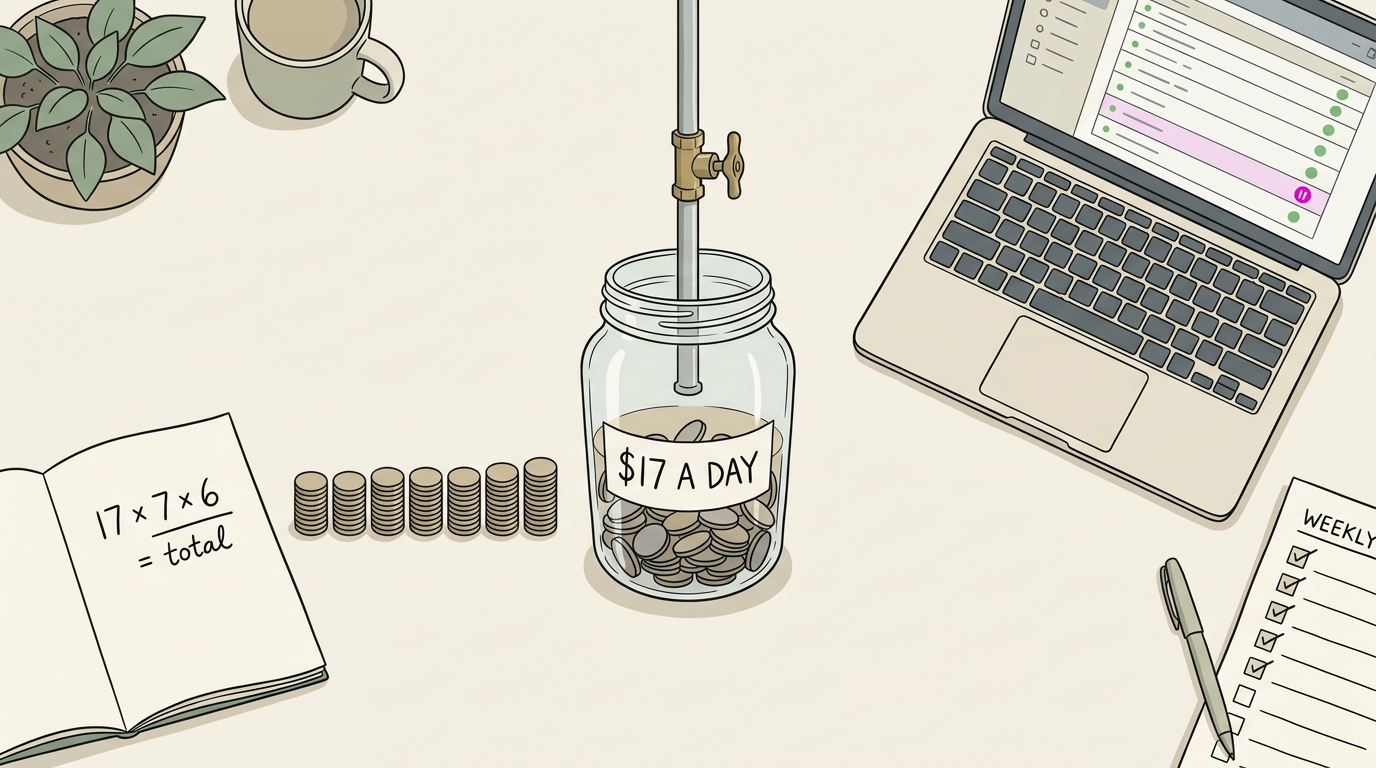
- Daily budget: the most you’ll spend on a typical day. Is $500 a month enough? It’s about $17 a day, which goes further on cheap, specific phrases.
- Maximum bid limit: the highest you’ll pay per click, so one pricey phrase can’t drain the budget.
- Weekly estimate before launch: multiply your daily budget by seven, then by your planned weeks, for total campaign cost. Divide that by a typical click cost to estimate clicks.
- Avoid overspending: check the account weekly and pause any ad that spends without bringing calls.
What typical click costs look like
Industry benchmarks compare average cost per click (CPC) for search and display.
A study on online advertising, Performance of online advertising: search, display and social media ads, notes that business-to-business (B2B) metrics run higher for Google search ads than for Google Display. Treat them as direction. Not a price list.
Search volume drives CPC: popular phrases attract more bidders, so competitive keywords cost more.
Think of a plumber who bids on just “plumber.” That click is crowded and costly. “Water heater repair” costs less per click and reaches fewer searches, but that person is further along in deciding what they need.
Are Google Ads Easy to Run?
Yes, once you know the steps. It’s a handful of screens.
Walking through setup step by step
- Choose your objective. Tell Google your goal, like more calls or bookings.
- Select a campaign type. This sets where your ads appear, so match it to how customers search.
- Set bidding. Bidding sets the most you’ll pay per click. Start with a daily budget you can live with.
- Choose networks, locations, and languages. Networks are the sites and apps where ads can show. Set locations to your service area: a plumber serving three towns should target those towns so they won’t pay for clicks across the county. Match languages to your customers.
- Enter keywords. These are the words people type that should trigger your ad.
- Review and publish. Check your phone number, spelling, and service area before you go live.
What to plan before you launch
Planning before you spend beats fixing later:
- Budget. Decide your daily spend and hold to it while you learn.
- Keywords. Pick searches that lead to paying customers.
- Competitor research. Search your main services and see who shows up.
- Landing page. The page after the click should match your ad and make the next step obvious.
- Campaign and ad. Decide which services get their own campaign, then write plain ad text.
Useful extras to add to campaigns
- Click-to-call extensions. This adds a tap-to-call button, so a salon owner’s clients can ring the front desk between appointments.
- Optimized ad rotation. Google tests ad versions and favors the stronger ones.
- Ad groups. Each one holds related keywords and their matching ad text.
- Suggestions from website URL. Enter your website’s address (URL) and Google can suggest keywords and ad text. Treat them as a rough draft.
Getting More Results from Your Ads
Once your ads are live, here’s where we’d tighten first.
Finding keywords worth bidding on
Start with Google Keyword Planner, which shows how often a phrase is searched each month. Look for high volume, low competition terms, and try competitor tools like SEMrush or SpyFu to see what rivals bid on.
Favor local, specific keywords. A dental office bidding on “dentist” pays for clicks from people who only want a cleaning. Switch to “same-day dentist for toothache near me” and you may get fewer clicks but more bookings.
Bid on the words customers type, not the jargon you use.
Writing ads people want to click
Keep copy simple and compelling. Lead with your unique value proposition, such as “Same-day appointments,” and repeat the keyword in your headline. Close with a clear call to action, like “Call today.”
What counts as a good conversion rate?
A conversion is any action you want, like a call or booking. Your conversion rate is the share of clicks that produce one. There’s no universal good number, so compare yours with your own past results.
Conversion tracking is the setup that shows which clicks led to those actions, and conversions can boost your ranking too.
Four things lift it:
- Relevance: the page matches the ad’s promise.
- Simple, fast design: it loads quickly on a phone.
- Compelling headline: it states the benefit up front.
- Special offers: a free estimate gives people a reason to act.
A bakery that sends every click to its homepage makes custom-cake buyers hunt for the order form. Send them to a custom-cake page instead, and more of them order. Make the page match the promise.
Raising Quality Score to boost ROI
Quality Score is Google’s rating of how relevant your keywords, ads, and landing page are. Better relevance and a higher click-through rate (CTR) raise it.
A higher score can win a better spot without raising your bid, which lifts your return on investment (ROI).
Paid ads work today, but calls stop when the budget does. Your map listing builds steadily at no per-click cost. Use both.
Quick checklist:
- Match each ad to tight keyword groups.
- Send every click to a page that answers that search.
- Track conversions and pause what isn’t converting.
Where AI and Automation Help Out
Google has added a lot of artificial intelligence (AI) to its ads, and some of it really saves time. Here’s what each piece does and where you still need to make the call.
Tools that adjust bids and test ads
Automatic bid adjustment lets Google raise or lower your bid (the most you’ll pay per click) based on the signals it sees for each search. Think of a plumber who wants more calls after hours but doesn’t want to watch bids all evening.
He sets a budget, lets the system work, and checks the call log once a week.
Auto ad rotation testing runs several ads at once and shows the better performers more often. A dental office might write headlines about same-day appointments, weekend hours, and new patients, then let the results show which one earns the booking.
Rather than guessing which headline wins, you let the data decide.
AI tools power much of this behind the scenes, and Performance Max is the most automated option. It’s a campaign type where Google’s system makes most of the targeting and placement decisions for you.
It’s less about controlling every setting and more about feeding the system good information. Expect less say over exactly where your ads appear, so check the reports often.
Automated asset creation has Google build the pieces of your ad, like headlines, descriptions, and images, from material you already have, such as your website text. You can review and edit every draft to sound like your shop. You keep the final say.

How Website Owners Earn with AdSense
Ever wondered how some websites make money from ads without selling anything themselves? Flip the usual setup around and you get the other side of Google’s ad system.
Instead of buying ad space, you can earn from ads shown on your own site through Google AdSense, Google’s platform for website owners.
Here’s how the pieces fit:
- Publishers get paid per view or click. As the website owner, you’re the publisher. You earn when an ad is shown (a view) or when a visitor clicks it.
- Ad code goes on your site. Google gives you a snippet of code to insert on your pages, and that’s how the ads appear there.
- Google takes a cut. Google keeps a share of what the ads earn, and you get the rest.
Take a bakery owner whose website has a blog of seasonal recipes. When a visitor reads a post and an ad appears beside it, the bakery earns from that view or click without changing a thing about its menu or shop hours.
The pages that already draw visitors do the earning.
AdSense runs in its own account, separate from the Google Ads account you’d use to buy ads, so keep them straight. Both come from Google, which makes them easy to mix up.
Google Ads is where you pay to show ads, while AdSense is where you get paid to host them. Two accounts, two directions.
Rules, Lawsuits and Criticism Around Ads
Google’s ad platform comes with rules, lawsuits, and criticism. Each one shapes how much you can trust it, so here’s what we know.
How Google enforces ad rules
Google enforces its rules in several ways:
- Prohibited keywords. Some terms are off-limits, and the list varies by country.
- Family status ratings. Check these if your audience includes families.
- Ads Safety Report. Google’s public account of how it handles problem ads.
- Scam and malvertising blocking. Google blocks scam ads and malvertising (ads that carry malware).
Lawsuits over trademarks and click fraud
Competitor trademark bidding means bidding on a rival’s brand name as a keyword.
In the Louis Vuitton case, The Guardian reported that the European Court of Justice found that selling trademarked keywords as ads did not, by itself, infringe trademark rights.
Click fraud means paying for clicks that aren’t from real prospects. Google agreed to pay up to $90 million to settle a lawsuit alleging it overcharged advertisers for bogus sales referrals.
Think of a bakery owner paying for clicks while the phone stays quiet. Matching ad clicks to calls and orders shows you whether that money is working.
Google also faced a patent suit with Overture.
Antitrust rulings and fines worldwide
The U.S. Department of Justice announced a court ruling that Google violated antitrust law by monopolizing open-web digital advertising markets, meaning the systems that buy and sell ad space.
A separate search monopoly ruling is its own case. Fines from the EU and France add another layer.
Ethical concerns over misleading ads
Critics also ask what ads fund and where they run. Where an ad appears matters as much as what it says.
Google’s ads have been criticized for funding disinformation sites (sites that spread false information). An MIT Technology Review investigation found that Facebook and Google are paying millions of ad dollars to bankroll clickbait actors.
Climate ads draw scrutiny too. A study on the EU’s 2022 Code of Practice on Disinformation reports concerns about Google ads appearing alongside climate-change misinformation.
Misleading abortion ads have drawn concern too.
Phishing is a scam that tricks people into giving up logins or payment details, and ads can carry it. Your customers can get caught too.
Review where your ads can appear and keep your own claims accurate. Your name is still on the ad.
Google Ads works as a simple loop: you pick the searches, set a budget, and let the auction decide which ads appear. Placement depends on more than your bid, so clear, relevant ads matter too.
For a local business, the smartest start is a strong map listing plus one small, focused campaign. Watch which calls and bookings come in, and don’t change more than one setting at a time.
Your map listing gets you found, and a well-run ad gets you chosen when it counts most.
References
- Before & After: The Effect of EU’s 2022 Code of Practice on Disinformation — doi.org (2025)
- Effects of content on Google ad success : the case of Icelandair — hdl.handle.net (2016)
- Sponsored Search Auction and the Revenue- Maximizing Number of Ads Per Page — doi.org (2023)
- Office of Public Affairs | Department of Justice Prevails in Landmark Antitrust Case Against Google — justice.gov
- How Facebook and Google fund global misinformation — docs.house.gov
- Performance of online advertising : search, display and social media Ads — hdl.handle.net (2016)
- Google AdWords is now Google Ads — support.google.com
- Google Buys DoubleClick for $3.1 Billion — dealbook.nytimes.com
- Google triumphs in Louis Vuitton trademark case | Technology sector — theguardian.com
- Google settles advertising suit for $90 million — nbcnews.com
- Overture sues Google over search patent — cnet.com
- US judge rules Google has a monopoly on search in antitrust case — abc.net.au
- L’Autorité de la concurrence inflige à Google une amende de 150 millions d’euros — lemonde.fr
- Google targets low-income US women with ads for anti-abortion pregnancy centers, study shows | Abortion — theguardian.com
- Ads Safety Report — services.google.com
Questions
What is a good conversion rate for Google Ads?
There’s no universal good conversion rate for Google Ads; it depends on your industry, offer, and what counts as a conversion. Compare your rate with your own past results and improve it by matching the landing page to the ad, making the page fast and clear, and using a compelling headline and offer.
What are Google Ads and how can they be used?
Google Ads is Google’s paid online advertising platform. Businesses choose keywords, audiences, and budgets, then pay according to the campaign’s billing model; ads can appear in search results, Maps, websites, apps, YouTube, and other Google channels.
How do I list my business on Google?
Create or claim a Google Business Profile, add your business details, and complete Google’s verification process. Once verified, your business can appear in Google Search and Maps as an unpaid local listing.
How much is 1000 views on Google Ads?
For CPM campaigns, 1,000 impressions cost the campaign’s CPM rate. There is no fixed price: costs vary by campaign type, audience, competition, and other settings. In pay-per-click campaigns, impressions alone generally do not incur a charge.
How much does a Google Ads campaign cost?
There is no flat price for a Google Ads campaign. You set a budget, and total spend depends on factors such as campaign duration, billing method, and the cost of clicks, views, or impressions; competitive keywords can cost more.
Are Google Ads easy to run?
The basic setup is fairly straightforward, with steps for choosing a goal, campaign type, budget, locations, and keywords. Running campaigns effectively takes ongoing planning and monitoring, including checking that clicks lead to calls, bookings, or other desired actions.
Is $500 a month enough for Google Ads?
Yes. $500 a month works out to about $17 a day and can support a small, focused campaign, especially with specific, less expensive keywords. Set a daily budget, target your service area, and monitor whether the ads produce worthwhile leads.
Sources
- Effects of content on Google ad success : the case of Icelandair, hdl.handle.net,
- Google Buys DoubleClick for $3.1 Billion - The New York Times, dealbook.nytimes.com
- Google AdWords is now Google Ads - Google Ads Help, support.google.com
- Sponsored Search Auction and the Revenue- Maximizing Number of Ads Per Page, doi.org,
- Performance of online advertising : search, display and social media Ads, hdl.handle.net,
- Google triumphs in Louis Vuitton trademark case | Technology sector | The Guardian, theguardian.com
- Google settles advertising suit for $90 million, nbcnews.com
- Overture sues Google over search patent - CNET, cnet.com
- Office of Public Affairs | Department of Justice Prevails in Landmark Antitrust Case Against Google | United States Department of Justice, justice.gov
- US judge rules Google has a monopoly on search in antitrust case - ABC News, abc.net.au
- L’Autorité de la concurrence inflige à Google une amende de 150 millions d’euros, lemonde.fr
- How Facebook and Google fund global misinformation, docs.house.gov
- Before & After: The Effect of EU's 2022 Code of Practice on Disinformation, doi.org,
- Google targets low-income US women with ads for anti-abortion pregnancy centers, study shows | Abortion | The Guardian, theguardian.com
- Ads Safety Report, services.google.com