Print Design Explained, From Layout to Printer-Ready Files
Print design turns text and images into effective paper pieces. Learn how to prepare files for print and avoid costly production mistakes at the press.

Print design is the visual arrangement of text, images, and color for physical materials such as menus, cards, signs, packaging, and flyers. Effective work uses clear layouts and consistent branding, while accounting for the chosen print method, paper, color, bleed, image resolution, and a checked proof. Prepared well, printed pieces help people recognize a business, understand its message, and connect with its digital channels.
Think about the menu on a restaurant table or the card a plumber leaves on your kitchen counter. Someone decided where the logo sits, which font reads easily, and how much white space keeps the prices from crowding together.
That’s print design: arranging text, images, and color so they look good and work on paper, on signs, and on cards.
In this post, we’ll cover what print design includes, how to get files ready for the printer, and how to brief and budget for a project. We’ll also show which print pieces earn their keep for local businesses.
Defining Print Design and Its Scope
Print design is the visual work that ends up on paper, card, or vinyl. Here’s what we mean and where it shows up.
Print as a branch of graphic design
Print design is a subset of graphic design, the broader craft of visual communication through type, images, and layout. It puts that craft onto a physical surface, reproducing the design on materials such as paper, card, or vinyl.
Digital work can be changed with a click, but a printed piece is fixed once it leaves the press. Mistakes stay in print.
Common printed items you already use
You’ll spot print design in more places than you might expect:
- Books, magazines, and newspapers
- Posters, brochures, and flyers
- Business cards and packaging
- Signage and advertising materials
- Book covers, receipts, and shopping bags
- Menus, price lists, and window signs
Take a bakery owner who hands out a flyer with weekend hours, prints her phone number on every receipt, and posts a window sign with the day’s specials. Each one is a small chance at a call or a repeat visit.
How print supports branding and marketing
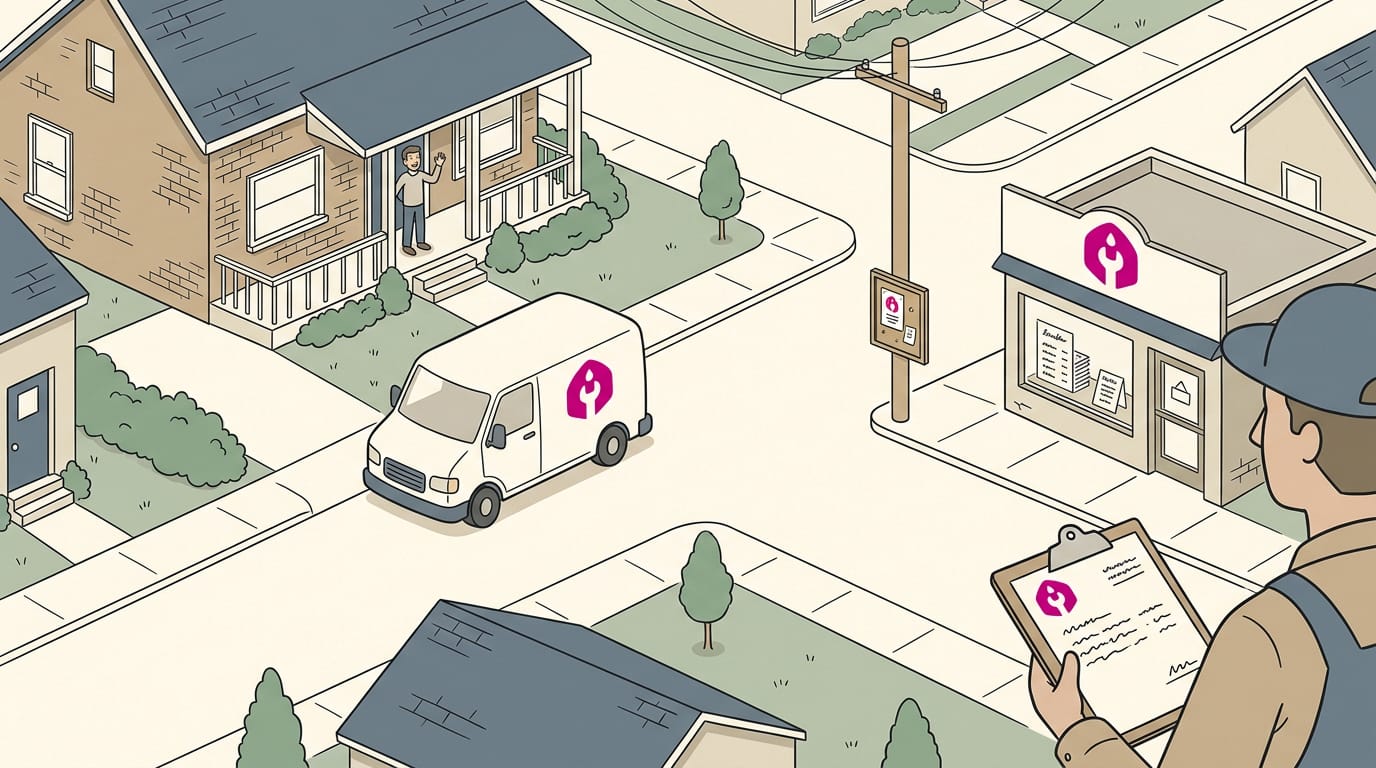
Your logo on a shopfront or van door tells people who you are before they walk in. Strategic messaging means tailoring each piece to its audience: a flyer for new neighbors reads differently than a price list for regulars.
Print also handles publishing and official documents, like letterhead and invoices.
Consistency matters most. Picture a plumber whose van, shop sign, and website share one logo and color scheme. When the van pulls up, the customer already knows the name, and that familiarity makes saying yes easier.
Preparing Work so It Prints Correctly
A design that looks perfect on screen can still print wrong, so work through these stages to catch problems early.
Why designers need to know printing methods
Every reproduction technique (the way a printer transfers your design onto paper) handles detail differently, so technique choice affects results. Fine lines and small text can look crisp in one method and muddy in another.
Technology shapes design style too, so ask your printer which method they’ll use before you lock in the look.
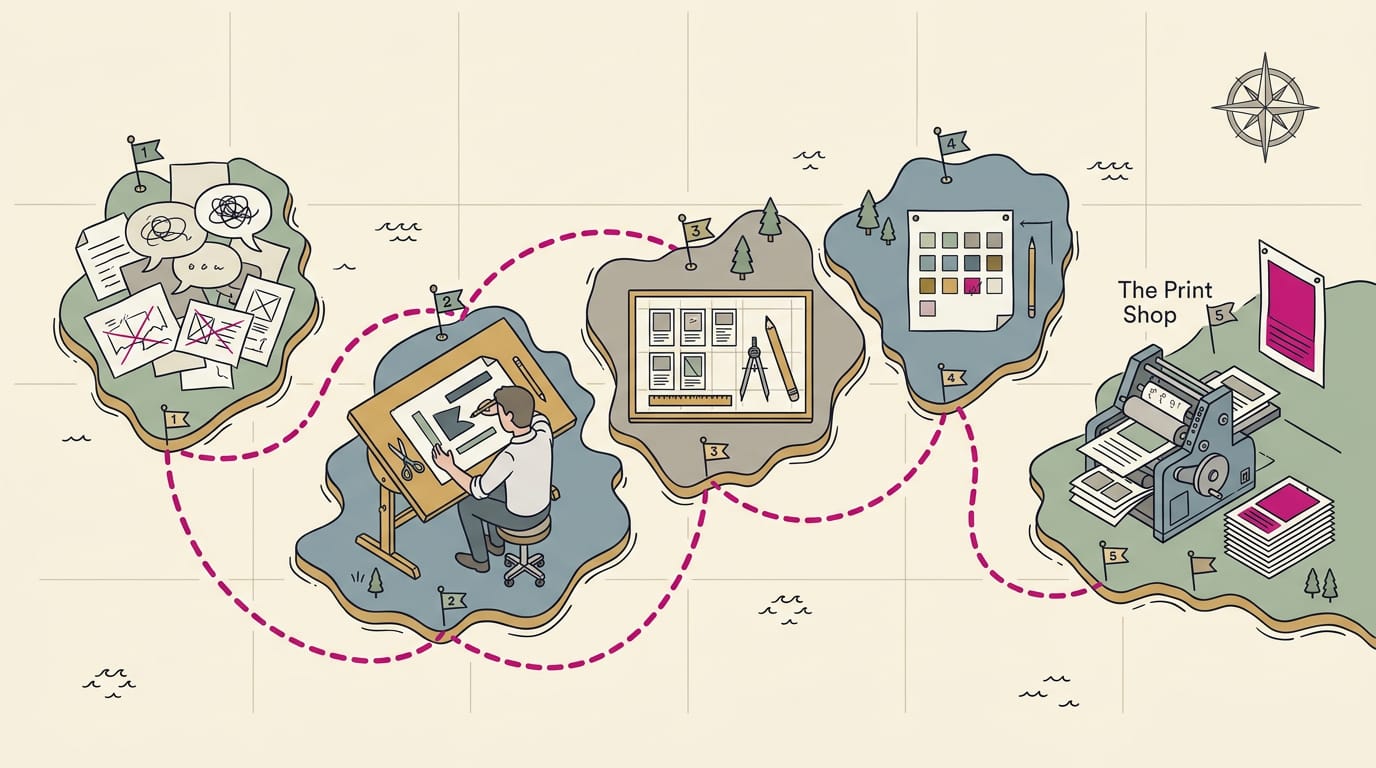
Brief-to-proof has four stages:
- a clear brief
- a print-minded design
- a file the printer can use as-is
- a checked proof
Don’t skip the last one.
Press-ready file standards for consistent color
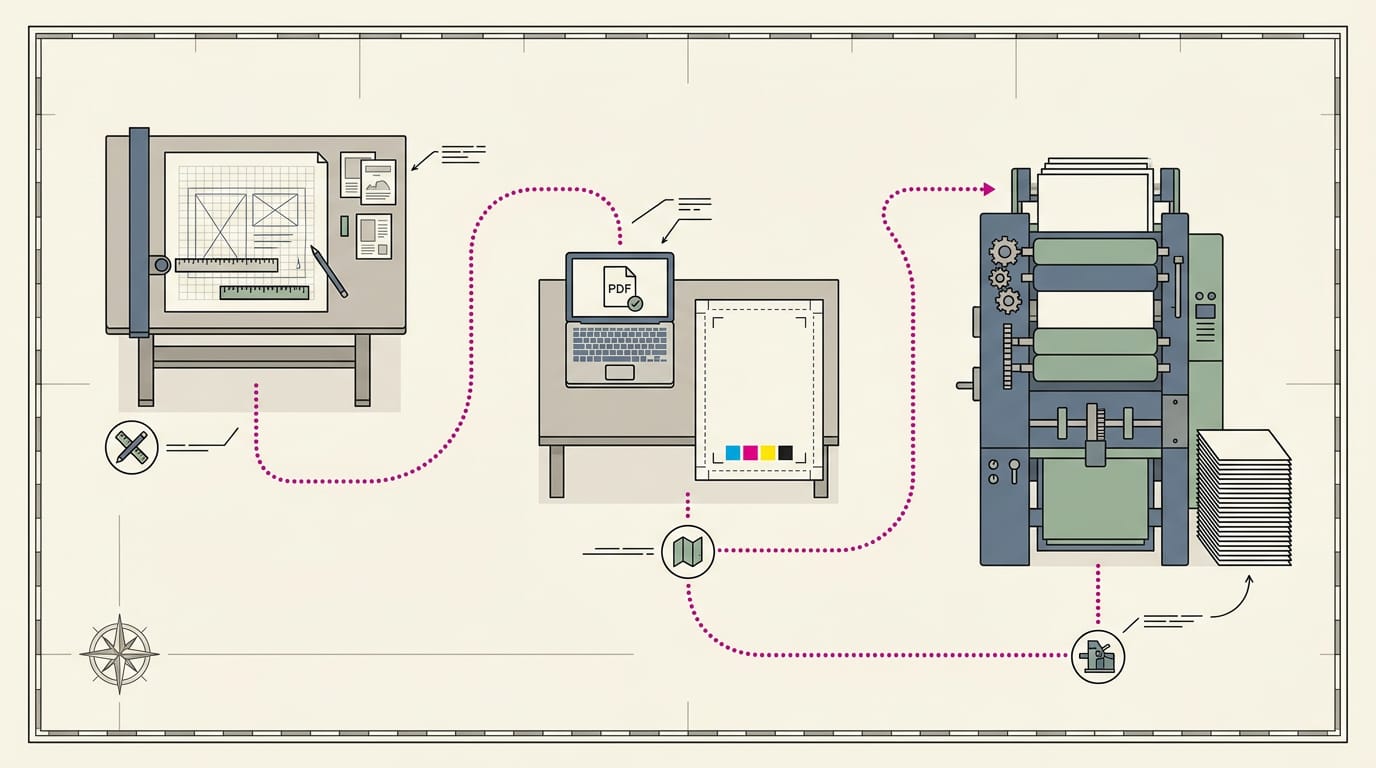
A press-ready file leaves the printer nothing to guess. Screens mix light, while presses mix ink, so set colors in CMYK (cyan, magenta, yellow, and black ink). Bleed extends artwork past the cut edge so a slight shift doesn’t leave a white sliver.
Resolution is how much detail an image holds, and a logo copied from a website is often too small for print.
Export a PDF/X file, a PDF (Portable Document Format) built to ISO (International Organization for Standardization) print standards.
Inside, an output intent declares the printing condition your colors were built for, which keeps color reproduction consistent.
Picture a bakery owner whose menu logo printed muddy brown. The file was never converted to CMYK, and one conversion before export would have fixed it.
Choosing paper stock and finishing touches
Paper is a design decision, not just a surface. Heavier card stock (thicker paper) feels sturdier in hand, which suits business cards. Finishing touches add the rest:
- Coatings and varnishes: a clear layer for gloss or a softer matte look.
- Die-cut shapes: custom cuts, such as rounded corners.
- Embossing and foil stamping: raised patterns and metallic accents, used sparingly.
- Binding: how pages are held together, like staples or a spiral.
- Ask your local printer for proofs: review a sample run on the paper and finish you chose.
Software used for print layouts
Match the tool to the task:
- Adobe Illustrator: logos and other vector art, shapes that stay sharp at any size.
- Photoshop: editing photos and other pixel-based images.
- InDesign: multi-page layouts like menus and brochures, where text and images come together.
How Print Design Has Changed over Time
Print design didn’t start on a laptop. Each leap in how words and pictures reached paper changed what designers could do.
Early printing methods, from woodblocks to type
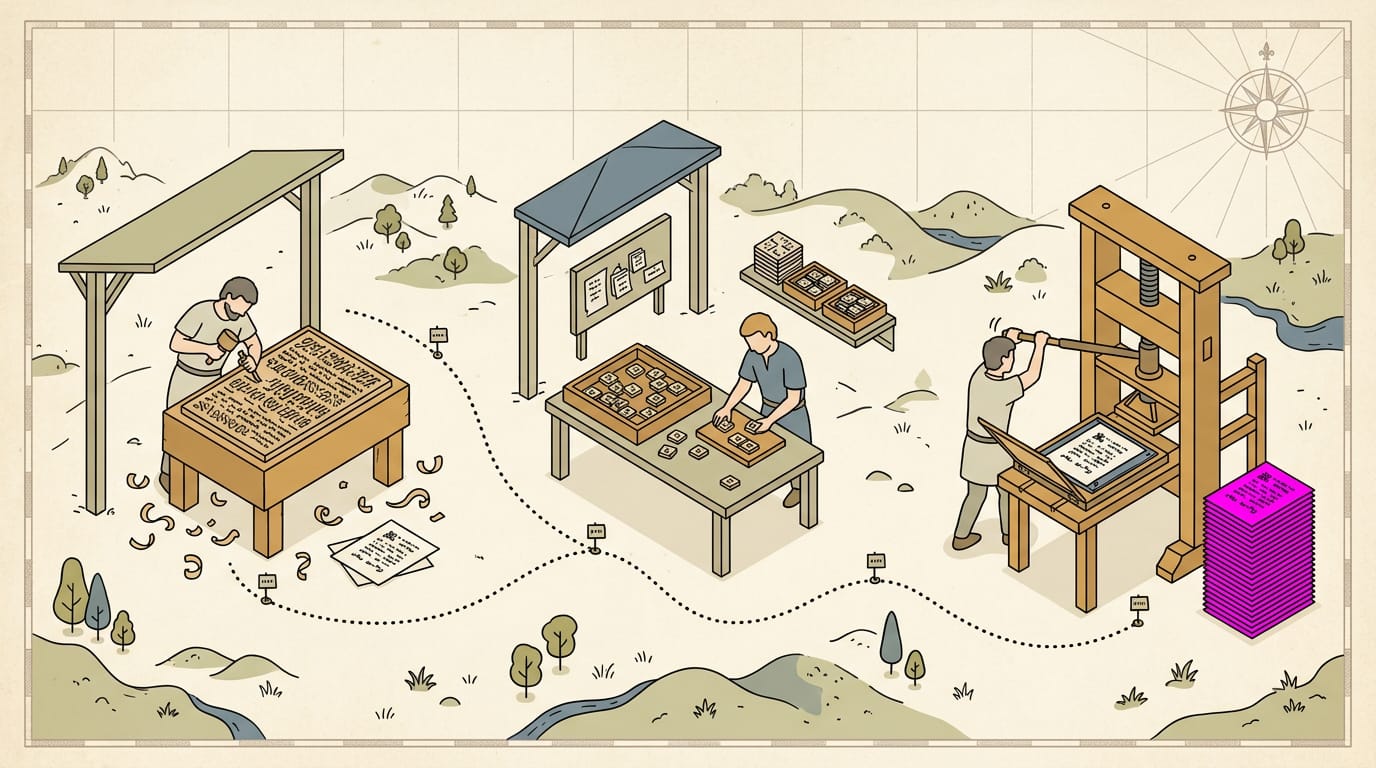
Long before modern presses, printers carved whole pages into wood, inked the raised surface, and pressed paper onto it. That was woodblock printing, and every new page meant carving again.
Then came movable type, individual characters that could be rearranged for each page. A history of writing machines names Pi Sheng as the inventor of movable type and notes that his types were made of baked clay rather than metal.
The next big leap was letterpress printing. Johannes Gutenberg developed it, and a chapter on the hand press places his invention in Mainz around 1450.
Letterpress also made mass production practical: once the type was set, one shop could run off many identical copies. The goal shifted from making one page to repeating it.
How steam presses and lithography changed printing
Steam power drove faster presses, and machines like the Linotype, which cast whole lines of type at once, made setting text far quicker. Lithography brought color into print, using a flat surface where grease and water keep the ink in the right places.
Larger surfaces opened the door to posters, and artists drew the lettering by hand so the words became part of the picture.
Today, software handles most of that work. Picture a bakery owner who designs a daily specials flyer on a laptop and has it at the print shop before lunch. The tools changed. The goal didn’t: a clear message on paper, fast.
Print’s role before the internet
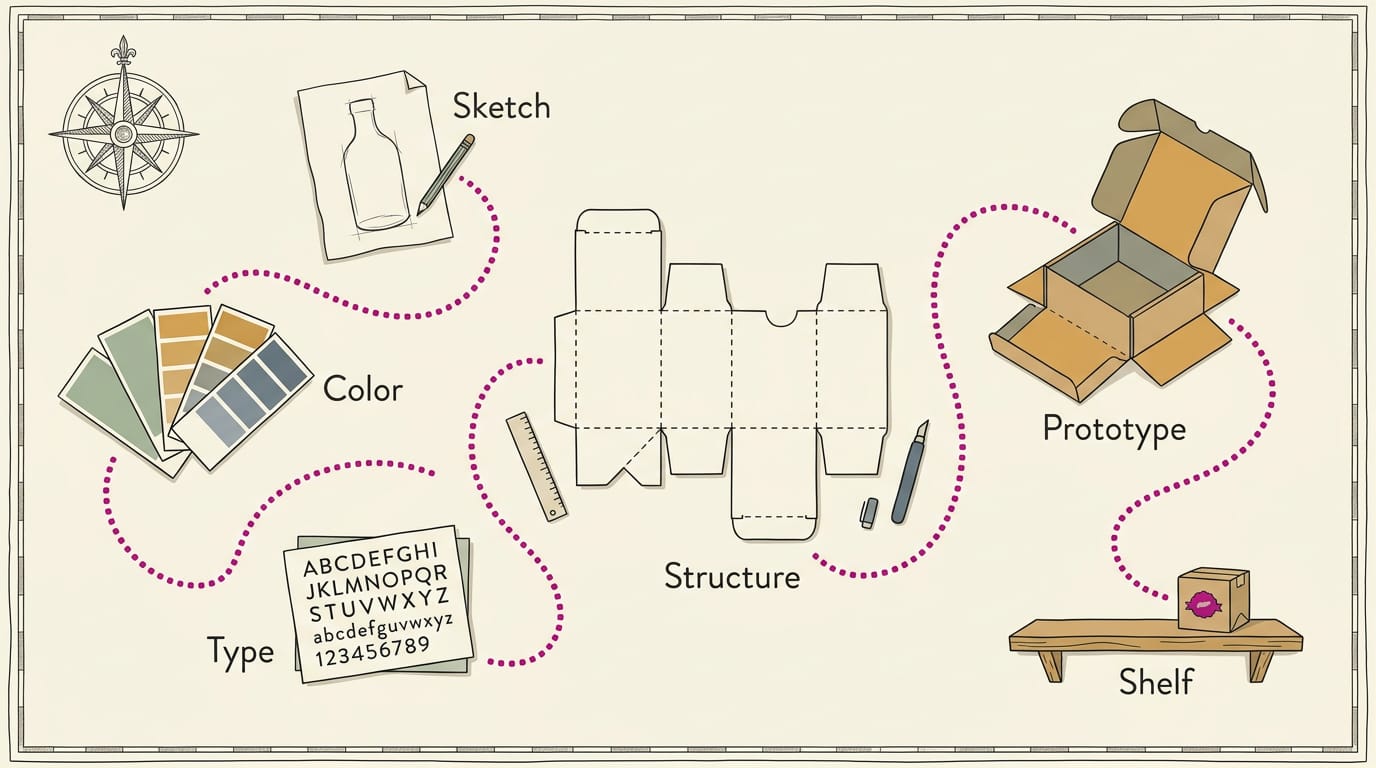
Before the internet, print was the main specialized information source. Publishers competed for the same readers, so strong design helped a book or magazine stand out on a crowded shelf. Limited-run books and pop magazines relied on their covers to sell. Packaging design faces the same test when a product has to stand out on a crowded shelf.
The job was about standing out as much as being read.
Posters that informed people during wartime
During World War I, posters informed audiences at a glance. With a single message and bold type, they had to make sense in seconds. If your sign needs a paragraph to explain itself, it’s not doing its job. Simple wins.
Why Print Still Matters Today
Every new screen sparks talk that print is finished. Here’s where paper still earns its keep alongside your digital work.
Debunking the myth that print is dying
Trends come in waves, and print has been written off more than once. The print resurgence story makes a catchy headline, but it’s less about whether people still read paper and more about where it earns attention. Print isn’t going anywhere.
Why vinyl record sleeves still stand out
Vinyl sales are up 22%. A study of cover art in vinyl albums notes that the record package grew into an artistic form, and that gives designers a tangible, large-format canvas for creative expression.
Streaming wins on convenience, but vinyl wins on experience.
Think of a barbershop that prints a bold appointment card. It earns a second look on the fridge, keeping the next visit in view.
How print works alongside digital marketing
Online ad fatigue is real. When every feed is packed with ads, people start tuning them out. Print marketing budgets are rising, according to a Marketing Week article on direct marketing.
In the third quarter, 21.5% of companies increased their direct marketing budgets, while 11.8% cut them.
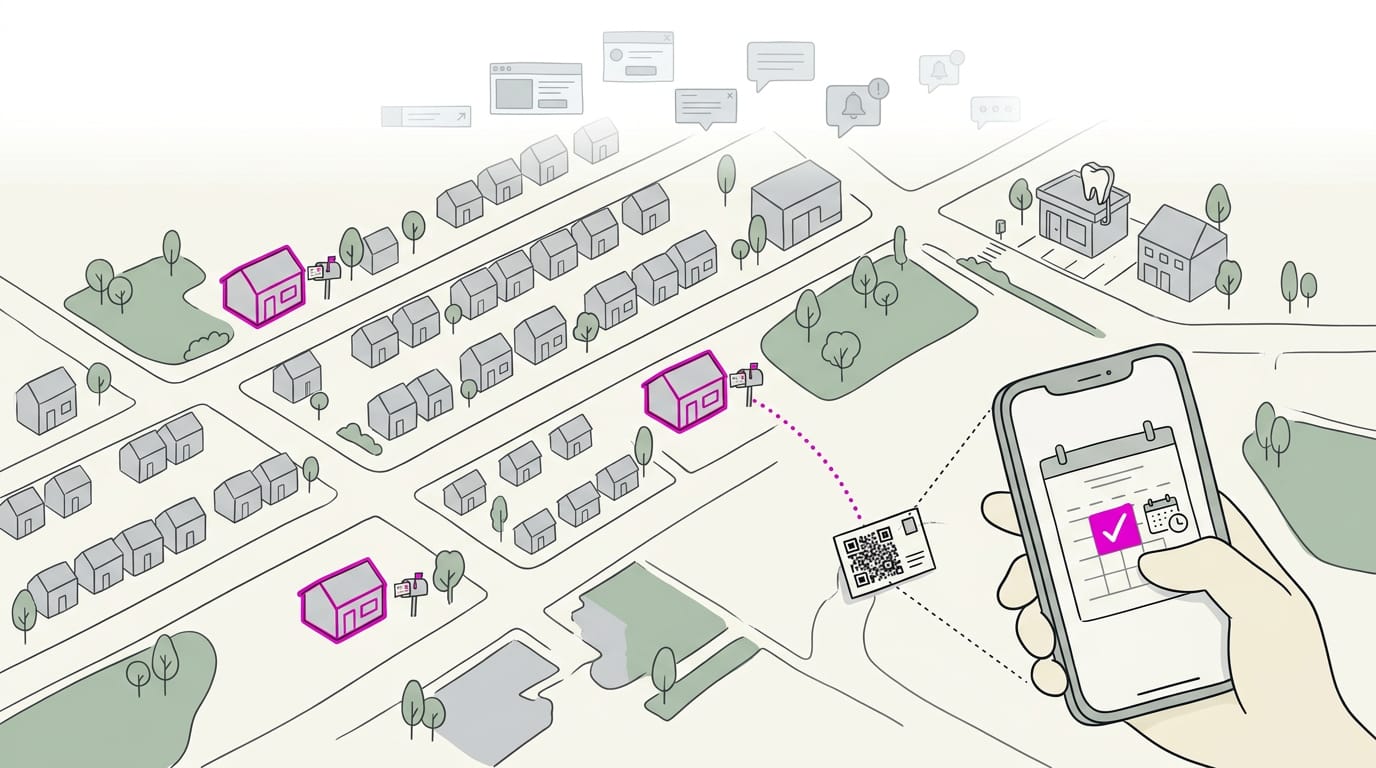
Direct-to-consumer (DTC) brands, which sell straight to shoppers, are also using direct mail to reach their customers. Combining data with print mailers means your customer list decides who gets the mailer.
Think of a dental office that mails a postcard only to patients who haven’t booked a cleaning in a year, with a QR (quick-response) code that leads to the booking page.
The same code works on flyers and table tents too, and it can send people to your reviews. The next step is one scan away.
Building a Career in Print Design
Maybe you’re thinking about print design as a career, or just curious what your designer really knows. Either way, the core skills are the same.
Skills needed to become a print designer
Print design rewards a specific mix of skills:
- Graphic design principles. Layout, typography, color, and hierarchy are the foundation everything else sits on.
- Specialized printing knowledge. Print behaves differently from a screen, so you need to know paper, ink, and how files are set up for the press.
- A growing, evergreen field. Shops, restaurants, and clinics keep needing signs, menus, and cards.
- Blend print with digital strategies. The strongest designers tie the window flyer to the website and social posts so your brand looks the same everywhere.
Consider a salon owner whose printed price card doesn’t match her online booking page. A designer who catches that before the cards are printed saves her from awkward conversations at the front desk.
Classes that teach print with expert guidance
Formal training is one route in. Graphic and print design courses teach the craft in order, so you aren’t piecing it together from random tutorials.
Look for expert-led instruction, where working designers review your projects and point out what to fix. Feedback speeds up learning. Practice does the rest.
Learning the craft also helps you control costs. Your options run from DIY (do it yourself) and templates to a freelancer or an agency. DIY and templates keep cash outlay low, but you pay in time rather than money.
A freelancer gives you a custom job, while an agency brings a full team and a bigger budget. We’d weigh that trade-off before you commit.
Good print design comes down to a clear layout, files prepared correctly for the print shop, and a brief that tells the designer what you need.
Start small. Pick one sign, menu, or card to refresh this month, and check that its logo, colors, and phone number match your website and social pages.
When your printed materials look like your business, customers recognize you before they read a single word.
References
- The Hand Press, 1450–1800 — doi.org (2023)
- Visual weight the importance of cover art in vinyl albums — urn.kb.se (2011)
- From Gutenberg to gigabytes: Writing machines in historical perspective — scholarworks.lib.csusb.edu (1995)
- Marketers ‘rediscover’ direct marketing as budgets grow — marketingweek.com (2025)
Sources
- Visual weight the importance of cover art in vinyl albums, urn.kb.se,
- Marketers ‘rediscover’ direct marketing as budgets grow, marketingweek.com,
- From Gutenberg to gigabytes: Writing machines in historical perspective, scholarworks.lib.csusb.edu,
- The Hand Press, 1450–1800, doi.org,