Social Media Marketing Explained: Platforms and Results
Social media marketing helps people remember your business and call when needed. Choose the right platforms, plan posts, and measure calls and bookings.

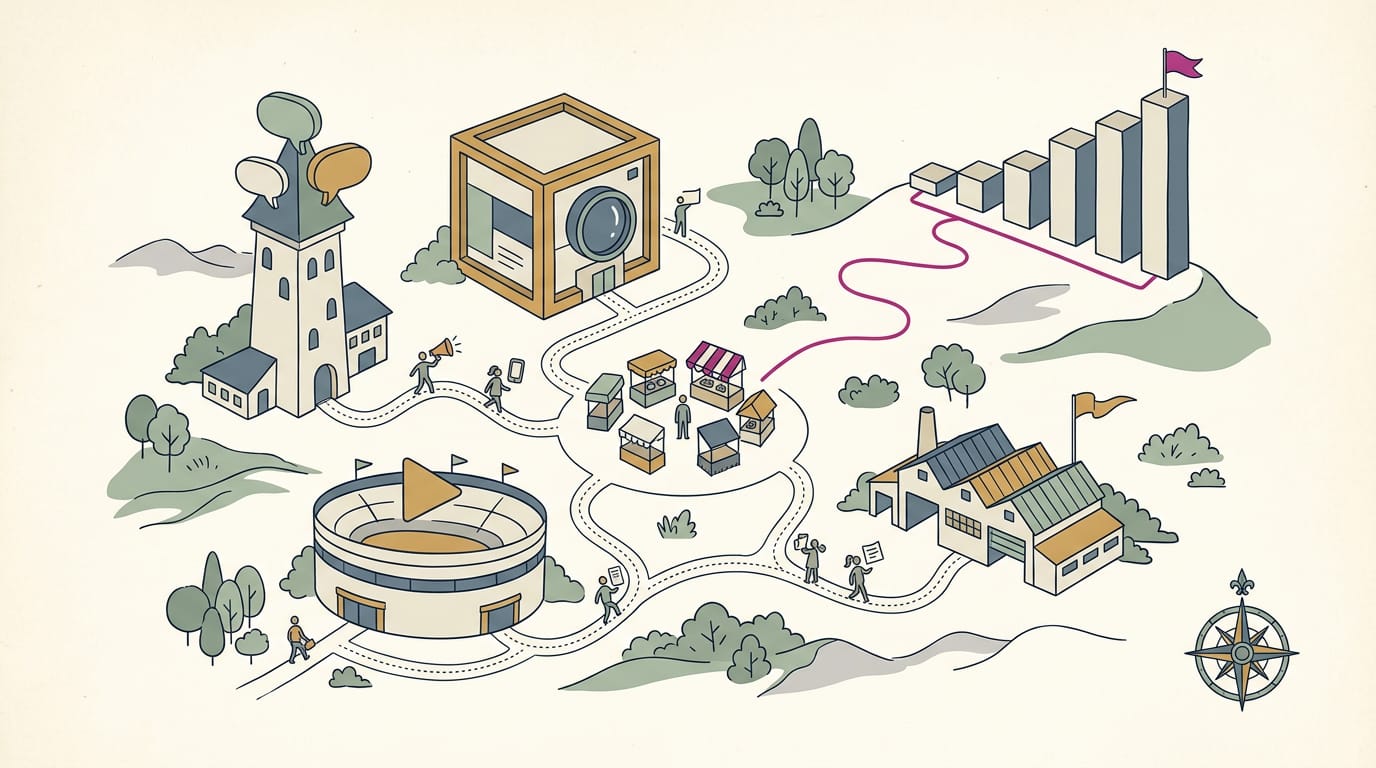
Social media marketing is using platforms people already use to promote a business, build relationships, and encourage actions such as calls, visits, or bookings. Set clear business goals, choose a few platforms your customers use, share useful content consistently, and respond to questions; use paid posts only when they support a specific goal. Measure success by meaningful customer actions, not likes or follower counts, and adjust your approach based on results.
Picture the bulletin board by the register at your favorite coffee shop, crowded with flyers for yoga classes and used bikes. Social media is that board, open to everyone scrolling at lunch.
Social media marketing is posting and talking with people on the platforms they already use, so they remember your business and call when they need you.
In this post, we’ll walk through the basics, the right platforms, content that gets attention, paid posts, and how to tie it all to calls and bookings.
Social Media Marketing and Why It Matters
Here’s where social media fits, who’s using it, and how it differs from the ads you already run.
Where social media fits in digital marketing
Social media marketing means using platforms like Facebook, YouTube, and Twitter to promote your brand, build relationships, and drive traffic to your website or phone line.
For example, a salon owner posts a before-and-after photo, and followers ask for appointments in the comments. That’s a booking that started with a post.
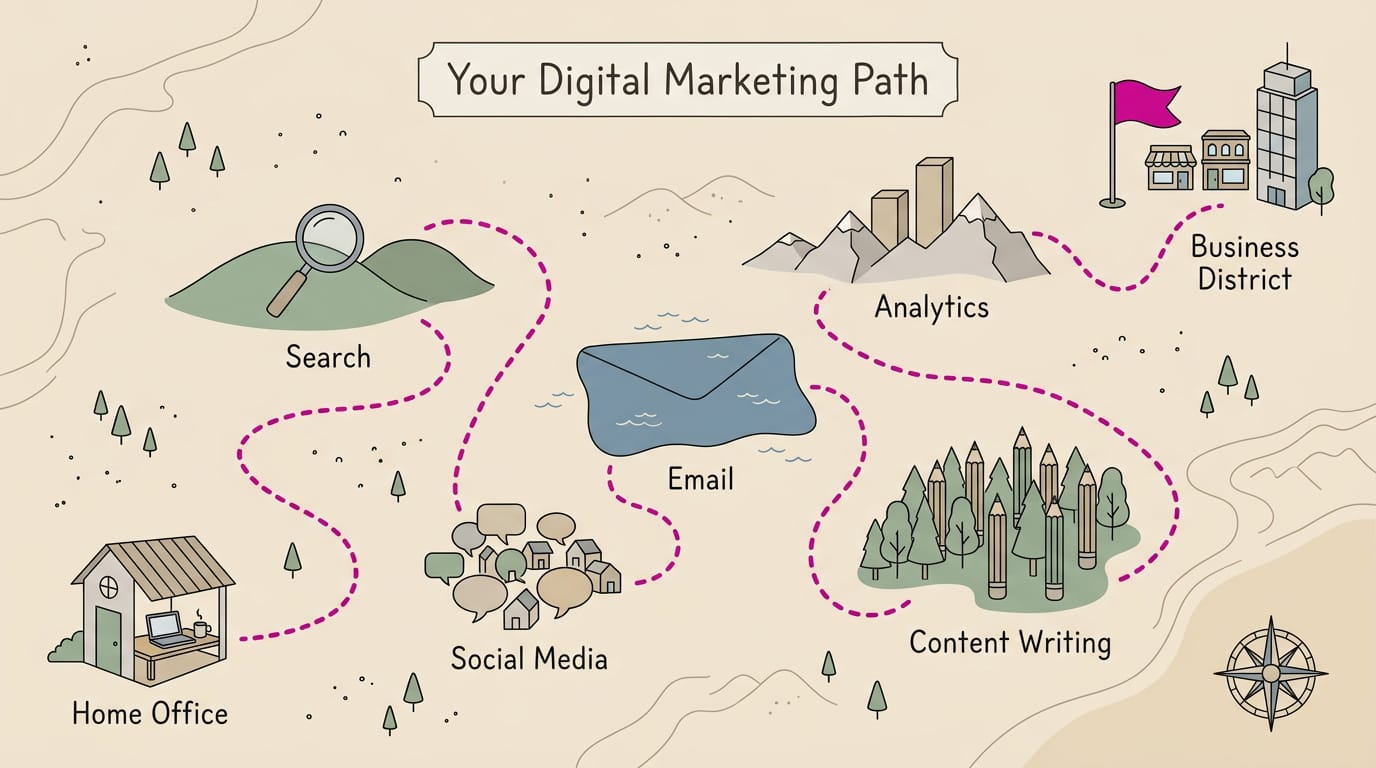
Social media is a component of digital marketing (also called e-marketing) and one of its seven types, so think of it as one part of your online presence.
How many people use social media today
DataReportal’s Digital 2017 global overview found that nearly 2.8 billion people use it at least once a month, and more than 91% of them do so on mobile devices.
According to the Center for Marketing Research at the University of Massachusetts Dartmouth, 77% of Fortune 500 companies were on Twitter, 70% on Facebook, and 69% on YouTube. If your customers skew younger, that’s where you’ll want to be visible.
Before you book a service, you probably look the business up online. Your customers are already there.
What social media gives your business
Social media gives your business a few advantages:
- Connection and interaction. People can comment, ask questions, and talk back.
- Customer data collection. Your posts show who’s engaging and what they care about.
- Brand awareness and trust. Regular posts make your name familiar and build trust before the first visit.
- Sales opportunities. One post can lead to a call, a booking, or a walk-in.
- Real-time feedback. Comments and reactions show you right away what’s landing.
How it differs from traditional marketing
Traditional ads mostly talk at people. Social media lets you talk with them.
- Customer-to-customer interaction. Happy customers can recommend you to friends in the comments.
- Refined segmentation. You can narrow who sees each message instead of paying to reach everyone.
- Tracks direct and indirect value. You can see which posts lead to bookings and which build awareness.
- Lower cost than traditional ads. A performance analysis of print and social media for small and medium-sized businesses found that social campaigns drew higher interaction rates at a lower cost.
Set Clear Goals and Know Your Audience
Before you post, decide what success looks like and who you’re talking to.
Tie your goals to business results
Every social goal should tie to a business objective, like more calls or bookings. Picture a dental office that posts daily and gains followers while its phone stays quiet. Likes don’t fill a calendar.
Followers aren’t sales, so measure bookings rather than follower counts.
Most goals fall into four types:
- Awareness: locals learn your business exists.
- Leads: interested people ask for a quote or a call.
- Sales: people buy or book.
- Community: customers review, tag, and refer you.
Thought leadership suits owners who want to be the trusted local expert. Tie it to one of the four goals above so it leads somewhere.
What is gen Z in marketing?
Gen Z is the generation that came of age with smartphones in hand. In marketing, the term names younger customers whose tastes often differ from older groups, so an ad that worked on older buyers may fall flat.
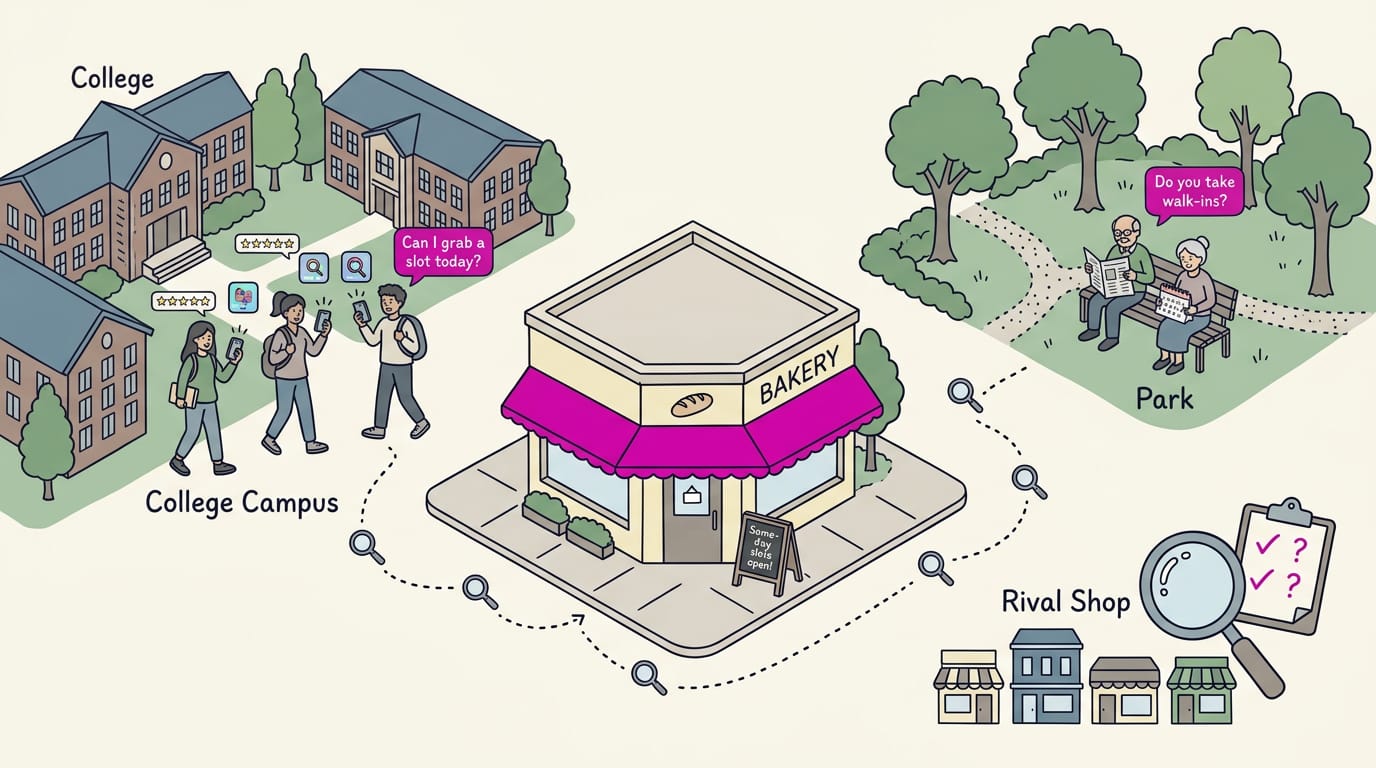
Start with the basics: age, location, and interests. A bakery near a college will talk to students differently than to retirees across town.
Then use audience language. If customers ask for a same-day slot, say it that way in your captions instead of corporate phrasing.
Watch how these customers find you: which apps they open, what they search for, and whether they read reviews before booking.
Research tools like Semrush show what people search for and which topics competitors cover. Use them to confirm what your audience wants, not to chase every trend.
Finally, run a quick competitive audit of three or four local rivals: note which posts draw comments and which questions go unanswered. Then compare your own profiles and fill the gaps.
Picking the Right Platforms for You
You don’t need every app. Pick the platforms your customers already use, and we’ll show you which fit.
Go where your customers already spend time
A family dentist’s patients are mostly local parents, so she posts where they already scroll.
- Go where customers are. Ask regulars which apps they use.
- Goals drive platform choice. Want more calls? Pick the app where your phone number and hours are easiest to find.
- Start with one or two. Add a second only once the first feels steady.
- Avoid spreading too thin. Several neglected accounts eat hours you need for real work.
Two accounts you keep current beat a crowd you forget about.
What each platform does best
Each platform has a clear strength:
- Instagram suits visual brands, where photos of your work do the selling.
- LinkedIn serves business-to-business (B2B) work, where your customer is another company.
- TikTok runs on short-form video, brief clips that get to the point fast.
- Facebook is the local workhorse, with a page neighbors check for hours and events.
- YouTube suits tutorials people search for later, while Reddit rewards real participation in topic communities.
Which platforms suit different industries
Your industry narrows the field fast:
- Restaurants on Instagram. A manager posting tonight’s specials with a good photo can pull people in on a slow Tuesday.
- Doctors on Facebook. A family practice can share holiday hours and new-provider news with patients who already know it.
- Small business reviews on Yelp and Google. A plumber doesn’t need daily posts. He needs steady, recent reviews, so the proof is ready when someone searches for help nearby.
Pick the place your customers already look.
Planning Content People Actually Want
Start with what your customers want to see, not what you want to sell.
Core content types to build around
Build your feed from these:
- Educational and how-to posts teach something useful, like when a furnace filter needs swapping.
- Behind-the-scenes posts show the real work, like a van loading up at 6 a.m.
- Testimonials and user-generated content (UGC), posts made by your customers, build trust fast.
- Interactive polls and question-and-answer sessions invite replies, like “Morning or evening appointments?”
- Thought leadership shares honest tips and takes on your industry.
Consider a salon owner who posts a quick hair-prep tip, then shares a happy client’s review that week. Soon new clients are asking for her by name.
How to balance value and promotion
According to Barnatt-Smith’s 2021 Oklahoma State University Extension fact sheet, the 80/20 rule means 80% of your content should inform, educate, or entertain, and 20% should promote your brand.
For a finer split, PR Daily’s 50-30-20 rule puts 50% of your feed into content you create, 30% into content you curate from others, and only 20% into promotion.
Whichever split you pick, keep sales pitches short and rare. Repeated “Book now!” posts teach followers to scroll past. Treat promotion as seasoning, not the meal.
Build a steady posting schedule
Consistency beats volume. Pick a rhythm you can keep, like three posts a week. Post when your audience is active, which your platform’s insights can show you.
Scheduling tools like Buffer let you queue posts ahead of time. Batching a week’s worth in one focused sitting means you won’t scramble every morning.
The 5-5-5 posting rule is a simple pacing guideline for your feed. Treat it as a starting point and adjust based on the calls and bookings your posts bring in.
How content drives clicks and sharing
Short-form posts grab attention mid-scroll, while long-form pieces like videos and articles hold people who want the details.
To improve clicks and read time, open with a clear first line, use a photo of real work, and end with one obvious next step.
Aim for sticky, shareable content that earns saves and shares, not just likes. A plumber’s checklist of water heater warning signs gives people a reason to save it. When a basement floods, he’s the name they forward.
Engage Your Community and Earn Buzz
Social media works best when people feel heard.
Start real conversations with followers
Reply to comments, even with a quick thank-you, since new visitors read early replies first. Consider a bakery that answers every question on a new loaf post. Each reply turns a passing scroll into a real exchange.
The goal is a conversation rather than a broadcast.
Direct messages need the same speed: a customer asking about Sunday hours is deciding where to go. Community management means watching comments and messages and replying in your brand’s voice.
How recommendations and viral posts spread
Electronic word of mouth (eWOM) is what customers say about you online. Viral marketing is content people pass along on their own, so treat any spread as a bonus.
Earned media is coverage you didn’t pay for, like a local blog mention. Reviews are its everyday form, and each five-star review keeps working after the customer leaves.
Influencers are local creators whose audiences trust them. Look for fit over fame: a matching audience beats the biggest follower count. A chatbot handles simple questions, but an upset customer still needs a person.
Handling customer service on social
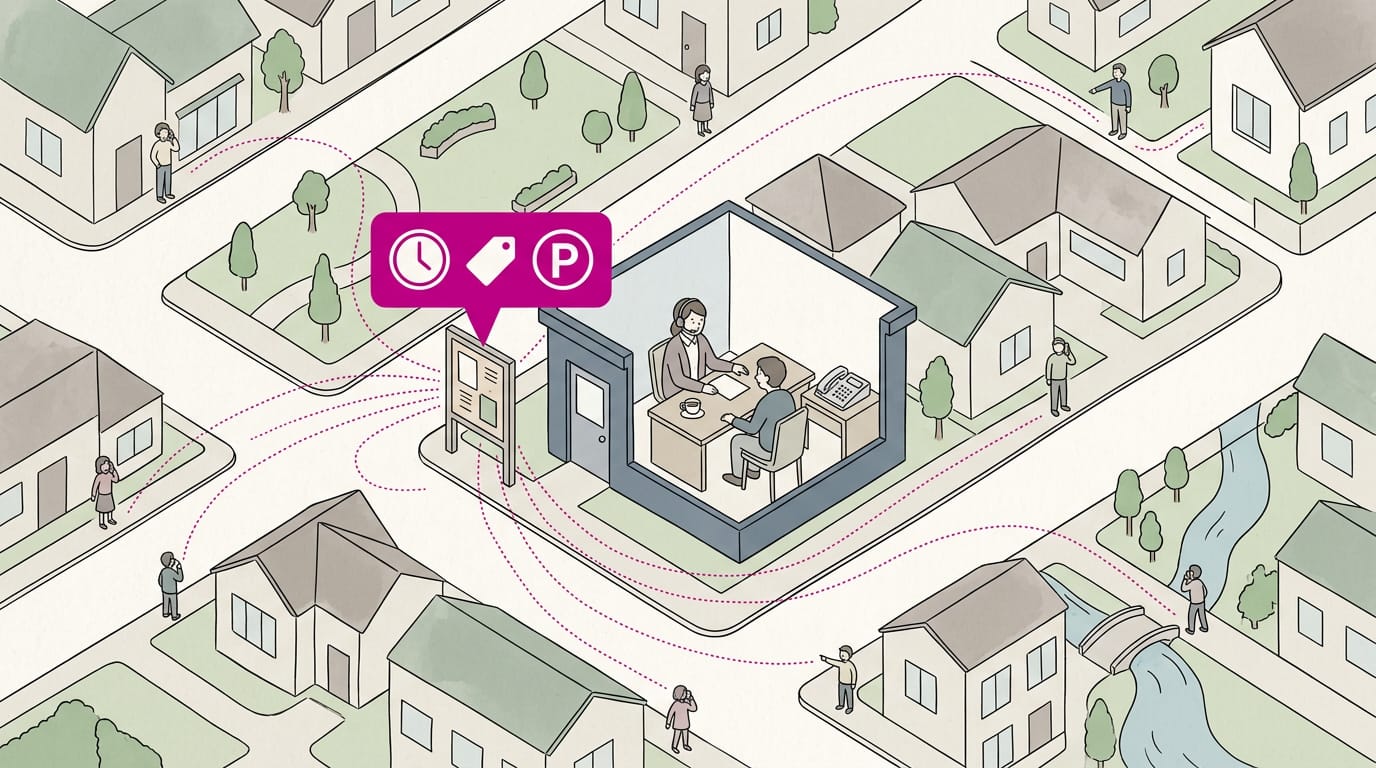
Answer common questions publicly, since one reply helps everyone who wonders. Save your support team time by listing the questions you hear most:
- Hours and holiday closures
- Pricing and how to book
- Parking and directions
Write each answer once and reuse it. A plumber asked weekly about service areas can post one reply and keep the office phone free. Quick answers in public, real people for the hard stuff.
Paying to Get Your Posts Seen
Here’s how paid social (paying a platform to show your content to more people) compares with organic posts, and how we’d start small.
Paid ads compared with organic posts
Picture a bakery owner who shares a photo of Saturday’s cinnamon rolls. Her followers see it. A paid ad can show that same photo to people nearby who’ve never heard of her bakery. The difference is who sees the post, not how good it is.
- Ads reach beyond followers. A paid ad can reach people who don’t follow your page yet.
- Organic depends on the algorithm. The platform decides who sees a free post, and that can shift without warning.
- Targeted audience advertising. You pick who sees the ad by location and interests. Use a local radius around your shop so your budget reaches people who can realistically walk in or call.
- Cost-per-click campaigns. In a cost-per-click (CPC) campaign, you pay only when someone clicks.
Start with one goal, one ad, and one local audience, on a budget you’re comfortable testing.
Before you launch, write a stop-or-scale rule: if the ad brings in calls or bookings at a cost you can live with, add money; if it doesn’t within a set window, pause it. Let the results make the call.
A boosted post is an existing post you pay to show to a wider audience, often in a few taps. Retargeting shows ads to people who already visited your website or engaged with your page.
For example, a dental office could boost a post about open Saturday slots within a local radius, then retarget people who viewed its booking page, and the front desk could fill the calendar before the weekend.
Measuring What Your Posts Achieve
A post that gets likes but no calls hasn’t done its job yet, so we’ll start with what to track.
Which numbers matter most to watch
Watch these first:
- Reach and impressions. Who saw your post and how often.
- Engagement rate. Likes, comments, and shares relative to reach.
- Click-through and conversions. Link clicks, then the bookings they lead to.
- Follower growth. Whether new followers could become local customers.
- Share of voice. How often you’re seen compared with local competitors.
- Response time. How fast you answer, since slow replies lose bookings.
- Calls and bookings. Log these weekly.
Likes show people noticed. Calls and bookings show they acted.
For example, a dental office asks each new patient how they heard about it. After a month, a few patients name the same post, so the owner makes more like it.
Matching your numbers to your goals
Pick the number that fits the job: reach for awareness, clicks and calls for bookings.
Set specific targets. ‘Five new bookings from social this month’ tells you exactly where you stand.
Adjust strategy from data. Saves without clicks mean the content works but the call to action is missing.
Depth of conversations matters more than the count. Real questions that become bookings beat a pile of emoji, so focus on quality over quantity.
Learn from customer data and feedback
Gather customer details on your booking form: how they found you and what they needed.
Repeated questions signal product demand. If customers keep asking about weekend hours, test interest with a short poll first.
Crowdsourcing simply means asking your audience for ideas. Ask followers which tip they’d like next, then post the winner first. Your customers already know what they want.
Tools and AI That Save Time
Posting takes real time. The right tools can give some of it back.
Using AI to speed up your workflow
Artificial intelligence (AI) tools are a fast first-draft partner: they handle the busywork, and you make the calls. Here’s where they help most:
- Brainstorm content ideas. Ask for ten topics based on the questions customers ask most.
- Repurpose existing content. Turn one long post into several shorter ones for different platforms.
- Write video scripts. Get a rough draft of a short clip, then trim it to fit.
- Build content calendars. Map out a month of posts in one sitting.
- Keep your own voice. Edit every draft so it sounds like you, not a template.
For example, a bakery owner asks an AI tool for a week of captions based on her three best sellers, rewrites two to sound like her, so the week’s posts are ready before opening. Treat AI output as a strong starting point, not a finished post.
The tool can draft words, but only you know your regulars always ask about parking. Your voice still matters.
Scheduling and research tools worth using
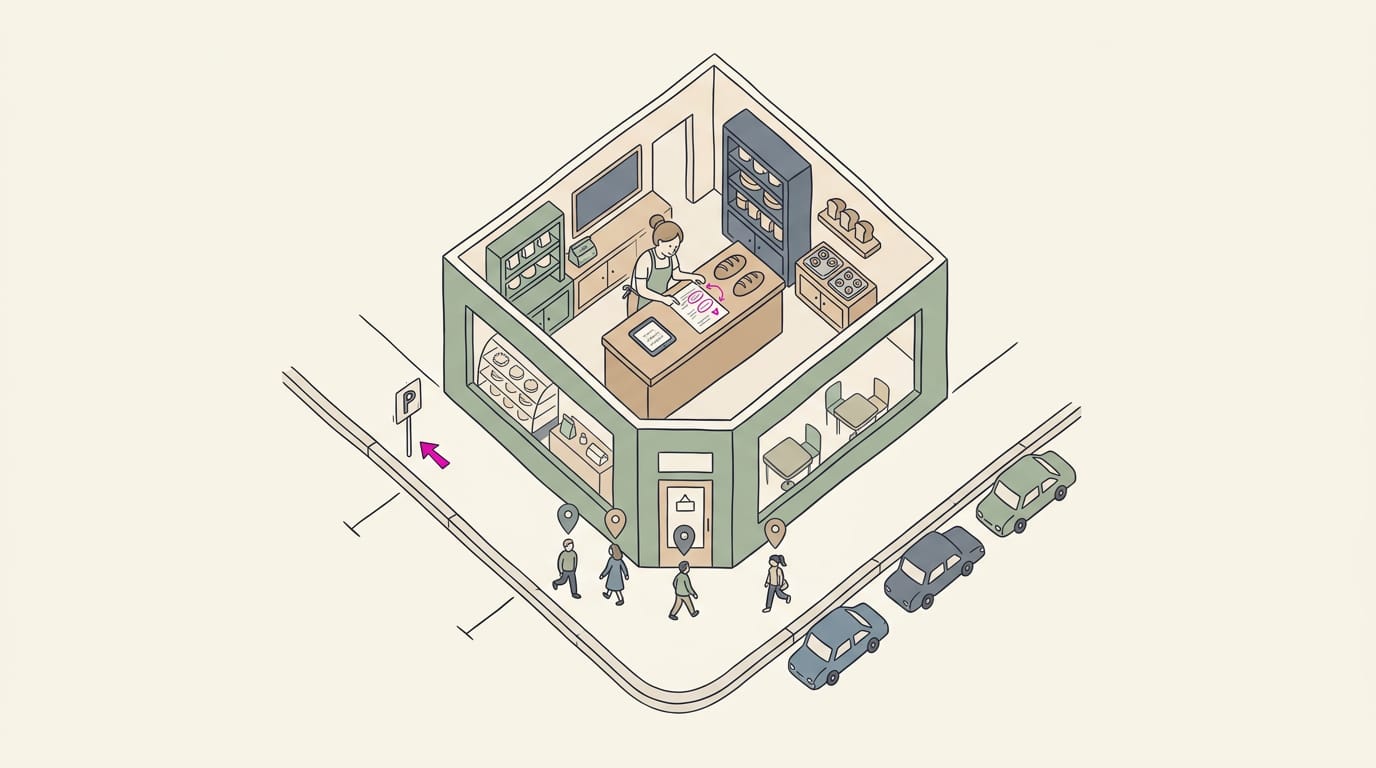
A scheduling tool keeps posts on time, even on your busiest day. Later and Buffer let you schedule posts ahead, and Meta Business Suite covers Facebook and Instagram in one place. AI tools like SocialBee and Ocoya can draft posts alongside scheduling.
For ideas, AnswerThePublic shows the questions people type into search. Picture a plumber who types “water heater” into it and sees people asking whether to repair or replace. That’s a ready-made post that could lead to a service call.
When you’re ready to work with creators, TikTok Creator Search helps you find them.
Mistakes and Challenges to Watch For
Most social media setbacks follow predictable patterns, so spot them early.
Mistakes that hold accounts back
- Posting without goals. Without a target like calls or bookings, you can’t tell what’s working.
- Volume without value. Five posts a week means little if none answer what customers ask.
- Too promotional, ad-like posts. Every caption that ends with a sales push gets scrolled past. Mix in helpful tips and behind-the-counter moments instead.
- Ignoring audience responses. Comments and messages are free feedback. Picture a hair salon owner who gets the same walk-in question three times. She answers it in a pinned post, and the repeats drop off.
Downsides and risks you should expect
- Time-consuming to maintain. Consistent posting takes real hours, and a neglected account can look worse than none.
- Changing algorithms. An algorithm is the platform’s system for deciding who sees your posts. Its rules change, and reach can drop without warning.
- Public complaints and reputation damage. An angry comment sits in front of every visitor. Reply calmly and quickly, then move the details offline.
- Hard to quantify ROI. Return on investment (ROI) is tough to measure when a like doesn’t pay a bill. Track calls and bookings instead of follower counts. Likes don’t book appointments.
- Platform-specific expertise. Each platform has its own formats and rhythms, so you can’t master them all at once. Start with the one your customers actually use.
Why online-only reach has limits
- Unequal access to social. Not every customer is online, so keep your phone number and listing easy to find.
- Human touch still matters. Customers still value a friendly voice on the phone and a familiar face at the counter. Social media can open the door, but the in-person visit often earns the booking.
What Social Media Marketers Do and Learn
The person running your accounts may wear several hats. Here’s who does the work and what helps them do it well.
Where marketers work and what they handle
Marketers usually work in one of three settings:
- An in-house marketer is on your payroll.
- A freelancer is an independent contractor you hire for a project or ongoing help.
- An agency is an outside firm managing several clients at once.
Good marketers balance long-term strategy with short-term tactics. Strategy sets goals; tactics are the weekly moves, like which photo goes up Tuesday. The day-to-day work often includes:
- Creating graphics and video: posts, clips, and photos that look sharp on a phone.
- Managing comments and messages: replying to customers and flagging anything urgent to you.
Picture a vet clinic whose front desk answers the same vaccine question every day. A marketer films a 30-second clip of a nurse explaining the schedule, then replies to follow-ups in the comments. The payoff: fewer repeat calls.
Skills and training that help most
The strongest marketers combine these core skills:
- Strategy, planning, and publishing: deciding what to post and why, then getting it out on schedule.
- Listening and engagement: reading comments and reviews, then replying in a human voice.
- Analytics interpretation: reading the numbers platforms report. It’s less about counting likes and more about deciding what to change next.
- University courses and certificates: formal programs that teach the fundamentals.
Formal training is a starting point. Here’s what we’d look for: a marketer who can show you past posts for businesses like yours and explain what happened after they went live. Results matter more than credentials.
Social media marketing works best when every post has a job. Set a clear goal, choose the platforms your customers actually use, share content they want to see, and reply to comments the way you’d greet someone at the counter.
Paid boosts come after your basics are solid, and you’ll judge everything by calls and bookings, not just likes.
Likes are nice, but a ringing phone is the real scorecard.
References
- Social Media Marketing for Small Businesses: Best Practices — extension.okstate.edu (2025)
- Print vs. Social Media: Werbeerfolg für KMU im Vergleich — regionext.de (2025)
- The 50-30-20 rule for creating a social media feed people actually want to follow — prdaily.com (2026)
- Social Media — marketingprofs.com
- Digital 2017: Global Digital Overview — DataReportal — datareportal.com
Questions
What is the 50/30/20 rule for social media?
The 50/30/20 rule is a way to balance your social media feed: 50% original content you create, 30% useful content curated from others, and 20% promotional posts. It helps keep your feed valuable rather than making every post a sales pitch.
What is social media masterclass?
A social media masterclass is an intensive class or training program that teaches skills such as choosing platforms, creating content, planning posts, engaging with audiences, and measuring results. It may be offered online or in person, and its depth varies by provider.
What is gen Z in marketing?
Gen Z refers to the generation that came of age with smartphones and digital platforms. In marketing, it describes younger customers whose media habits and preferences may differ from older groups, so campaigns should be based on their interests, language, and behavior rather than assumptions.
What are the 7 types of digital marketing?
Seven common types of digital marketing are search engine optimization (SEO), search engine marketing and paid search, content marketing, social media marketing, email marketing, affiliate marketing, and mobile marketing. Some classifications group or name these categories differently.
How can I become a social media marketer?
Build skills in planning, writing and creating content, community engagement, and analytics. Learn by managing your own accounts or volunteering for a small business, study platform tools and courses, and create a portfolio showing your work and its results; practical evidence matters to employers and clients.
How do I promote my business through social media?
Set a business goal, identify your audience, and choose one or two platforms they already use. Post useful, relevant content consistently, reply to comments and messages, and make it easy to call or book; use local paid ads only after you have a clear goal and a way to measure results.
What does social media marketing do?
Social media marketing promotes a business on social platforms, builds relationships with customers, and can direct people to a website, phone line, or booking page. It also supports brand awareness, customer feedback, and sales opportunities, which businesses can evaluate through actions such as calls and bookings.
What social media is good for business?
The best social media platform for a business is the one its customers already use. Facebook can work well for local updates and events, Instagram for visual products and services, LinkedIn for business-to-business marketing, TikTok for short videos, and YouTube for searchable tutorials; choose based on your audience and goals.
Sources
- Digital 2017: Global Digital Overview — DataReportal – Global Digital Insights, datareportal.com
- Social Media - Fortune 500 Bullish on Social Media and Corporate Blogging, marketingprofs.com
- Print vs. Social Media: Werbeerfolg für KMU im Vergleich, regionext.de,
- Social Media Marketing for Small Businesses: Best Practices | Oklahoma State University, extension.okstate.edu,
- The 50-30-20 rule for creating a social media feed people actually want to follow - PR Daily, prdaily.com,