What Are Banner Ads and How Do They Work?
What are banner ads? See how to plan a small campaign, estimate costs, and measure whether it brings calls and bookings before you spend more.

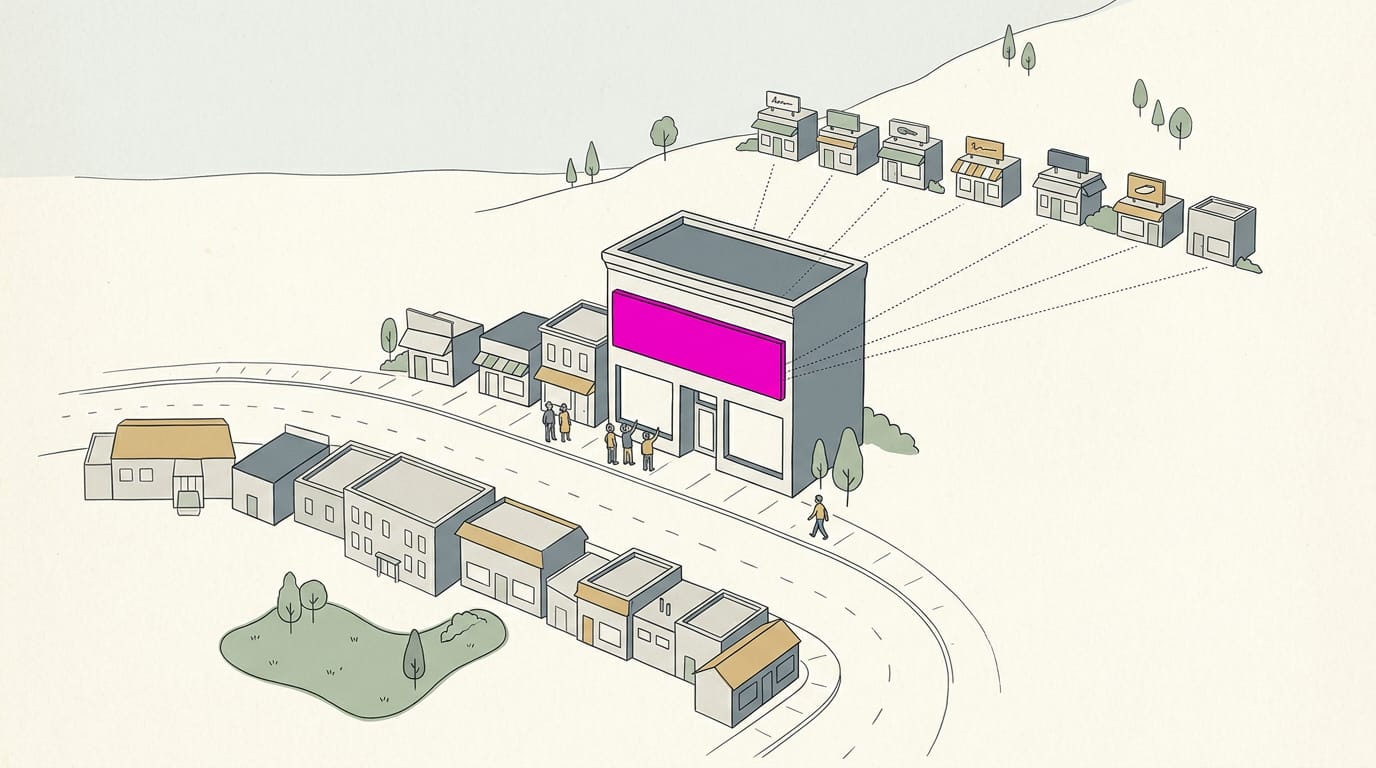
Banner ads are paid visual advertisements shown on websites, apps, or social media, usually combining an image or text with a link to the advertiser’s site. They can build brand recognition, attract visitors, or generate leads when a clear message reaches the right audience and points to a relevant next step. Start with a small, targeted test and judge results by calls, bookings, or sales, not clicks alone.
Think of the flyer on the community bulletin board, or the sign on the highway you pass each morning. Both grab your attention while you’re busy with something else.
Online, that job often goes to a banner ad: a picture or text box along the top, side, or bottom of a web page.
Simply put, it’s paid space that shows your business to people while they browse. We’ll cover how banners work, what they cost, and how to design one.
Then we’ll show when a local business should buy them and how to run a small test measured in calls and bookings.
What Are Banner Ads and How They Work?
Banner ads are one of several types of advertisement, and their visual, web-page version is called display advertising. We’ll walk through what they look like, where they appear, how they reach visitors, and what they aim to do.
What a banner ad actually looks like
A banner ad is a visual ad on a web page, the digital version of a billboard. It combines an image, a short line of text, and a call to action (CTA), the words that tell people what to do next, such as booking or getting a quote.
Each banner is hyperlinked to the advertiser’s site, so one click takes the visitor straight to your business.
Where banner ads show up online
Banner ads turn up on websites, inside apps, and on social media. On a web page, they sit at the top, bottom, or sides, and placement is less about where the ad hangs and more about who is looking at that spot.
The format can be static, a still image that doesn’t change, or dynamic, which means the banner moves or changes its content.
How banner ads get delivered to visitors
Banner ads don’t get pinned to pages by hand. When a visitor opens a page, an ad server, a computer system that picks and delivers ads, selects the banner and sends it to the screen.
Many ads reach sites through a display network such as AdSense, which connects advertisers with sites that have space to fill. Software matches each ad to an audience, so the banner a visitor sees is chosen with someone like them in mind. If AdSense and ad matching are new to you, start with how Google Ads work.
Advertisers buy digital real estate, which is simply ad space on web pages and apps. You’re renting space on someone else’s page, not building a sign of your own. That’s the whole deal.
What do banner ads aim to achieve?
A banner on a website has one main job: catch a visitor’s eye and send interested people to the advertiser’s site. Banner ads usually aim for one of three goals:
- Brand awareness: getting your name in front of people who may not know you yet
- Drive clicks and traffic: sending visitors to your site
- Generate leads and sales: turning those visitors into calls, bookings, or purchases
Think of a plumber who runs a banner on a local news site during a cold snap. A reader who clicks lands on the booking page instead of the home page, so the request happens while the burst pipe is still on their mind.
Different Banner Ad Formats to Know
Banner ads come in more shapes than most people expect. Here’s what you’ll run into, and when we’d reach for each one.
Simple image and text-only banners
- Static image banners. One still picture with your logo, a product photo, and a short line of wording.
- Text-only banners. Just words on a plain background. They’re cheap to make, but they stand out less than a picture.
- Minimal explanation offers. Keep the offer to a few words, like ‘Free estimates this week.’ Nobody reads a paragraph on a banner.
Picture a dental office with a banner reading ‘New patients welcome, call today,’ and the phone number right beside it. A parent scrolling on a lunch break can call before the break ends. A banner that’s clear beats one that’s clever.
Animated and HTML5 banners on any device
- Animated GIF-style motion. A short looping animation, like a GIF (a small animated image file), that catches the eye of someone scrolling past.
- HTML5 interactive visuals. HTML5 is the modern web coding standard, and banners built with it can respond to a tap, a button, or a swipe.
- Cross-device adaptability. A well-built HTML5 banner resizes for a phone, a tablet, or a desktop monitor, so one ad can look right on all three.
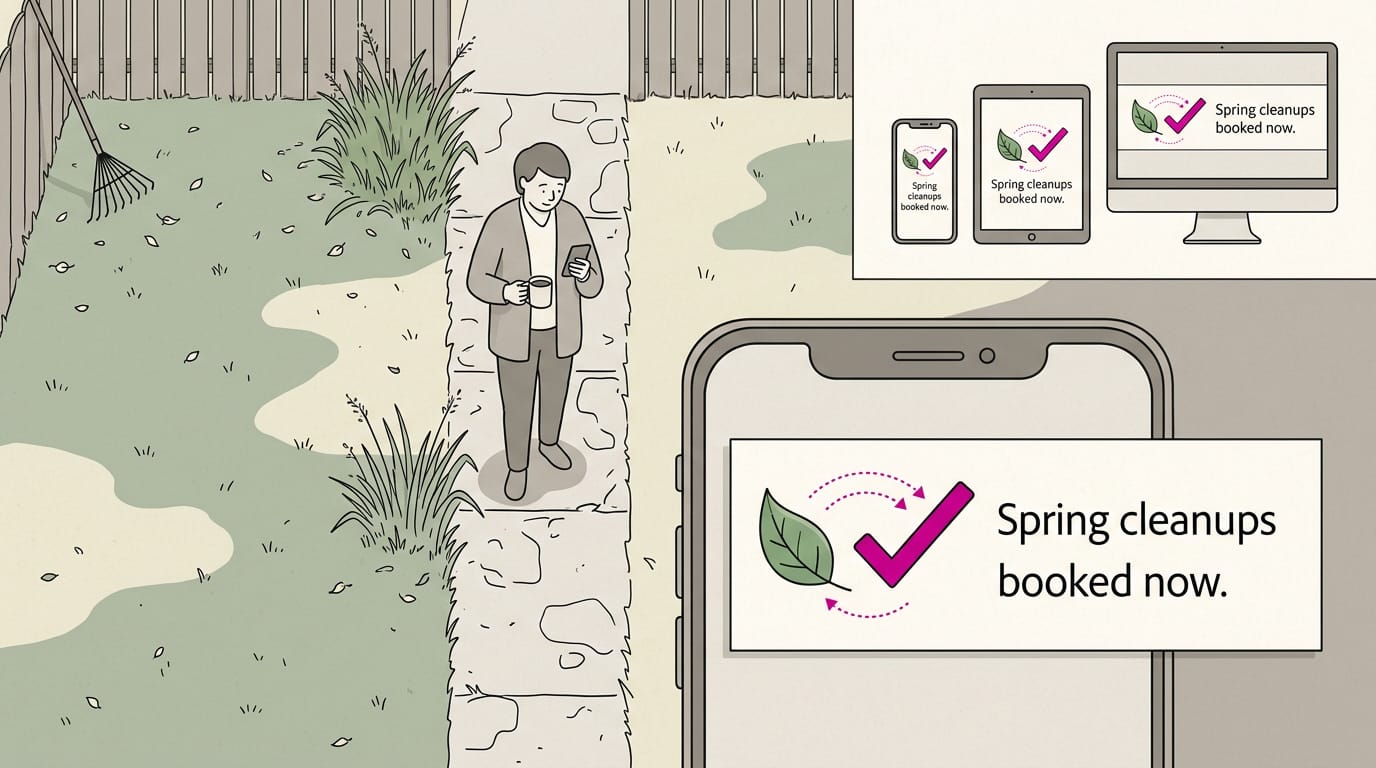
Picture a landscaper’s banner where a leaf turns into a checkmark beside ‘Spring cleanups booked now.’ The motion draws a second glance from a homeowner who just noticed the yard needs work.
Motion should support the message, not replace it. Keep it simple.
Interactive banners people can play with
Interactive banners invite a tap instead of just a glance.
- Games, quizzes, and hover effects. A quick quiz or a hover that reveals more detail.
- Playable demos. A short taste of your product or service that people can try inside the ad.
- Video banners. Short clips that play right on the page.
Take a salon owner whose quiz asks ‘Which style suits you this season?’ The last screen has a booking button, so a curious browser becomes a booked appointment. Fun earns the click, but the booking is the point.
Banners that resize, stick, or pop up
- Auto-resizing responsive ads. The banner adjusts its size to fit whatever space the page leaves open.
- Sticky ads stay on scroll. The banner stays visible as the visitor moves down the page.
- Pop-up sign-up prompts. A box that appears over the page and asks for an email address or phone number.
A bakery owner runs a sticky banner reading ‘Order holiday cakes before the deadline,’ which stays in view as the visitor browses, so the reminder never disappears.
Use these formats sparingly, since a banner that blocks the page can annoy the customer you want. A sticky banner should help visitors, not chase them.
Cheaper site-wide banners with less targeting
- Run-of-site placement. Your ad can appear across the whole website, on whatever pages the site chooses.
- Rectangular or square display ads. The standard box shapes that fit the open spaces on most pages.
- Cheaper but less targeted. The cost is often lower, but fewer viewers are people who could become customers.
A plumber in one town buys run-of-site placement, and most of the views come from people far outside the service area. Cheap views aren’t the same as real leads. Wide reach, narrow value.
Social, personalized, and swipeable banners
- Feed and story banners. Ads that appear in a social media feed or between short stories.
- Personalized dynamic banners. Ads that change based on what a viewer has looked at or where they are.
- Carousel swipe ads. A set of images the viewer swipes through, like a small photo album.
A restaurant manager sets up a carousel with the lunch special, a photo of the patio, and a ‘Reserve a table’ button. Someone scrolling on a slow afternoon can swipe through the menu and book right away.
Why Banner Advertising Is Worth It
Banner ads earn their keep for a local business, especially on a tight budget. Here’s where they fit.
Affordable options for small budgets
Banner ads are cost-effective for small budgets because you decide how much to spend and can start with a modest test. Once a banner is built, you can swap the headline, photo, or offer without starting over.
According to a research paper on pricing models for online advertising, advertisers can pay per impression (each time the banner is shown) or per click. Pay per click means you’re charged only when someone taps through to your site.
Think of a bakery owner promoting a weekend sourdough special. With pay per click, she pays for taps rather than glances, so her budget follows people who actually visit her site.
How banners help people remember your brand
Repeated exposure builds recognition. When a name keeps showing up, it starts to feel familiar. Your goal is recognition more than a single click.
Placement on relevant sites reinforces your brand. A banner on a local news page your neighbors read feels at home there. Picture a plumber whose banner runs on that same kind of page.
When a pipe bursts on a Saturday, his name is the one they already remember. Familiarity wins.
Getting more visitors, leads, and engagement
Banners drive site traffic by giving people a direct path to your website. They can also generate leads or sales when the offer is clear and the next step is obvious.
Eye-catching banners tell a quick story in a glance: a problem, a fix, and a reason to act now. Consider a salon owner whose banner shows a before-and-after color photo with the words ‘Openings this Thursday.’
A nearby client who’s been meaning to book now has a reason to do it.
Reach the right people and track results
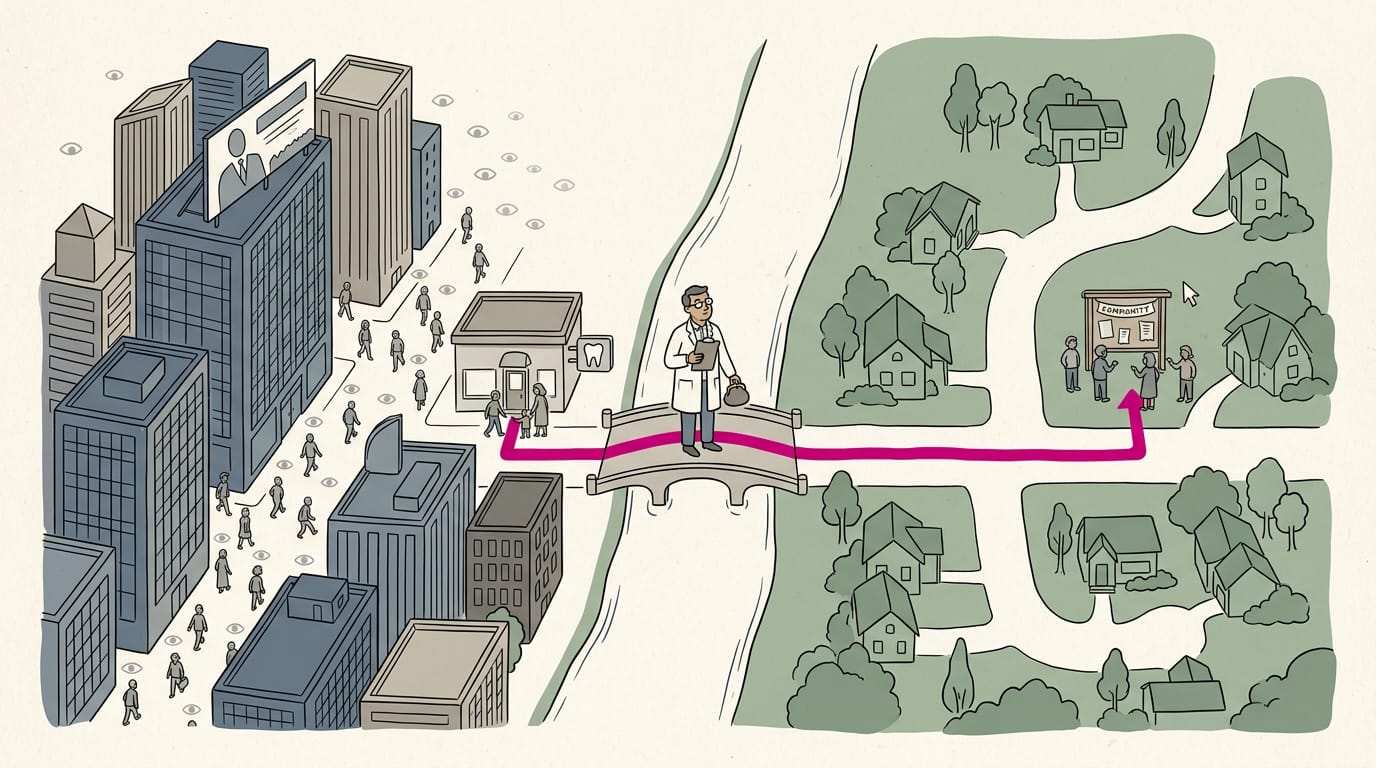
Reach the right audience by choosing where your banner runs. Who sees it matters more than how many, and a site your customers already use puts your message in front of people who need you.
Trackable views and clicks show how often your banner was seen and how many people clicked it. Clicks are only a start, so set those numbers beside your calls and bookings. Those are the real scorecard.
Choosing Who Sees Your Banner Ads
Your banner only works when the right people see it. Know your audience well enough to describe your best customer in one sentence, then aim for buyers rather than browsers.
Target by demographics (age, income, family status) and interests, and check online behavior and search history to see what people already care about.
Geo-target your service area so you don’t pay for people who’ll never drive to your door, and use retargeting to show banners to people who’ve already visited your website.
Best spots on a page for banners
Three placements matter most:
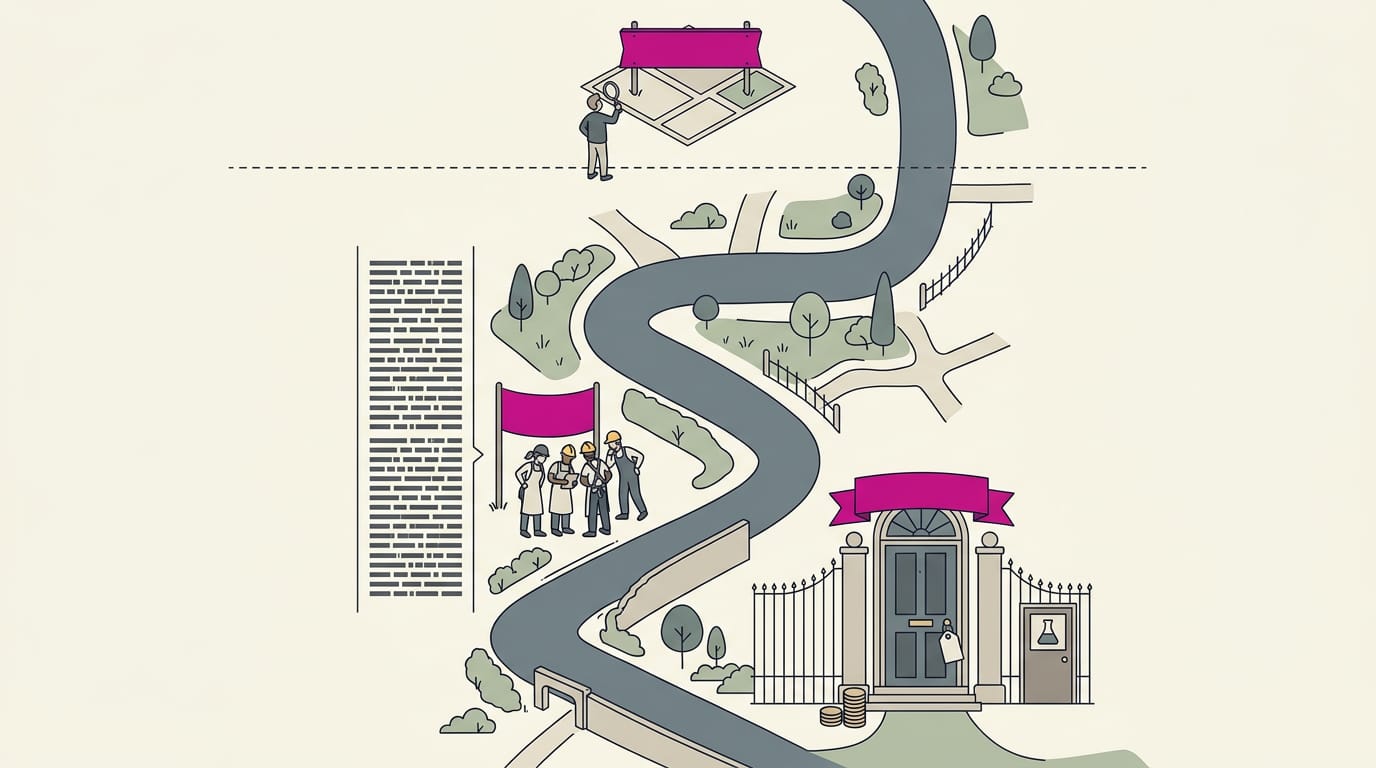
- Above the fold. The part of a page visitors see before they scroll, so your banner gets seen first.
- Near relevant content. Beside an article about your trade, it reaches readers already interested in what you do.
- Homepage spots. They cost more, so test an inside page before paying a premium for your front door.
Sites and platforms to run banners on
Pick places your customers already visit:
- Niche industry sites. Reach people already shopping for your kind of service.
- Blogs and online magazines. Local and regional publications put you in front of nearby readers.
- Social media platforms. Banners appear in feeds people scroll every day.
- Google Display Network. A large network of websites and apps where Google shows display ads.
- Partnerships and affiliates. Swap space with a complementary business, like a florist and a photographer, or work with affiliates who earn a commission for referrals.
Consider a family dental office with a banner on a local parents’ blog each August, when back-to-school cleanings are on everyone’s mind. Judge it by calls to book, not clicks.
How to Design Banner Ads That Work
Good banner design is mostly about restraint. Here’s how to build one that’s clear, consistent, and easy to act on.
Making banners eye-catching but clean
Eye-catching doesn’t mean busy. Aim for clear over clever: one strong image, one headline, and room to breathe. Clutter hides your message.
Use sharp, high-resolution images, and keep any animated GIF (Graphics Interchange Format, a short looping image) simple so it loads fast.
Match your colors, fonts, and logo to what customers already see on your sign or van, so they recognize you at a glance.
Writing copy and calls to action
Keep your copy short. A few-word headline and one supporting line is plenty. Your call to action (CTA) tells people what to do next, so make it a direct instruction, like:
- “Call now,”
- “Book your visit,”
- or “Order by Thursday.”
Stay relevant and low-pressure, and don’t use shouting phrases like “Act now!!!”
Tools and steps to build your banners
Building one takes four steps:
- Define your goal first. Decide whether you want calls, bookings, or sign-ups before you open a design tool.
- Choose your format. Check the standard banner sizes and specs your ad platform requires, and design to them exactly.
- Build from a template. Start in Canva, Adobe Spark, or BannerSnack with a template instead of a blank page.
- A/B test the elements. Run two versions side by side, changing one thing like the headline or button wording, and track which one brings in more calls or bookings.
Landing page speed and message match
Your banner earns the click, but the landing page (the page visitors arrive on) closes the deal. A slow page on a phone is a lost click, so compress photos and cut what you don’t need.
Your page also needs a message match: it should continue the banner’s promise, not change the subject. Picture a plumber whose banner says “Emergency leak repair.”
That page should open with the same phrase and a tap-to-call button, so someone with a leak can call in seconds.
Use natural keywords, the words customers actually type like “emergency plumber,” in your headline and text. Finally, make sure you have an SSL certificate (short for Secure Sockets Layer, which encrypts information between a visitor and your site).
Look for https and a padlock in your address bar.
Planning Your Banner Campaign Step by Step
Before you buy an ad, you’ll need a plan.
Setting goals, budget, and timing
Start with your objective, the specific result you want. For a local business, that usually means more calls or bookings, not vague awareness. Write a target number, such as bookings per week, so you’ll know if it worked.
Set a test budget with a daily or monthly cap. Then pick your bidding strategy, meaning whether you pay for views or for clicks. Choose the one that fits your goal, not the one that looks cheapest.
Timing matters too. Think of a salon owner who launches two weeks before a holiday weekend, so the calls come in while there’s still time to fill the chairs. The same ad in a quiet month might just sit there.
Check the numbers weekly and track which banner brings in calls and bookings. Pause the weak ones and put more budget behind the winners. Judge the ad by bookings, not just clicks.
Hold off on banners until your map listing and reviews are in shape. Banners send people your way, but your listing and reviews are what earn the call.
Matching the right banner to your goal
Once your goal is clear, work through these four checks:
- Objectives and audience. Match the ad to who you want to reach. A dentist seeking new patients needs a different banner than a plumber chasing emergency calls.
- Budget. A small budget means one narrow audience and one clear offer.
- Banner size. Use the sizes your platform asks for and keep the message readable on a phone.
- Expert help. If the settings feel like a maze, ask a local ad specialist first.
Start small.
How Banner Ad Costs and Results Add Up
How a banner is priced changes what you’re really paying for, so let’s look at the money and the results side by side.
How much does a banner ad cost?
On a website, you pay whatever the site charges for that spot, billed one of two common ways. Typical cost ranges vary widely, so ask for actual rates before you commit.
- CPM (cost per thousand impressions) bills you for every 1,000 views, whether anyone clicks or not.
- CPC (cost per click) bills you only when someone clicks. With CPC bidding, you set the most you’ll pay for each click.
Size and site ranking also affect cost. Picture a family dentist choosing between a large banner on a busy local news site and a small one on a community forum.
The bigger spot likely costs more, so her real question is whether the extra views bring in new patients.
Metrics that show if banners work
Track these four numbers:
- Impressions count how many times your ad appears.
- Click-through rate (CTR) is the share of impressions that earn a click.
- Conversion rate is the share of clicks that become a call, booking, or visit.
- ROI (return on investment) compares what the ad brought in with what it cost.
One factor that can pull click rates down is banner blindness, the tendency to overlook banner ads. A Journal of Advertising study on why people avoid internet ads names it as a contributor to extremely low banner click-through rates.
Clicks show interest, but bookings show the ad paid off. Think of a bakery owner whose banner pulls plenty of clicks but almost no custom cake orders.
The clicks look great on a report, yet her conversion rate says the ad isn’t working. Count the calls, not just the clicks.
Banner Ad Examples You Can Learn From
The best banners do one thing well. Here are three styles and a homepage approach worth borrowing.
Minimalist, seasonal, and video banner styles
Minimalist designs keep it simple: one message, one image, one button. Picture a dental office whose banner says only “Book your cleaning” beside a photo of its front desk. Nothing competes for attention.
Seasonal themes tie your banner to what customers need right now. A landscaper might promote fall cleanups as the leaves drop, then snow removal before the first storm. Match the message to the season’s need, not just its colors.
Video and interactive banners move, or let visitors respond. A quick clip of your crew at work, or a tap-to-see-hours button, can hold attention longer than a still image. Use motion sparingly, though, so it doesn’t pull eyes from your call to action.
Promoting a limited-time sale on your homepage
A homepage sale banner puts your offer in front of everyone who lands on your site. Consider a hair salon owner running one across the top of her homepage during a slow week. Visitors looking for a cut see the deal right away.
A limited-time discount message names the service and the end day, like color services through Sunday. Vague promises of great deals don’t create urgency. A deadline gets people to act now instead of someday.
Where the click goes matters too. Point the banner to a promo collection, a dedicated page with the offer details and a booking button, not the front page where people have to start over. One click, one clear next step.
Earning Money from Your Site’s Banner Space
Your banner space can earn money if you sell it on purpose and keep it easy on readers.
Pitching your ad space to advertisers
Pitching comes down to five moves:
- Partner with display networks. They fill your banner space automatically. It’s easy, but you give up control over which ads appear.
- Define your value proposition, meaning what your audience offers a buyer. Advertisers pay for who sees the ad, not just how many. Picture a bakery that buys space on your neighborhood events page: a reader planning a birthday weekend is exactly who it wants to reach.
- Set competitive pricing. Check what similar local sites charge, then set a price a buyer can justify with new calls.
- Create an advertising kit. Put your audience details, banner sizes, prices, and contact info on one short document.
- Build an advertise-with-us page. Give buyers a page on your site with prices and your kit, so they can decide on their own time.
Keeping ads from annoying your visitors
Every ad shares space with the content your readers came for, so protect it. Keep ads high quality by checking each one first:
- relevant
- fast to load
- never covering the text
Fewer, better ads beat more ads every time.
Your advertiser guidelines are the rules you write down before anyone asks:
- No misleading claims or fake countdown timers.
- No ads that cover your content.
- No flashing graphics or auto-playing sound.
Say a plumber wants a spot with an auto-playing video. Your guidelines let you decline politely, and readers keep reading instead of hunting for the close button.
Clean ads keep readers on your page, and that’s the audience every buyer pays for. Trust sells.
Banner ads work best as a deliberate choice, not a reflex. Pick a format that fits your budget, aim it at the people who can actually book with you, design it for a quick read, and measure what it brings in.
Start with a small test and track the calls and bookings it produces. Let those numbers decide whether to keep going, change course, or stop.
A banner that earns you one more regular is worth the effort, and a banner that earns nothing still teaches you something.
References
- WHY DO PEOPLE AVOID ADVERTISING ON THE INTERNET?: Journal of Advertising: Vol 33, No 4 — tandfonline.com (2004)
- Pricing Models for Online Advertising: CPM vs. CPC — doi.org (2011)
Questions
What is the purpose of a banner on a website?
A website banner is designed to catch visitors’ attention and direct interested people to a page or action. For advertising, it can build brand awareness, bring traffic to a business website, or generate leads and sales.
What are the 7 types of advertisements?
Seven common types of advertising are print, broadcast, outdoor, direct mail, search, social media, and display advertising. Banner ads are a form of display advertising, and classifications can vary depending on how advertising is grouped.
How much does a banner ad cost on a website?
There is no fixed price for a website banner ad; the cost depends on the site, placement, size, and pricing model. Advertisers commonly pay per thousand impressions (CPM) or per click (CPC), so ask the site for its rates before committing.