Core Benefit of Google Ads Automated Bidding, Simply Put
Google Ads automated bidding adjusts bids toward your chosen goal. Compare its strategies and see when manual control is smarter for your budget.


Google Ads automated bidding is a feature that sets and adjusts bids for each search auction instead of relying on a fixed bid you manage by hand. You choose a goal, such as calls, bookings, sales value, clicks, or visibility, and the system uses available data to steer bids toward it while reducing daily guesswork and manual work. It can help spend reach more valuable opportunities, but it works best with accurate conversion tracking, a realistic budget, and regular review; limited data or rare conversions may make manual control a better fit.
Think of a thermostat that adjusts the heat as people come and go, so you don’t have to turn a dial every hour. Automated bidding works the same way in Google Ads.
Instead of setting a fixed price for every click, Google’s system adjusts your bids on each search to chase a goal you choose.
In this post, we’ll explain what automated bidding is, what each strategy is built to deliver, and when it suits a small local budget. We’ll also cover when keeping manual control is the smarter move.
Google Ads Automated Bidding Explained Simply
Automated bidding hands the bid to Google’s system, so you don’t guess what each click should cost.
How it differs from manual bidding
With manual bidding, you set a maximum cost-per-click (CPC), the most you’ll pay per click, and it stays put until you change it. Automated bidding replaces that fixed max CPC with a bid that’s fresh for every search.
It estimates how likely each search is to lead to a click or conversion and bids to match. Then it learns from the results and keeps bidding toward your goal.
Think of it as a smart assistant. You set the goal, like more bookings, and it makes the small decisions search by search.
You’ll also hear Smart Bidding, Google’s name for its machine-learning strategies. Automated bidding is the broader category that includes them.
How does Smart bidding work per auction?
Smart Bidding sets a bid for every auction, which is each moment a search could show your ad. It reads the signals present right then:
- device
- location
- time of day
- whether the searcher is on a remarketing list (people who’ve visited your site)
- their language and operating system (OS), the software that runs the device.
Consider a plumber serving a few neighborhoods. An emergency leak search from a nearby phone on a weekday evening gets a bigger bid than the same words typed from across the county at midnight.
Same budget, smarter aim: more spend reaches people ready to book.
It also runs query-level performance modeling, which looks at how the exact words in a search have performed before. It then weighs ad quality, relevance, and intent, meaning what the person is really after.
The Main Automated Bidding Strategies
Each strategy chases a different goal, so match it to what you need most.
Strategies built for more conversions
Maximize conversions gets as many calls, form fills, or bookings as possible within your budget. Target CPA, or target cost per acquisition (CPA), sets the price you’re willing to pay for one conversion, and Google bids to hold near that average.
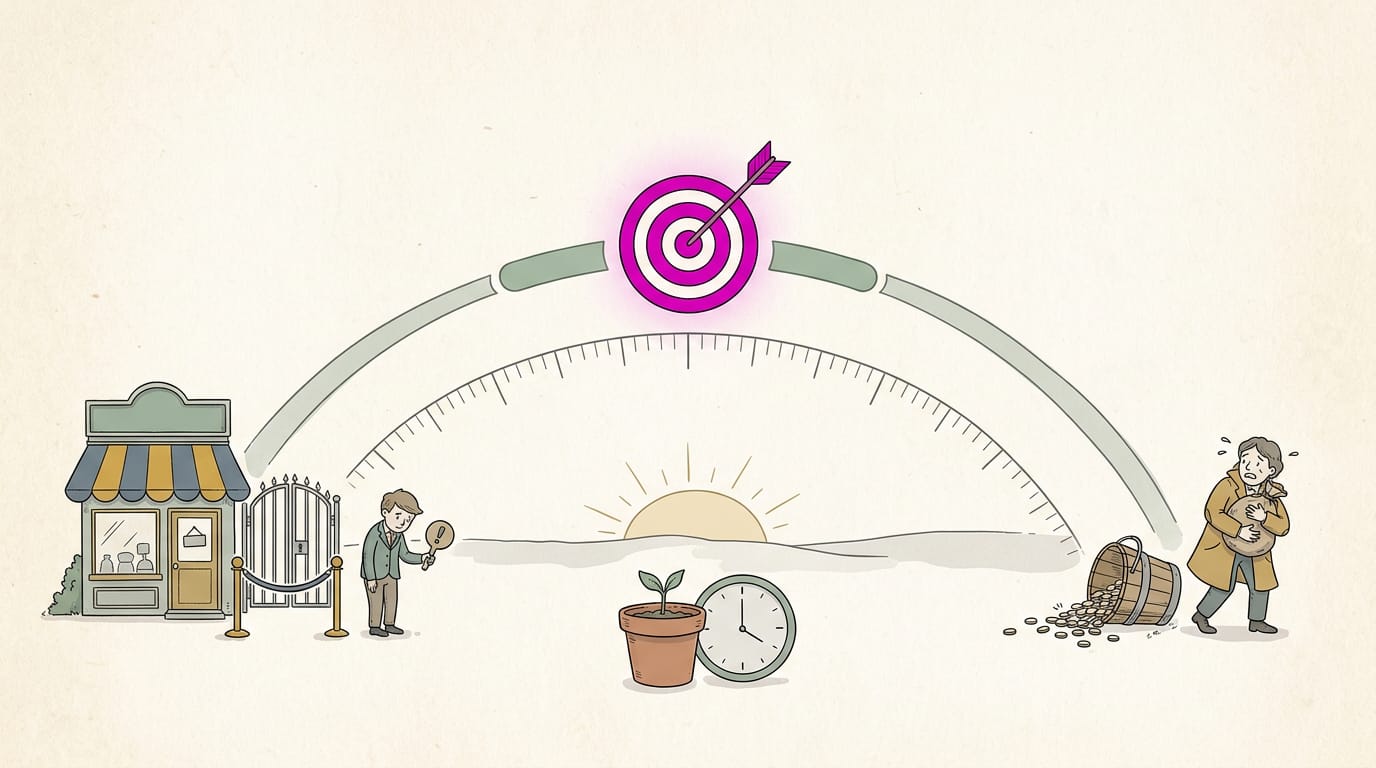
The cost-per-acquisition sweet spot sits between two mistakes: set the target too low and your ads stop winning auctions, too high and you overpay.
Allow learning time first. Automated bidding learns from past results, so a shop with few bookings needs a longer settling period. Patience pays here.
Strategies focused on conversion value
Maximize conversion value aims for the most total value. A plumber who values repairs above tune-ups shifts budget toward bigger jobs. Target ROAS, or target return on ad spend (ROAS), sets the return you want on each dollar.
Say a bakery spends $200 on ads and tracks $800 in sales. Divide $800 by $200 and you get a ROAS of 400%, or four dollars back for every dollar spent. Conversion tracking records which clicks led to a sale or booking, and value bidding depends on it.
Bad data means bad bids, so fix tracking first.
Getting more clicks and visibility
Maximize clicks brings as many visitors to your site as possible. Target impression share lets you pick the share of eligible searches where your ad shows, and an impression is each time it appears.
Both suit traffic or brand exposure goals, where being seen matters more than booking right away.
On a limited or tiny budget, Maximize clicks can be the simplest route: a new hair salon might run it on a small daily budget so nearby locals learn its name. Clicks alone don’t pay the bills, so track which ones become calls.
Enhanced CPC blends manual and automated bids
Enhanced cost-per-click (Enhanced CPC) is a hybrid of manual and automated bidding. You set the starting bid, and the system may raise or lower it when a click looks more likely to convert.
It’s a gentle way to test automation: a salon owner can keep their own bids while watching the adjustments. Check its availability status for your campaign type, since Google updates its bidding options. Trust your own screen over old tutorials.
Bidding options for app campaigns
Skip this part if your business doesn’t have an app. Target cost per install sets the price you’ll pay for each download, and target cost per in-app action sets it for something people do inside the app.
ROAS targets for apps work like Target ROAS, but measure return from app activity. A gym that counts class reservations as in-app actions aims bidding at people who book, not just people who download.
Track in-app events first. Confirm the app records the actions you care about. No tracking, no targets.
Core Benefits of Google Ads Automated Bidding
Automated bidding means Google’s system sets your bids in each auction instead of you doing it by hand. Its two main benefits: better results toward the goal you choose, and far less time and guesswork spent on bids.
Here’s what each looks like for a small local business.
Working toward the goals you pick
According to Google Ads Help’s article on Smart Bidding, these strategies optimize for conversions or conversion value in every auction. You pick the goal, and the system aims your bids there, learning as results come in.
That’s continuous learning: the bidding is refined over time instead of set once and forgotten.
A dental office wants more new-patient bookings, so its goal is bookings, not clicks. Bids shift toward searches likely to end in an appointment.
For shops that track sales, return on ad spend (ROAS) is the number to watch: the revenue earned for each ad dollar. Google’s Smart Bidding help article notes that automated bidding can help improve ROAS by optimizing toward your chosen goals.

Less guesswork and fewer mistakes
Automated bidding relies on machine learning, software that finds patterns in data, so each decision reflects many auctions rather than a hunch.
A busy owner who forgets to raise bids before Friday’s rush doesn’t need to remember, because the system adjusts on its own. Fewer missed chances, fewer math slips.
Saving time on daily bid management
Hand-checking bids every morning eats time most small teams don’t have. Think of a plumber managing several campaigns at once, one for drain cleaning and one for water heater installs. With less constant adjusting, that hour goes to ad copy and strategy.
The trade-off is less direct control, so a quick look at the reports still matters.
Keeping spend in check and wasting less
Automated bidding doesn’t mean open-ended spending. Google’s help article on automated bidding says it can help improve return on investment (ROI) by adjusting bids to meet your goals within your budget.
The question isn’t how much you spend but what you get for it.
- Set limits and constraints. Your budget and targets act as guardrails.
- Less overspending and waste. Fewer dollars drift toward clicks that never lead to your goal.
- Budget pacing insights. You can see how fast your budget is moving and catch a runaway early.
- Higher return on investment. More of each dollar is tied to what you’re after.
Reacting to market changes in real time
Demand shifts fast. A heat wave sends AC repair searches climbing, and an HVAC company’s bids can rise to match.
Because bids are set in every auction, changes take effect quickly, so you see results sooner than a manual check-and-adjust cycle allows. Demand moves. Your bids keep up.
What It Needs and Its Limits
For automated bidding, the three core principles are clean data, a realistic budget, and steady oversight. Skip one and the system has less to work with.
Tracking and data you need first
Automated bidding learns from past results, so you need a conversion history first. A thesis on pay-per-click marketing for small and medium businesses notes these strategies all rely on conversion tracking to optimize for the actions you want.
A conversion is any action you want to count, such as a booking or a call.
Make tracking accurate, and measure what you optimize for: the system chases what you count. Track calls and bookings as conversions, not just clicks.
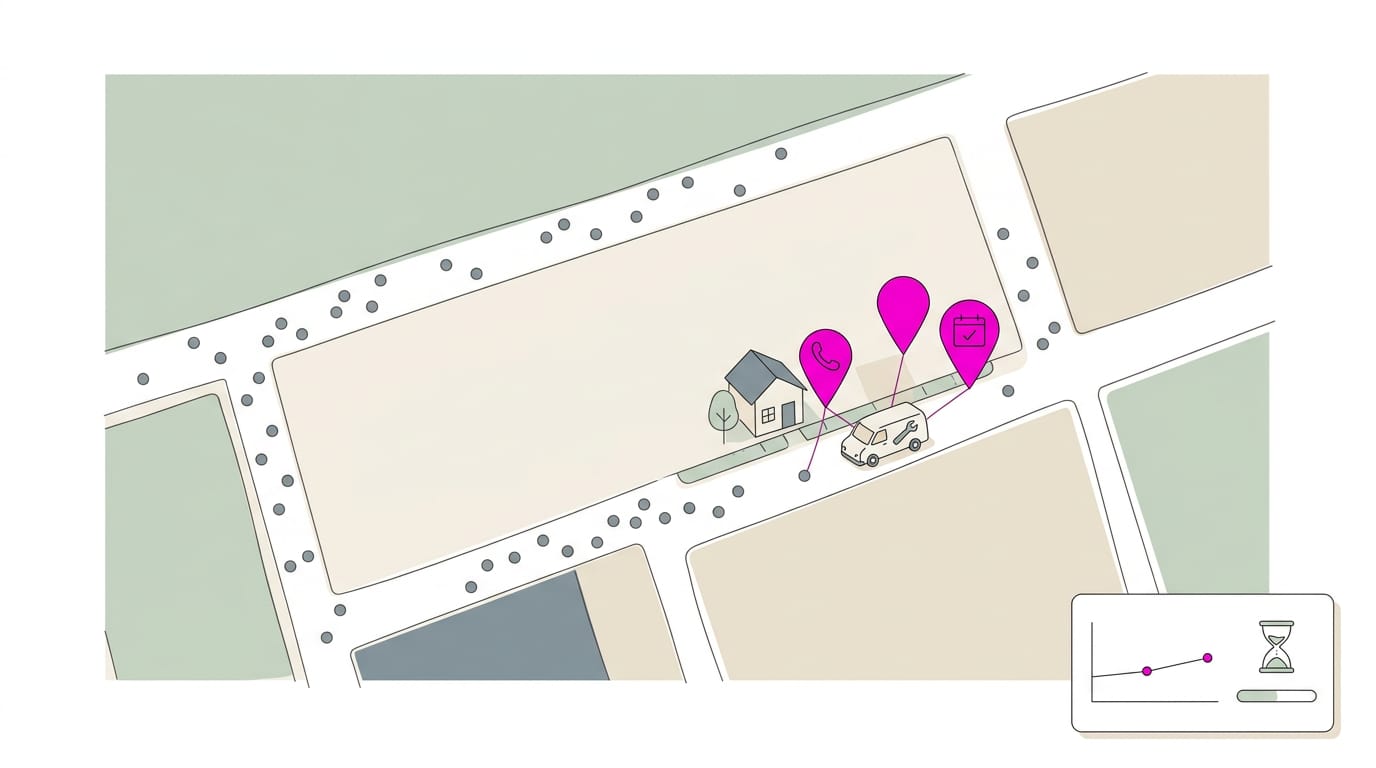
Consider a plumber who gets only a few booked jobs a month from ads. With so few conversions, the system has little to learn from, so its learning period, when it gathers data, drags on. Give it time.
Setting and adjusting your budget
Set your daily budget as a multiple of what you’ll pay per booking, so the system has room to test bids. Check spend each week and adjust when results shift. Good news: automated bidding carries no extra bidding cost on top of your ad spend.
When automation fits and when it doesn’t
Automation isn’t right for every campaign. On a small budget or with rare conversions, manual control may serve you better for now.
Test it against your goal: compare calls and bookings per dollar, and switch between manual and automated as your data grows.
It can help, but it doesn’t guarantee better results. Watch for these common mistakes:
- Switching too early, before there’s enough data.
- Changing settings before the learning period ends.
- Counting the wrong actions as conversions.
Keep checking. Automated doesn’t mean hands-off.
Setting up and Reviewing Your Bids
Setting up a bid strategy takes only a few steps, and its report shows whether it’s pulling its weight. Here’s how to do both:
Creating a bid strategy step by step
- Open the Tools and Settings menu.
- Under the Shared Library, select Bid Strategies.
- Click Create new bid strategy.
- Choose the strategy that fits your goal, then enter its settings.
Consider a dental office that wants more new-patient bookings from nearby searches. It builds its strategy around that booking goal, so the front desk isn’t left guessing whether the spend is working.
Every strategy is either a standard strategy or a portfolio strategy. A standard strategy covers a single campaign, while a portfolio strategy can be shared across several.
What the bid strategy report shows
The report answers one question: is the strategy doing what you asked? It shows:
- Strategy-specific metrics. The numbers match the goal you chose, so the report tracks what that strategy is built to do.
- Status. Whether the strategy is active and running.
- Target. The goal you entered, so you can measure results against it.
- Conversion delay. The gap between a click and the call or booking it leads to. The newest results may look incomplete for a while.
- Top signals. The factors the strategy leaned on most when setting bids.
The report is less about whether the strategy ran and more about what it delivered. Check the portfolio level if you use one, and the campaign level to see how each service is doing. Check it before you change anything.
Automated bidding trades constant manual tweaking for a system that adjusts your bids toward your goal. Each strategy aims at a different payoff, so you’ll want the one that matches what you need most.
For a small local budget, automation pays off when you can name the result you want and actually track it. Keep manual control if you can’t yet see exactly where every dollar goes.
The system can handle the adjusting, but it’s still your call on what a good customer is worth.
References
- Utilizing pay-per-click search engine marketing for an SME’s B2B marketing mix — theseus.fi (2023)
- About Smart Bidding — support.google.com
- About automated bidding — support.google.com
Questions
What is automated bidding in Google Ads and how does it work?
Automated bidding is a Google Ads feature that sets and adjusts bids for each ad auction instead of relying on a fixed maximum cost-per-click. It estimates how likely a search is to lead to a click or conversion, uses signals such as device, location, and time, then bids toward the goal you choose.
What are the two benefits of automated bidding?
The two main benefits are that it adjusts bids to pursue your chosen goal and reduces the time and guesswork involved in managing bids manually. The system can learn from results and make bid changes across auctions automatically.
What are Google Ads 3 core principles?
The three core principles are clean, accurate conversion data; a realistic budget that gives the system room to learn; and steady oversight. Track the actions you value, allow time for the learning period, and review performance and spending regularly.
Sources
- About Smart Bidding - Google Ads Help, support.google.com
- About automated bidding - Google Ads Help, support.google.com
- Utilizing pay-per-click search engine marketing for an SME’s B2B marketing mix, theseus.fi,
- Best practices guide: Setting up your App campaigns - Google Ads Help, support.google.com