How to Write a Google Review for a Business Step by Step
How to write a Google review for a business: follow clear steps to find, post, edit, or delete feedback, and protect your privacy before you post.

A Google review is a star rating and written account of your experience, posted on a business’s Google listing. Find the correct profile, choose a rating that reflects your visit, and write honest, specific details that help others know what to expect; reviews must follow Google’s rules and cannot be fully anonymous. Clear, fair feedback helps future customers make informed choices and gives businesses useful ways to improve.
Think about the last time you picked a plumber or a dinner spot. You probably skipped the places with no feedback and paused on the ones where people had shared what it was really like.
That’s the power of a Google review: a star rating and a short written note about an experience, posted on a business’s Google listing.
This guide walks you through writing one clearly and completely, from finding the business to posting, editing, deleting, and protecting your privacy. We’ll also cover practical ways for local owners to make leaving a review easy.
Why Google Reviews Matter to a Business
Is it worth leaving a Google review? Yes. Each one helps a local business earn trust, show up in search, and bring in more calls. Here’s what we mean.
How reviews build trust with customers
Reviews work as social proof, showing new customers that real people have already been happy with the business.
A survey in the Ukrainian market found that reviews from fellow consumers are trusted nearly as much as personal recommendations from friends or family.
A review also validates what you do. When a customer writes that the crew arrived on time and explained the repair, the next homeowner gets proof before they dial.
Over time, those reviews build a reputation that speaks for you before you do. Trust gets the call.
How reviews affect local search rankings
Google says local rankings depend partly on prominence, and reviews help shape it, according to a Search Engine Land guide to Google reviews. Your star rating and review count also show up in search results, so shoppers see them before they click.
Google states that more reviews and positive ratings can improve where your listing lands in local results. Rather than chasing one magic number, aim for a steady stream of new reviews, not a one-time burst.
Picture a bakery owner who asks regulars for a quick review after each visit. When someone searches “bakery near me,” that flow of reviews can help the shop stand out on the map.
How many shoppers read reviews before buying
According to the 2019 Local Consumer Review Survey by BrightLocal, 82 percent of consumers read online reviews from local businesses.
A Search Engine Land roundup of review statistics reports that 71% of consumers read online reviews when researching businesses.
Your Google profile sits right where those shoppers are already searching. They don’t just skim reviews; they weigh them. A few specific, recent reviews can be the difference between a quick glance and a phone call.
That’s why every review you leave counts.
Posting a Review, Step by Step
Leaving a review is quicker than most people expect once you know where to click. Here’s the path from finding the business to posting your words.
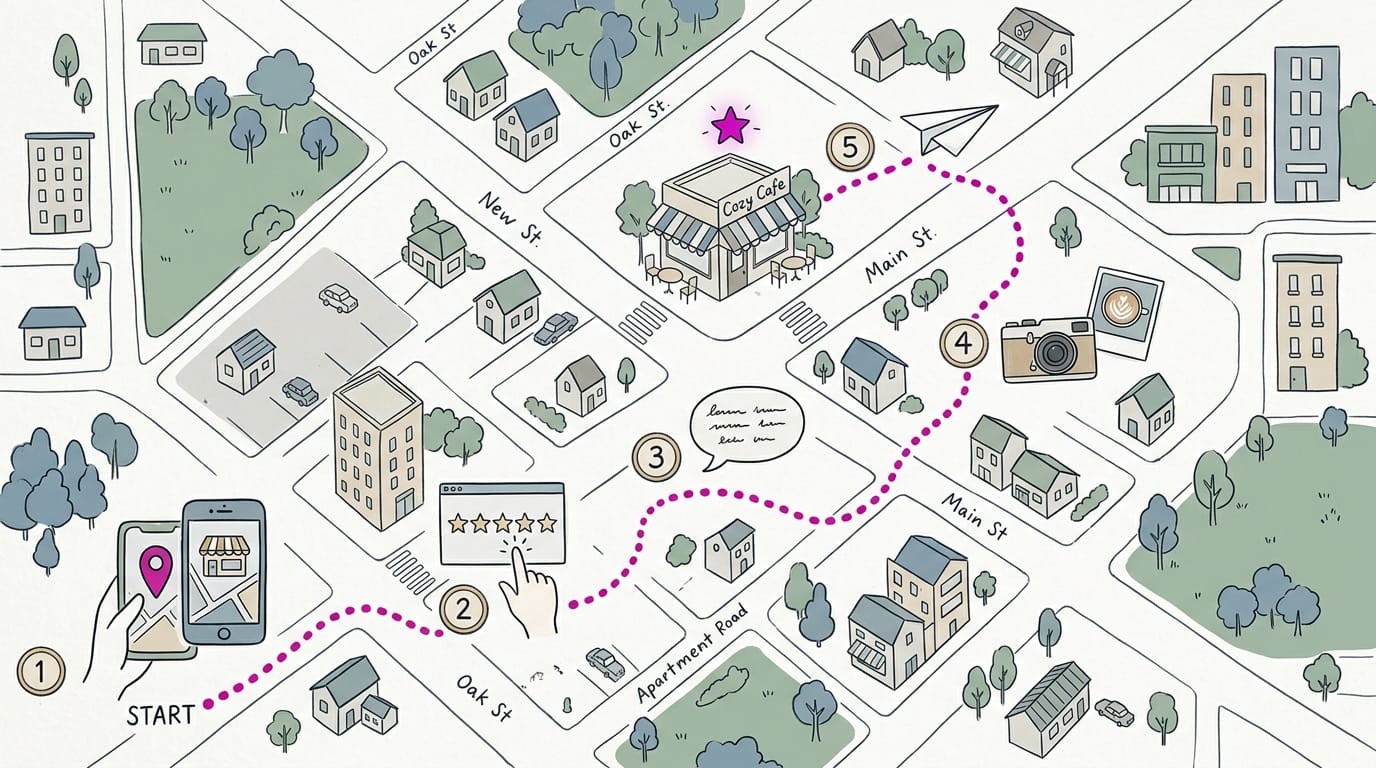
Find the business you want to review
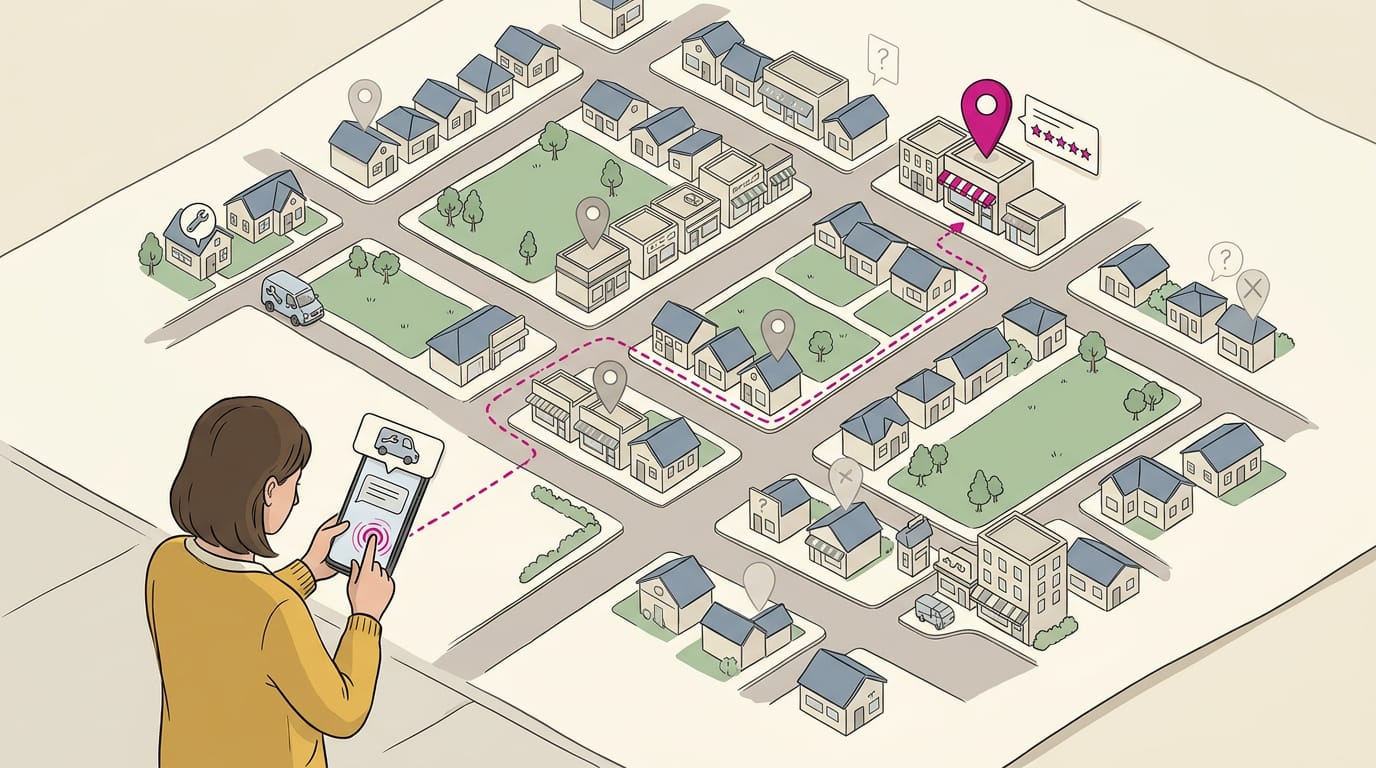
Start with the right listing, or your review lands on the wrong profile. For a shop, clinic, or restaurant with a street address, use Google Maps: search the business name and town, then select the place you mean.
For a virtual firm with no storefront, a general Google search for its name usually brings up the profile. If you’re still stuck, ask the business for its direct review link. Think of a plumber’s customer who gets a text with that link after the job.
She taps it and lands on the right profile, with no searching and no guesswork.
Post a review while signed in
If you have a Google account, that’s the simplest route. Here’s how:
- Sign in to your Google account.
- Click “Write a Review” on the business’s profile.
- Assign a star rating by picking the stars that match your experience.
- Add your comments, then click Post.
Be specific. Write about what happened, not just how you felt, because details help the next customer more than a vague “great service” ever will.
Need to change a review you’ve already posted? To edit or delete it, go to your own account and use those options there. That’s how you delete a Google review, too. You can also add photos to your review.
A picture of the finished job or your visit shows readers what to expect.
Post without a Google account
No account yet? Google will prompt you to create one. You can use an email address you already have, then set your name and password. Some people prefer another option, such as Facebook, if it’s offered.
How do I hide my name on Google reviews?
Google doesn’t allow fully anonymous reviews, so your name and profile photo are displayed with each post. Your other reviews are visible too, which is worth knowing before you post. If you’d rather keep your name off it, use the hiding your name option.
It hides your name, not your words. Your review still counts.
Rules Google Sets for Reviews
Google has clear rules about who can post a review, what goes into one, and what happens when someone breaks them. Knowing them up front helps your review stick.
Keep your review within Google’s rules
Every review has to follow Google’s review policies, so skim them before you hit post. Reviews that break those rules get flagged or removed, and a review you spent time on can disappear. That’s also why some reviews get filtered out.
If you spot a review that looks fake, such as one from someone who’s never been a customer, you can flag it for Google to check.
How Google keeps reviews genuine
You need a Google account to post a review, and anonymous reviews are discouraged. Those checks help deter fake reviews. Think of a plumber who wants the profile to show real jobs, not a stack of suspicious praise.
Reviews from actual customers, written in their own words, give the next homeowner something trustworthy to read.
Why rewards for reviews break the rules
Google has a strict policy against incentives, which covers any reward tied to a review, big or small. Consider a bakery owner who offers a free loaf to anyone who posts five stars.
That’s the kind of offer that breaks the rules and can get the reviews flagged or removed, leaving her with nothing to show for it. Instead, she can ask regulars what they loved about the sourdough and let them answer in their own words.
The goal is honest feedback, not bought praise. Ask a question, listen, and let the customer’s own words do the work. That’s the whole rule.
What Makes a Review Worth Reading
A useful review tells the next customer what it’s really like here. Honest details and a clear title do most of the work.
Keep your review honest and specific
Start with a visit you actually had, since readers can spot a template a mile away. Add specific details: say what you bought and when it happened, not just how it felt.
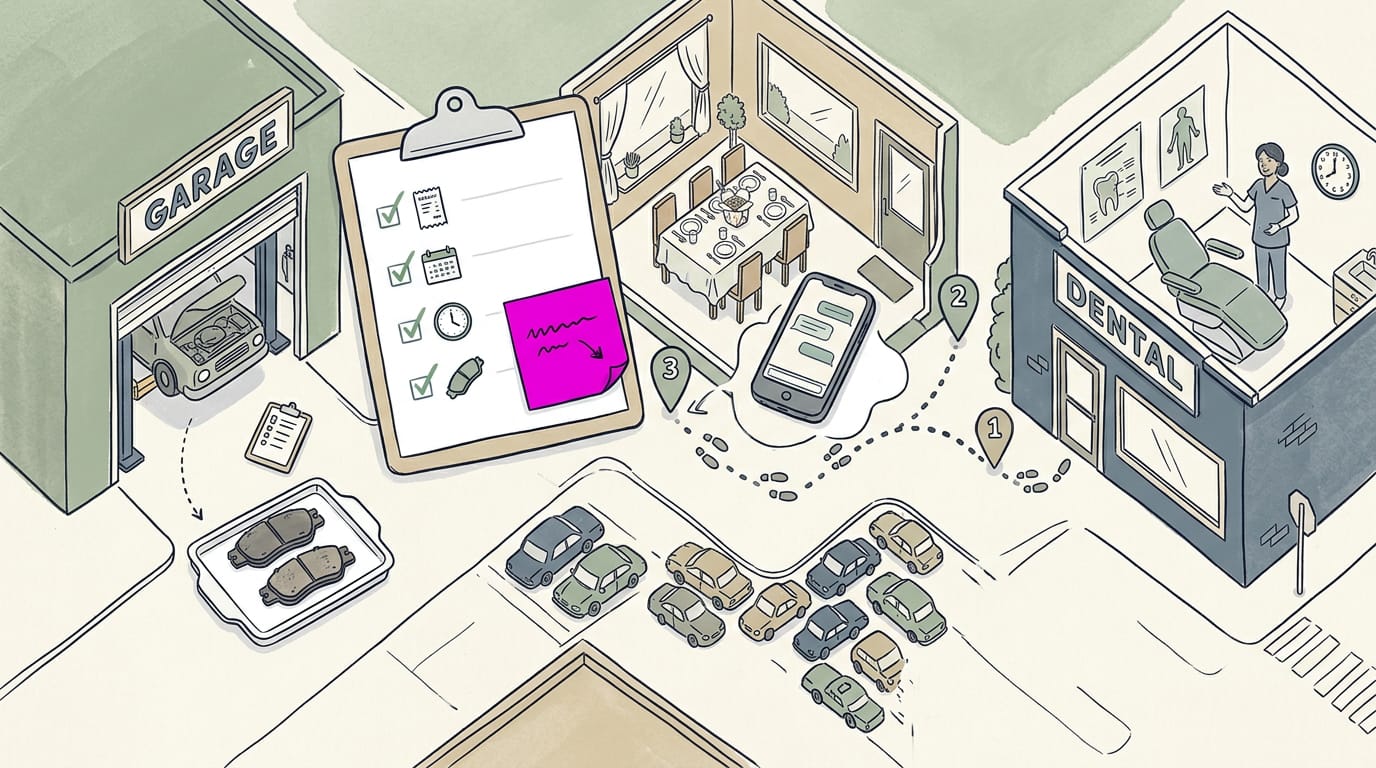
Keep the tone positive and constructive, and be fair. One honest note about what could be better makes the rest more believable. Here’s how that sounds across a few businesses:
- Auto shop: “Squeaky brakes gone by lunch. Worn pads shown before any work started.”
- Restaurant: “Friday table for six, with wait updates by text. Pad thai was worth it, though parking was tight.”
- Dental office: “The hygienist explained each step, and the appointment started on time.”
Shape your review with a clear title
A title is the first thing readers see, so make it captivating and relevant. “Five stars!” tells a stranger almost nothing. Think of a salon client who needed a color fix before a wedding.
A title like “Color fix in time for the wedding” tells the next bride what to expect. Then add a line of context, followed by the experience in detail.
Place keywords naturally in your text
Keywords are the words people type when they search, like “brake repair” or “dentist open Saturday.”
According to Google’s own Business Profile Help guidance, keywords in customer reviews can affect a business’s local search ranking, or how it appears in nearby searches.
Think of a plumber whose review mentions “emergency drain cleaning on a Sunday night.” That’s the phrase a worried homeowner types late at night. Just don’t force it. A review that reads like a list of search terms helps no one.
How to raise problems constructively
A fair complaint can still help, so stick to what happened and follow the pattern we’d suggest:
- Name the problem: what happened, and when.
- Suggest a fix: what would have made it better.
- Stay fair: note what went right, too.
For example, “The appointment ran late with no update. A text during the wait would have helped.” gives the owner something to act on. Fair feedback helps everyone.
Ways Businesses Can Earn More Reviews
Customers rarely hunt for the review option on their own, so make the next step obvious.
Set up your business profile first
Before you ask for a review, get your Google Business Profile, the listing that shows on Google Search and Maps, in shape.
- Create and verify. Claim your listing if you don’t have one, then finish Google’s verification so it’s clearly yours.
- Add accurate details. Check your name, address, phone, hours, and services. Wrong hours cost you calls.
- Optimize photos and keywords. Upload clear photos and describe what you do the way customers search, like “emergency plumber.”
Ask for reviews after a good visit
Timing matters more than wording. Ask after a good visit, not during a rushed checkout.
Think of a plumber who fixes a burst pipe at 9 p.m. and hears, “You saved our weekend.” That’s your cue: a quick text that night catches the relief while it’s fresh.
- Ask after a positive moment. Listen for thanks or a happy “that’s perfect.”
- Keep requests polite and brief. “Would you mind leaving a quick Google review?”
- Follow up the same day. A quick message reaches customers while the visit is still on their mind.
- Build review culture. Make asking routine, and reply to reviews so customers see you’re listening.
Share a direct link or QR code
Hand customers a direct link to your review form so they land straight on the box, not your listing.
- Pre-filled 5-star link. Some links open with five stars chosen. Never push anyone toward a specific rating.
- Shortened or redirect URL. Long web addresses are hard to type, so a short link that forwards to your form is easier to send.
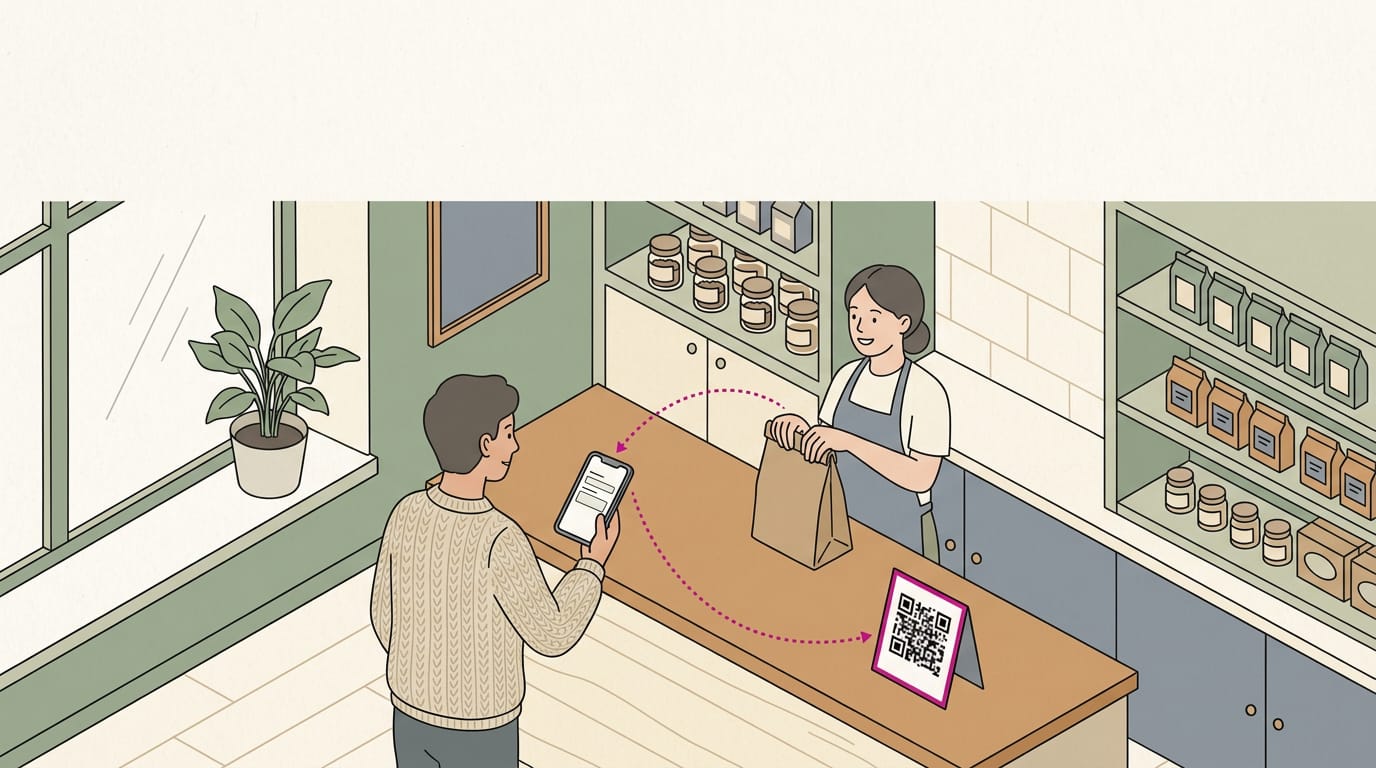
- QR (quick response) code. It’s the square pattern a phone camera scans to open your link.
- CRM automation. If you use a customer relationship management (CRM) system, have it send the link after every job.
- Print a QR code at the counter. It gives walk-in customers something to scan on the way out.
Sample messages asking for reviews
Write messages the way you’d say them in person. Here’s an email you can adapt:
“Hi [Customer Name], thanks for coming in! If you have a minute, a Google review helps us a lot: [review link]”
Prefer texting? Try this:
“Thanks for visiting, [Customer Name]! Would you leave a quick Google review? [review link]”
- Keep it concise. Two or three short sentences read easily on a phone.
- Send it right after service. The message lands while the visit is still fresh.
Help customers who lack Google accounts
Not everyone has a Google account, and that’s fine.
- Suggest a Facebook review. If they’re active on Facebook, invite them to recommend you on your Facebook page.
- Collect a website testimonial. Ask for a short quote to post on your site, with their permission.
- Help them create a Google account. Offer to walk them through sign-up at the counter.
Replying to and Managing Reviews
Your public reply is the part of a review you fully control. Here’s how to handle the hard ones, keep up, and protect your reputation.
Answering a bad review professionally
Stay calm, even when a review feels unfair. A short reply that thanks the customer beats a defensive one. Picture a dog groomer with a one-star review about a late pickup.
Her reply, “Sorry your pickup ran late, and thanks for telling us,” shows every future reader how she handles problems.
Take issue offline by inviting the customer to call or email, so the details stay private. The goal is to resolve the problem, not win the argument. Where it’s fair, offer a concrete fix, like a redo at no charge or a refund.
How often to check for new reviews
- Check weekly or turn on notifications. New reviews then reach you instead of sitting unread.
- Respond within 24-48 hours. A quick reply shows you’re listening while the visit is still fresh.
- Track trends. Watch for patterns, like the same parking complaint, not just single reviews.
A salon owner who scans reviews each Monday can answer a rushed-cut complaint before weekend bookings roll in.
Protecting your reputation over time
Your reputation is built over months, not fixed in a single reply. It starts with great service on every visit, not just the busy ones.
Follow up with customers: a quick text after a visit catches problems while they’re still easy to fix. Think of a restaurant manager who texts guests the night after a dinner rush. When one mentions a cold entrée, she checks the timing and apologizes.
To balance negative feedback, don’t panic over one bad review. Look at the full pattern and let steady service speak for you. One bad review won’t sink you.
A clear, complete review is easy to write once you know the steps, and it gives the next person the honest detail they need. For owners, the reviews you earn reflect how easy you’ve made it for customers to speak up.
Keep the process simple, ask at a natural moment, and reply with the same care you’d give someone at the counter.
Every honest review is a neighbor telling another neighbor who to call, and that’s a conversation worth making easy.
References
- THE IMPACT OF ONLINE REVIEWS ON CONSUMER DECISION-MAKING: A SURVEY IN THE UKRAINIAN MARKET — doi.org (2023)
- HOW HOSPITALITY FIRM STRATEGIES AFFECT CONSUMER BIASES IN ONLINE REVIEWS — doi.org (2021)
- Google Reviews & SEO: Advanced Strategies That Scale — searchengineland.com (2025)
- 15 online review and reputation management statistics — searchengineland.com (2026)
- Online Review Statistics 2026: Consumer Trust, Behavior and AI Trends @ PissedConsumer Help Center — help-center.pissedconsumer.com (2026)
- Tips to improve your local ranking on Google — support.google.com
Questions
How do I delete a Google review?
To delete a Google review you wrote, sign in to the Google account you used to post it, open your reviews, find the review, and choose the delete option. You can also edit it instead if you want to change what you wrote.
How do I link to my Google business reviews?
In your Google Business Profile, open the review or customer engagement tools and choose the option to get a review link. Copy the direct link and share it by text, email, or as a QR code so customers can open the review form directly.
How much does it cost to create a Google business profile?
Creating a Google Business Profile is free. You can create and verify a profile through Google at no charge; optional advertising or third-party services may cost extra.
How do I hide my name on Google reviews?
Google reviews are not fully anonymous, and your profile name and photo are generally displayed. You can change the name shown on your Google account profile, but that may affect how your name appears across Google services and does not make the review anonymous.
Where do I go to write a Google review on a business?
Search for the business on Google Search or Google Maps, open its profile, and select “Write a review.” Sign in to your Google account, choose a star rating, add your comments, and post the review.
Is it worth leaving Google reviews?
Yes. Honest reviews help other customers make decisions and give businesses useful feedback. Reviews can also contribute to a business’s prominence in local search results.
Can you leave a Google review without a Google account?
No. Google requires a Google account to post a review, though you can create one using an email address you already have. You can also leave feedback through another platform or provide a testimonial directly to the business.
Sources
- THE IMPACT OF ONLINE REVIEWS ON CONSUMER DECISION-MAKING: A SURVEY IN THE UKRAINIAN MARKET, doi.org,
- Google Reviews & SEO: Advanced Strategies That Scale, searchengineland.com,
- 15 online review and reputation management statistics, searchengineland.com,
- HOW HOSPITALITY FIRM STRATEGIES AFFECT CONSUMER BIASES IN ONLINE REVIEWS, doi.org,
- Online Review Statistics 2026: Consumer Trust, Behavior and AI Trends @ PissedConsumer Help Center, help-center.pissedconsumer.com,
- Tips to improve your local ranking on Google - Google Business Profile Help, support.google.com